 Install with Gale


🌌 HD Valheim Skies
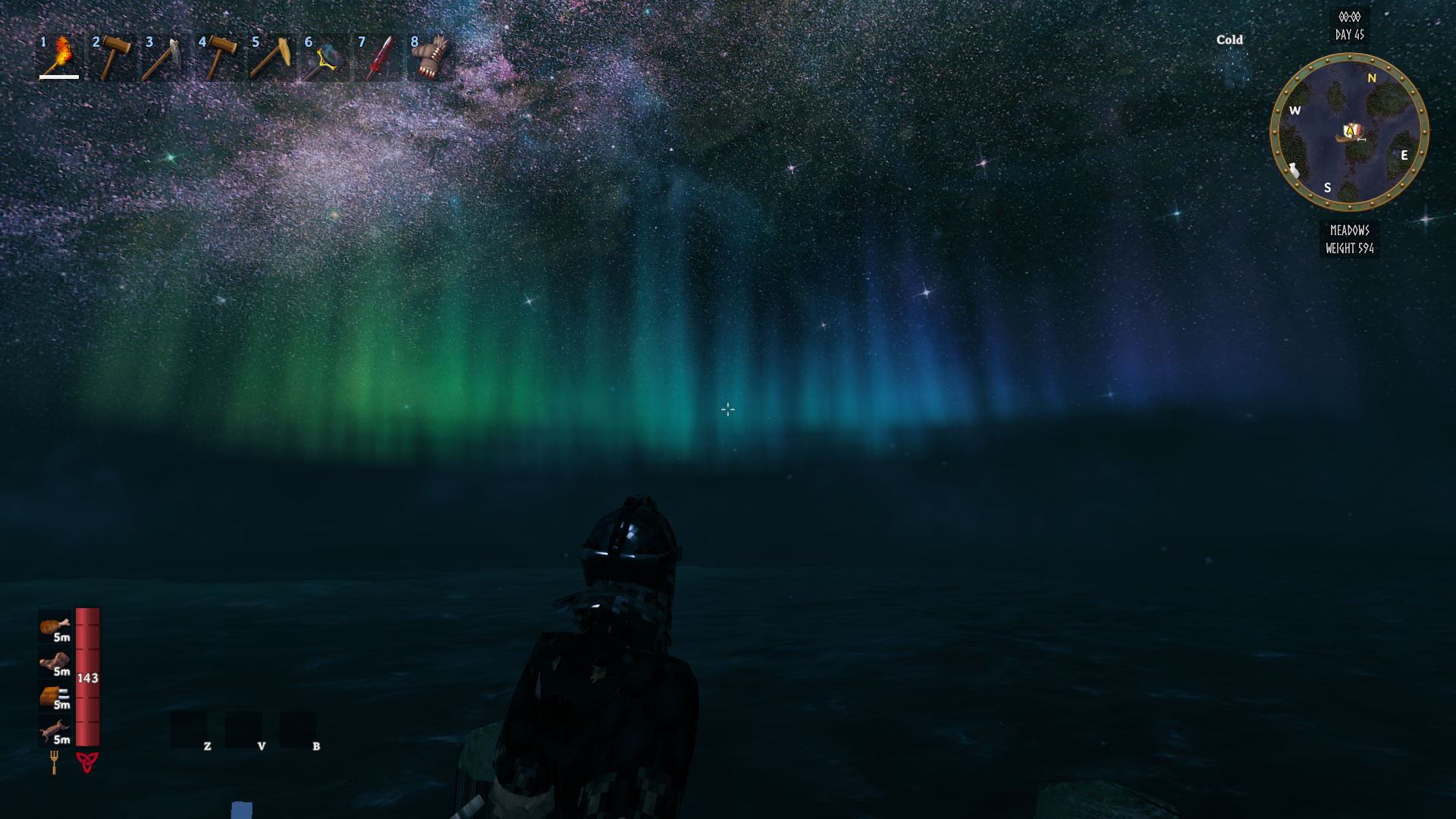
Replace Valheim's night sky with HD space skies: galaxies, nebulae and deep fields, in 2048 x 2048 per cube face. Pick the sky you like, or get a random one each time you enter a world.
💶 Donations:
If you enjoy using this Valheim mod, please consider making a small donation to help support its development and future updates.
Even £1 or $1 would be greatly appreciated and would help more than you might think!
Thank you for your support, and happy gaming! ⚔️ ...... (A Paypal account is NOT required!)

✅ Recommended Plugins:
✅ Features:
- 13 HD skies, each a full 6-face cubemap.
- Change the sky while playing, from the in-game settings panel (F7). No restart needed.
- Random Sky: a different sky each time you enter a world.
- Vanilla option to go back to the game's own sky.
- Hide Yggdrasil option to hide the big tree that grows up into the sky.
- Only the sky you are using is kept in memory.
- Client side: you do not need the server to have it, and it does not change gameplay.
- Translated into 9 languages.
🌠 The Skies:
- Edge-On Galaxy
- Blue Horizon
- Spiral Void
- Milky Way Rift
- Dust Lane
- Cosmic Clouds
- Ember Nebula
- Nebula Sunrise
- Deep Space 1
- Deep Space 2
- Deep Space 3
- Deep Space 4
- Deep Space 5
The skies replace the star field of the game's sky, so they show best at night, when the stars come out.
⚙️ Settings:
Press F7 in game to open the settings panel, or edit BepInEx/config/MagicMike.ValheimSkies.cfg.
| Setting | Default | What it does |
|---|---|---|
| Enable Plugin | On | Turns the mod on or off. Needs a restart. |
| Sky | Nebula Sunrise | The sky to show. Vanilla keeps the game's own sky. |
| Random Sky | Off | Picks a different sky each time you enter a world. The Sky setting is ignored. |
| Show Message | On | Shows which sky is showing in the top-left corner when it changes. |
| Hide Yggdrasil | Off | Hides the big tree (Yggdrasil) that grows up into the sky. Changes straight away in a world. |
🌍 Translations:
The translation files are in BepInEx/config/ValheimSkies/Translations/<Language>/ValheimSkies.json. Edit them, or add a language, and restart the game.
💻 Installation:
Automatic Install
Plugin is created to be installed with r2modman or Gale. For Nexus downloads you will need to install manually.
Manual Install
- Un-zip and drag the
ValheimSkiesfolder in yourBepInEx/plugins/folder.
💥 Plugins Created by Magic Mike:
- Aurora Borealis
- Better Build Menu
- Better Equip Slots
- Corewood Additions
- Corewood Extras
- Corewood Fortified
- Chest Preview
- Destroy It
- Einherjar Bodies
- Extra Inventory Slots
- My Dirty Hoe
- Valheim Skies
- Vanity Wardrobe
- Village Plebs
- YabbaDabbaDoo