 Install with Gale

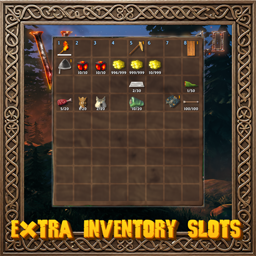
🎒 Extra Inventory Slots
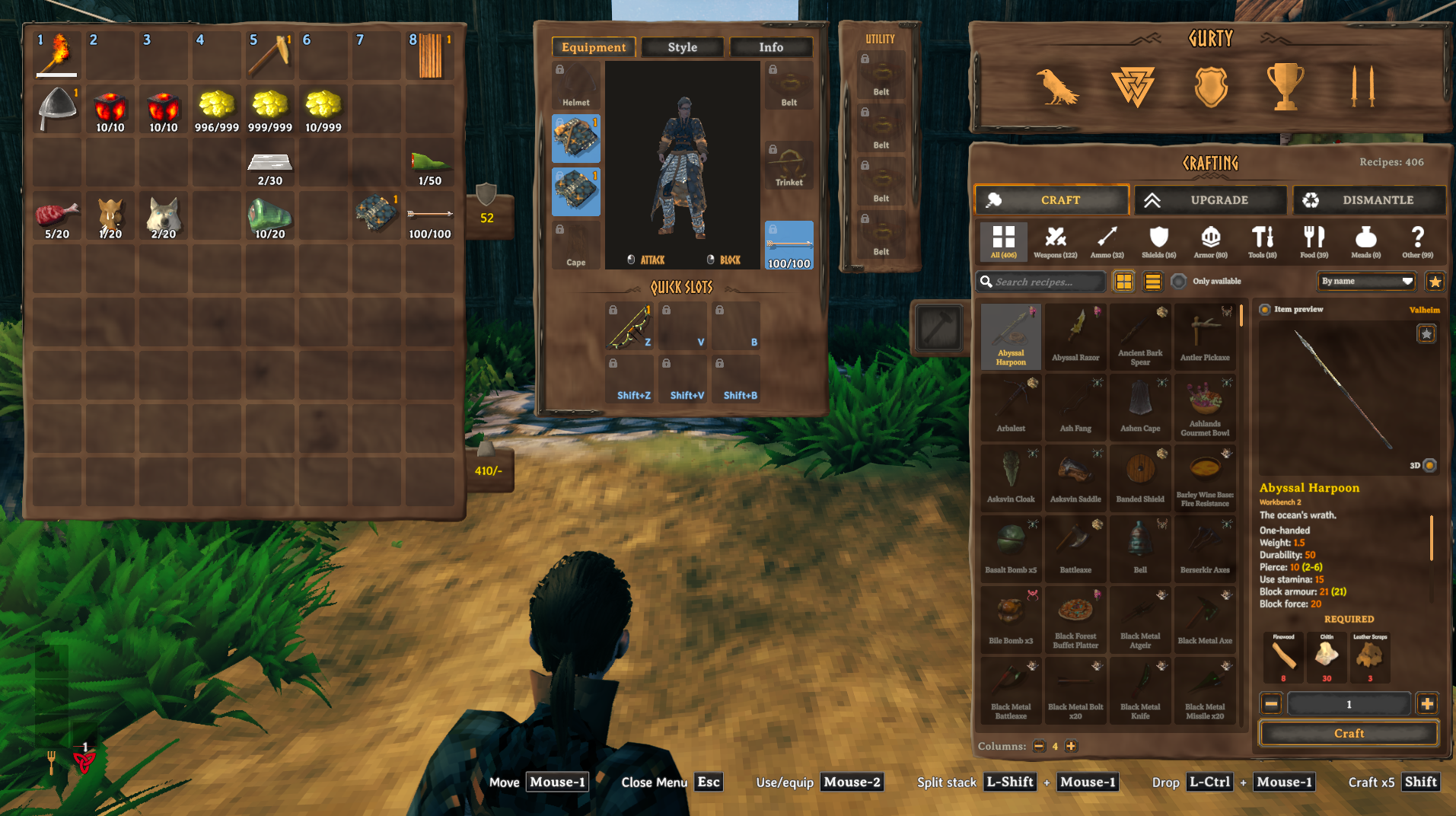
Adds extra rows to the bottom of your inventory, so you can carry more without filling up every cell. The rows are added on top of the game's own, including any you have bought from the trader.
💶 Donations:
If you enjoy using this Valheim mod, please consider making a small donation to help support its development and future updates.
Even £1 or $1 would be greatly appreciated and would help more than you might think!
Thank you for your support, and happy gaming! ⚔️ ...... (A Paypal account is NOT required!)

⚠️ Incompatibilities:
- Do not use alongside other mods that change the size of the player inventory, such as AzuExtendedPlayerInventory or ExtraSlots.
🔥 Features:
- Extra rows: up to 5 more rows of 8 cells at the bottom of your inventory (2 by default).
- Works with the trader's upgrades: rows bought from the trader still count, and your extra rows are added below them.
- The panel grows to fit: the inventory frame gets taller with the rows, and mouse, keyboard and controller all work in the new cells.
- Safe when you change your mind: lowering the number of rows moves items out of the removed rows into free cells, and only drops them at your feet if the inventory is full.
- Graves: everything in the extra rows goes into your grave when you die, and Take All gives it back.
- Movable panels: drag the inventory panel and the chest panel by their frame to put them anywhere on screen. They open where you last left them.
🤝 Works with:
- BetterEquipSlots (its equipment and quick slots are kept separate from the extra rows).
⚙️ Configuration:
- Change settings in game (with Configuration Manager or the mod settings menu, F7) or by editing
MagicMike.ExtraInventorySlots.cfg. Defaults are shown in brackets. - General Settings: Enable Plugin (on; local, needs a restart).
- Inventory: Extra Rows (2, from 0 to 5). Set by the server.
- Panels: Draggable Panels (on; local). Turning it off puts both panels back where the game has them.
🌐 Multiplayer:
- Install on clients. If a server also has it installed, every player joining needs it too, and the server's Extra Rows is used; servers without it let anyone in.
- Before uninstalling, empty the extra rows. Without the mod, the game drops anything left in them at your feet.
📦 Requirements:
💻 Installation:
Automatic Install
- Designed to be installed with r2modman or Gale. If you downloaded from Nexus, install manually.
Manual Install
- Unzip and drag the
pluginsfolder into yourBepInExfolder.
💥 Plugins Created by Magic Mike:
- Corewood Extras
- Corewood Fortified
- Corewood Additions
- My Dirty Hoe
- Chest Preview
- YabbaDabbaDoo
- Better Build Menu
- Better Crafting
- Better Equip Slots
- Extra Inventory Slots
- Village Plebs
- Body Replacer