 Install with Gale


🌌 Aurora Borealis
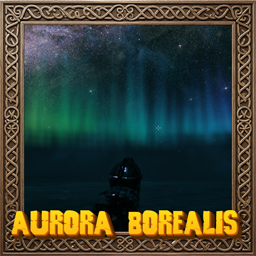
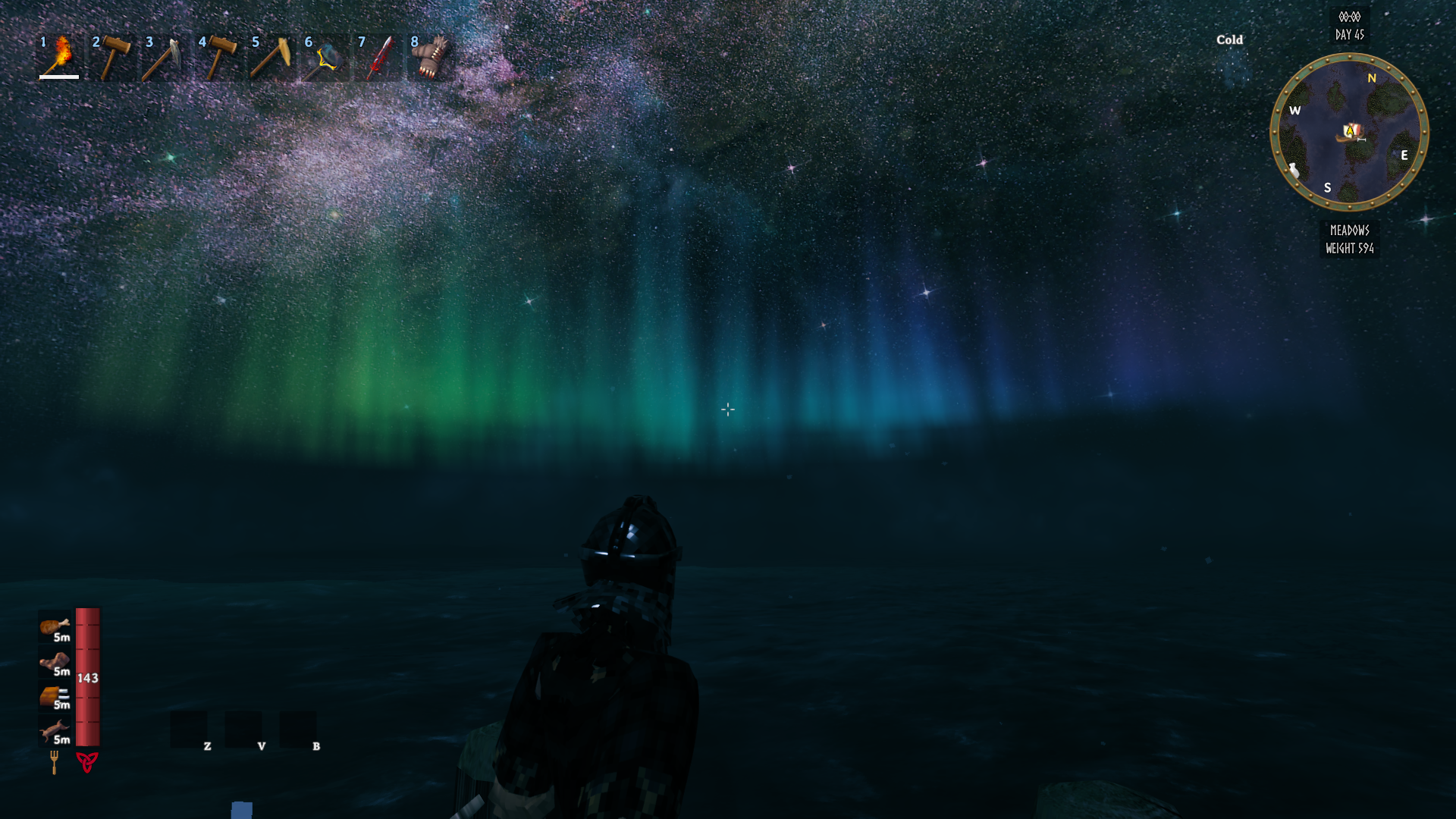
Shimmering curtains of northern lights dance across the Valheim night sky. Fades in at dusk, out at dawn, and is hidden by rain and snow.
💶 Donations:
If you enjoy using this Valheim mod, please consider making a small donation to help support its development and future updates.
Even £1 or $1 would be greatly appreciated and would help more than you might think!
Thank you for your support, and happy gaming! ⚔️ ...... (A Paypal account is NOT required!)

✅ Recommended Plugins:
⭐ Features:
- Layered, rippling curtains of light with moving rays and a sharp glowing lower edge
- Five colour schemes: Classic green, Violet, Ice, Crimson and Rainbow
- Fades in at dusk and out at dawn (or show it all day)
- Hidden while it rains or snows, and when you are indoors
- Choose where it hangs in the sky, how wide it stretches, how tall and how fast it moves
- Client side only: no need for the server or other players to have it
🎚️ Configuration:
Settings are in BepInEx/config/MagicMike.AuroraBorealis.cfg, press F7, in game or on the main menu, to open a panel with the settings of all your installed Magic Mike mods, or edit them in r2modman/Gale/Configuration Manager.
| Section | Setting | Default |
|---|---|---|
| General Settings | Enable Plugin (restart required) | On |
| Aurora | Always Visible | Off |
| Aurora | Brightness (0-200%) | 100 |
| Aurora | Colours | Classic |
| Aurora | Hide In Bad Weather | On |
| Shape | Curtains (1-8) | 4 |
| Shape | Direction (compass bearing, 0 is north) | 0 |
| Shape | Arc Width (degrees, 360 wraps around you) | 140 |
| Shape | Height (%) | 100 |
| Shape | Speed | 1 |
💻 Installation:
Automatic Install
Plugin is created to be installed with r2modman or Gale. For Nexus downloads you will need to install manually.
Manual Install
- Un-zip and drag the
AuroraBorealisfolder in yourBepInEx/plugins/folder.
💥 Plugins Created by Magic Mike:
- Aurora Borealis
- Better Build Menu
- Better Equip Slots
- Corewood Additions
- Corewood Extras
- Corewood Fortified
- Chest Preview
- Destroy It
- Einherjar Bodies
- Extra Inventory Slots
- My Dirty Hoe
- Valheim Skies
- Vanity Wardrobe
- Village Plebs
- YabbaDabbaDoo