 Install with Gale
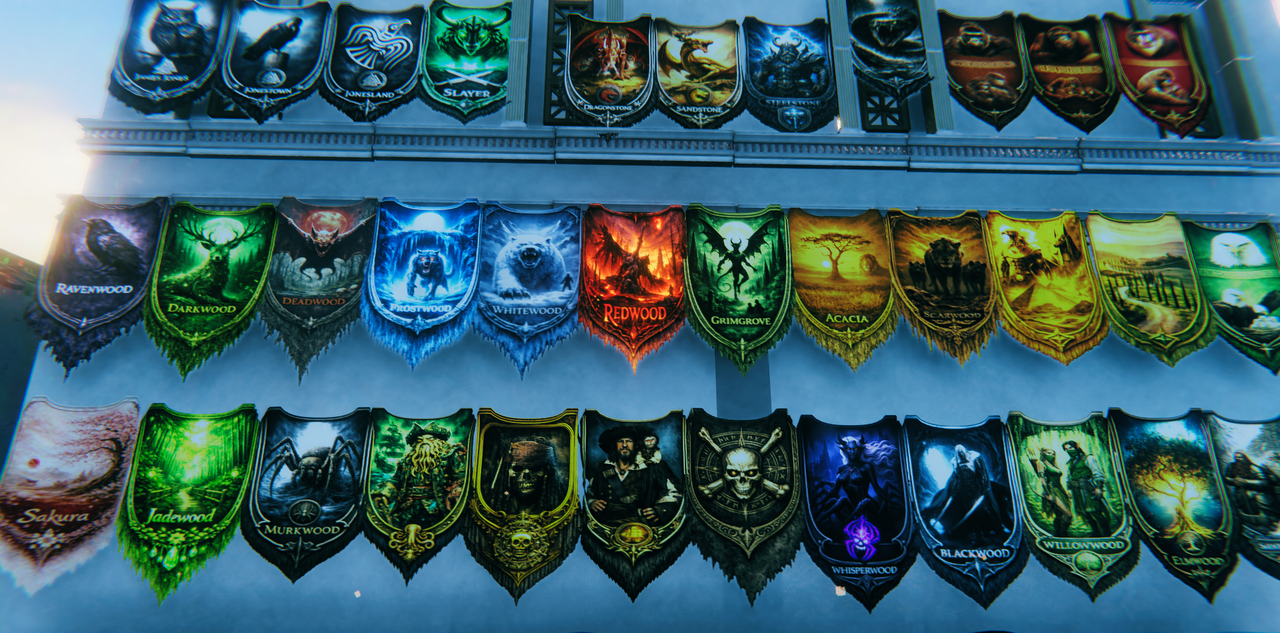
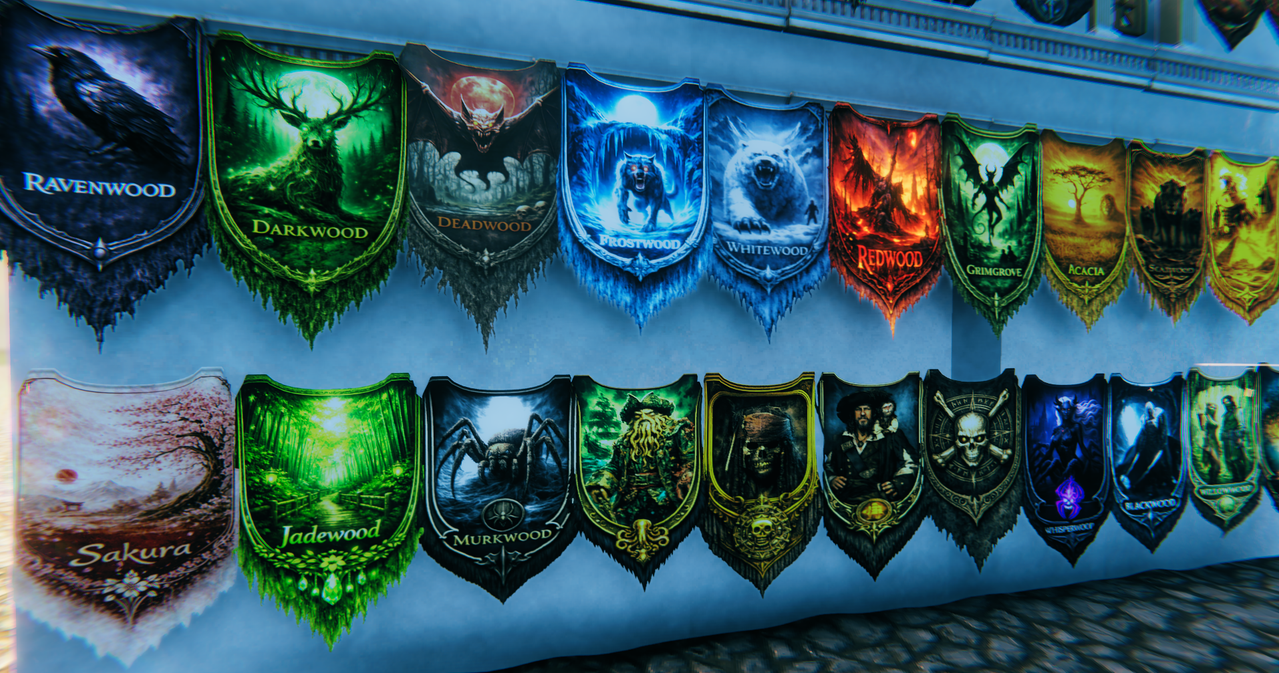
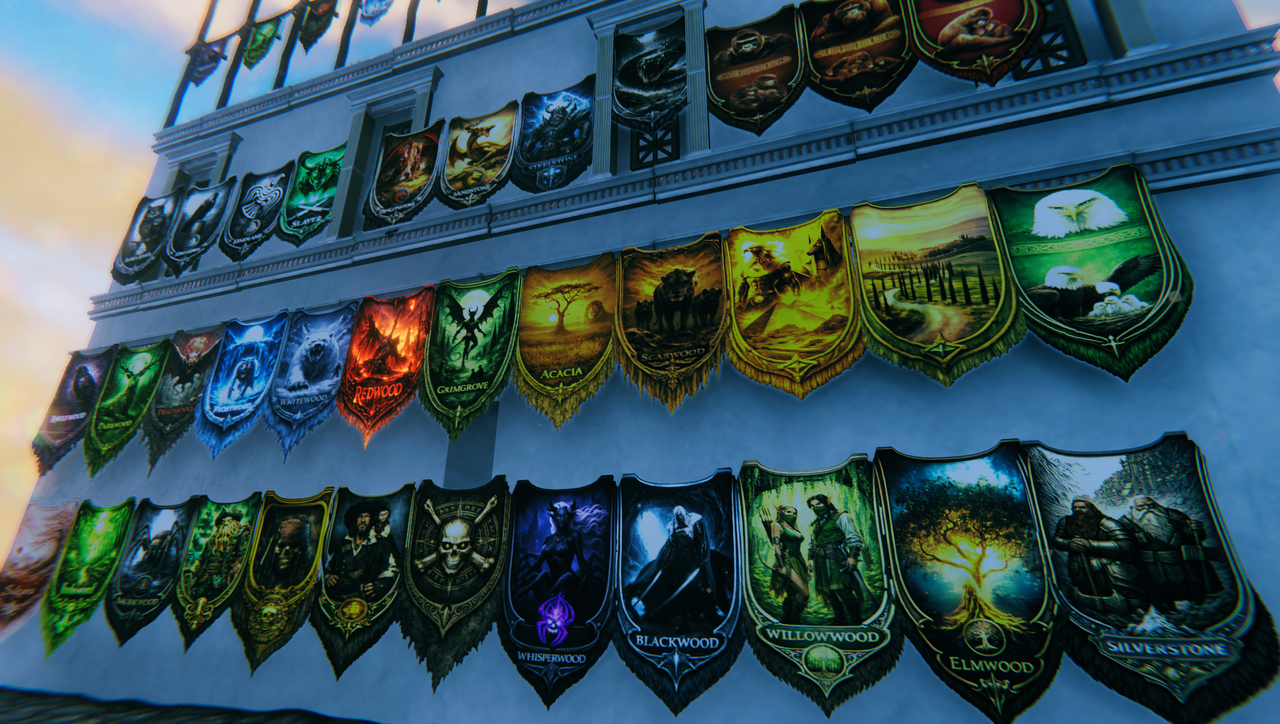
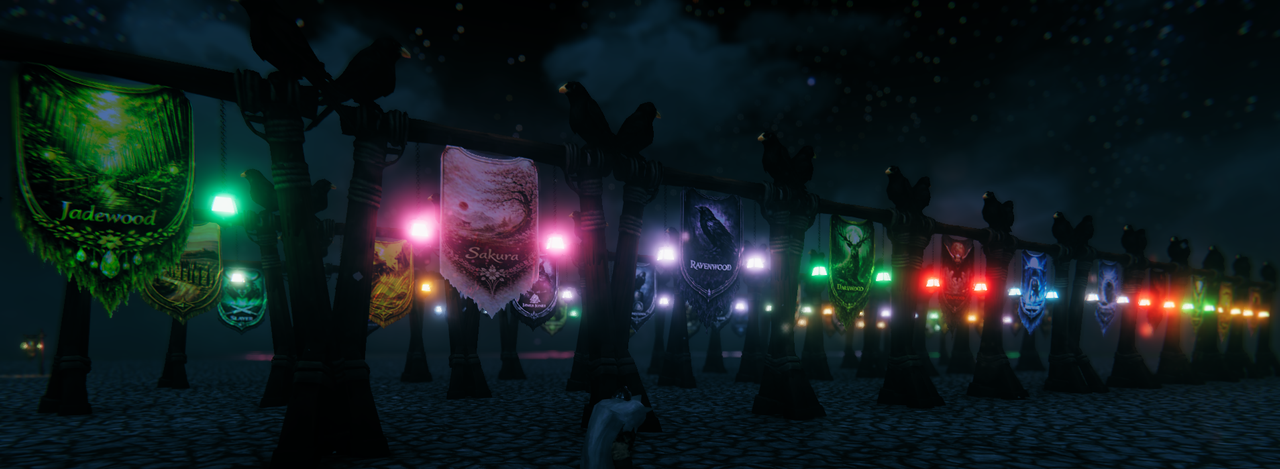
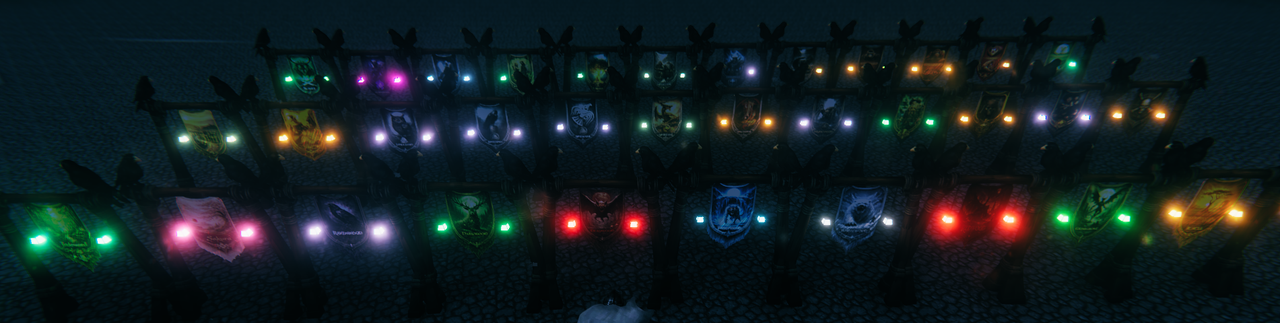
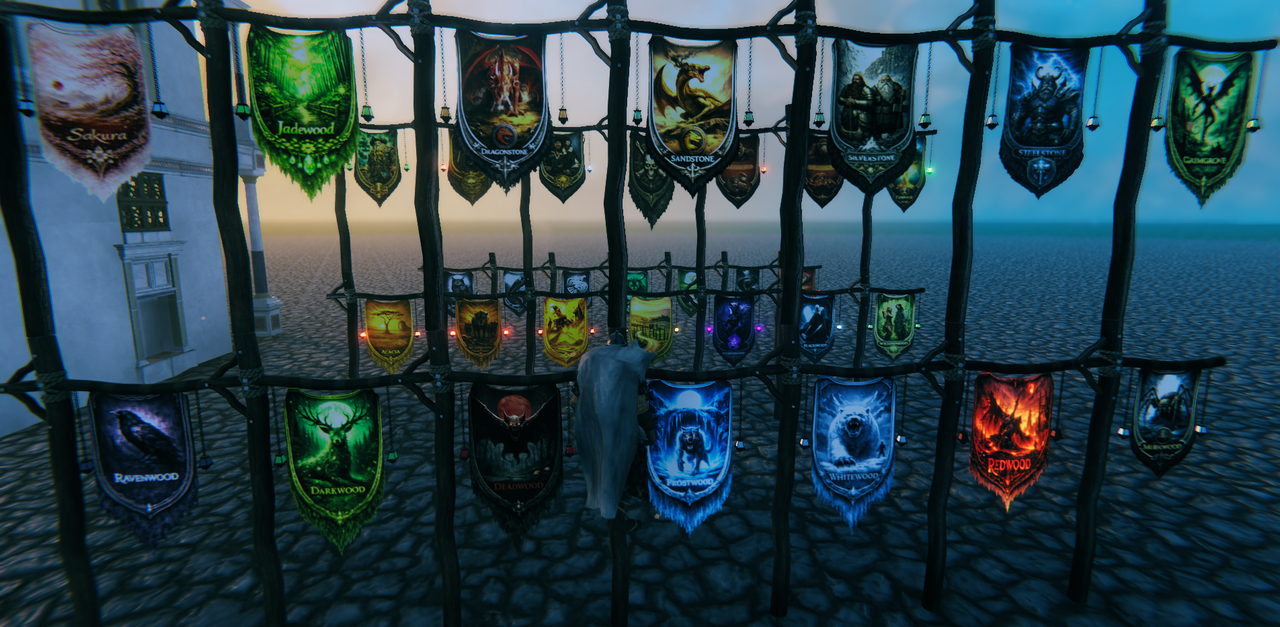
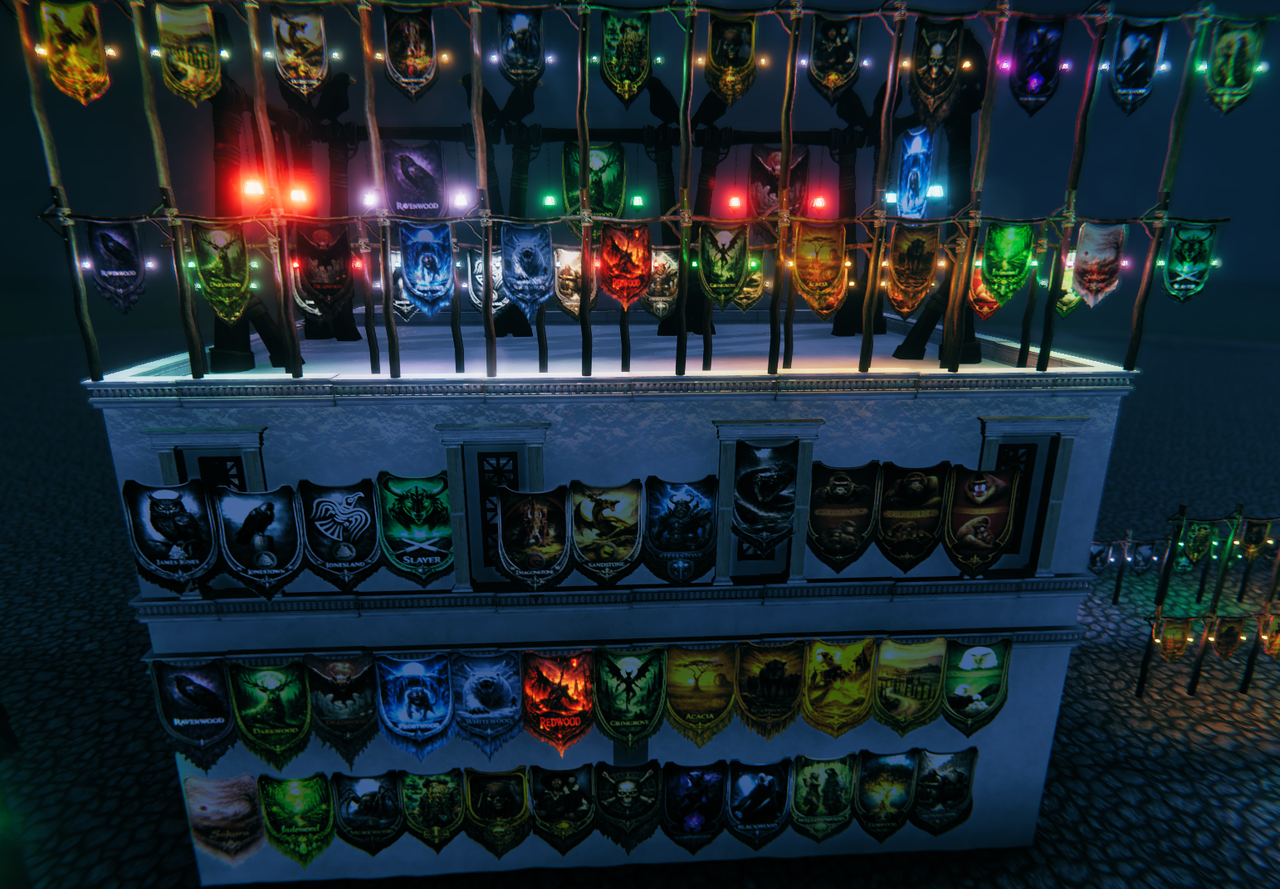
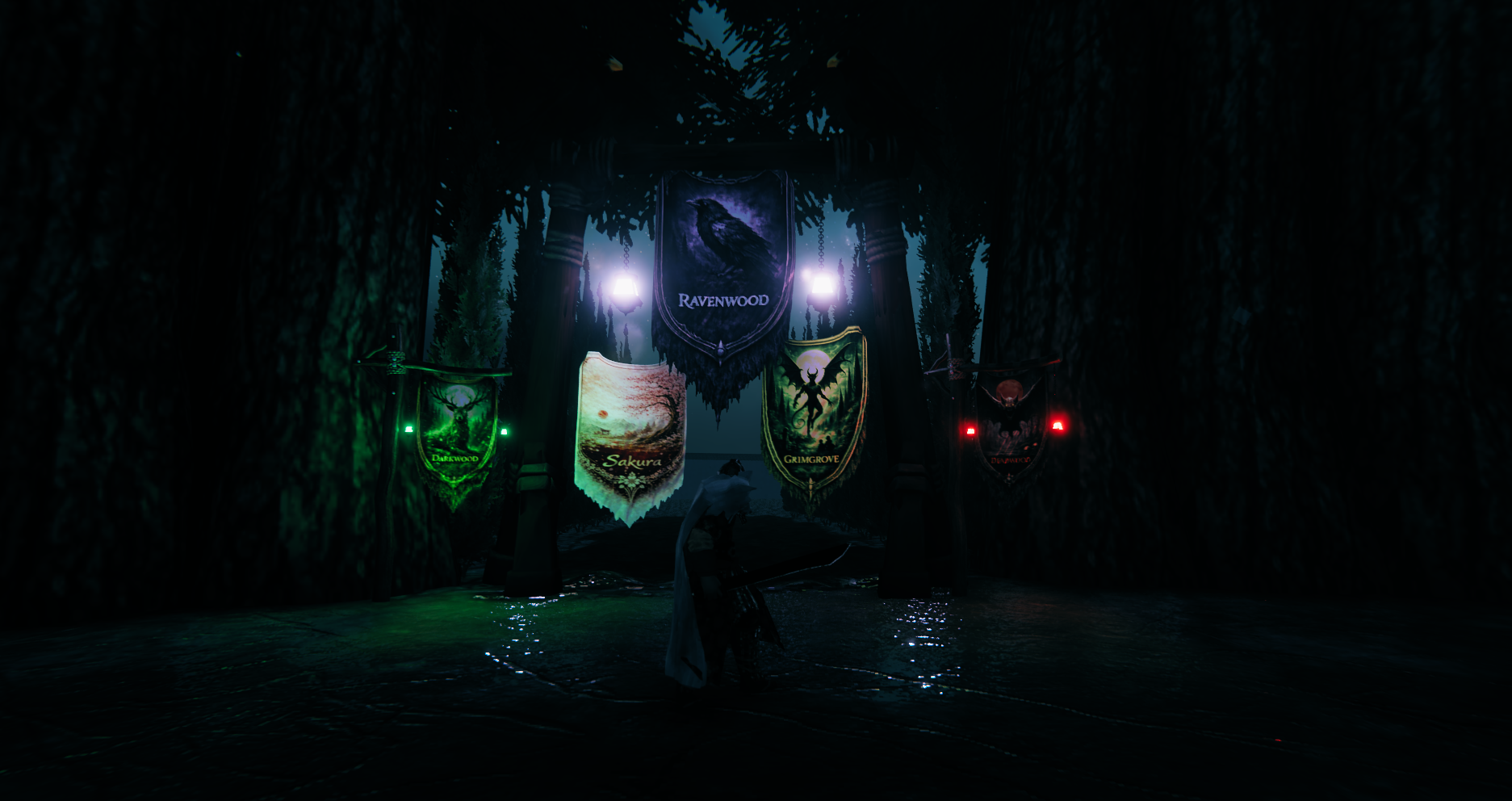
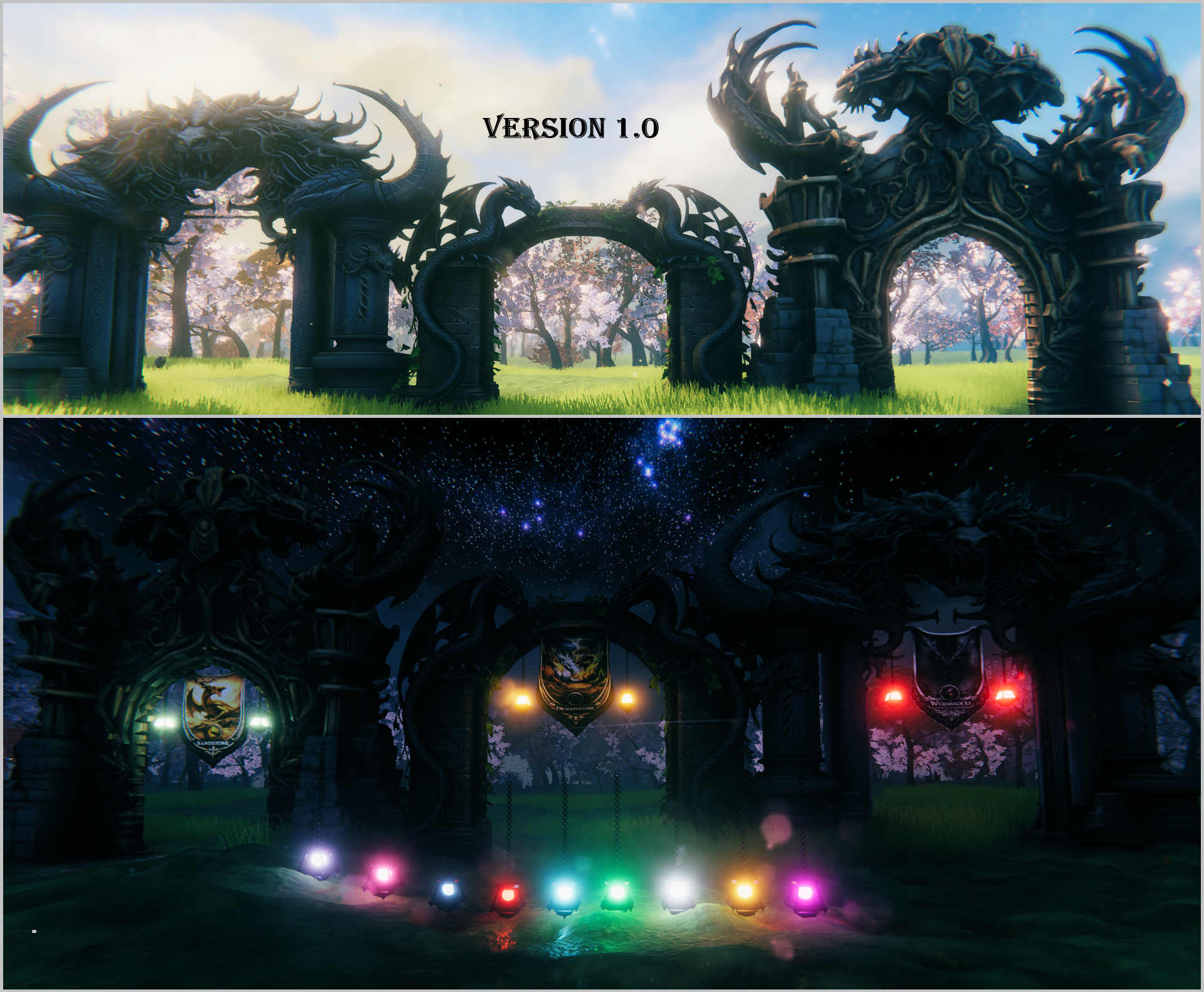
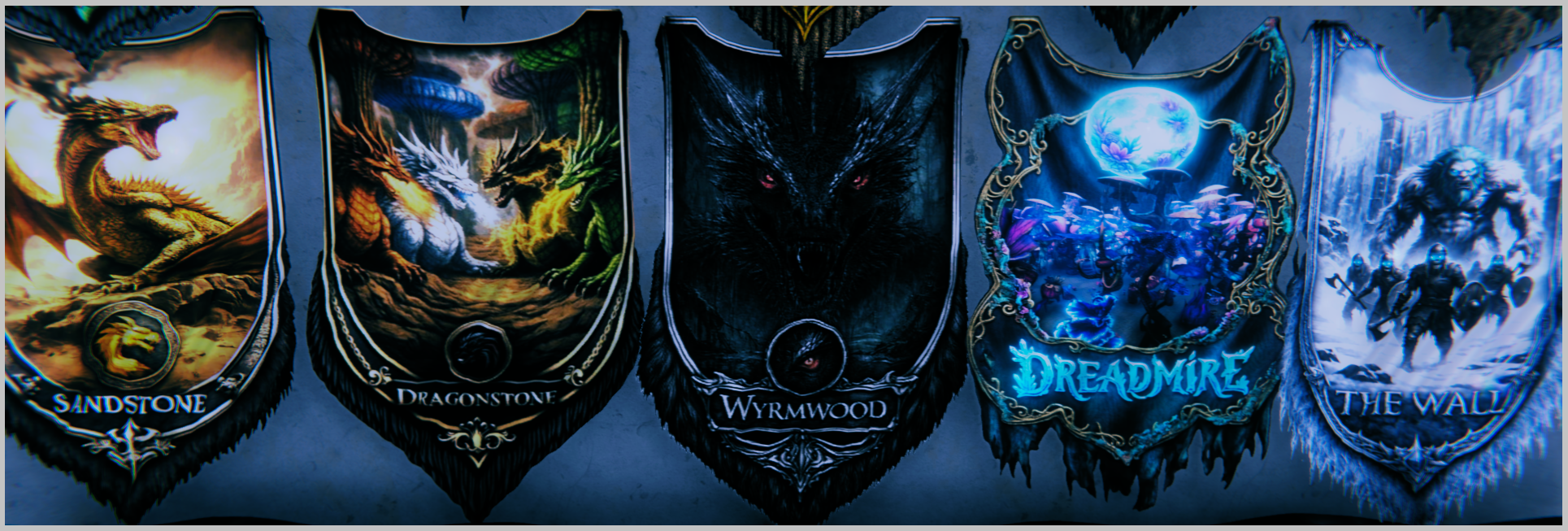
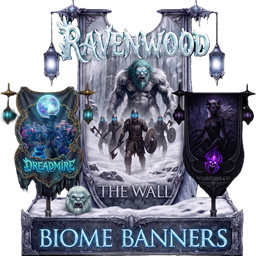
This mods includes:
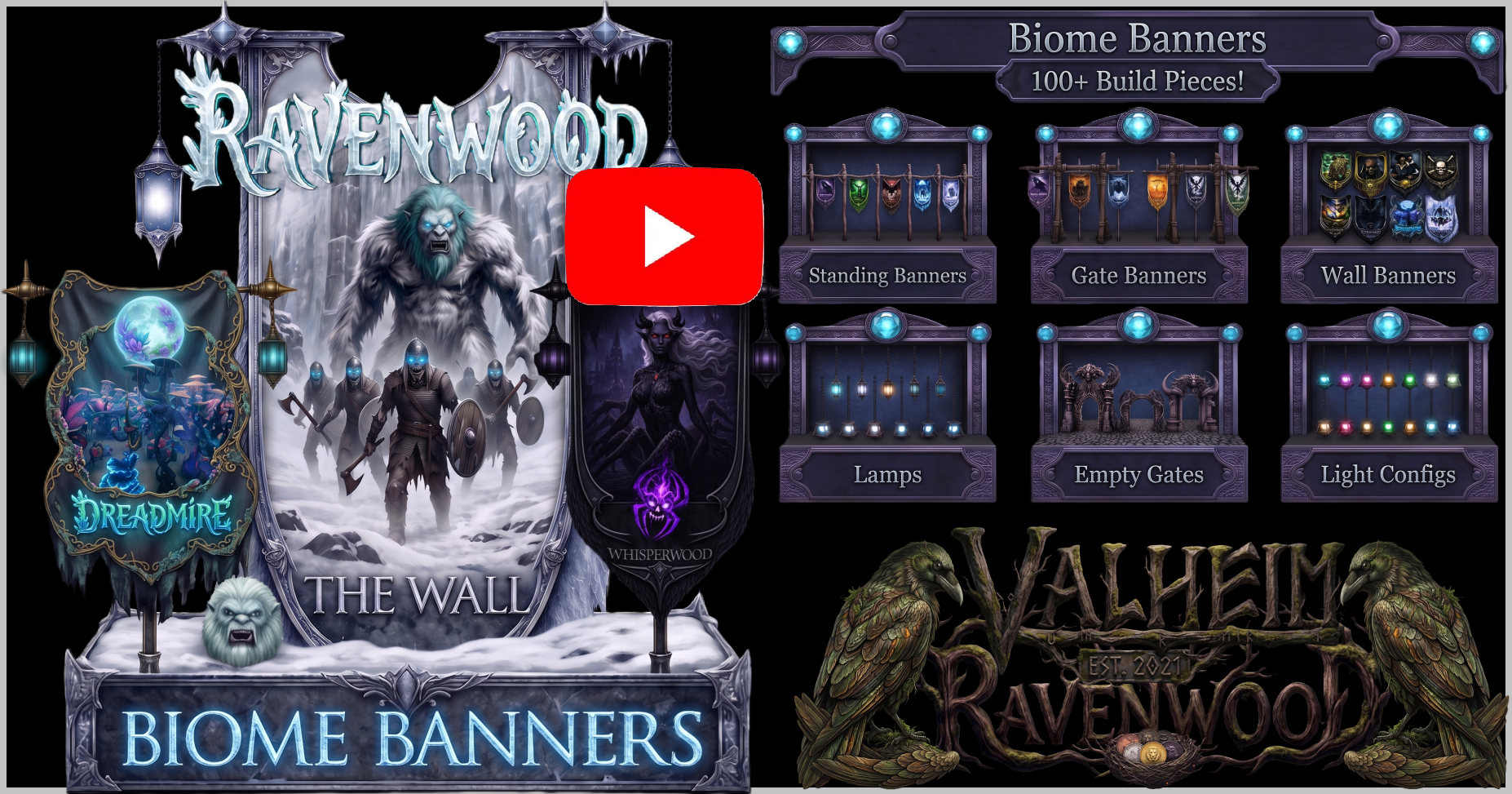
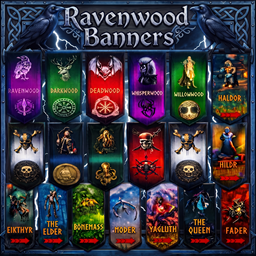
- 38 regional themed standing banners
- 38 regional themed wall banners
- 38 regional themed entrance gate banners
- 3 massive entrance gates
- 1 light with customizable colors.
The Standing and Gate banners have their own unique lights with customizable colors.
You can also attach banners and lights to the 3 massive world gates and customize them to your liking.
Credits: Caenos
- You can find Caenos in his discord at https://discord.gg/QJvhURcjyS
- You can donate directly to Caenos at https://www.paypal.com/paypalme/Caenos
Recommended Mods:


The above mods help ensure you have the best experience in Valheim while managing your mods.
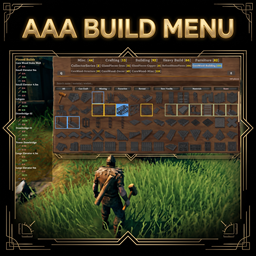
Pick one of the below mods for your build menu needs, but only one. They are basically the same thing. Legacy Build Menu has the old build menu enabled by default and has an @modname search. AAA Build Menu has more features and uses the new build menu by default. Both mods add a scroll bar to make sure you can always use all build pieces.

The Ravenwood TV Community









Upcoming Mods!

Download Ravenwood Mods at: Thunderstore, Hexium and Nexus.



I will slowly add mods to Nexus when I have time and when I update my mods. For now they are all on Thunderstore and Hexium.
Subscribe: Follow The Ravenwood TV on YouTube, Twitch and Patreon.



Donate:
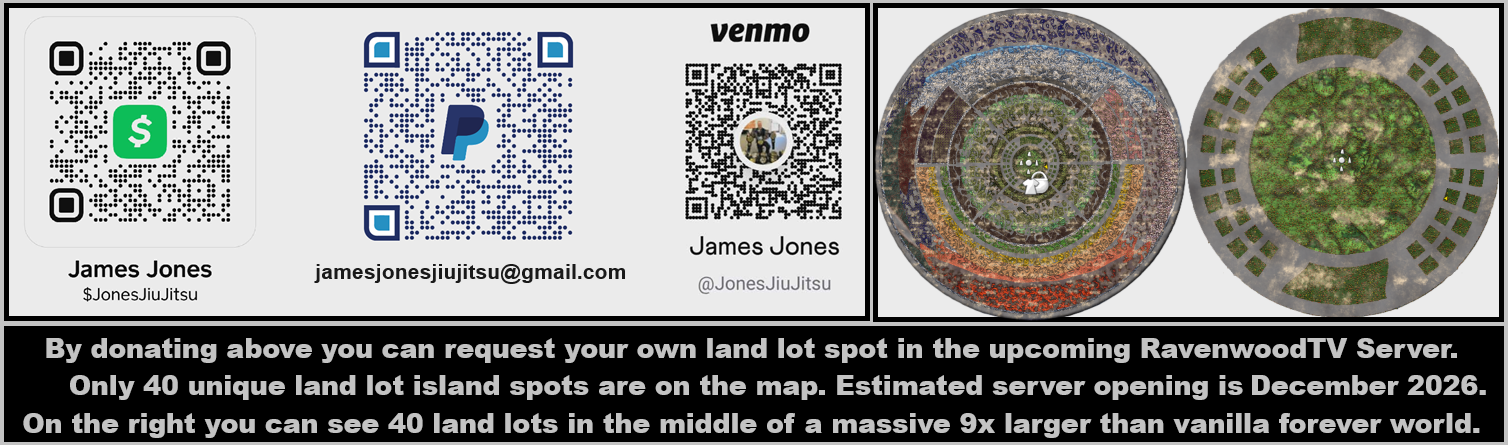
If anyone wants to support the time and money I spend making mods, you can donate below, and it will go toward more cool stuff.
- Venmo = JonesJiuJitsu
- CashApp = $JonesJiuJitsu
- Paypal = jamesjonesjiujitsu@gmail.com or https://www.paypal.com/paypalme/jamesjonestv
Changes:
- 1.0.1: Update for Deep North.
- 1.0.0: Adds 38 regional themed banners each with a Standing Banner, Wall Banner and Gate Banner for over 100 total banners! Also adds a few unique entrance gates and a light that you can toggle the colors.