
 Install with Gale
Runeheim UI
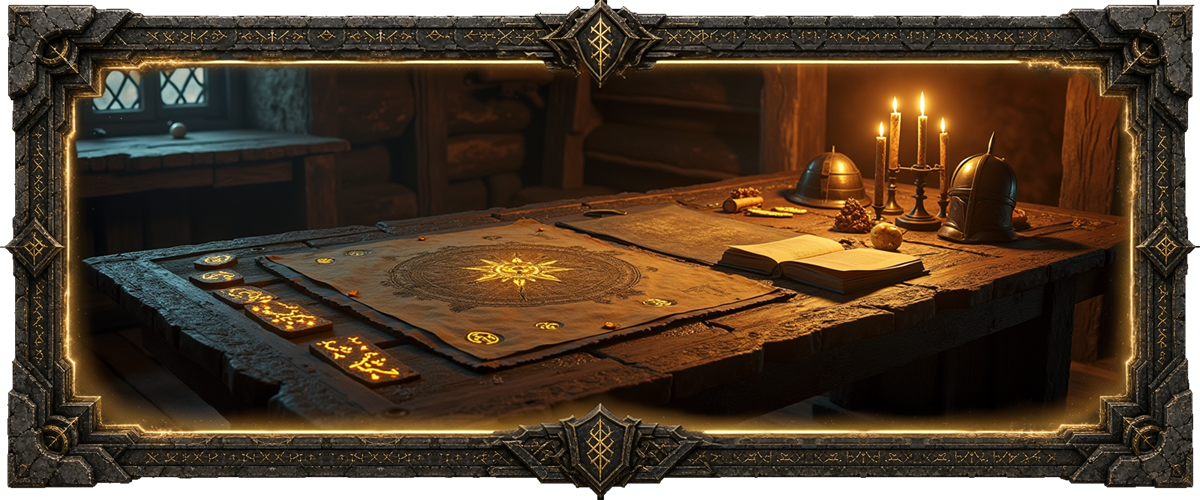
A calm Norse reskin of Valheim's whole interface. New menus, inventory, crafting and HUD in three themes, and every piece can be moved or switched off.



Mods from Dreanegade, our favorite Valheim mod author. Give them a try:
 Magic Supremacy Experience magic like never before: deeper, greater and more diverse. |
 Hunter Legacy Master the art of ranged combat: hunt your enemies with deadly precision. |
 Artisan Mastery Discover the artisan's way: master the crafts that shape life beyond battle. |
 Warrior Glory Follow the warrior's path: discover a new arsenal and claim glory in battle. |
PATH OF VALHEIMAN SUPPORT ADDED
Path of Valheiman keeps its own layout and is drawn with its own art in the Path of Valheiman theme.
$\color{#e0874a}{\textbf{Only one theme works with Path of Valheiman: the Path of Valheiman theme.}}$ While Path of Valheiman is installed, the interface always uses it; the Runeheim and Elden Ring themes are only available without Path of Valheiman.
No art from Path of Valheiman is included in this mod. The Path of Valheiman theme takes its art style from your own Path of Valheiman install while the game runs and carries it across the interface; its icons are our own, made to match.

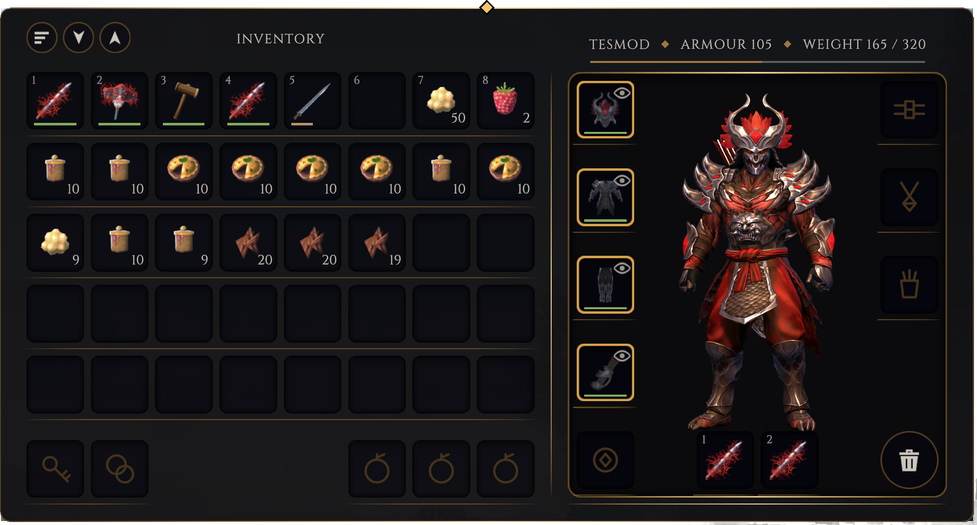 Inventory · Runeheim |
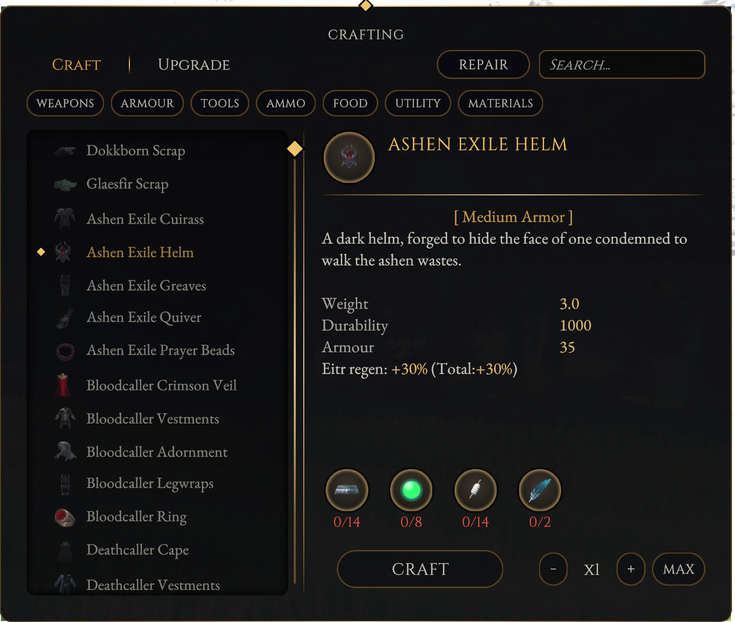 Crafting · Runeheim |
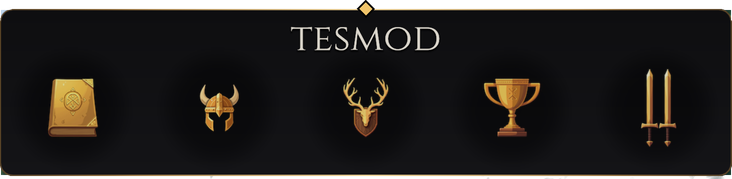 Icon hotbar · Runeheim |
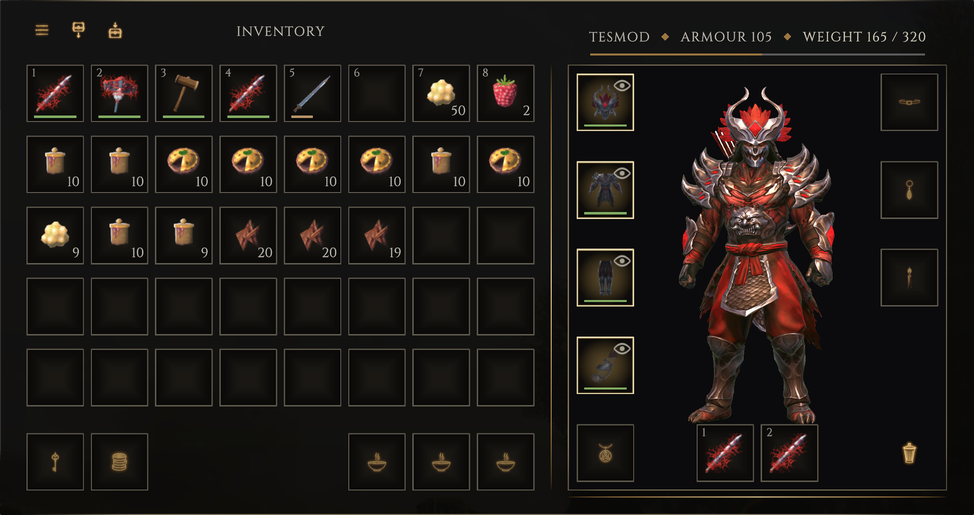 Inventory · Elden Ring |
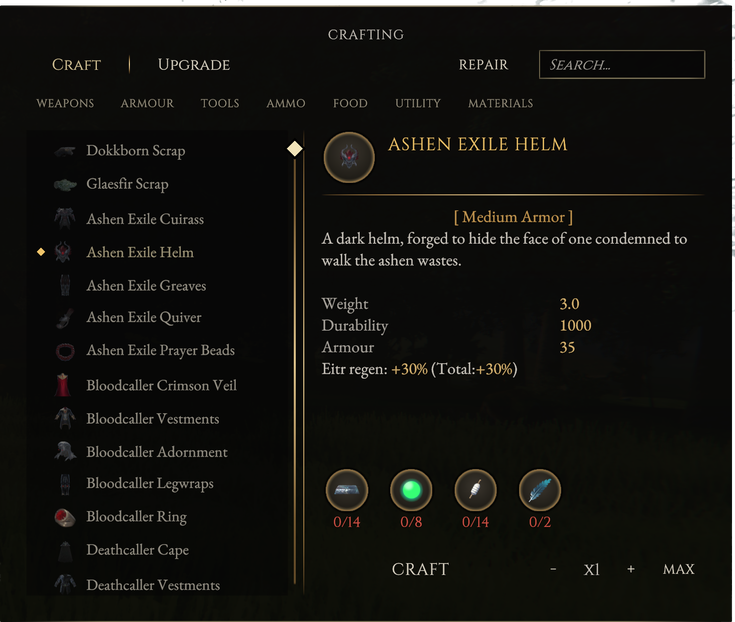 Crafting · Elden Ring |
 Icon hotbar · Elden Ring |
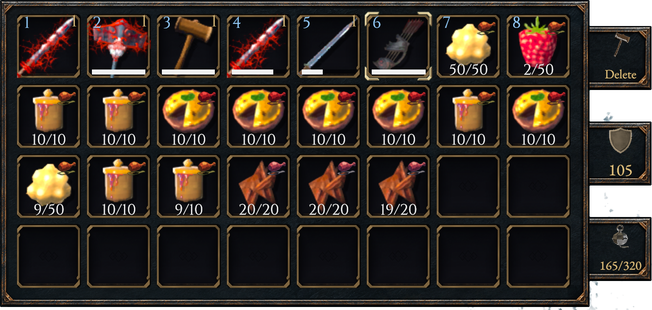 Inventory · Path of Valheiman |
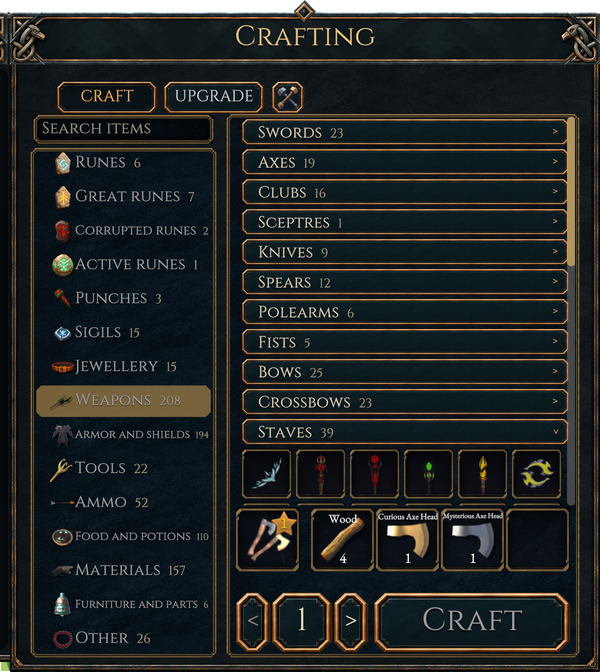 Crafting · Path of Valheiman |
 Icon hotbar · Path of Valheiman |
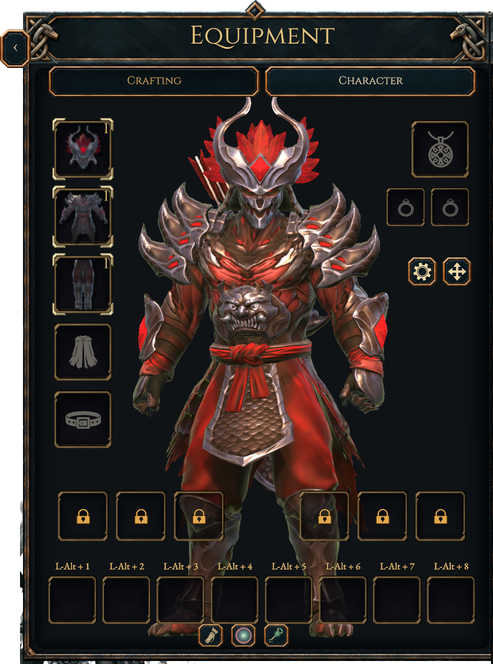
Equipment · Path of Valheiman

 Three complete looks: Runeheim, Elden Ring or Path of Valheiman, across every screen of the game. With Path of Valheiman installed, only its own theme is used.
 Every screen rebuilt: main and pause menus, character and world select, inventory, crafting, settings and pop-ups.
 Make it yours: pick the theme, colors, animations and effects for each part of the interface (F8 > Appearance), and save your looks as presets.
 A cleaner HUD: health and stamina bars, minimap, compass, status effects and enemy bars, all movable and resizable.
 Inventory and crafting: a live character preview, extra gear slots, and Sort, Pull and Store buttons (with Runeheim QOL).
 Path of Valheiman compatible: its own layout in the Path of Valheiman theme (the only theme while it is installed); its tooltips, bags and windows all work.
 Full controller support: every window in every theme, as one menu with tabs along the top: RB / LB switch tabs, Y opens an item's options, B closes.
 Map and world: tidier markers and a peek inside chests and machines.
 Other mods match: Runeheim Souls and other popular mods get the same look, and other mods' windows follow your theme automatically.
 Hotkeys your way: every mod's hotkeys in one list with clashes in red; Runeheim keys can fire on press, release, tap, double tap or hold.
 Your choice: every feature can be switched off in F8. Works client-side; server admins can set the gameplay features for everyone.

- Cinzel, Almendra and EB Garamond fonts (SIL Open Font License)
- treextr, for Path of Valheiman and its art style (the Path of Valheiman theme reads its art from your own install; none of it ships with Runeheim UI)
- License: Runeheim UI is © 2026 Daytreee, all rights reserved. Free to play and to list as a modpack dependency; don't reupload it or reuse its code, art or music without permission. Full terms in LICENSE.txt.
- Made with AI: AI was used on this project, as it is on all Runeheim projects.

- Runeheim Souls: Elden Ring-style progression and combat: runes, levels, stats, talismans and Elden Ring's own moves.
- Runeheim Performance: Smoother frames and longer views: FSR and DLSS with frame generation, far view to 1,200 m, no freezes near new places, faster big bases and smoother multiplayer.
- Runeheim Music: A new dark orchestral soundtrack with Nordic folk for every Valheim music slot.
- Runeheim QOL: Craft from chests, sort, pull and store, self-running machines, freecam building and discovery markers.
- Runeheim Core: The shared library every Runeheim mod runs on.