 Install with Gale

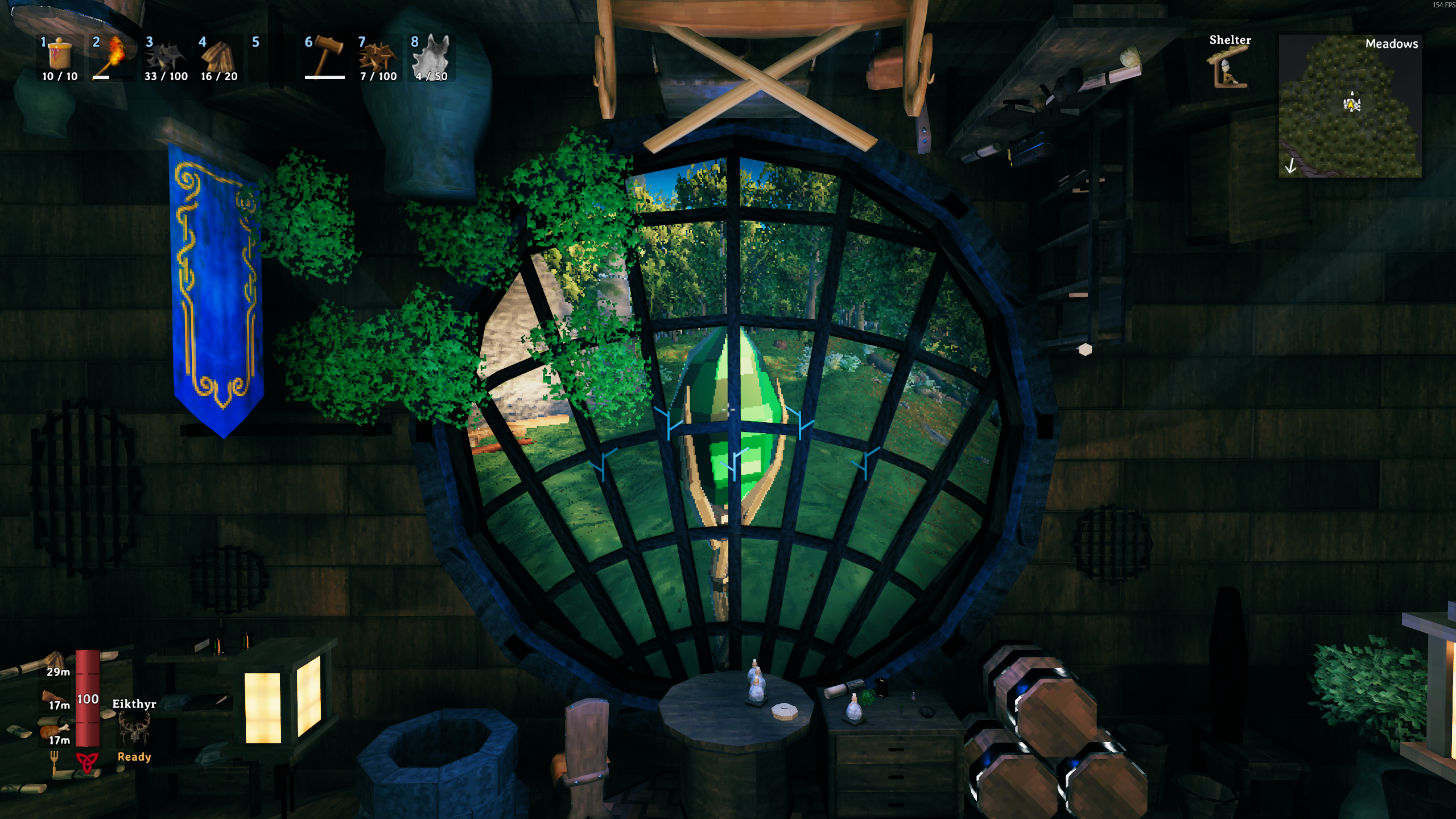
Staff of the Fold
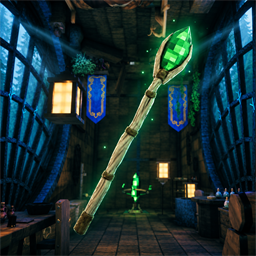
Carry a furnished magical home in a staff. A Valheim mod with a main chamber, workshop, gravity that follows the walls and ceiling, and crystal windows looking back outside.
Craft the staff at a Forge, then carry your home wherever you travel.
Install with your mod manager, or download the ZIP from this page for manual installation.
Screenshots
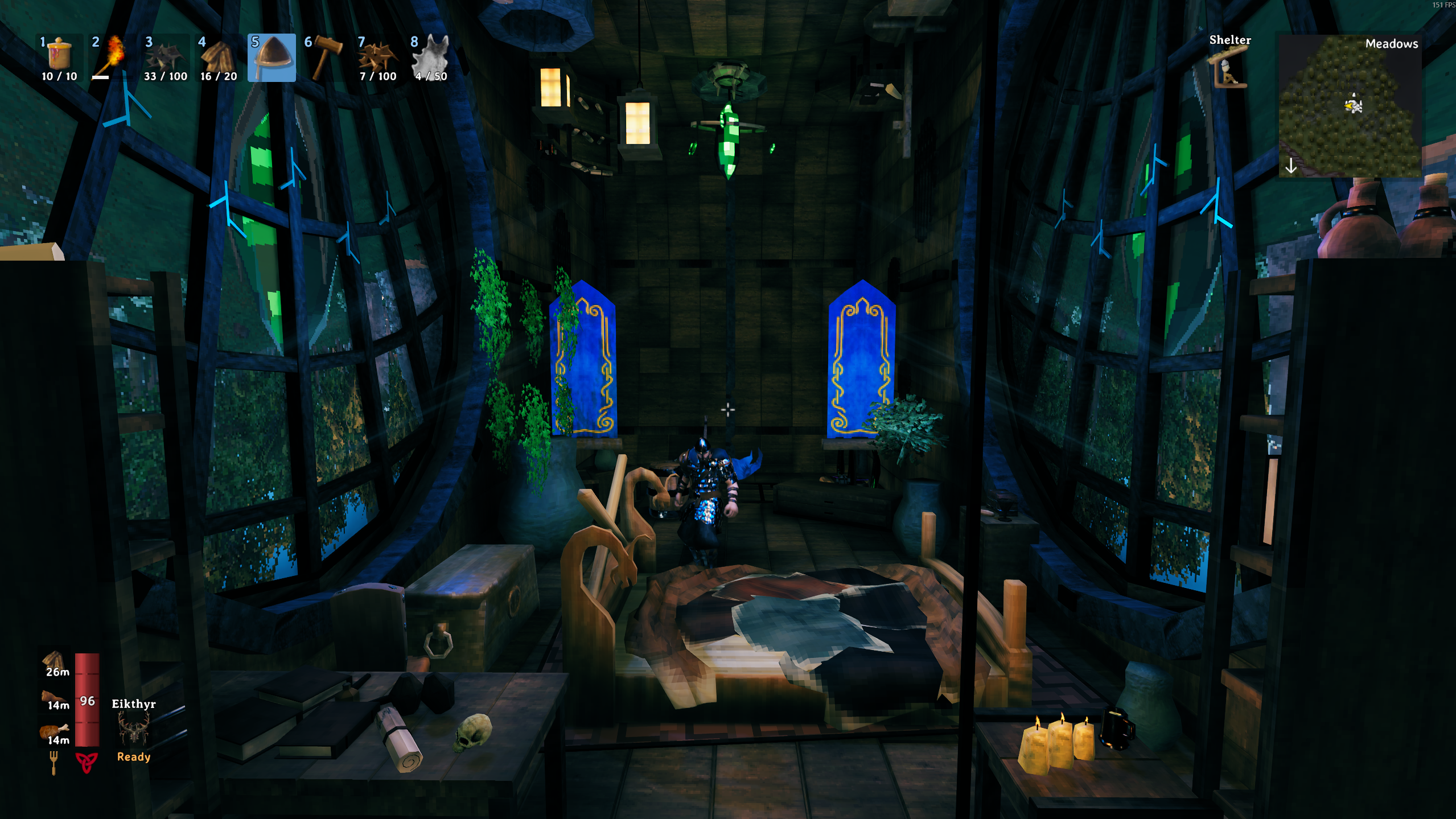
The main room has furnishings on the floor, walls and ceiling.
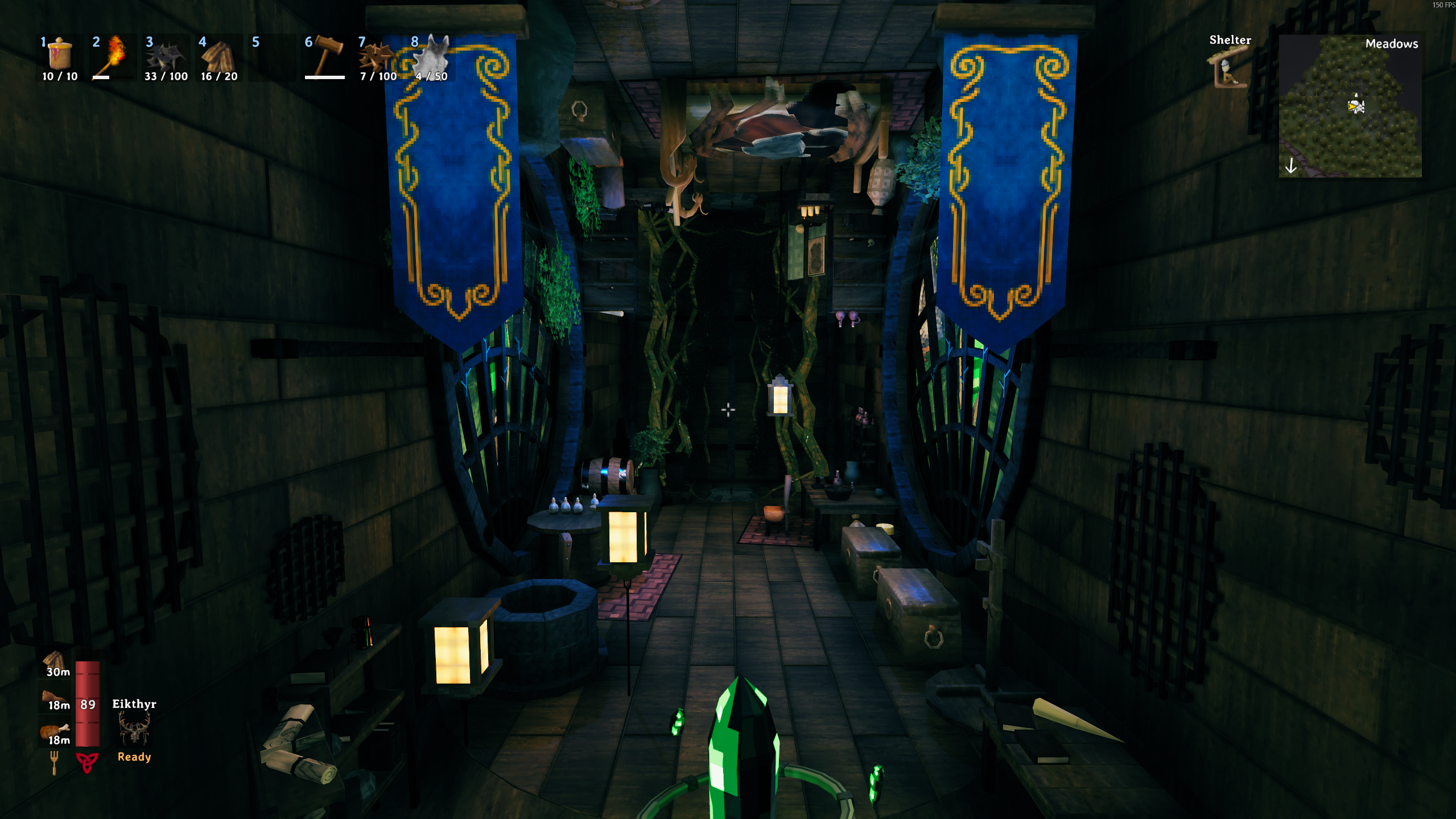
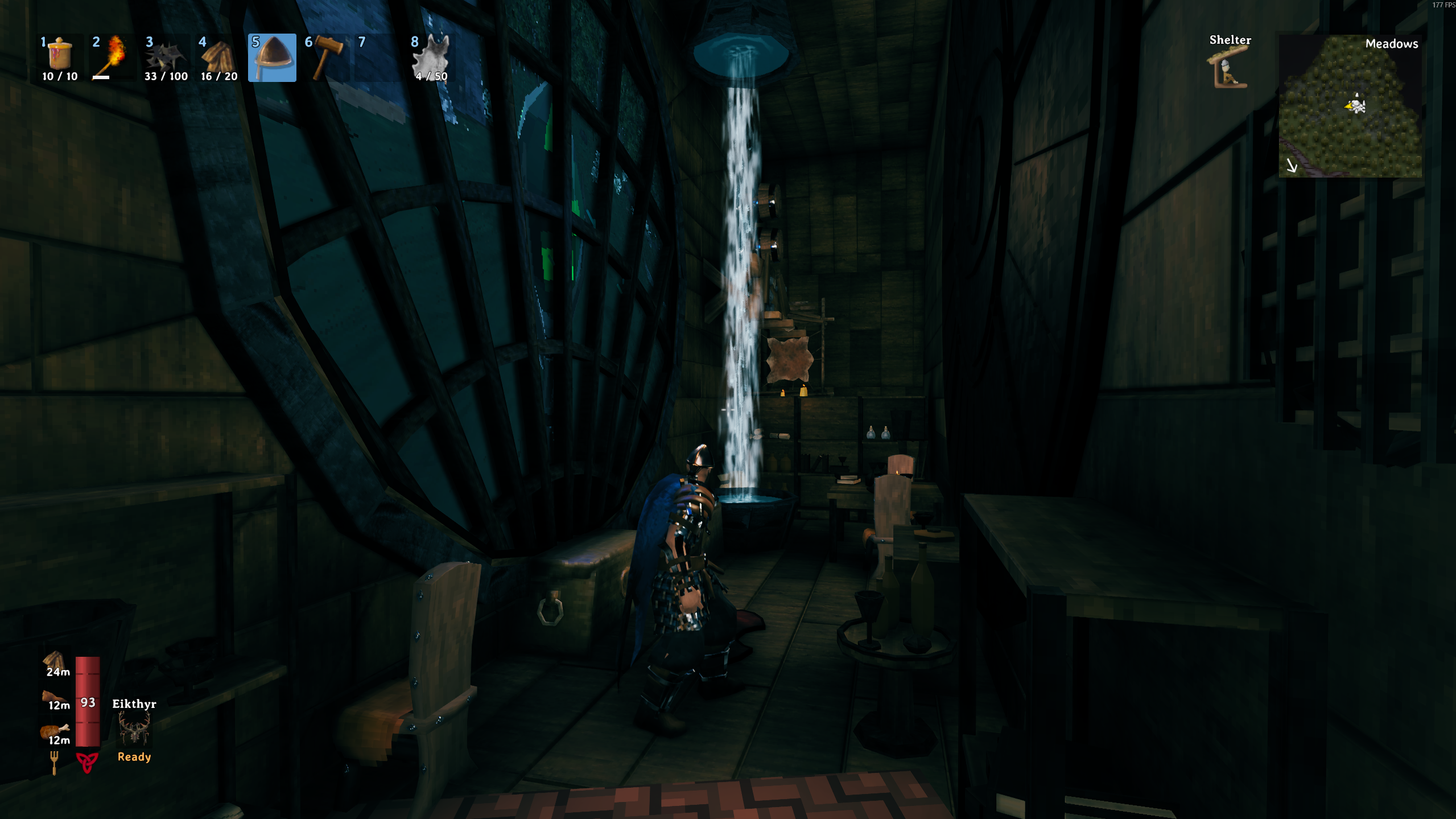
The workshop includes crafting stations, storage, weapon mounts and water flowing between its basins.
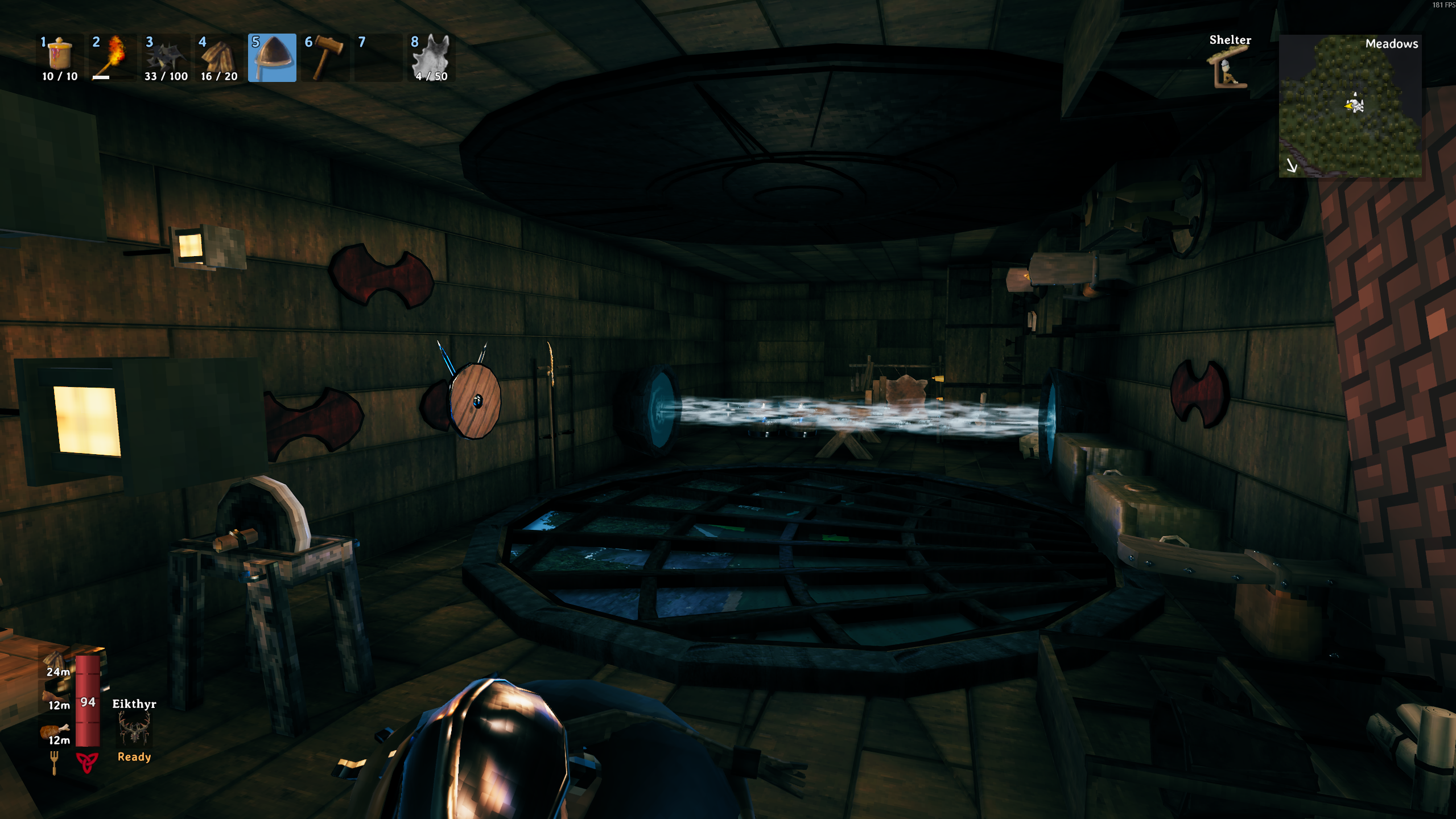
View all seven screenshots, including ceiling gravity, clear windows and both travel modes.
Getting started
Craft one staff at a level-1 Forge using 20 Fine Wood, 10 Bronze, 10 Greydwarf Eyes, 3 Surtling Cores and 5 Crystal. Discover the ingredients and station to unlock the recipe normally. The staff has one quality level and no upgrades.
To obtain it through the console instead, enable Valheim's -console launch option. In a local world, open the console with F5 and run:
devcommands
spawn StaffOfTheFold 1
Pick up and equip the Staff of the Fold. The spawn name is StaffOfTheFold.
How to use
| Action | Default control |
|---|---|
| Swap the staff into your current hotbar slot and equip it | F6 |
| Enter your house with the equipped staff | Left-click |
| Return outside | Use the green return crystal, or left-click with an equipped staff |
| Open or close the workshop trapdoor | E |
| Enter the workshop | Open the trapdoor and jump or step through |
| Dive back from the workshop | Look through its hatch and press Shift + E |
| Build, repair or remove furnishings | Use the hammer |
| Attach an item to a plaque or rack | Aim at a mount and press that item's hotbar key |
| Take an item off a mount | Aim at it and press E |
Each character has their own house in each world. Walk onto adjoining walls or ceilings to change gravity. Movement, the camera and building orientation follow the surface.
F6 finds a staff in your inventory and swaps it with the item in your currently equipped hotbar slot. The displaced item moves to the staff's previous inventory position, so this also works with a full inventory. Pressing F6 again while the staff is equipped does nothing. When empty-handed, it uses your last selected hotbar slot, the staff's existing hotbar slot, an empty slot, or slot 1, in that order.
If you miss a corner transition, sprint directly into a house wall for a quarter-second, or jump toward it and press jump again while airborne and close to the wall. This requests a gravity switch without adding a second jump impulse.
With ComfyGizmo installed, piece rotations and copied rotations also follow the current gravity direction. Keep using Gizmo's configured rotation and reset keys.
Chests, seats, the bed and armour stands work like their Valheim equivalents. Custom furniture and props appear in the hammer's Fold furniture and Fold props tabs. The house structure, windows and magical features stay fixed.
Each weapon plaque has three independent mounts. Aim at its left, centre or right section to use that slot. Large items can overlap neighbouring slots.
Travel options
After the first launch, edit BepInEx/config/com.kakimakidev.staffofthefold.cfg while the game is closed. The host or server chooses the travel mode under [Travel]:
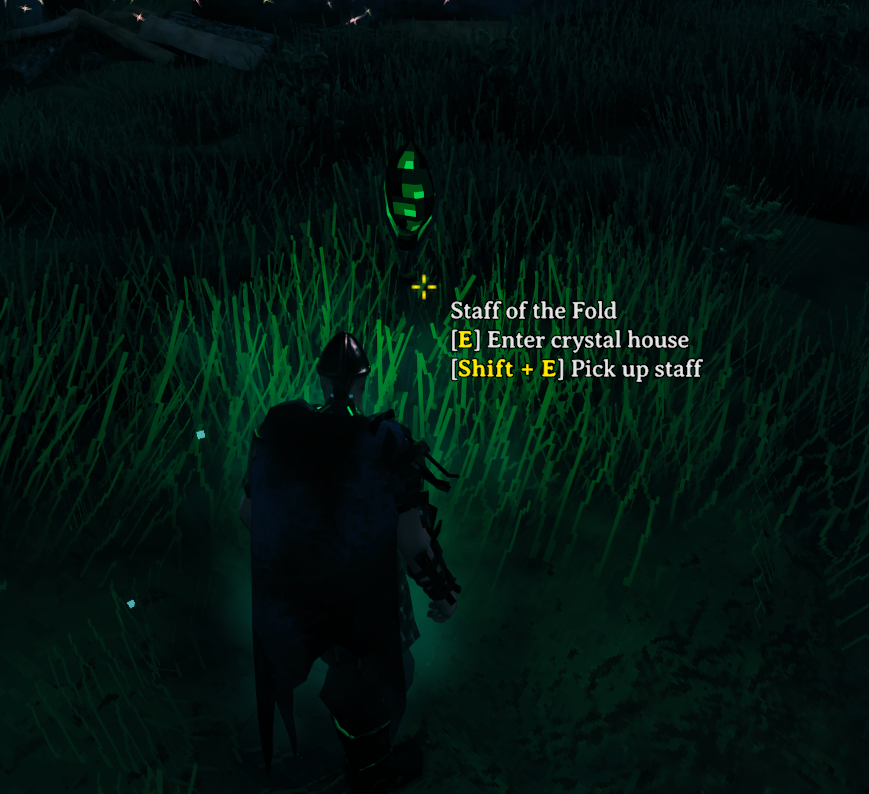
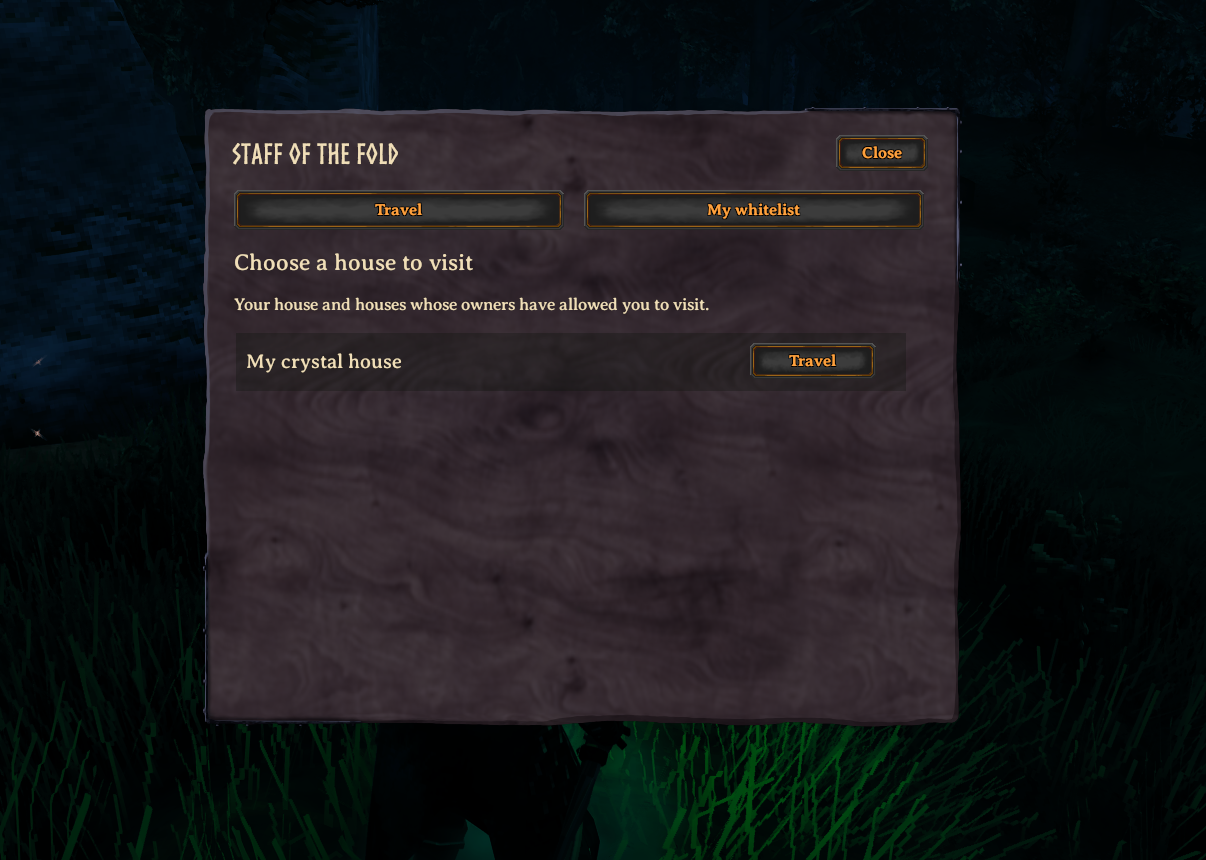
Mode = PlantedStaff, the default: entering plants your staff upright outside and removes it from your inventory. Other players can use it to enter, or pick it up with Shift + E. Returning takes you to the staff or its carrier. If it is still planted, the first returning player automatically picks it up when there is inventory space.Mode = HouseList: keep your staff and choose a house from a list. Owners use My whitelist to grant or remove access. You always have access to your own house.
If the linked staff or its carrier is unavailable, return uses your saved departure position. You do not need the staff to leave a house.
[Travel] PreventEntryWhileAggroed = true prevents entry while a hostile creature is alerted and targeting you, including five seconds after its last alert notification. This covers equipped staffs, planted staffs and house-list entry. Leaving the house remains available. Set it to false to allow entry during combat. The host/server controls this setting.
Make it yours
In the same configuration file:
[Prism] WindowMode = Clearis the default and gives a continuous outdoor view. Set it toRefractedfor the crystal effect.[Prism] FramesPerSecondandResolutionadjust the window rendering cost.Pixelatedcontrols sharp pixel sampling.[Controls] UseStaffchanges the F6 equip shortcut. Change it if another mod uses F6, or set it toNoneto disable it.[Lighting]contains the room lighting settings.[Interior] EmptyRooms = trueclears the supplied furniture and decorations from both rooms, including fixed flags, skulls, plants and the workshop water effect. The host/server controls this setting. The shell, windows, lighting, trapdoor and return crystal remain. Your own builds stay in place. Set it back tofalseto restore the surviving supplied furniture and its stored contents. Restart after editing the file.
Building configuration
These settings default to allowing all build pieces and requiring normal nearby crafting stations. The host/server's settings apply to everyone.
[Building]
DisableCustomBuildables = false
BlockedPrefabs =
BuildWithoutStationInside = false
DisableCustomBuildables = truehides the mod's custom furniture and props from build menus everywhere and omits their supplied copies in both rooms. The staff, native Valheim furnishings, structure and travel features remain. Previously player-built custom pieces stay in place and can still be removed.BlockedPrefabsrestricts new building inside either room and hides matching supplied furnishings. Use comma-separated internal prefab names. Matching is case-insensitive, and*matches any text. Leave it empty to allow everything. Player-built pieces remain removable. Hidden supplied furniture and its stored contents return when unblocked.BuildWithoutStationInside = truelets you build, repair and remove pieces inside either room without a nearby crafting station. Material costs, recipe discovery and other placement rules still apply. This does not allow crafting items without their station or change building outside the house.
For no crafting stations or containers of any type, including modded ones with those components:
BlockedPrefabs = category:craftingstations,category:containers
BuildWithoutStationInside = true
For selected vanilla stations and all vanilla chest prefabs instead:
BlockedPrefabs = piece_workbench,forge,piece_magetable,piece_chest_*
Individual chest examples are piece_chest_wood, piece_chest_private, piece_chest, piece_chest_blackmetal and piece_chest_barrel. Exact prefab rules also work for custom props and other mods. Restart after editing the config file; changes made through an in-game configuration manager also apply.
Crafting configuration
After launching once, close the game and edit BepInEx/config/com.kakimakidev.staffofthefold.cfg:
[Crafting]
Enabled = true
Ingredients = FineWood:20,Bronze:10,GreydwarfEye:10,SurtlingCore:3,Crystal:5
Station = forge
StationLevel = 1
Use internal item prefab names in Ingredients, with a positive amount after each colon and commas between items. Modded items work when their mods are installed on all players and the server. For example, Wood:10,Stone:5 uses ten Wood and five Stone.
Station accepts a crafting station prefab such as forge, piece_workbench or piece_magetable. Set it to None for inventory crafting. StationLevel accepts 1 to 10 and is ignored for inventory crafting. Set Enabled = false to disable crafting without removing existing staffs.
The host/server's crafting settings are synchronized to joining players through Jotunn. Restart after editing the file; changes made through an in-game configuration manager also apply. Invalid ingredients or station names disable the recipe and produce a log warning, rather than allowing a free or partial-cost craft.
Installation and updating
Install on every player's client and on the server, using the same version.
- Install BepInExPack Valheim and Jotunn.
- Close Valheim.
- Extract the
StaffOfTheFoldrelease ZIP into your Valheim folder or mod-manager profile, merging theBepInExfolder. - Launch the game with BepInEx, or through that mod-manager profile.
The package includes the staff item, surface gravity and live windows in one StaffOfTheFold.dll. Keep it and the Assets folder together in BepInEx/plugins/StaffOfTheFold. Only BepInEx and Jotunn need to be installed separately. Skyrim is not required.
When updating manually from a package with multiple DLLs, remove the old FoldStaffItem.dll, SurfaceGravity.dll and LiveCamera.dll from the mod's folder. Keep your configuration files.
Keep only one copy of each included plugin installed.
Downloads contain one mod DLL, its in-game meshes and textures, and package documentation. The platform-required icon is included; screenshots and unused authoring textures are excluded. The staff inventory icon is included because the game uses it.
Removing the mod
Back up your world and characters first. Take out stored items and equipment, remove custom pieces you want refunded, return outside and save before uninstalling. Houses and custom items require this mod to load.
Reporting issues
If another mod changes building placement in an incompatible way, Surface Gravity leaves that placement behavior intact and logs one compatibility warning. Gravity movement remains available, but wall and ceiling building may keep the normal orientation. Include that warning when reporting the conflict.
Report problems through the mod page with your Valheim and mod versions, travel mode, whether you are hosting or joining, and steps to reproduce. Include relevant log entries and screenshots for placement or visual problems.
Credits
Created for Valheim by KakimakiDev / ValheimEnthusiestKakimaki. Inspired by Staff of Shalidor for Skyrim by Haem Projects (Dimonoider and gkalian). See ASSET-CREDITS.md in the download for asset credits.
License: GPL-3.0-only for the original implementation and crystal assets. See LICENSE.txt and ASSET-CREDITS.md in the download.