 Install with Gale
QuickStackDeposit
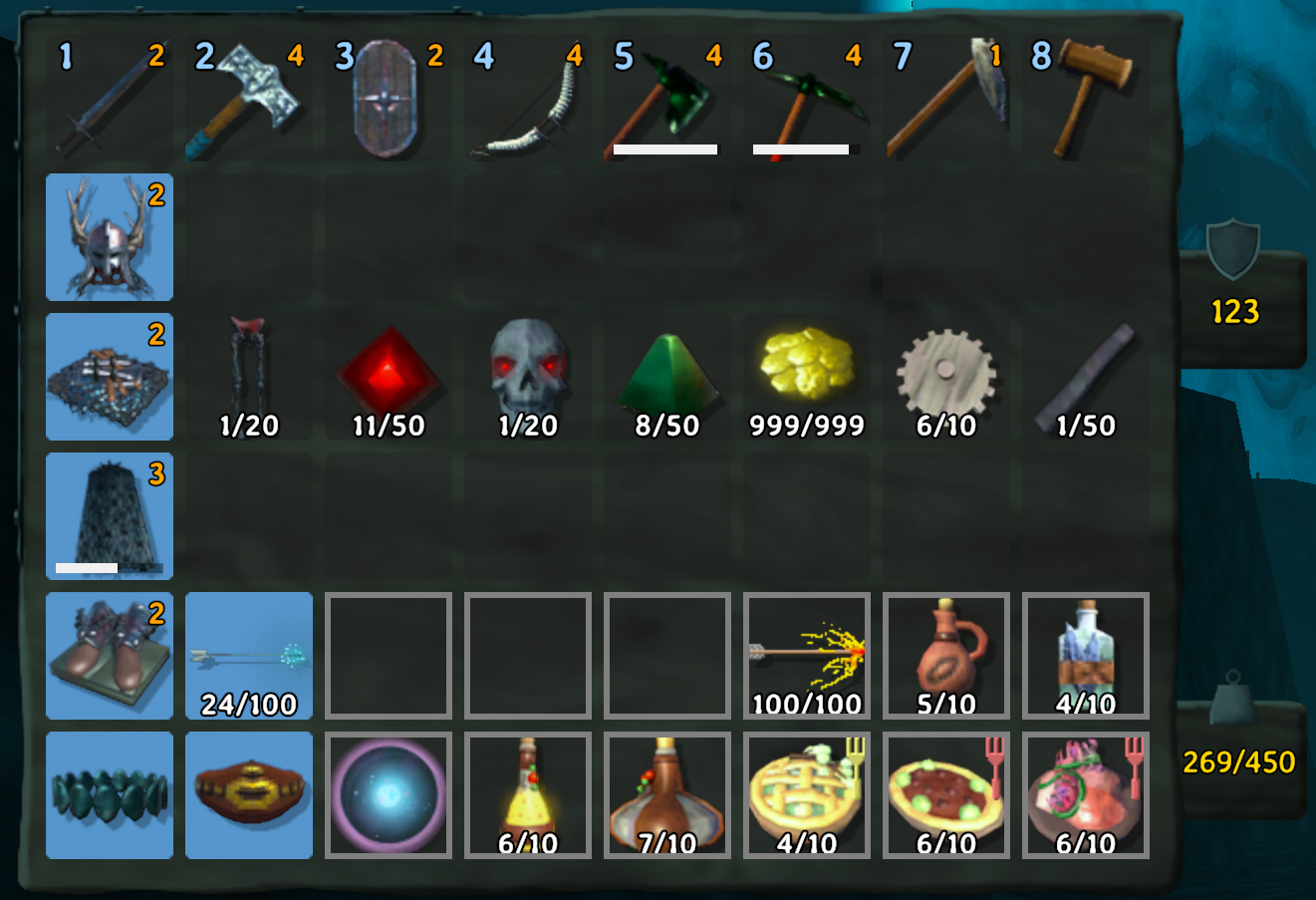
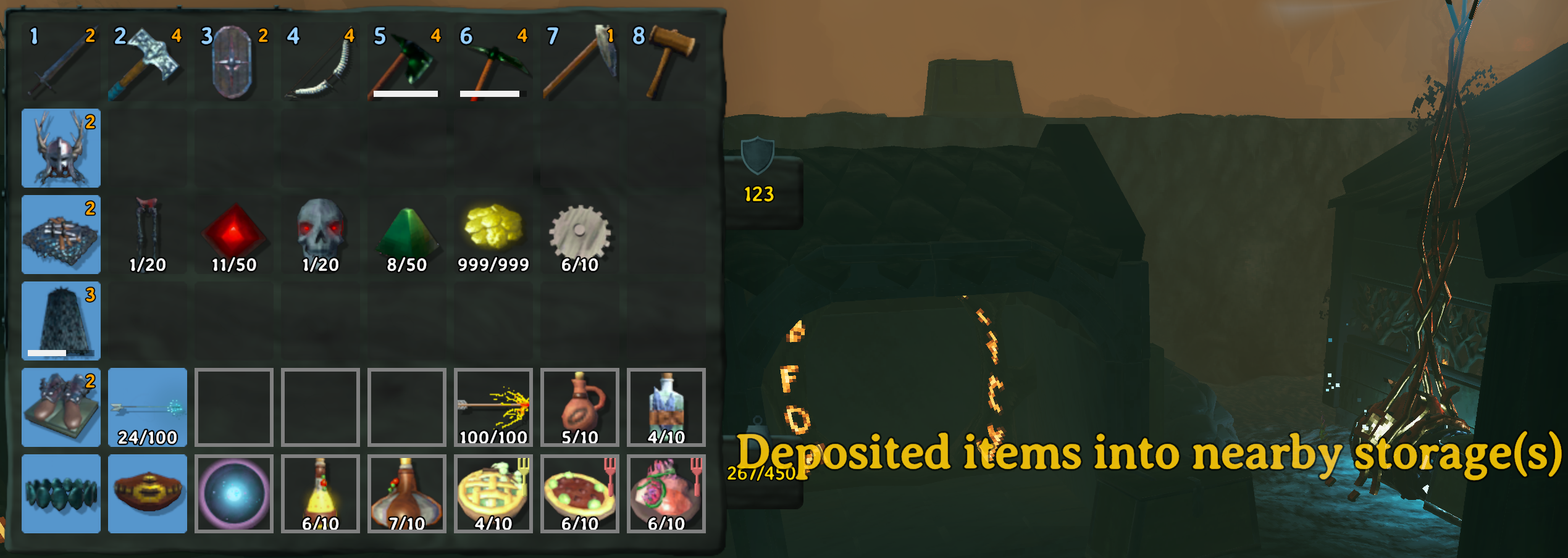
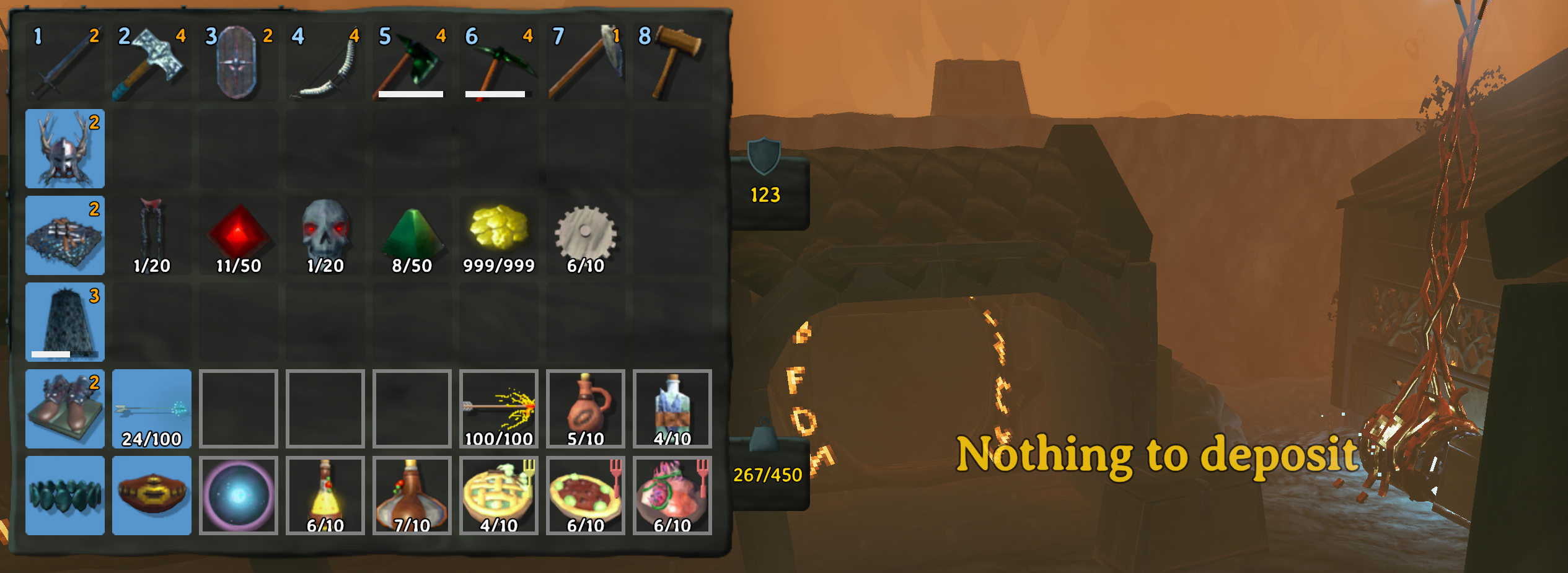
Press R while your inventory screen is open to instantly deposit matching items into every nearby storage. No more running back and forth between your base's chests to sort loot after a run. Hover over inventory slot and press X to lock it, preventing items stored in these slots from being deposited.
What it does
- Press R with your inventory open (default keybind, changeable).
- Every item in your inventory is checked against nearby storages — chests, cart/trailer cargo, boat cargo holds, and anything else that works like a normal Valheim storage container.
- An item only gets deposited into a storage that already contains that same item type. It won't dump random loot into a chest just because there's an empty slot — it keeps your existing sorting intact.
- Partial stacks are handled correctly: if a chest only has room for some of a stack, exactly that much is moved and the rest stays with you.
What it won't touch
- Hotbar items (slots 1–8) are always left alone, so your equipped tools/food/potions never get swept away by accident.
- Locked slots (by position — see below) are always left alone.
- Equipped gear (weapons, armor, etc.) is skipped by default.
- Storages currently opened by another player are skipped for that pass.
Settings
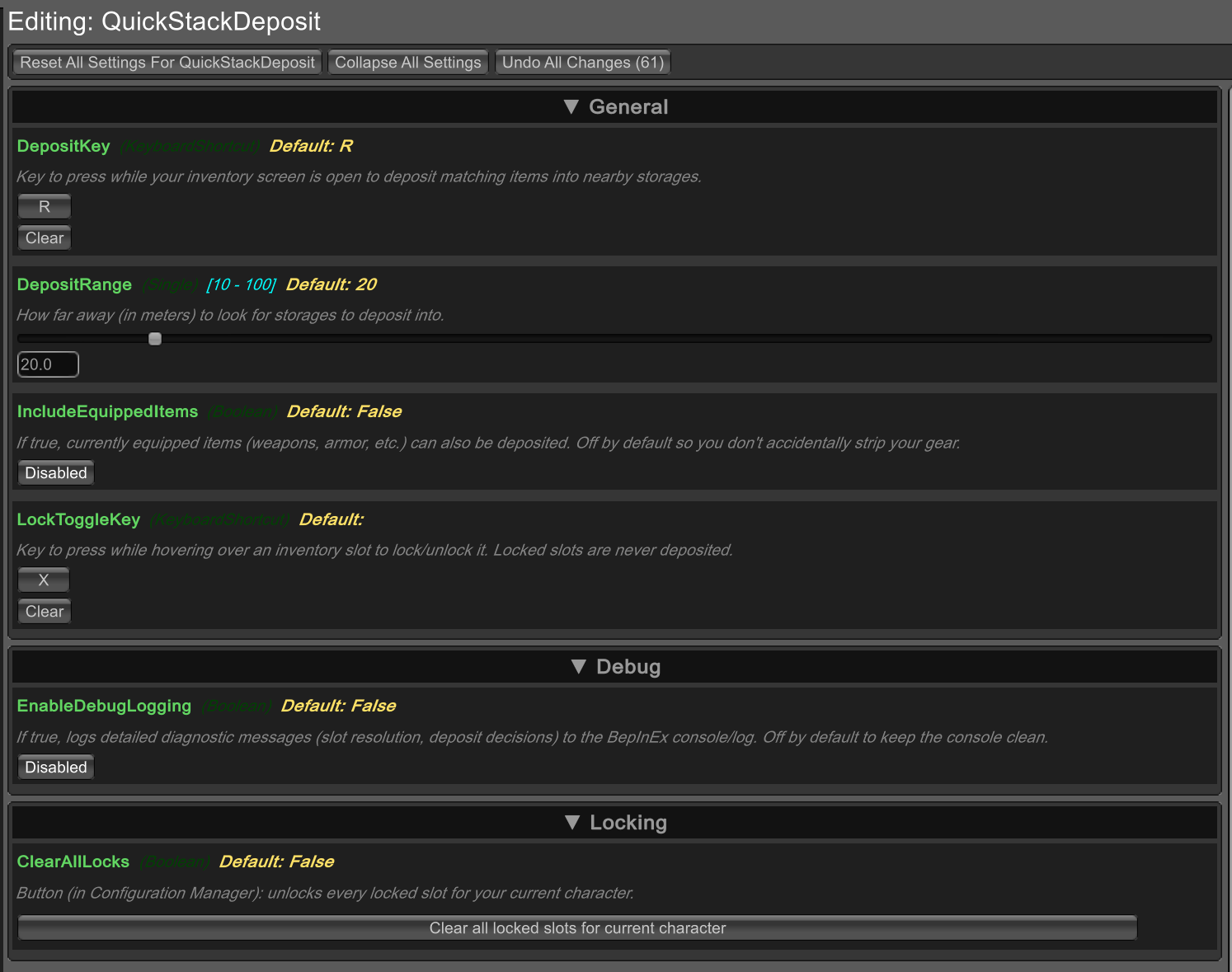
All settings are configurable in-game with a config manager mod (e.g. Official BepInEx ConfigurationManager, default key F1), or by editing the config file directly at:
BepInEx/config/dreamscapist.valheim.quickstackdeposit.cfg
| Setting | Default | Description |
|---|---|---|
DepositKey |
R |
Key to press (while your inventory is open) to deposit matching items. |
LockToggleKey |
X |
Key to press while hovering a slot (inventory open) to lock/unlock it. |
DepositRange |
20 |
How far away (in meters) to look for storages. Range: 10–100. |
IncludeEquippedItems |
false |
If enabled, currently equipped items can also be deposited. |
EnableDebugLogging |
false |
If enabled, logs detailed slot-resolution/deposit diagnostics to the console/log. |
Locking slots
Hover your mouse over any inventory slot (including an empty one) and press X (default) to lock it — you'll see "Inventory slot locked". Locked slots are skipped by the deposit key no matter what's in nearby storage, so you can keep a personal stash you don't want auto-sorted away. Press X again on the same slot to unlock it ("Inventory slot unlocked").
The lock is tied to the slot position itself, not to whatever item
is currently sitting in it — so if you empty a locked slot and put
something else there later, it's still locked. Locks are saved per
character and persist across game restarts (stored in
BepInEx/config/dreamscapist.valheim.quickstackdeposit.locks.txt).
To clear every locked slot for your current character at once, either:
- Open BepInEx Configuration Manager (F1 by default) and click the
"Clear all locked slots for current character" button under the
Lockingsection, or - Delete the
.locks.txtfile mentioned above (clears every character's locks, not just one).
Notes
- Storages are scanned fresh every time you press the deposit key, so it always reflects what's actually around you at that moment (a chest you placed a second ago will already count).
- This works by directly editing inventories rather than going through the normal "open chest" interaction, so it does not enforce ward/private-area access rules the way normal interaction does. Keep that in mind on shared or public servers.
- Requires BepInExPack Valheim — install order doesn't matter, just make sure it's in the same profile.
Compatibility
Should work fine alongside other inventory/storage mods. If you run into a conflict with another mod that changes container behavior, please report it on the mod's Thunderstore page.