 Install with Gale
IncreasedVitality
Creatures get extra health based on the biome
Features
- Per biome bonus - every biome has its own health bonus, from Meadows through the Deep North and the Ocean, and each can be turned off
- Percent or flat - each biome can add a percentage of the creature's health or a set amount of health points
- Random range - each creature rolls its bonus between a minimum and maximum, so no two fights feel exactly the same. Set both the same for a fixed bonus
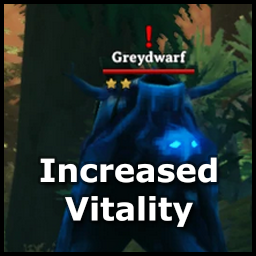
- Scales with stars - starred creatures get an extra bonus per star, on top of the vanilla star health
- Difficulty untouched - only creature health changes; damage, world modifiers and spawns stay as they are
- Bosses and tames - bosses and tamed creatures have their own bonus settings, separate from the biomes
Everything is configurable and the settings can be synced from the server.
Installation
Install with your mod manager, or drop the DLL into BepInEx/plugins.
Compatibility
- Probably any mods that change creature difficulty