 Install with Gale
HearthBelow
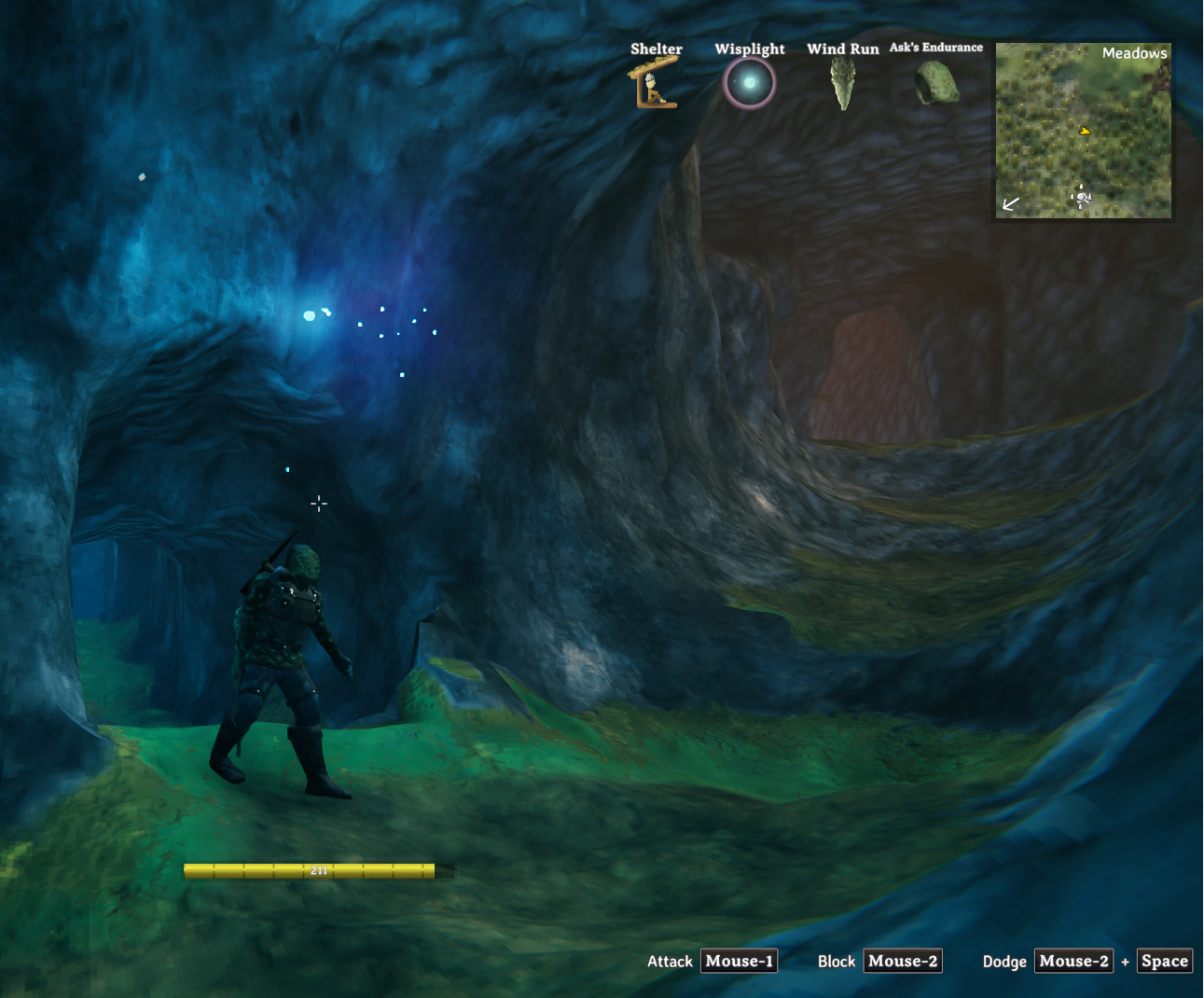
Dig caves. Build underground. Bring the hearth below.
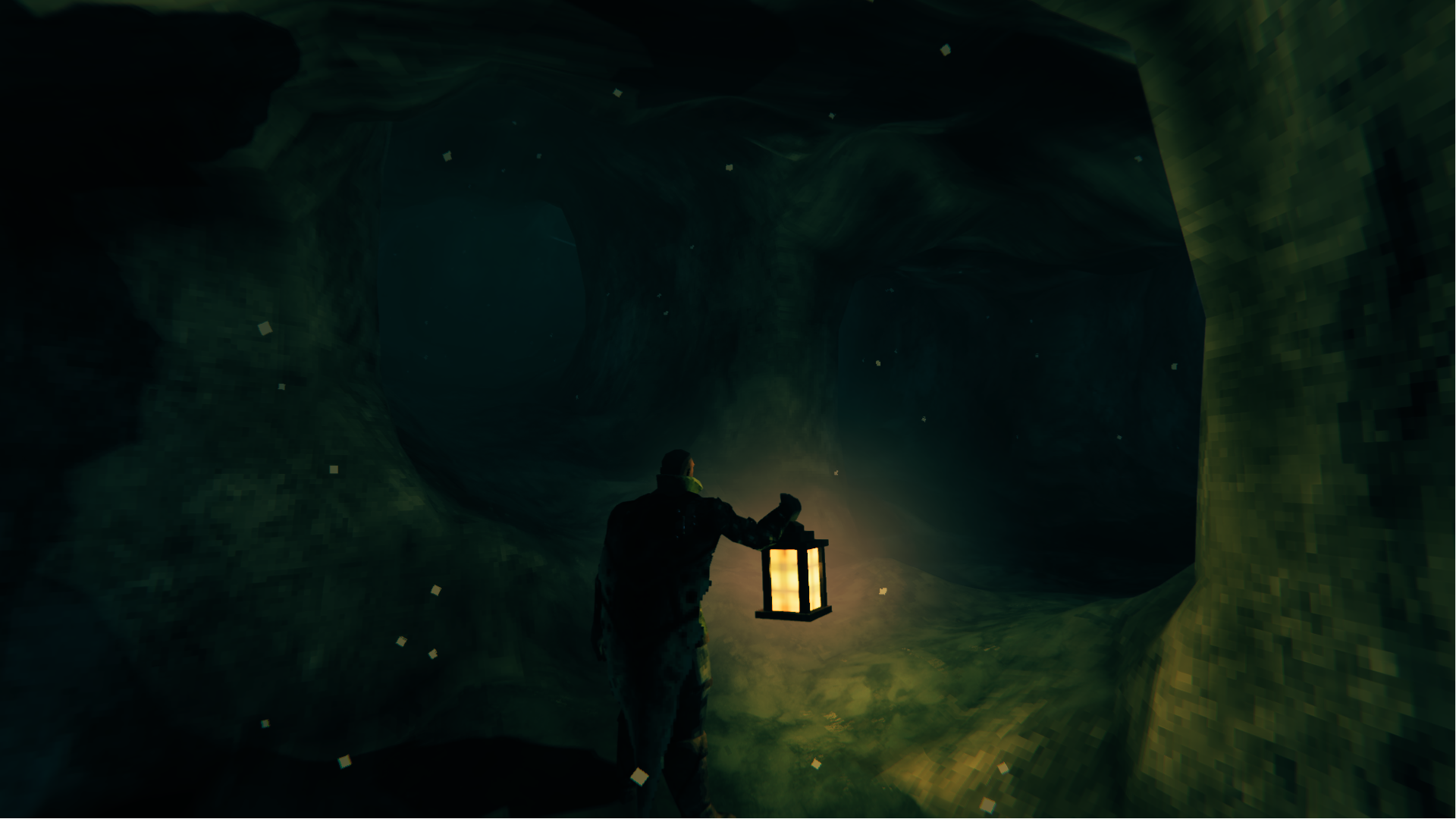
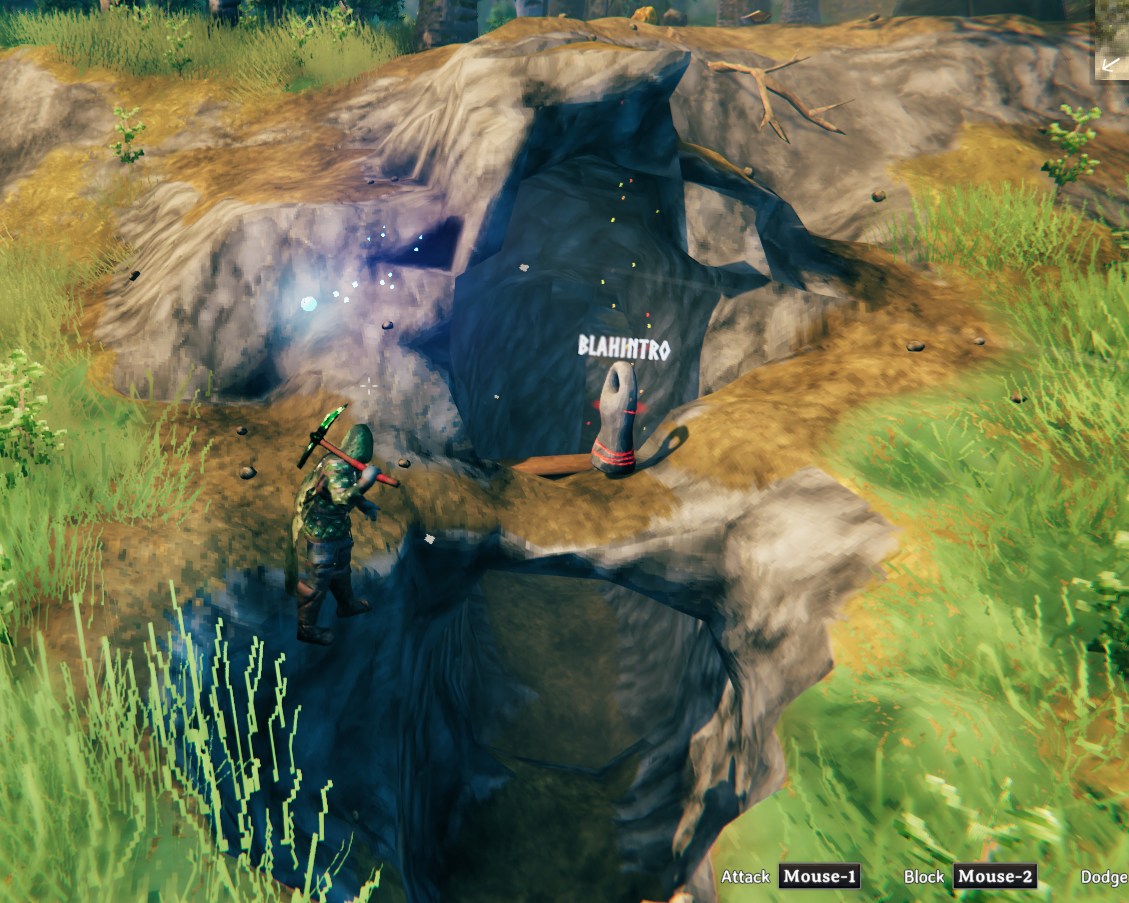
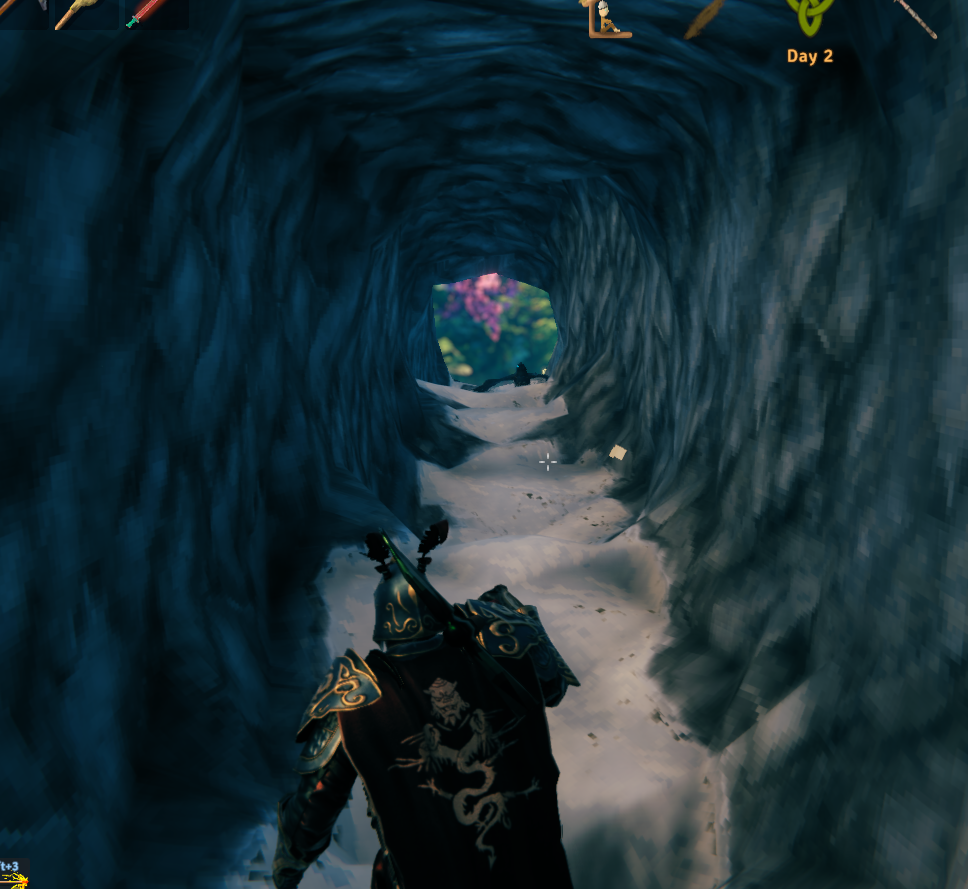
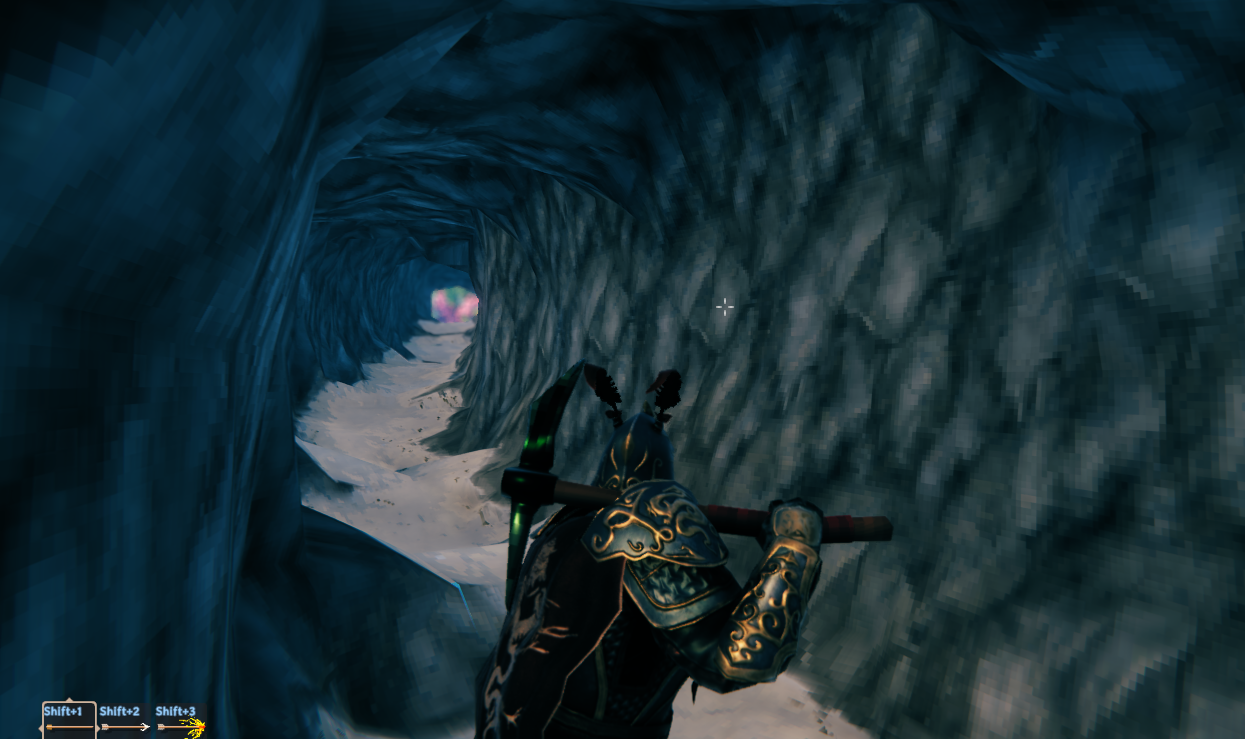
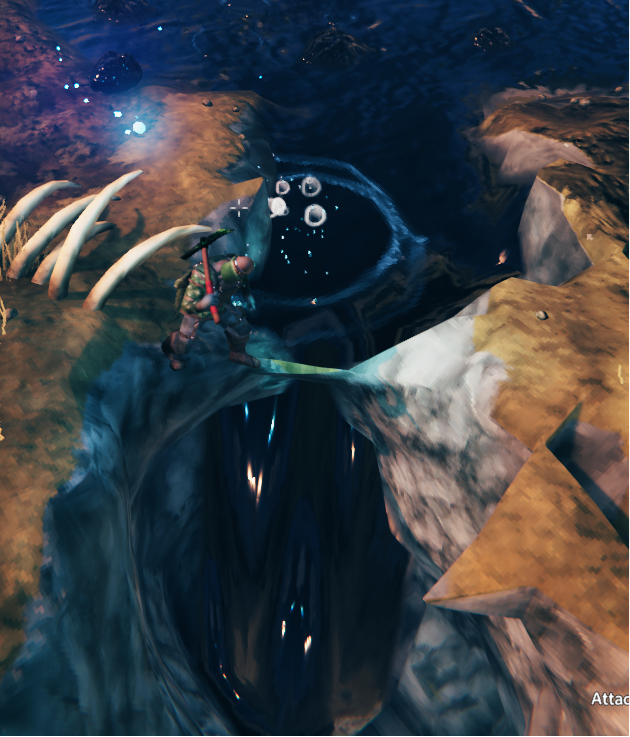
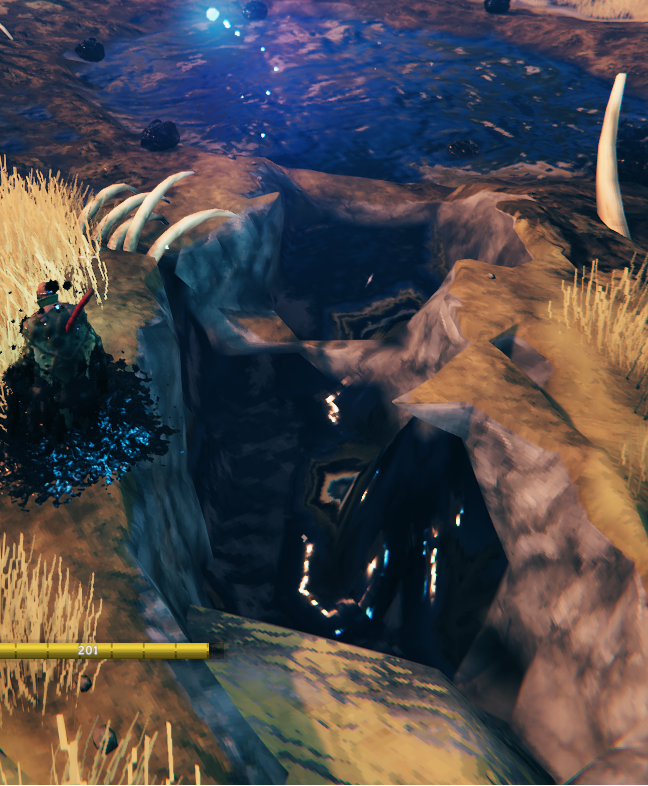
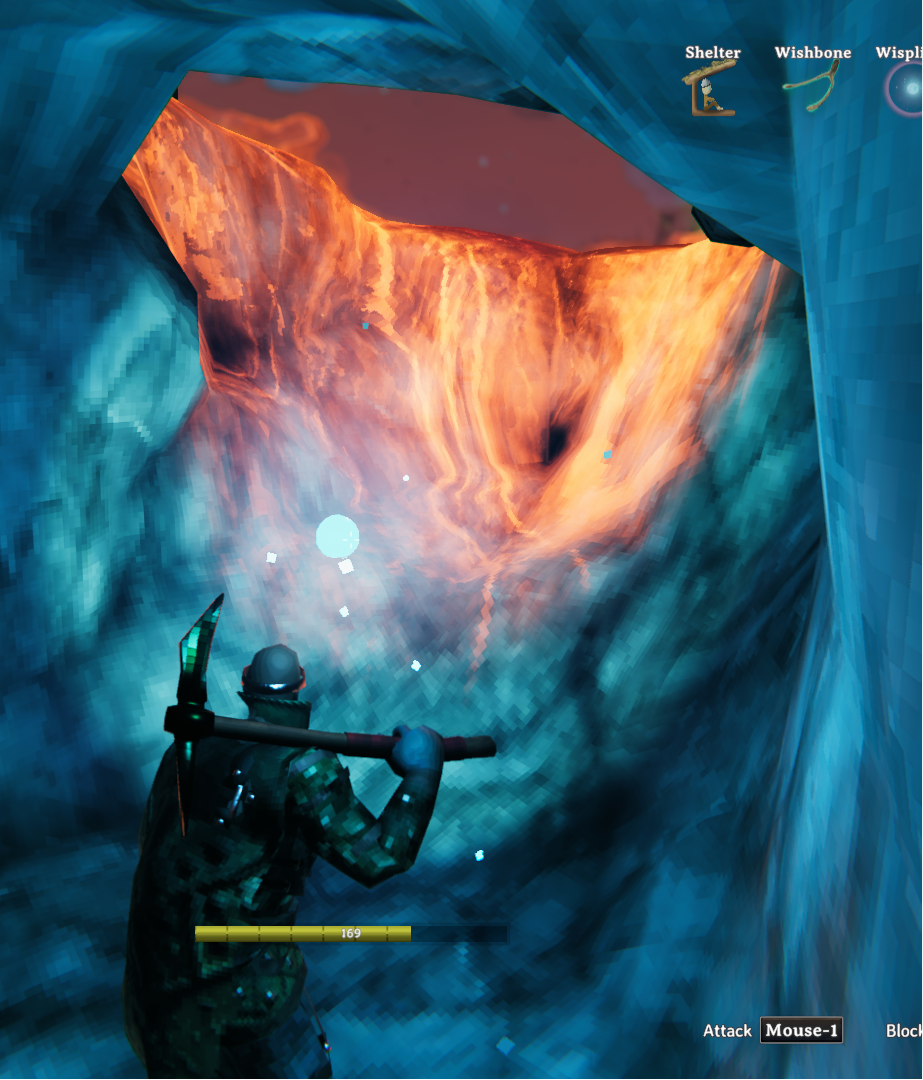
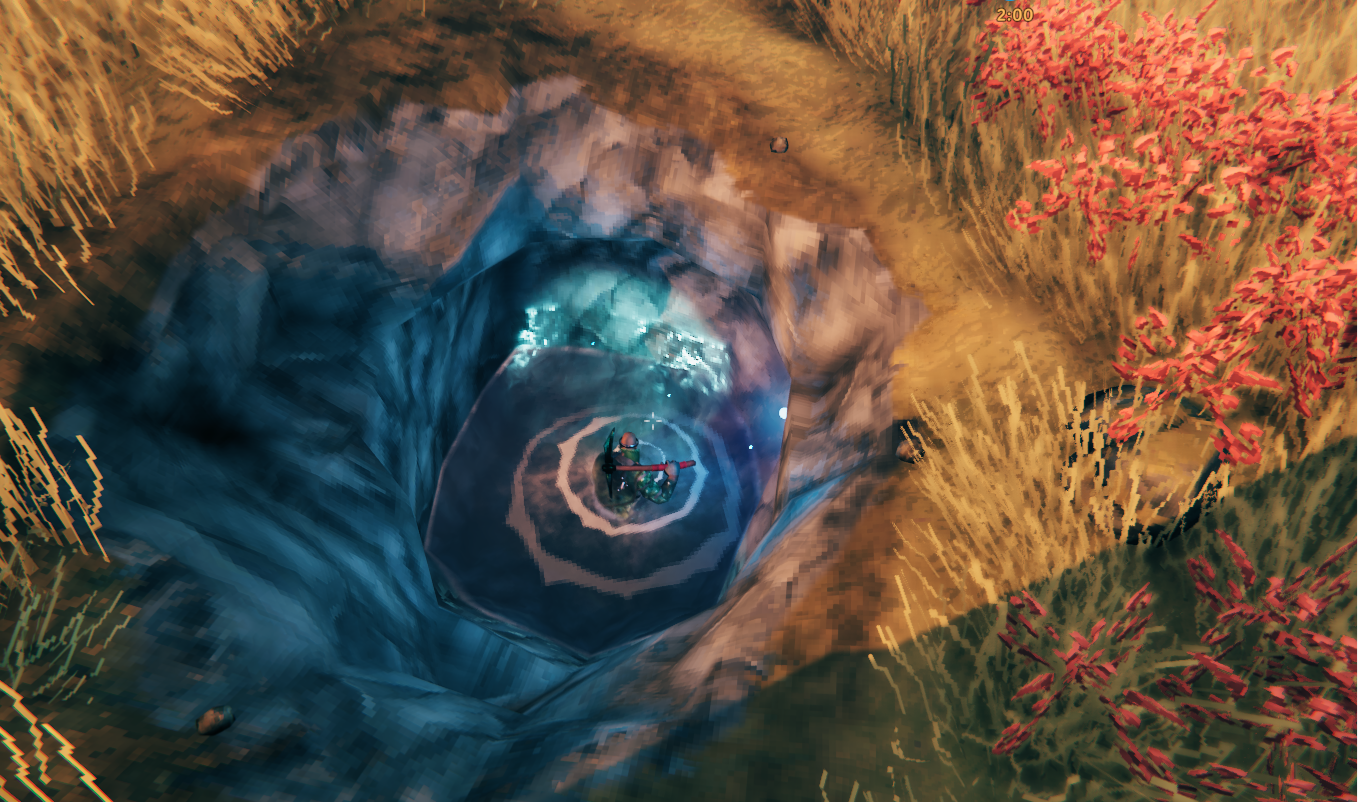
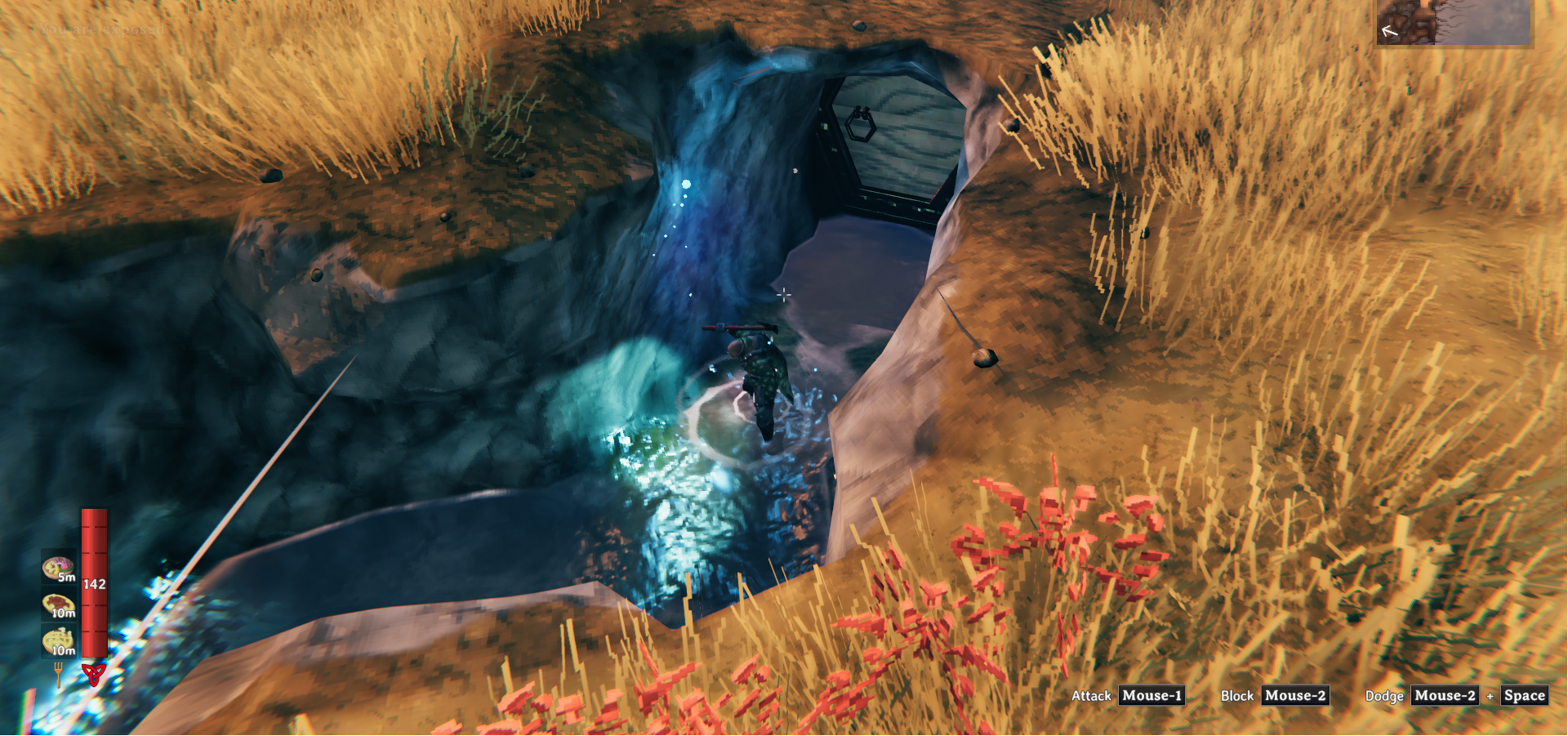
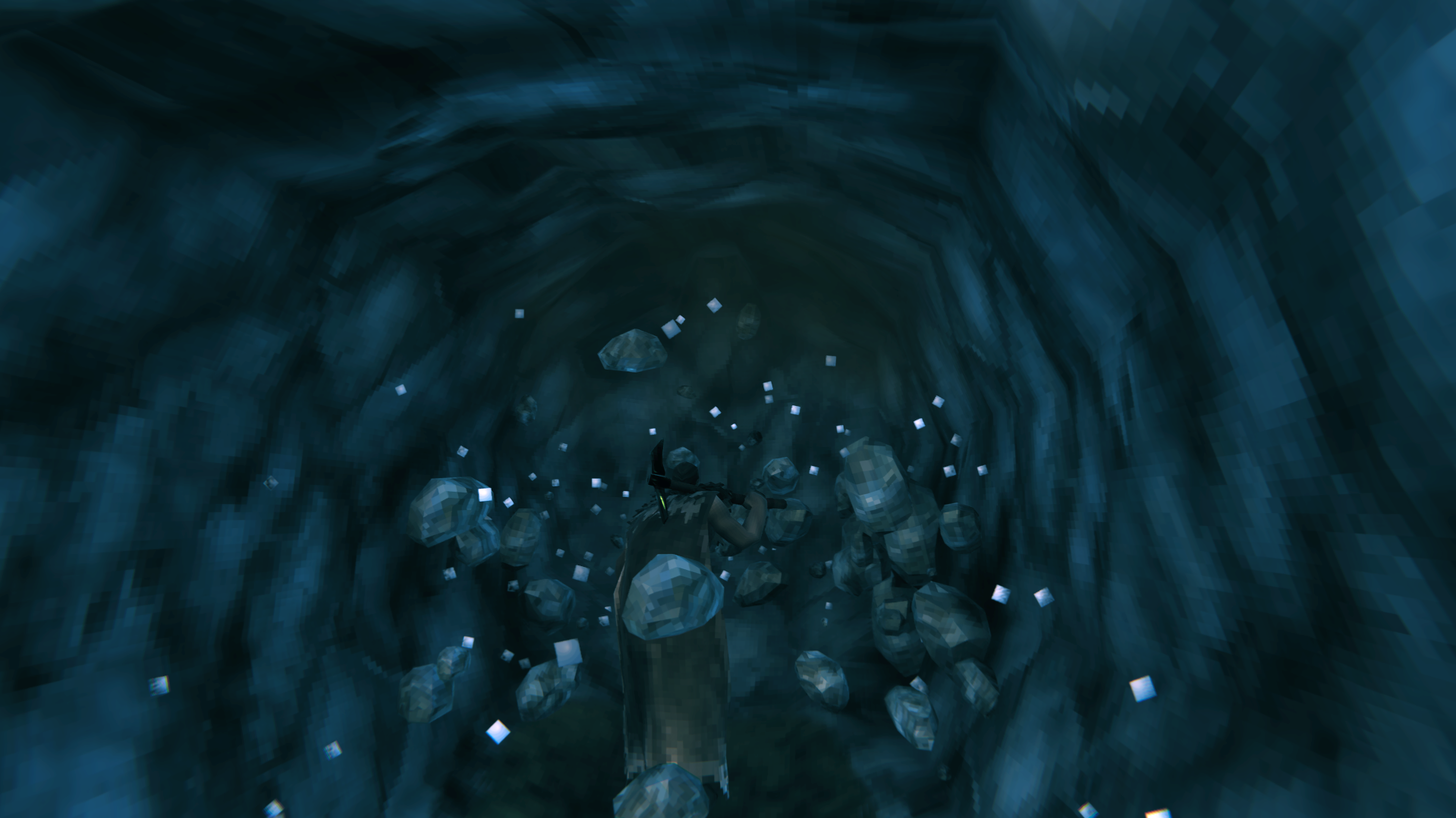
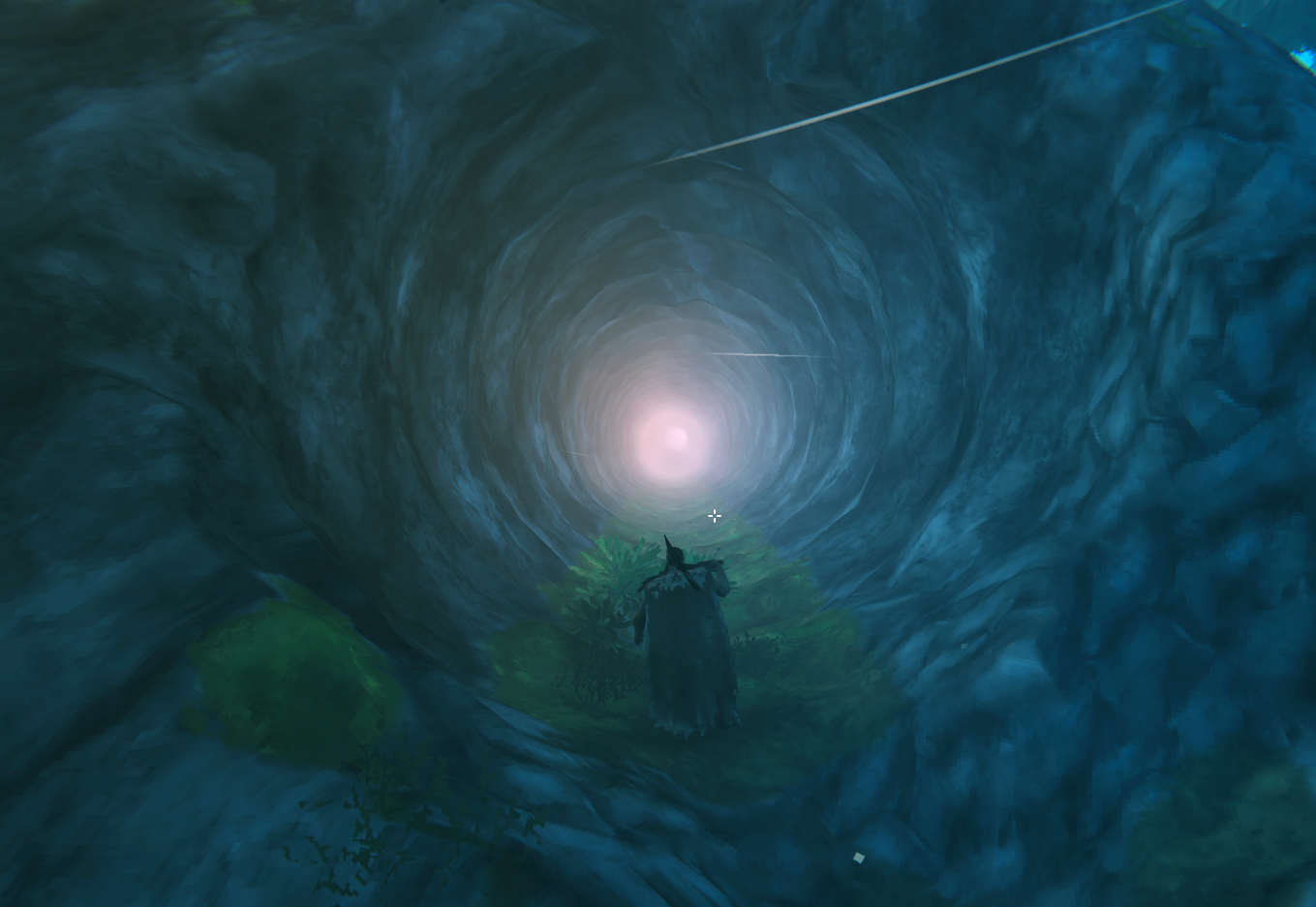
Your pickaxe carves real tunnels now. Hollow out a mountain, sink a shaft, build a home down there. Better pickaxes dig deeper, creatures follow you in, and anything you undermine still collapses. Works on existing worlds, leaves untouched terrain alone, and saves with the world like any other terrain edit.
⚠️ BACK UP YOUR WORLD ⚠️
Vanilla save data and worldgen are not modified, but dug zones look and behave differently and underground builds only make sense while the mod is installed (see Removing the mod). Make backups before using it.
What it does
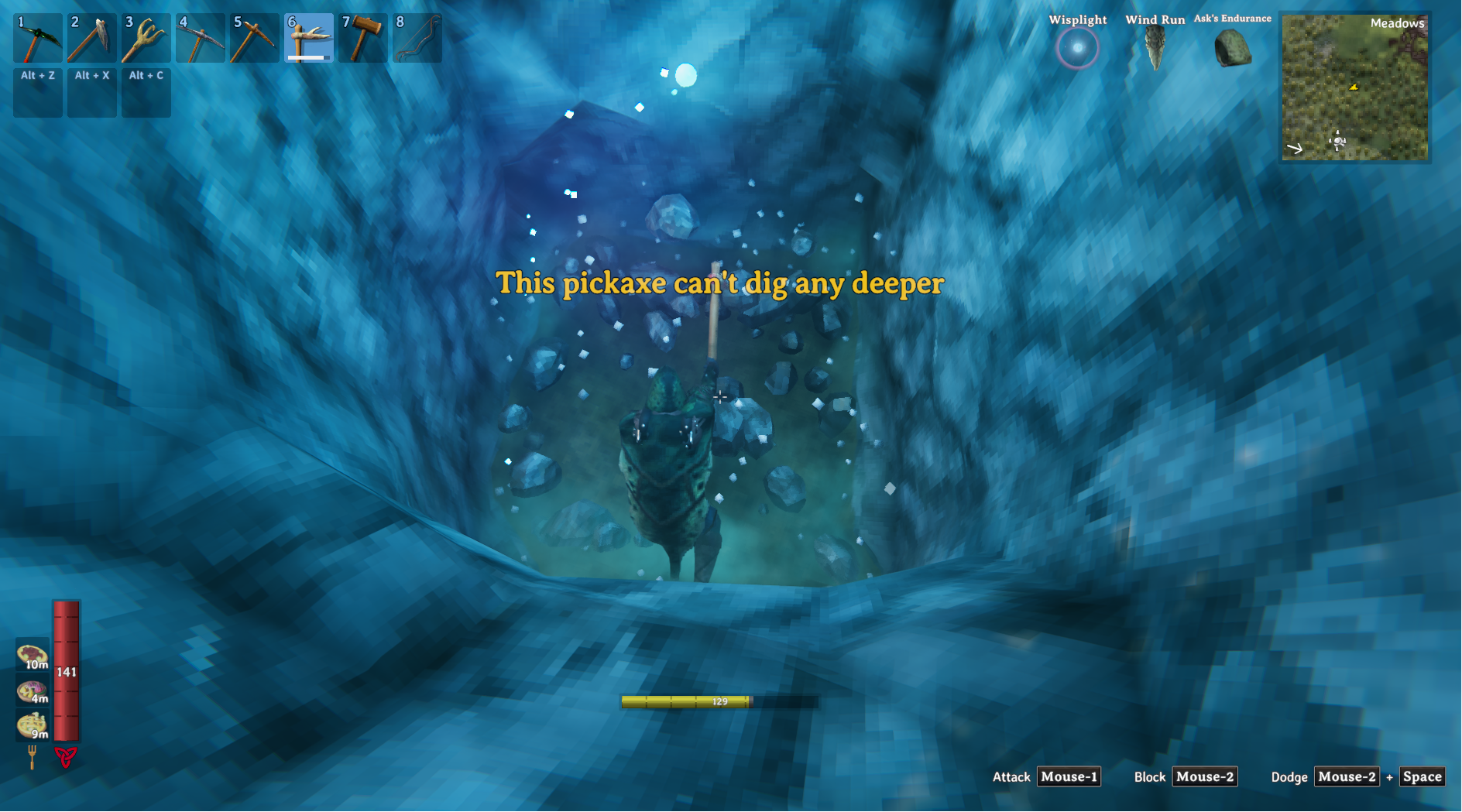
- Pickaxe digs caves. Any pickaxe carves rock out of the terrain instead of lowering it. Each swing bites in the direction you swing and drops stone. Depth is capped by tool tier (antler/stone 8m, bronze 16m, iron 48m, blackmetal 128m), and digging at the cap leaves a flat floor you can build on. Modded pickaxes fit in by their tier.
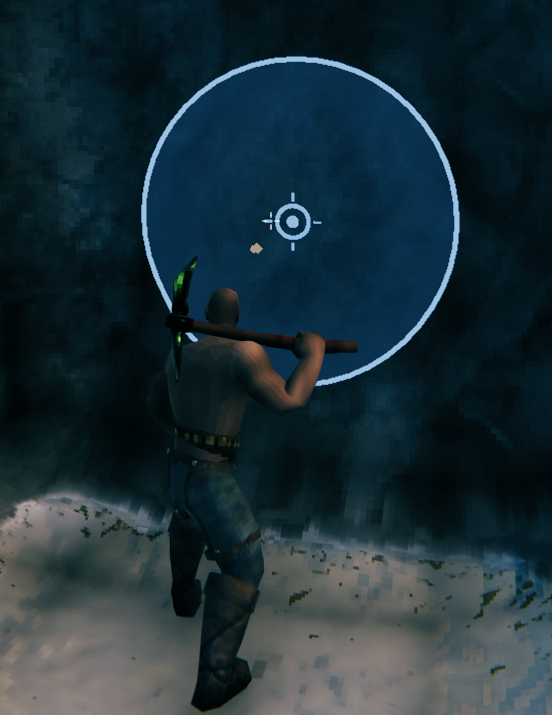
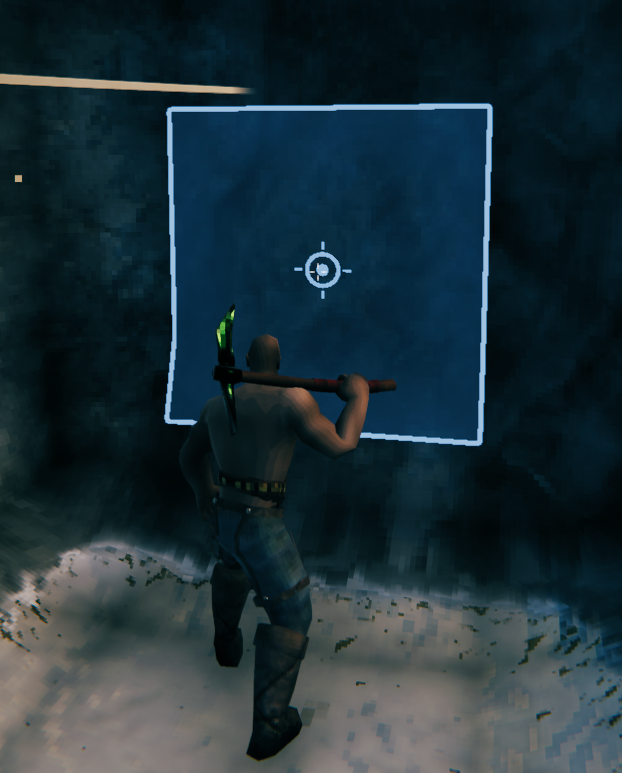
- See it before you swing. Hold a pickaxe and the ground is painted where the hit will land. It's a real
prediction, run from vanilla's own swing. Hold
Left Altfor the mode bar. Mouse wheel resizes,Zswitches shape,Vswitches gradual/blast. - A bigger bite costs more. Stamina and tool wear scale with how much rock the swing removes. A small dig costs less than vanilla, a wide blast costs a lot more. A swing that doesn't dig costs nothing extra.
- Only what you dig is converted. The first carve in a 64×64m zone turns that zone into voxels, terrain edits included. Everything else stays vanilla.
- Live underground. Building, ground support, grass, footsteps and fires all work. The hoe works down there like it does up top. Go deep enough and a dungeon ambience fades in. Log out in a cave and you wake up in it.
- Weather stays outside. Rock overhead is shelter. No rain, snow or ash on you, no wet ground, and you get the Sheltered buff. Weather still reaches in near a cave mouth.
- Creatures follow you in. The navmesh is built from the dug terrain. Sealing the entrance with raised ground still works.
- Multiplayer and saves. Digs are tiny operations stored on the same object vanilla uses for terrain edits. No custom save format, no extra files.
Installation (server AND all clients)
Everyone needs it, same version.
- Dedicated server: required. Mismatched clients are kicked, and it owns the config through ServerSync.
- Clients: required. Without it you'd see no caves and walk on ground that isn't there.
- Crossplay: no. Console players can't install mods.
Singleplayer and local hosting just work.
Console commands
carve, fill, raise, flatten, smooth and restore are admin only on a server. They hit the terrain under your
crosshair, up to 100m away. Radius is optional, 0.25m to 6m.
| Command | What it does |
|---|---|
hearthbelow carve [radius] |
Carve at the crosshair, full radius |
hearthbelow fill [radius] |
Fill rock back in |
hearthbelow raise [radius] |
Raise the ground, like the hoe |
hearthbelow flatten [radius] |
Level the floor and carve headroom above it |
hearthbelow smooth [radius] |
Smooth the floor toward the crosshair height |
hearthbelow restore |
Remove every dig in the zone you're in. Buries anything built in its caves |
hearthbelow restore [radius] |
Fill in only the digs centred in that radius. A dig is filled whole or not at all |
hearthbelow info |
Voxel info for your zone (the default with no argument) |
hearthbelow weather |
Why the spot you're in does or doesn't count as sheltered |
hearthbelow compat |
Which mods are patching terrain. Paste this when reporting a conflict |
hearthbelow show [all|voxel|vanilla|lod] |
Draw only one terrain mesh within 300m. all puts it back |
hearthbelow holes [tolerance] |
Look for open mesh edges between zones within 24m |
hearthbelow remesh |
Rebuild every chunk mesh in your zone |
hearthbelow meshinfo |
Mesh, renderer and material details for the ground you're on |
Config (synced from server, except where noted)
| Setting | Default | Description |
|---|---|---|
| Lock Configuration | On | Only admins can change the synced settings |
| Voxel Digging | On | Master switch. Off means vanilla digging |
| Dig Mode | Gradual | Gradual takes shallow bites, Blast takes the full radius at once |
| Dig Depth Per Hit | 0.75 | How deep each hit bites (Gradual only) |
| Carve Radius | 1.6 | Radius of one hit. The hole is twice this across |
| Dig Shape | Cube | Cube for flat floors and walls, Sphere for round caves |
| Max Cave Depth | 128 | How far below the original surface anyone can dig. Higher uses more memory |
| Tool Depth Limits | On | Cap dig depth by pickaxe tier |
| Tool Tier Depth Limits | 0:8,1:16,2:48,3:128 | Tier:meters pairs (antler 0 to blackmetal 3) |
| Tool Tier Size Limits | (empty) | Tier:meters pairs for how wide a tier digs, measured across. Empty means no limit |
| Extend Tool Tier Limits | On | An unlisted tier follows the step the listed ones climb by (tier 4 depth is 208m) |
| Max Carves Per Zone | 5000 | Safety cap on stored digs per zone |
| Allow Dig Customization | On | Let players change radius, shape and mode on the fly |
| Max Player Carve Radius | 3 | The biggest radius a player may pick (max 8) |
| Radius Cost Scaling | 2 | How hard stamina and tool wear climb with dig size (3 tracks volume, 0 is off) |
| Dig Yield Scaling | 3 | Same thing for stone dropped (0 is one vanilla drop per swing) |
| Drop Unsupported Terrain | On | A swing drops rock it cut completely free instead of leaving it floating |
| Underground Environment | Darklands_dark | Cave ambience (Crypt, SunkenCrypt, Caves, InfectedMine, or empty for none). Per player |
| Underground Environment Depth | 16 | Meters down before the ambience fades in. Per player |
| Underground Painting | On | Hoe paths and paving paint cave floors (shows on the surface above too) |
| Cave Weather Shelter Cover | 0.6 | How enclosed a spot must be before weather stops reaching it. Per player |
| Cave Weather Particles | rain,snow,sleet,hail,ash | Which weather effects rock overhead switches off, by name. Per player |
Don't change Max Cave Depth on a world that already has deep caves. Anything below the new limit gets cut off.
Dig controls (client side, never synced)
| Setting | Default | Description |
|---|---|---|
| Dig Preview | On | Show the overlay while a pickaxe is out |
| Toggle Dig Preview | Alt + B | Turn the overlay off and on in game |
| Dig Readout Timeout | 4 | Seconds the text stays up after a change (0 = always) |
| Dig Readout Tool Name | Off | Put the pickaxe's name in that text |
| Dig Preview Fill | On | Wash the ground inside the ring |
| Dig Preview Outline | On | The ring itself |
| Dig Preview Impact Marker | On | Mark the exact point the head connects |
| Dig Preview Impact Marker Size | 0.14 | Radius of that mark, in meters |
| Dig Preview Color | pale blue | Fill colour |
| Dig Preview Outline Color | blue | Ring and impact mark colour |
| Dig Preview Fill Center Alpha | 0.1 | Wash opacity in the middle |
| Dig Preview Fill Edge Alpha | 0.42 | Wash opacity at the rim |
| Dig Preview Line Width | 0.06 | Ring thickness in meters |
| Dig Controls Modifier | Left Alt | Hold to open the mode bar and take the mouse wheel |
| Cycle Dig Shape | Z | Sphere or cube, while the modifier is held |
| Cycle Dig Mode | V | Gradual or blast, while the modifier is held |
| Dig Size Step | 0.2 | Meters across per notch of the mouse wheel |
Keyboard and mouse only for now. No gamepad bindings yet.
For modders: what I patch
I don't replace Valheim's terrain pipeline. I shadow it, per zone, and only in zones that have been dug.
| Patch | What it does |
|---|---|
Attack.SpawnOnHitTerrain (prefix) |
Notes that a swing is landing, who swung, the direction and the depth cap |
TerrainOp.Awake (prefix) |
Decides if the op becomes a voxel op and clears the flags it took over |
TerrainComp.InternalDoOperation (prefix) |
Same thing for ops that reach the compiler another way |
In TerrainOp.Awake one of two things happens:
- A pickaxe hit. I carve, then clear
m_level,m_raiseandm_smoothon the op.m_paintClearedis left alone. - Anything else on dug ground. The op is replayed as voxel ops in vanilla's order (level, raise, smooth) and the same flags are cleared. On ground nobody has dug I do nothing and the op runs vanilla.
Level, raise and smooth copy the maths in TerrainComp (LevelTerrain, RaiseTerrain, SmoothTerrain), including
m_levelOffset, m_raisePower and m_smoothPower. Radii are passed through untouched.
If your mod edits terrain:
- Ops on undug zones are untouched.
- Ask
VoxelWorld.IsCarvedZoneAt(pos)orIsCarvedGroundAt(pos)before trusting a heightmap. On a dug zoneHeightmap.GetHeightstill returns the surface and knows nothing about the cave under it. - Custom
TerrainOp.Settingswork underground as long as they go throughTerrainOp. - Writing to
Heightmap.m_heightsdirectly gets overwritten on the next remesh of a dug zone. Go throughTerrainOp/TerrainComp, or callVoxelWorld.FlattenAt/RaiseAt/SmoothAt/CarveAt/FillAt. - Digs live on the zone's
TerrainCompZDO underHearthBelow_VoxelOps. Wipe that ZDO's data and the caves go with it. - Resetting a
TerrainCompwon't remove a cave. Clear the ops too withVoxelWorld.RequestClear(hmap). An op with level, raise, smooth and paint all off (Searica's "Remove Terrain Modifications") is recognised and fills in the digs at that spot. - If I differ from vanilla on undug ground, that's a bug. Report it.
Removing the mod
Your world still loads. Terrain goes back to the vanilla heightmap and the caves disappear until you reinstall (the data survives). Anything built in a cave ends up buried and will probably collapse, so don't uninstall casually.
Good to know
- Undermining is real. Dig under a building and it collapses, like vanilla. Silver, copper and flametal deposits, fractured cliffs, pillars and giant bones crumble too. Plain boulders just hang there.
- No cave ins. Overhangs stay put. The exception is rock a swing cuts completely free, which drops instead of floating. It only looks 12m around the hit, so a huge slab stays where it is. It might be your roof.
- Protected locations stay protected. No digging inside boss altars, the trader and other no build spots. Vanilla dungeons live far outside the terrain, so you can't tunnel into one.
- Smoke is honest. A cave fire is a fire in a sealed house. Give the smoke somewhere to go or it smothers the fire, then you.
- Dug your own grave? Raise a ramp out with the hoe. Worst case, the vanilla
diecommand works without devcommands.
How it works (for the curious)
Vanilla terrain is a heightmap, one height per spot. A tunnel needs two surfaces at the same spot, and a heightmap can't store that. That's why vanilla has no caves.
HearthBelow swaps a dug zone for a density grid. It's a 3D array sampled every 1m where positive is rock and negative is air, and the surface is wherever it crosses zero.
- Nothing is voxel until you dig. The conversion starts as the pickaxe swings, so the zone is ready when it lands. Meshing is budgeted at a few ms per frame and collision is cooked on a background thread.
- Surface nets meshing. Same layer and material as vanilla terrain, so building, grass, navmesh and footsteps don't notice the difference.
- Digging is subtraction. A hit subtracts rock, the hoe adds it back. Zones are meshed in 16m chunks and only the chunks that changed get rebuilt.
- Distant terrain follows along. The far away ground sheet is cut away around dug zones near you and put back when you leave.
- Saving is replay. The grid is never saved. Each dig is a few dozen bytes on the zone's TerrainComp ZDO, and the grid is rebuilt from the heightmap plus those digs on load. Multiplayer works the same way.
An untouched zone costs nothing. A dug zone holds its grid in memory (a few MB at 128m depth) plus its meshes. Want
real numbers? Turn on Debug logging in BepInEx and every conversion prints its timings.
Known limitations
- Digging below the water level doesn't flood or block water. It behaves like vanilla.
- Digging under tarpits will make you float like you're in water. Digging near the surface to drain them works like vanilla.
- Creatures need a few seconds to learn a fresh tunnel.
- Terrain paint is flat, so a cave floor and the surface above it share it. Turn off
Underground Paintingif that bothers you. - A tunnel under snow looks like earth a few metres down. A tunnel under a lava flow is a lava tube, and it burns. MoreTerrainTypes paint is left as you painted it.
- Lighting can differ very slightly where a dug zone meets an untouched one, about like any two vanilla zones.
- Two players editing the exact same spot at once can briefly see different results. It sorts itself out when the area reloads.
- A dig that crosses a zone border converts both sides, and a dig right beside a west or south border converts the zone across it.
For questions or comments, find me in the Hexium, Odin Plus Team Discord or in my own:

|

|

|