 Install with Gale

TerrainMistile
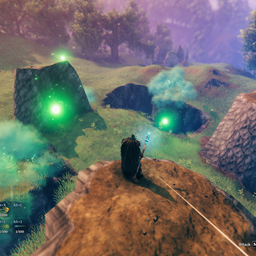
Spawns configurable TerrainMistiles from changed terrain. They seek the edit, detonate, and reset player-made height/paint changes while preserving world/location terrain. Tune biome chance, interval, radius, health, color, and base protection.
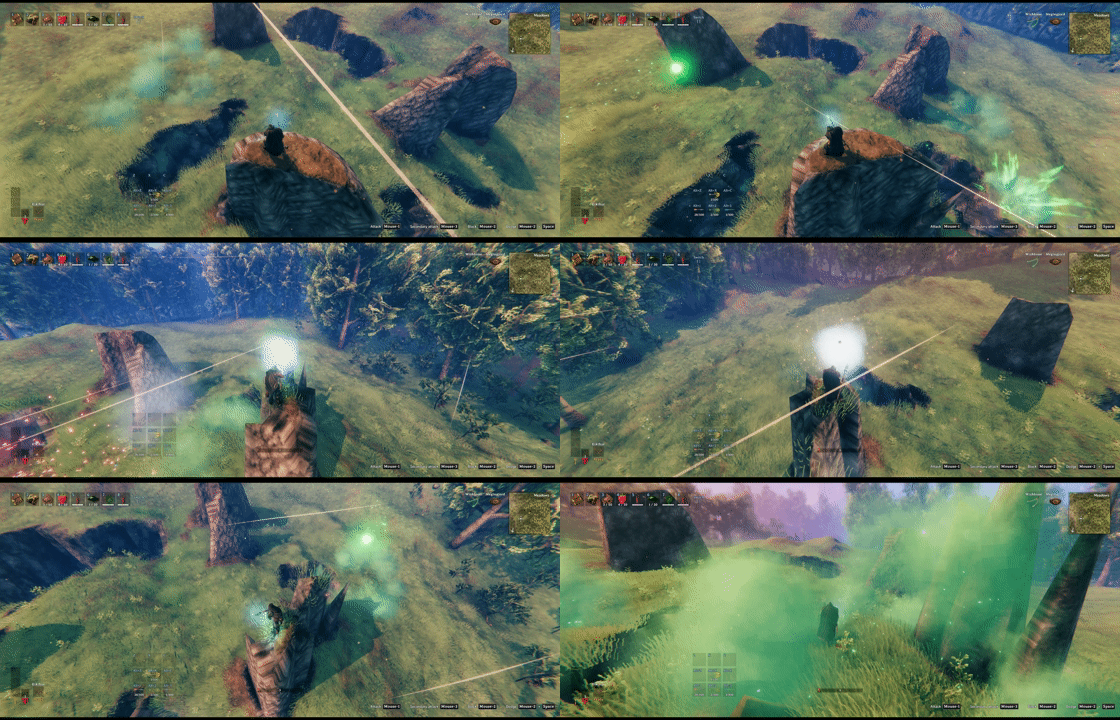
TerrainMistiles try to reset changed terrain, but players can stop them by destroying them before impact.
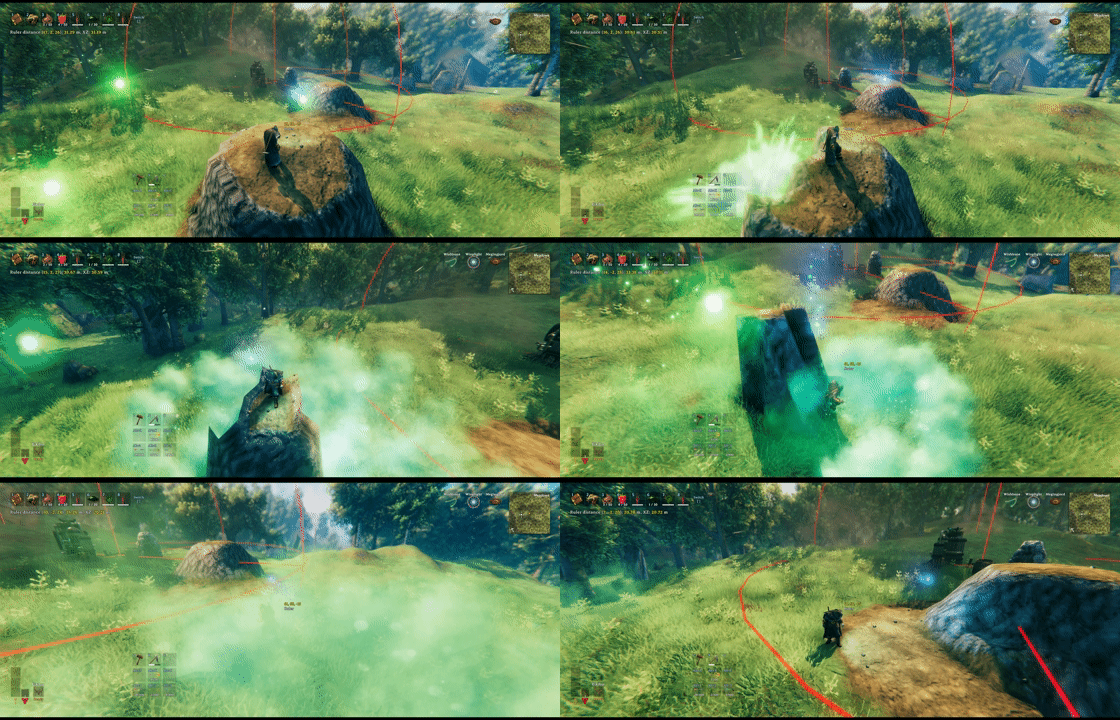
Terrain changes near player bases can be protected from TerrainMistile spawn checks. The base-check radius and required number of unique base prefabs are configurable per biome.
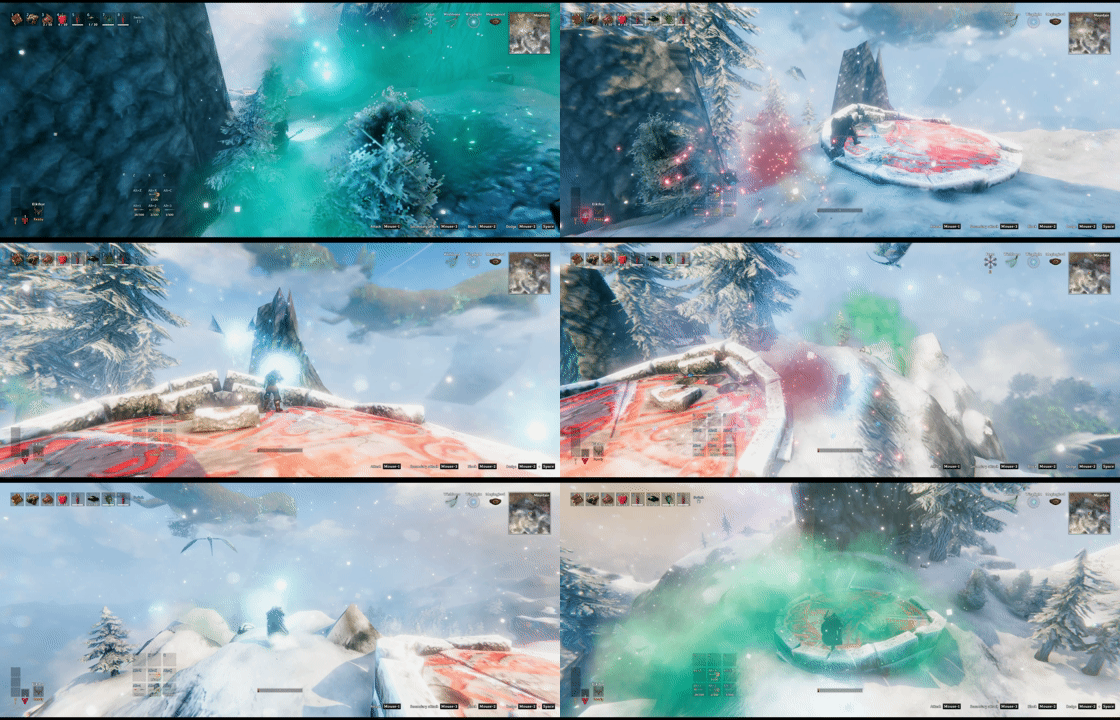
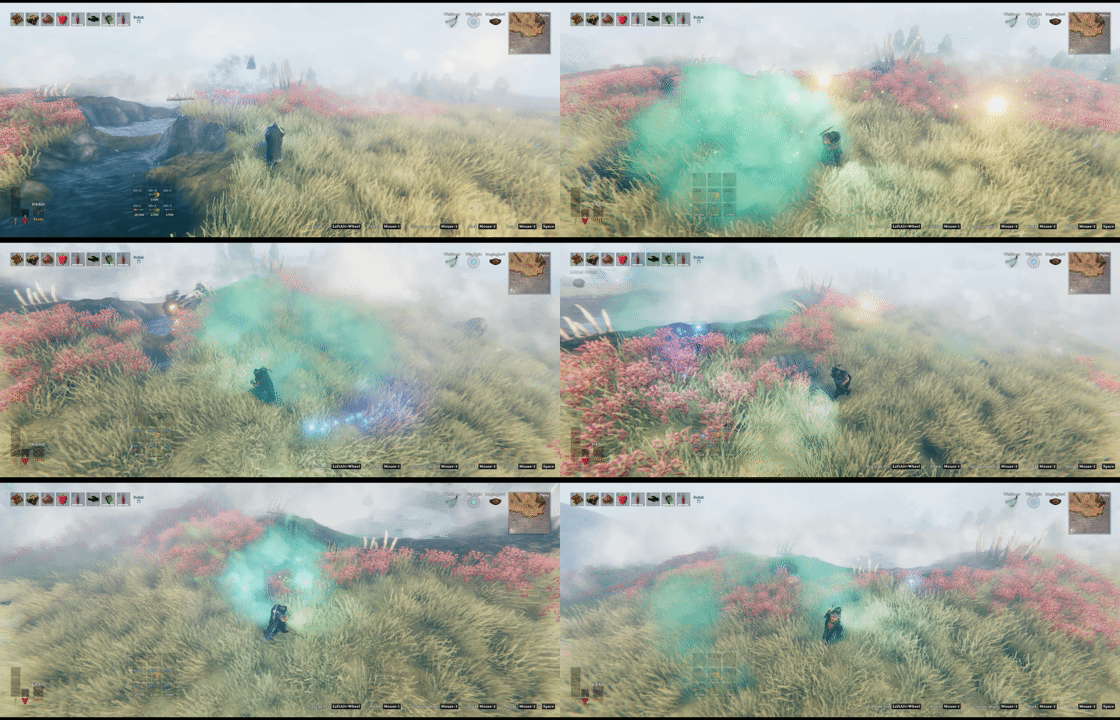
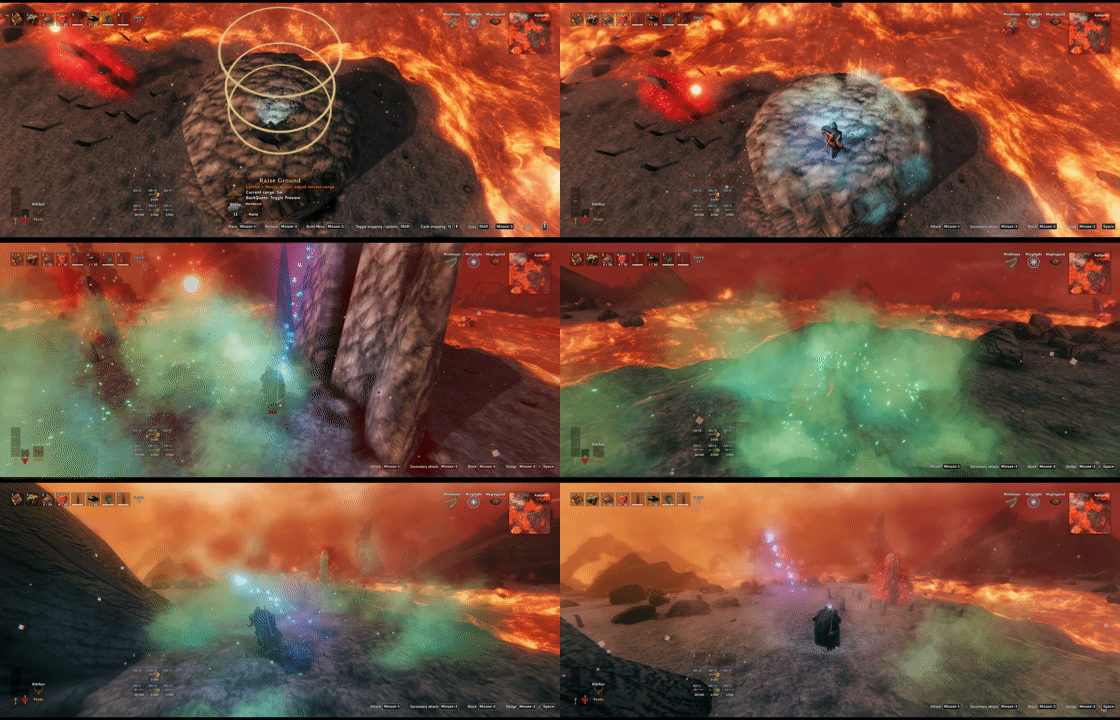
TerrainMistile spawn chance, interval, visual color, health, and reset radius can be configured per biome.
How It Works
- Changed terrain is grouped into 32m terrain units.
- Each changed unit rolls on its biome rule interval while at least one player is within
playerSearchRadius. - TerrainMistiles target changed terrain points, not players.
- A TerrainMistile reset happens when it reaches terrain impact or uses its self-destruct attack.
- Killing a TerrainMistile before self-destruct does not reset terrain.
- Successful resets prompt nearby players to check the localized TerrainMistile Compendium entry, at most once every 60 seconds.
- Reset clears player-style
TerrainCompheight and paint deltas inresetRadius. - Location and world baseline terrain are preserved, so location terrain changes can remain after reset.
- TerrainMistiles use nonblocking colliders so terrain and pieces do not trap them before impact.
TerrainMistileEnforcer
TerrainMistileEnforcer is a same-size companion prefab intended for external spawn systems such as DropNSpawn events. TerrainMistile does not spawn it through its own periodic spawn rolls.
- It selects the horizontally nearest living player to its spawn point, then targets the horizontally closest eligible changed terrain around that player.
- Its localized display name uses the separate
terrainmistile_enforcer_nametoken. - Its horizontal target search radius is the larger of 128m and the highest enabled biome
playerSearchRadius. - It ignores only the TerrainMistile
playerBaseValuetarget suppression. - The target biome must still have an enabled TerrainMistile rule.
- Expand World Data/location protected terrain, temporary external terrain exclusions, and existing target reservations remain protected.
- Its reset radius and visual color come from the current target biome rule; initial health comes from the first acquired target. Biomes without a dedicated rule use
defaults. - It retries target acquisition for 10 seconds and then despawns without resetting if no eligible changed terrain is found.
- A targetless Enforcer does not consume the normal TerrainMistile
maxSpawnallowance.
DropNSpawn event entries must specify a biome, and insidePlayerBase: true is needed when the native SpawnSystem spawn point itself may be inside a vanilla PlayerBase effect area:
spawns:
  - prefab: TerrainMistileEnforcer
    spawnSystem:
      biomes: [All]
      insidePlayerBase: true
      huntPlayer: false
huntPlayer does not affect Enforcer terrain selection or movement; leave it false or omit it.
DropNSpawn event spawns replace that event's entire spawn list, so keep any existing event spawn entries that should remain.
BepInEx Config
Enable TerrainMistile: globally enables new TerrainMistile spawns. Existing TerrainMistiles remain active when disabled.Lock Configuration: server admin config lock.
Localization
English and Korean localization are embedded in TerrainMistile.dll, so the mod keeps its built-in translations when only the DLL is installed. TerrainMistile also loads optional flat YAML files named TerrainMistile.<Language>.yml from anywhere under BepInEx when the plugin starts. External files add languages or override embedded values. The language must use its exact Valheim/Jötunn name and begin with a capital letter.
For example, a modpack can add French localization without changing the TerrainMistile plugin folder:
BepInEx/config/TerrainMistile.French.yml
The release archive includes TerrainMistile.English.yml as an editable template. Copy it, translate only the values, and keep token keys and placeholders such as $1 and $2. Restart the game after adding or changing a localization file.
Files are loaded in a deterministic path order, with files under BepInEx/config loaded last. If more than one file supplies the same language, later files override only their duplicate tokens; invalid files are skipped without blocking valid translations.
TerrainMistile.yml
- Main spawn rule file.
- Synced from the server.
- Generated automatically if missing.
defaultssupplies fallback values.playerBasePrefabsis the editable base-protection prefab list.- Every other top-level key is treated as a biome rule.
- Expand World Data custom biomes can use their custom biome name or numeric biome value.
YAML Example
# Expand World Data custom biomes can use their custom biome name or numeric biome value.
# defaults and playerBasePrefabs are reserved. Every other top-level key is treated as a biome rule.

defaults:
  interval: 60
  playerSearchRadius: 32
  spawnChance: 0.25
  maxDeformationSpawnChanceBonus: 0.25
  maxSpawn: 3
  perPlayerSpawn: true
  playerBaseValue: 1
  baseCheckRadius: 24
  spawnRadius: 16~32
  spawnAltitude: 8
  resetRadius: 8
  health: 1
  visualColor: "#45FF5A"

Meadows:
  interval: 120
  spawnChance: 0.1
  resetRadius: 4
  visualColor: "#7CFF6B"
BlackForest:
  interval: 120
  resetRadius: 6
  visualColor: "#2ED36F"
Swamp:
  playerBaseValue: 2
  visualColor: "#8FBF3F"
Mountain:
  interval: 120
  playerBaseValue: 2
  resetRadius: 6
  visualColor: "#8FE8FF"
Plains:
  interval: 120
  playerBaseValue: 3
  resetRadius: 6
  visualColor: "#FFD15C"
Mistlands:
  interval: 120
  playerBaseValue: 3
  resetRadius: 6
  visualColor: "#B58CFF"
AshLands:
  playerBaseValue: 4
  visualColor: "#FF5A2E"
DeepNorth:
  playerBaseValue: 4
  visualColor: "#BFEFFF"
Ocean:
  visualColor: "#3EA7FF"

playerBasePrefabs:
  - workbench
  - forge
  - portal
The generated YAML includes the full vanilla playerBasePrefabs list. Add custom player-placed piece prefab names there if they should protect terrain from TerrainMistile spawn checks.
Spawn Rule Fields
interval: seconds between spawn rolls for one changed 32m terrain unit.0disables that biome.playerSearchRadius: players within this horizontal radius activate rolls for a changed unit.spawnChance: base chance used when a unit interval is ready and at least one player is nearby.maxDeformationSpawnChanceBonus: bonus added tospawnChancewhen the largest height deformation in the 32m terrain unit reaches Valheim's 8m deformation cap. The bonus scales linearly from 0m to 8m and the final chance is clamped to 1.maxSpawn: maximum active TerrainMistiles with targets within 32m of the target.0disables that biome.perPlayerSpawn: if true, one successful roll can spawn up to one TerrainMistile per nearby player, capped bymaxSpawnand available targets.playerBaseValue: unique listed player-placed base prefab type count required to skip spawn checks.0disables the player base check.baseCheckRadius: horizontal radius used byplayerBaseValue.spawnRadius: horizontal spawn distance from the selected nearby player. Use24for fixed distance or16~32for a random range.spawnAltitude: height above solid ground where TerrainMistile spawns.resetRadius: terrain height and paint reset radius saved onto each spawned TerrainMistile.health: maximum and current health applied when TerrainMistile spawns.visualColor: HTML hex color used for flames, sparks, and light.
Player Base Protection
playerBaseValue counts unique prefab names from playerBasePrefabs within baseCheckRadius meters of the changed terrain point. Repeated copies of the same prefab count once.
Only player-placed instances are counted. Internally, TerrainMistile checks the ZDO longs.creator field and ignores matching prefabs when creator == 0, which filters out noCreator world and location pieces.
Examples:
playerBaseValue: 0: no base protection check.playerBaseValue: 1: one listed player-placed prefab nearby is enough to skip spawn checks.playerBaseValue: 3: three different listed player-placed prefab types must be nearby to skip spawn checks.
Tuning Tips
- Increase
intervalto reduce spawn roll frequency. - Lower
spawnChanceto make TerrainMistiles rarer without disabling a biome. - Lower
maxDeformationSpawnChanceBonusif near-cap terrain edits should not strongly increase spawn chance. - Set both
spawnChanceandmaxDeformationSpawnChanceBonusto0for chance-based suppression, or useinterval: 0/maxSpawn: 0to disable a biome. - Increase
playerSearchRadiusif changed terrain should stay active from farther away. - Increase
resetRadiusfor tall or wide terrain edits that need a larger reset area. - Raise
playerBaseValuein dangerous biomes if simple one-piece bases should not fully suppress spawns.
Development
Copy environment.props.example to environment.props to select a specific Valheim installation or when automatic detection fails, then set ValheimGamePath.
TerrainMistilePlugin.ModVersion is the release version source. On Windows, a Release build updates the source Thunderstore manifest when needed, then creates both Thunderstore and Nexus archives:
dotnet test .\TerrainMistile.sln -c Debug
dotnet build .\TerrainMistile.csproj -c Release
dotnet build .\TerrainMistile.csproj -c Release -p:DeployToGame=true
dotnet build .\TerrainMistile.csproj -c Release -p:PackageMod=false
dotnet test .\TerrainMistile.sln -c Release -p:PackageMod=false
DeployToGame copies the merged DLL to the configured BepInEx plugins directory. Windows Release packaging is enabled by default; set PackageMod=false when only the DLL is needed.
Deployment and packaging remain properties on the normal Build entry point, and internal build-action targets reject direct invocation.