 Install with Gale
InventoryActions
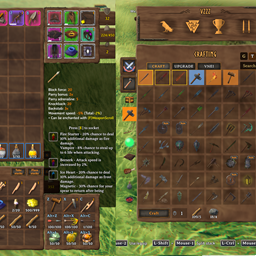
Standalone inventory actions split from InventorySlots mod: hold containers to quick stack/restock, favorite slots, sort inventories/containers, set restock limits, and trash selected items.
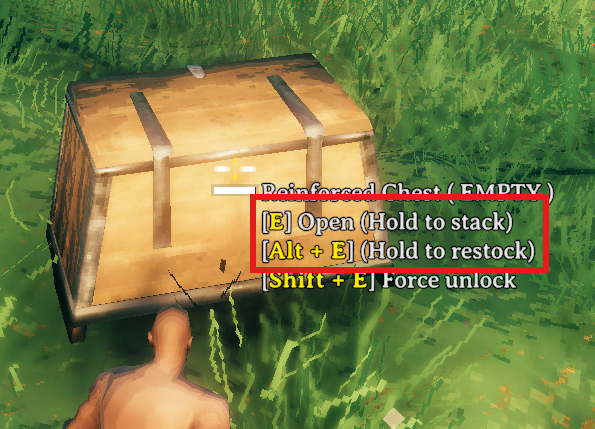
Hovering a container shows hold actions for area quick stack and area restock. Area ranges are centered on the interacted container.

Hold E to quick stack matching non-favorited player items into the hovered container and nearby eligible containers.
Favoriting marks the inventory slot itself, making that slot immune to quick stack while also registering it as a restock target.
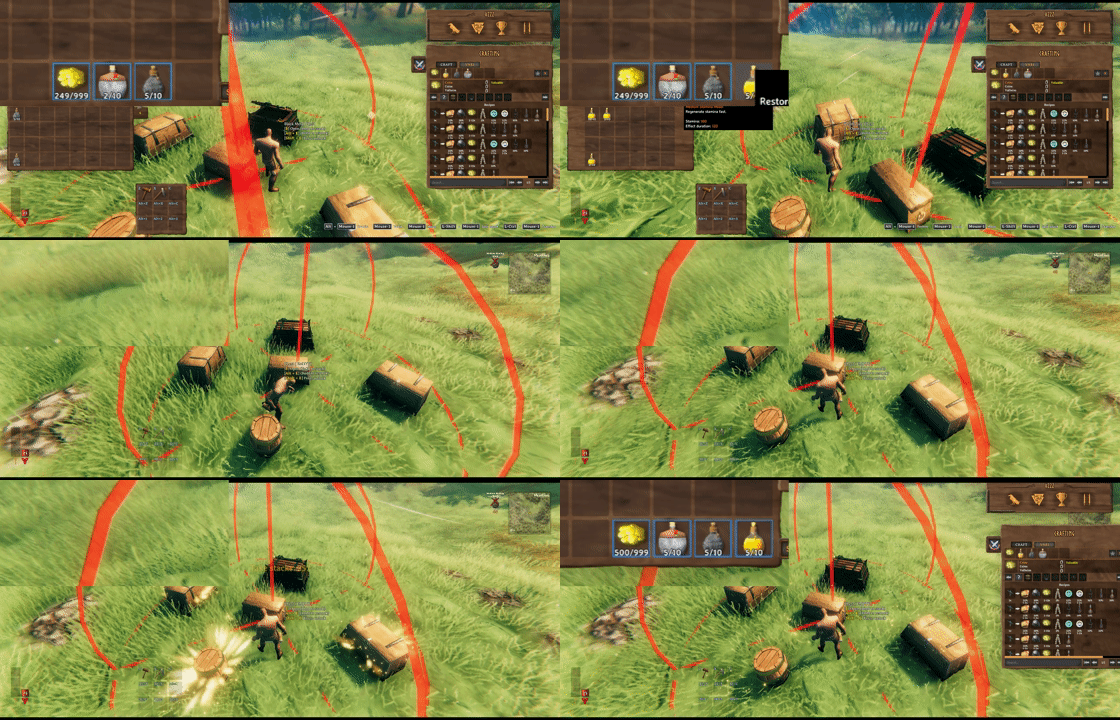
Hold Alt+E by default to restock favorited inventory stacks from the hovered container and nearby eligible containers.
Take stacks pulls only matching stackable items that are not favorited.

Client restock limits can cap favorite restock targets per prefab, such as Stone: 10 or Coins: 500.
- favorite player inventory slots with
LeftAlt + left click - hold
Ewhile hovering a container to quick stack matching non-favorited stackable items - restock existing stacks from the current container
- area quick stack with vanilla Use and area favorite restock with
LeftAlt + E - player and container sort buttons
- trash confirmation for held player inventory items
InventoryActions is incompatible with InventorySlots and Quick Stack Store to avoid duplicate buttons, hotkeys, and inventory mutations.
Multiplayer
Install the same InventoryActions version on the dedicated server and every client. Area quick stack/restock processes eligible closed containers one at a time; when another peer owns a container, that owner validates access, range, and idle state before handing ownership to the requesting player.
When MultiUserChest is detected, area quick stack/restock is disabled because MultiUserChest does not expose enough state to prove that a locally owned container has no secondary user or pending item request. With MultiUserChest 0.6.1 or newer, InventoryActions also leaves non-owner Take All to MultiUserChest.
Github
Quick stack, restock, and inventory favorite code from QuickStackStore.
https://github.com/sighsorry1029/InventorySlots