 Install with Gale
FreeLook
FreeLook is no longer maintained. It stays available as it is, but it gets no fixes, no updates for new game versions and no support. If a game update breaks it, remove it.
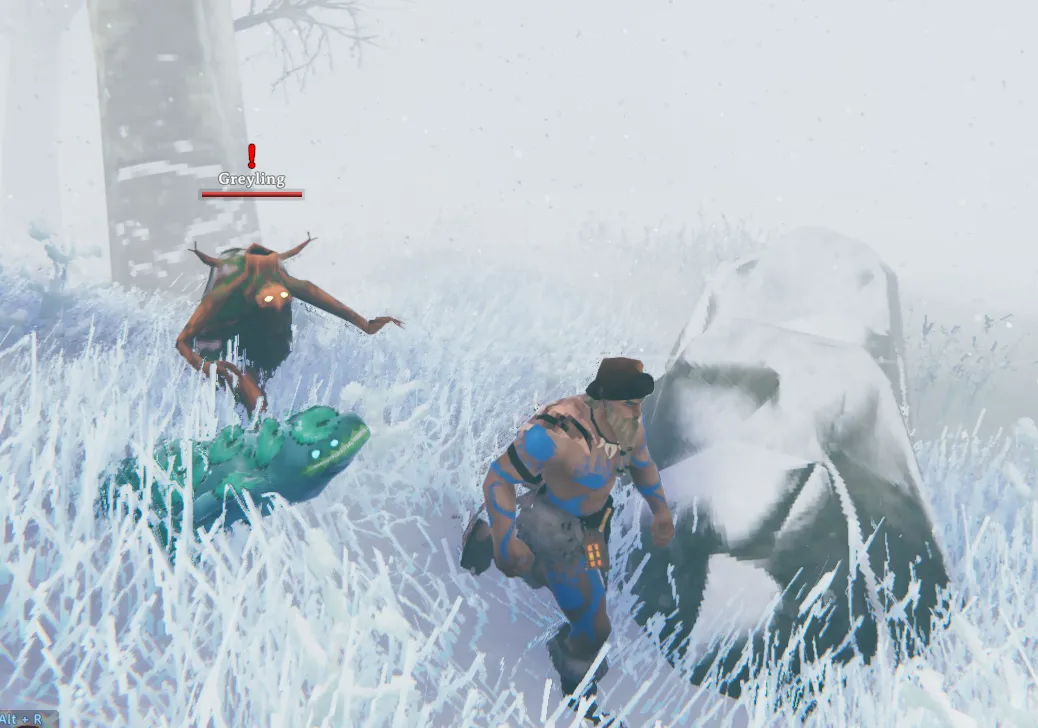
Hold Left Alt and move the mouse to look around. Your character keeps facing, moving and aiming where it was. Let go and the camera eases back.
The view stays within the game's normal camera limits and slows gently toward the edges. The crosshair fades while you look away, since your aim has not moved. FreeLook works on foot, swimming, sailing and riding, and stays out of the way in menus, on the map, in chat and while placing buildings, where Left Alt keeps its normal use.
FreeLook only runs on your own machine. Nothing it changes is sent to other players, and servers do not need it. It does not work while sitting in a chair or lying in a bed.
AI notice
Most of FreeLook was written by Claude Code (Anthropic), which did the heavy lifting on implementation and design. Heads-up so you can judge for yourself.
Settings
All settings are in BepInEx/config/isimp.FreeLook.cfg, each with a description. They include the key, how far you can look, how quickly the view returns and how the crosshair fades.
More
Technical notes and build instructions are on GitHub at https://github.com/isimp/FreeLook