 Install with Gale
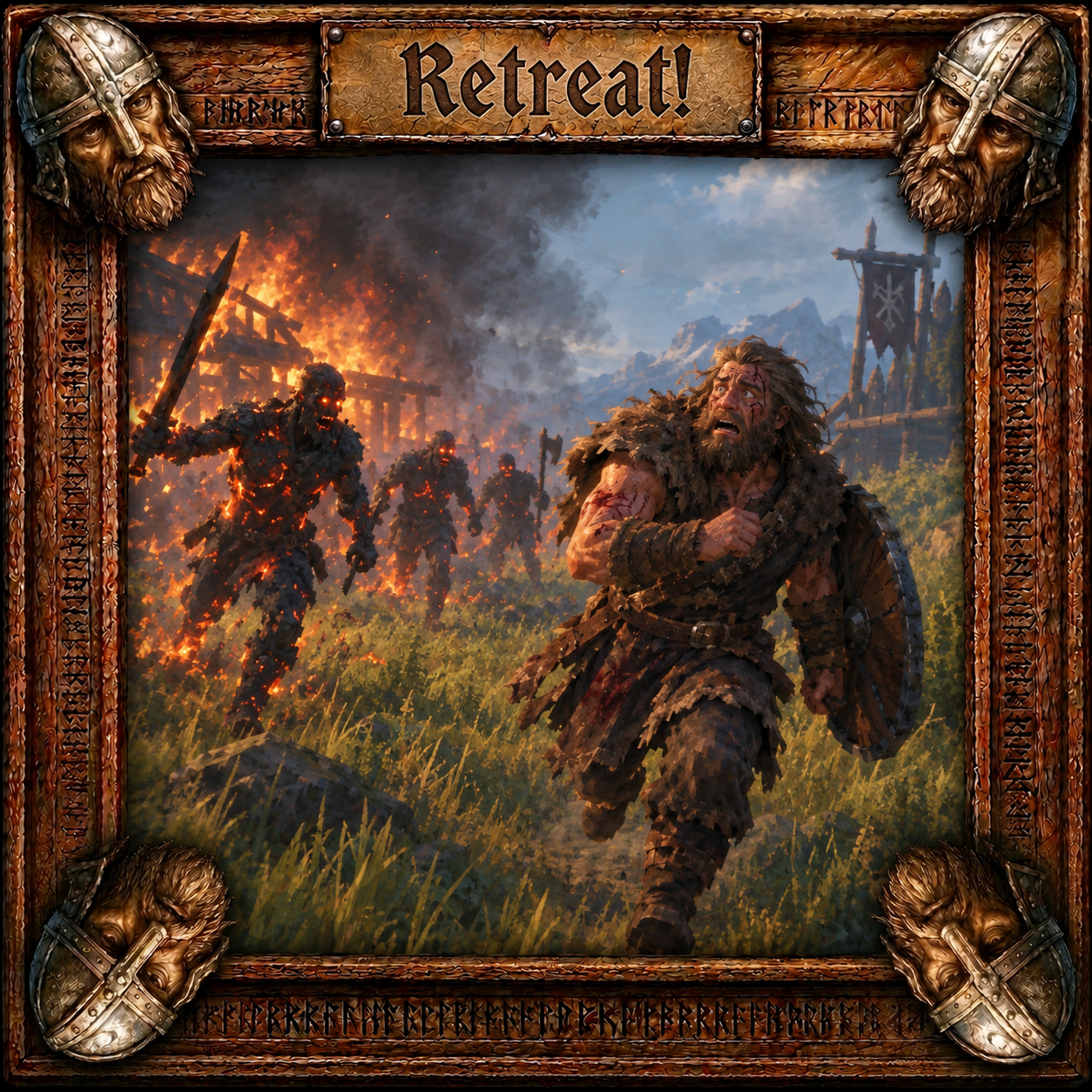
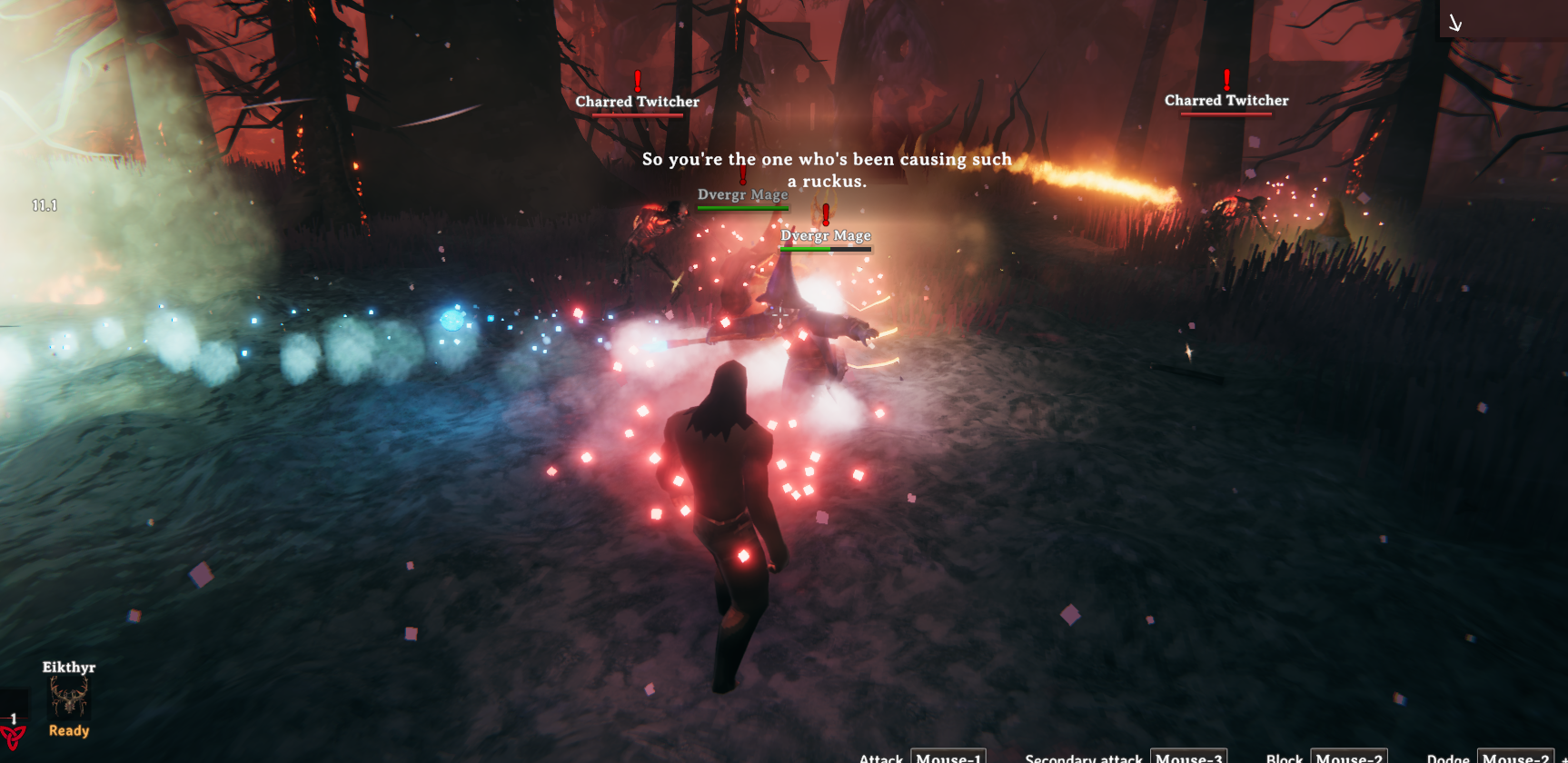
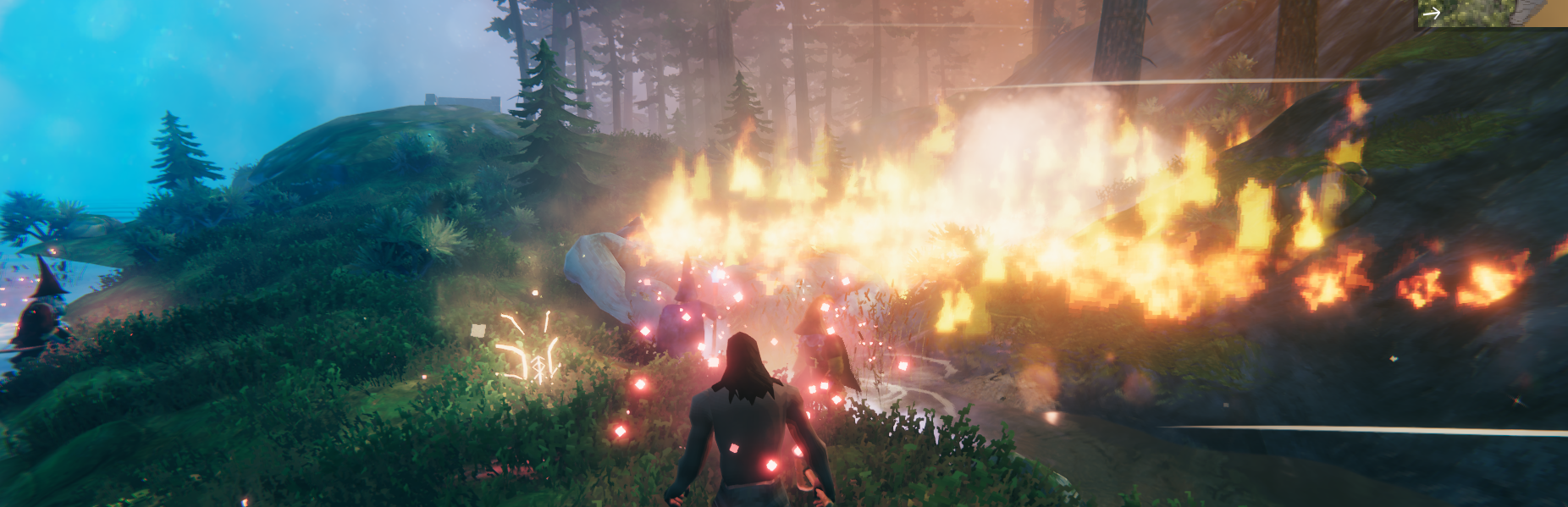
Retreat!
So what does Retreat do?
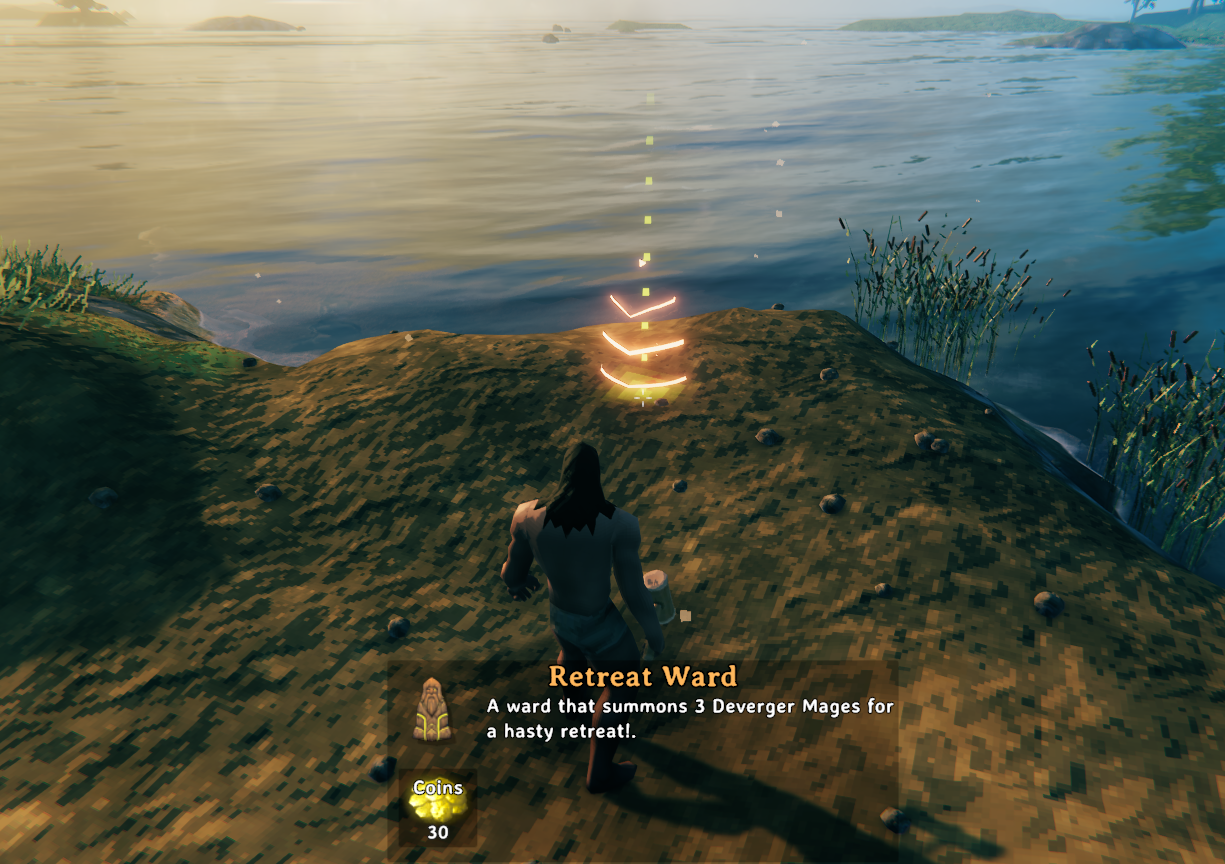
Retreat! adds a new Retreat Ward to the build menu under "Decor".
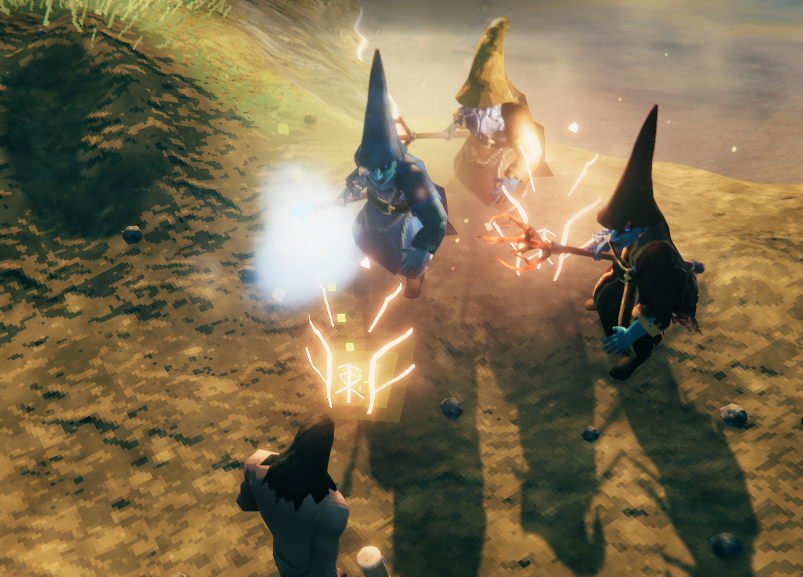
Once created the Ward summons a configurable number of Dvergr from one to up to four different Dvergr to aid in your hasty retreat for a configurable amount of time at a configurable amount of coins.
Example 1: Whenever you or your group are in deep trouble you can build (without the need of a workbench) a Retreat Ward that will buy you some time to escape.
Example 2: Retreat! is also a great aid for when you are solo playing and get tired of the 5 minute death run to get back to your tombstone just to get killed again. Just get there the first time and summon a Retreat Ward to give you time to grab your tombstone and get out there!
By "buy" I mean it will cost you a configurable 10-100 coins for 10-20 seconds of their help.
To create a Retreat Ward
- Use your vanilla hammer and look Retreat Ward in Decor in the build menu (near or at the bottom).
- Use the configured amount of coins to build the Retreat Ward close to where you are to summon the configured Dvergr you set in the confiuration file.
- Now run! At the end of the configured amount of seconds for their help, they will go transparent just like the ward before disappearing and you'll hear a bell letting you know they are no longer aiding your escape.
Trouble Shooting
If something isn't working correctly then submit your log file on my Discord server as my mods have lots of error traps built into them that should show what went wrong. RageZro
Additional Info
- Support through Deep North 1.0.
- The Dvergr will not attack tames directly however their attacks are able to damage the environment they are spawned in so be aware of those consequences when spawning them.
- Multiplayer: The host sets the coin amount, time allotted and allowed Dvergr to be summoned. If a player tries to override that setting the host will know.
How to Install:
Use Gale! If you want to install it manually then unzip the download and place the DLL in BepInEx's Plugin folder. It will genertate it's own config file the first time. Hint! Use Azu Unofficial Configuration Manager to make life smooth as butter. Azu
Conflicts
- None known, however any mod that affects vanilla Wards might cause a conflict.
Contact Info
-
Got an issue or question? Contact me at my Discord server below