 Install with Gale
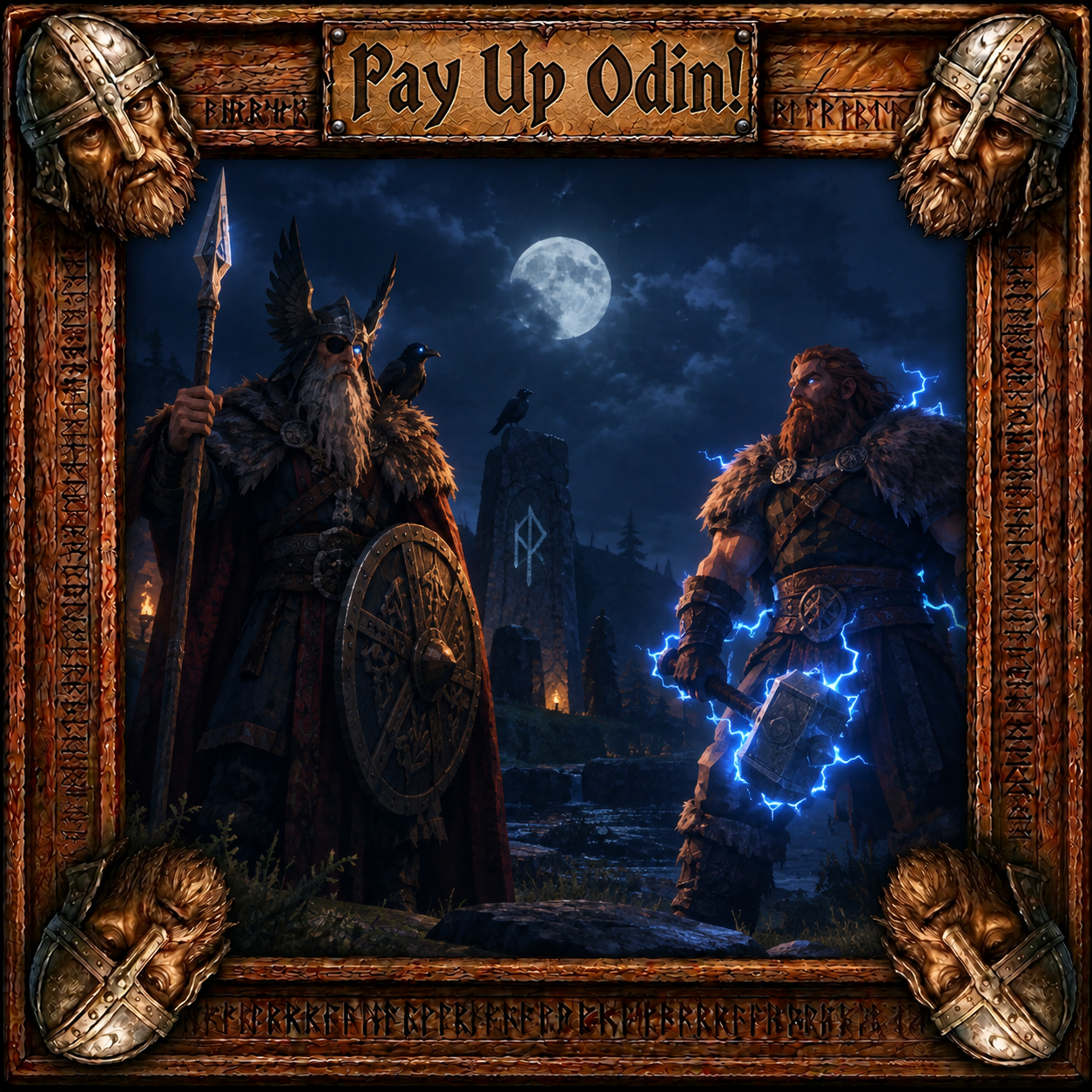
Pay Up Odin!
What does Pay Up Odin do?
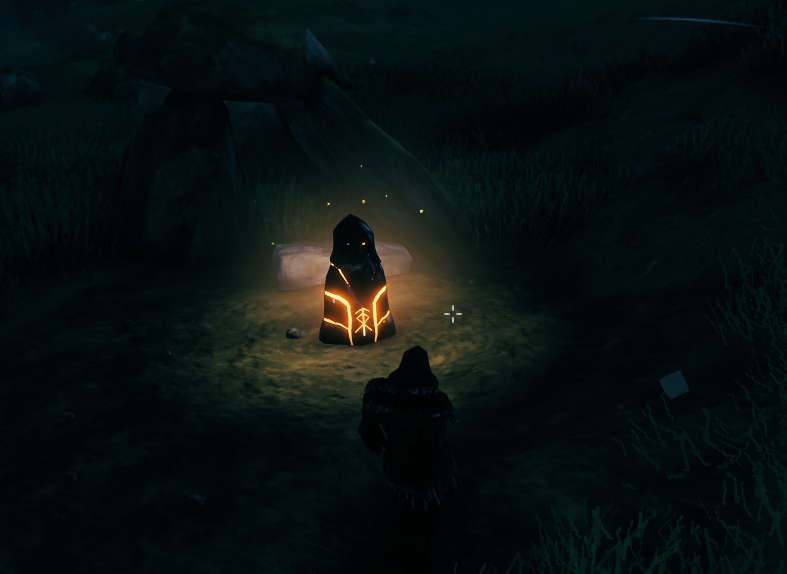
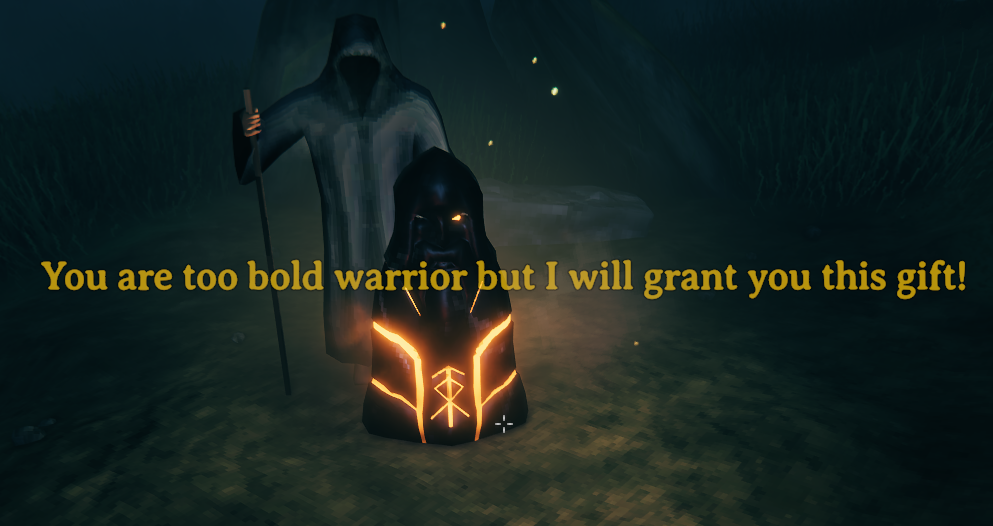
- Pay Up Odin introduces a new build item called Odin Ward. Building the Odin Ward will place a black steel Ward in front of you so you might get to see Odin and he will grant you a gift! It will cost you 20 rubies and the gift is a random high level weapon.
- But beware warrior! The gods are easily annoyed and you might get Thor's punishment and no gift at all! Even Odin can be malevolent to one as puny as you are in his eye.
How it works
- Build a workbench.
- Have your 20 rubies in your inventory.
- Wait until night time as that is the only time the Odin Ward summons Odin.
- Be sure to come properly attired and ready to meet the Allfather, wear your best and be in top form!
- Look in the Decor section for the Odin Ward and select it.
- Place the Odin Ward on the ground in front of you.
- Once placed and after a few seconds you will either meet Odin or you will receive the wrath of Thor!
- Should you be lucky enough to gain Odins favor and receive his gift you can try again as he has more gifts!
- Should you be unlucky enough to gain Thors rath then know this, he might punish you again if you try again.
- You have been warned! No pain - no gain really applies here.
- Be creative and post your screen shots either way to my Discord RageZro
Gale Installation
- Choose Install with Gale on this page in the top right corner if you don't have Gale already.
Manual Installation
- Download and install BepInEx for Valheim.
- Place
payupodin.dllinto yourValheim/BepInEx/pluginsdirectory.