
Confirm with your password

Private mod - not listed and not searchable

WildGlow

Model-attached collectible motes and soft light spill with day/night variants. Sparse columns, brighter mushrooms and subdued ore/bush glow. Per-effect controls. Common items, trees, structures, dropped items and greydwarf nests excluded.

Client-only

· Website

Stars
0
Downloads
3
Version
0.4.12
Updated
Author
Vassteel
Virus scan
✓ Scan successful
Runs on
Client-only
Required by
2 mods

Description

✨ WildGlow — Collectibles & Woodland Light
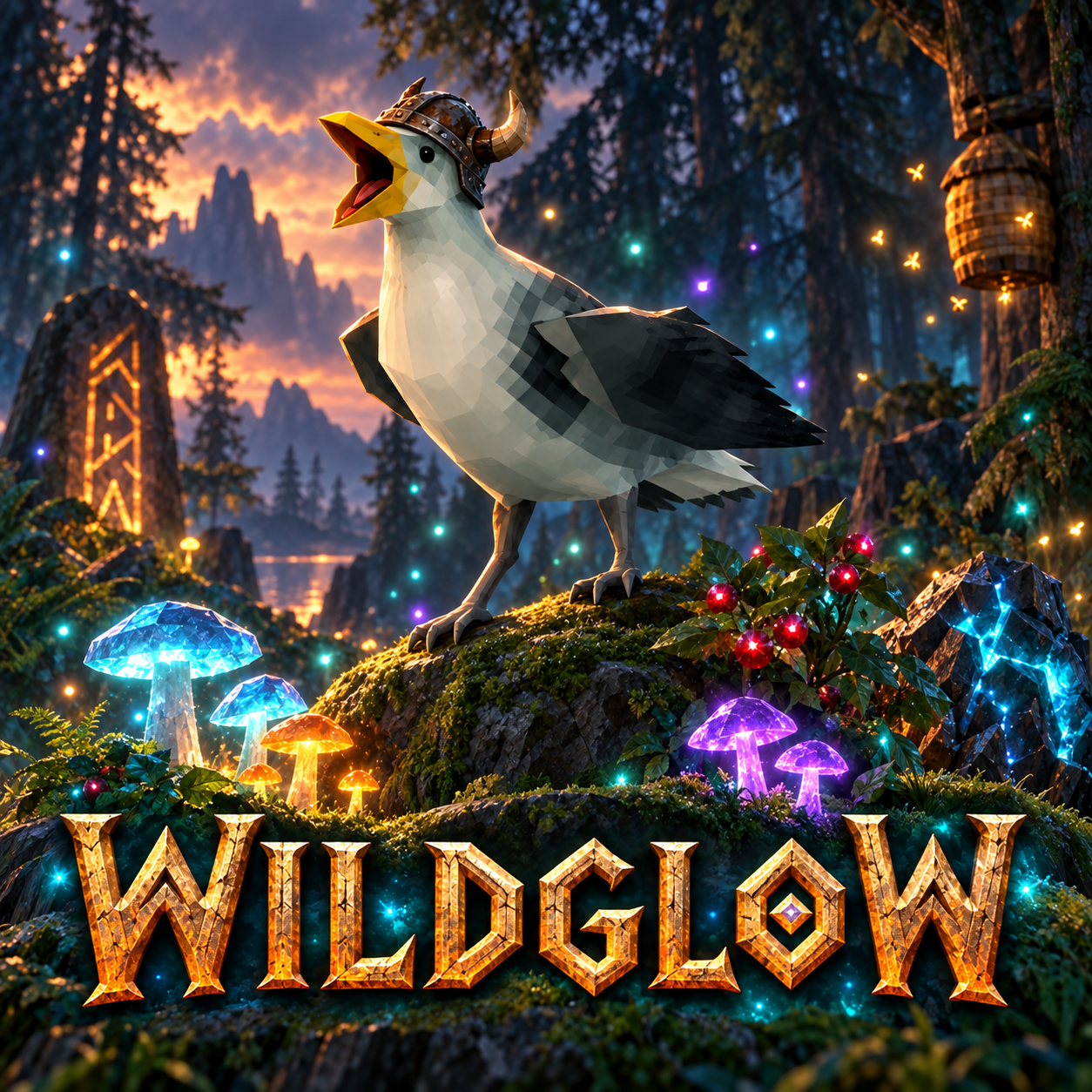
Viking gull among glowing woodland plants

SKRAAA! Walked past supper again? Buy yourself better eyes.

🌿 Collectible Effects

  • Useful finds: Highlight supported plants, mushrooms, berries, ore and other collectibles.
  • Distinct styles: Different colours, motes and effects help useful objects stand out.
  • Surface glow: Effects follow supported models.
  • Light spill: Soft illumination reaches nearby surfaces.
  • Day & night: Effects change with the game’s lighting cycle.

🎛️ Customisation

  • Adjust particles, surface glow and light spill independently.
  • Tune individual effects or switch them off.
  • Reload your settings without restarting the game.

🚀 Quick Start

  1. Install BepInEx and WildGlow.
  2. Launch the game once to generate the configuration.
  3. Edit BepInEx/config/local.valheim.wildglow.cfg.
  4. Run wildglow_reload in the game console to apply changes.

See the effect catalog for supported objects and individual settings.

Effects · GitHub · Discord

Code, artwork and documentation developed with generative AI.

Files

7 files · 186 KB download

Loading files…

Manual installation instructions
1

Install BepInExPack Valheim

BepInExPack Valheim is required to run mods in Valheim.

Download BepInExPack Valheim 5.4.2360 · View mod page

Check out the mod page for detailed installation instructions.

2

Install WildGlow

This mod only needs to be installed on the client.

Download WildGlow 0.4.12

Extract the ZIP and place the file(s) into the BepInEx/plugins/ folder inside your Valheim game folder.