
Confirm with your password

WorldEditorBridge

Edit your world while it runs, with Valheim World Editor: sculpt and pave terrain (past ±8 m too), paste buildings, place or remove anything, undo it all. Install where the world is hosted; players who join need nothing.

Server-only Open Source Tools

· MIT license · Website

Stars
3
Downloads
43
Version
1.43.0
Updated
Author
Tie
Virus scan
✓ Scan successful
Runs on
Server-only

Images

Description

WorldEditorBridge

Edit your Valheim world while it runs. WorldEditorBridge connects Valheim World Editor, a 3D world editor for Windows and Linux, to your game or dedicated server. Shape the land, build, place or remove anything, and everyone online sees it appear, as if a very fast Viking had done it by hand.
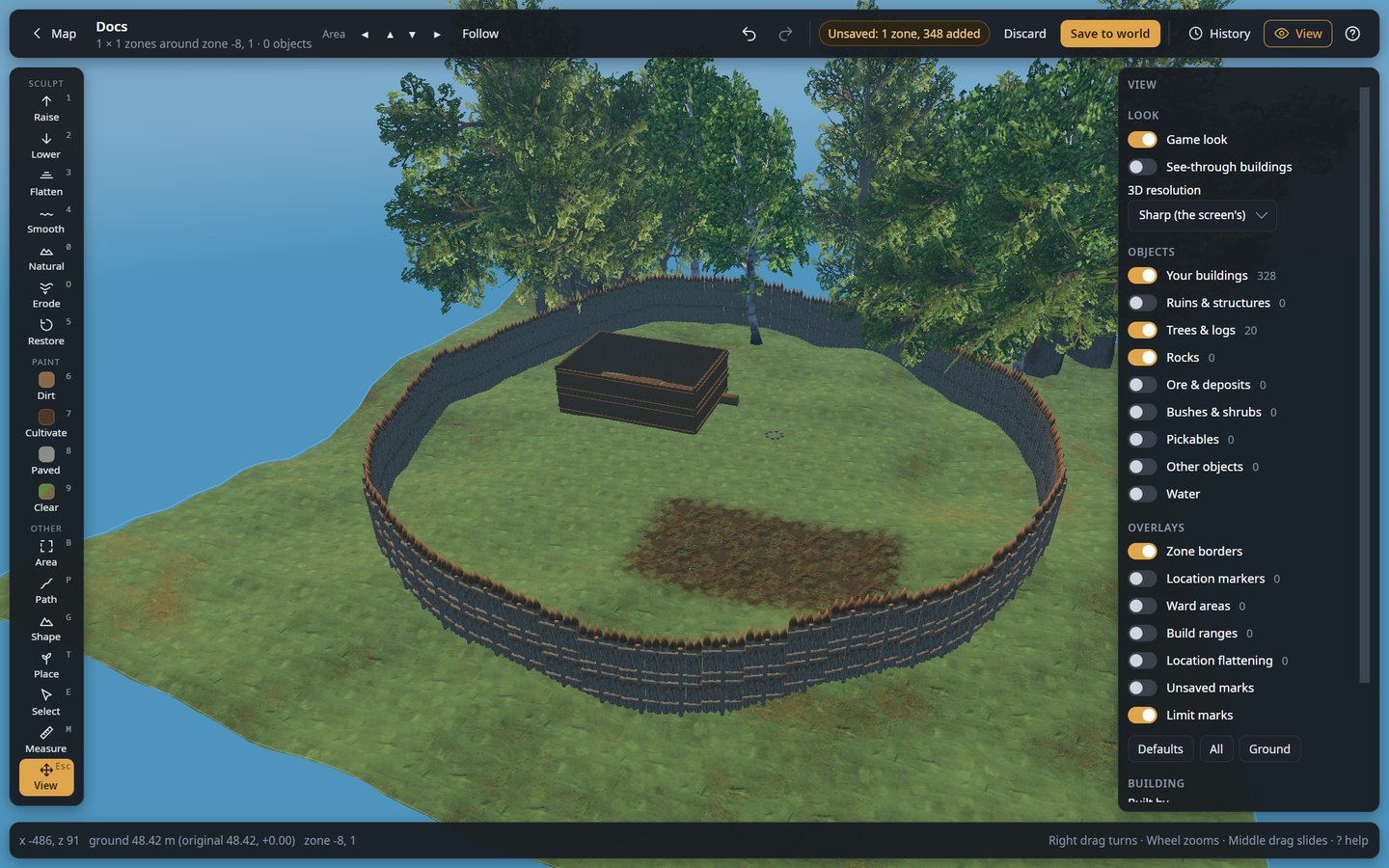
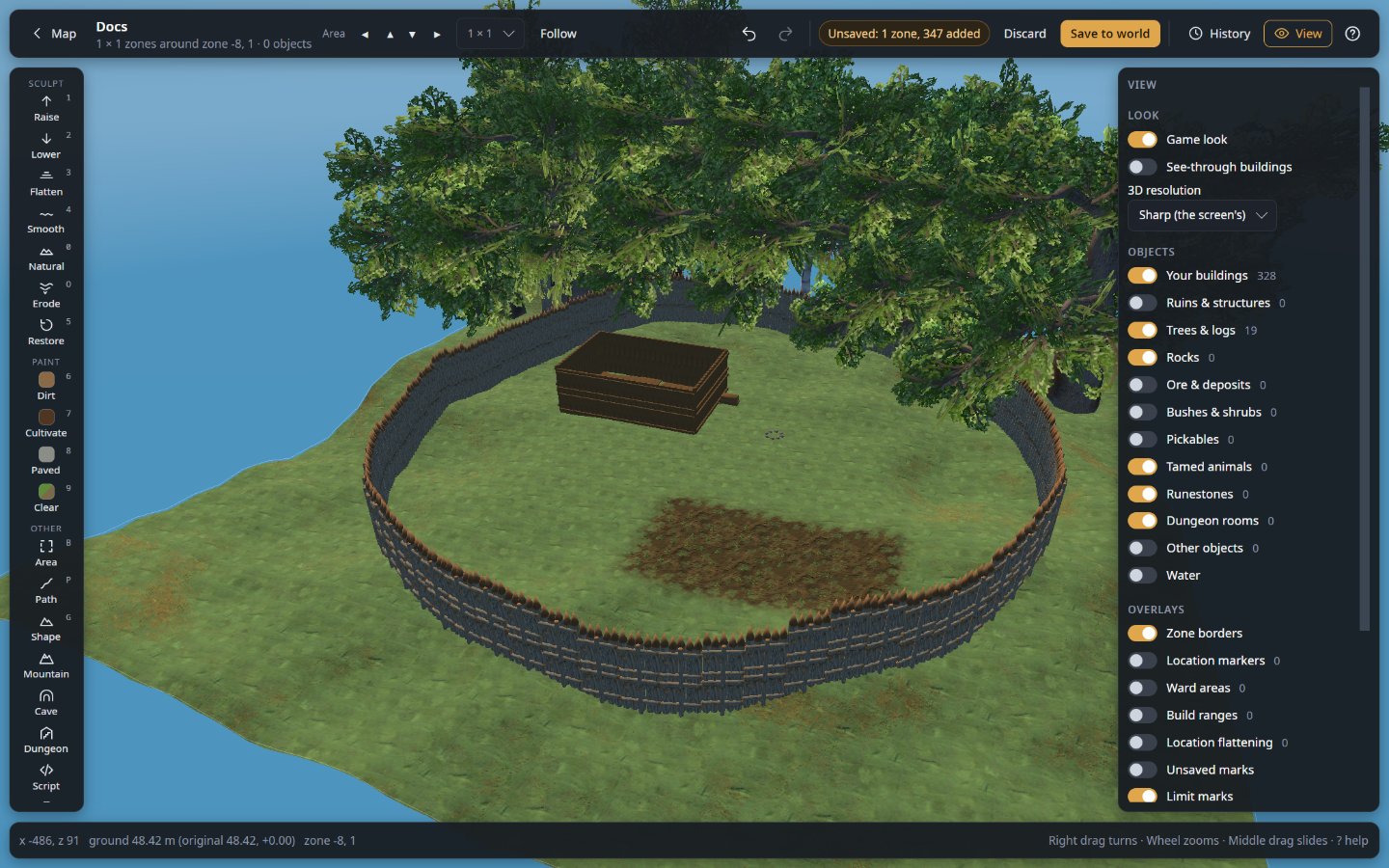
The editor, showing a base on a server

This mod is the bridge, not the editor. Get the editor from its releases page: unpack it and start it, nothing to install. Use the same version of the editor and of this mod.

What people use it for

  • Repair griefing. Someone dug a crater next to the portal hub or burned down a forest? Put the ground and the trees back for that spot only, from a backup, without rolling back the world.
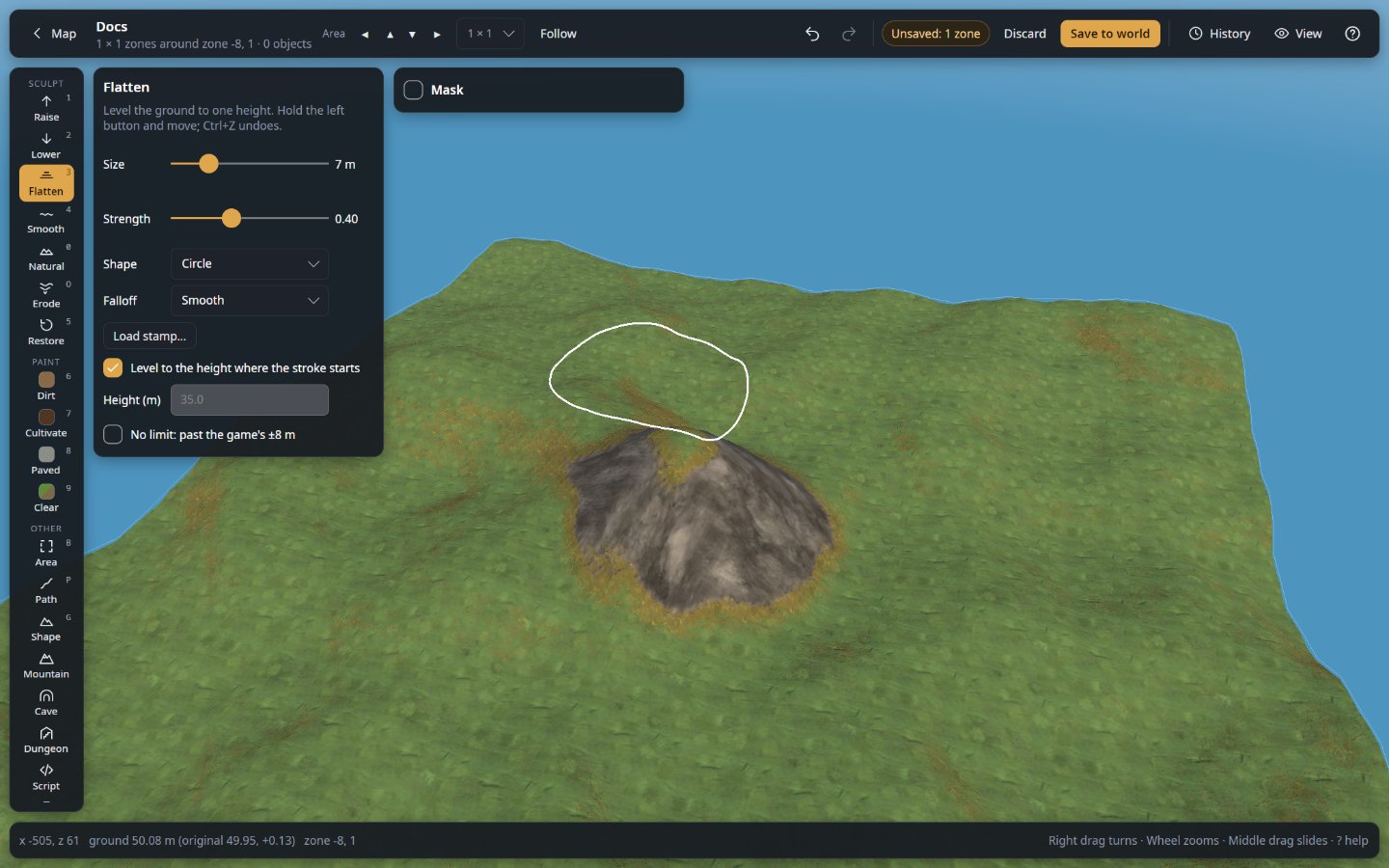
  • Prepare a building site. Level a hilltop, terrace a slope, pave a courtyard, then build on it in game.
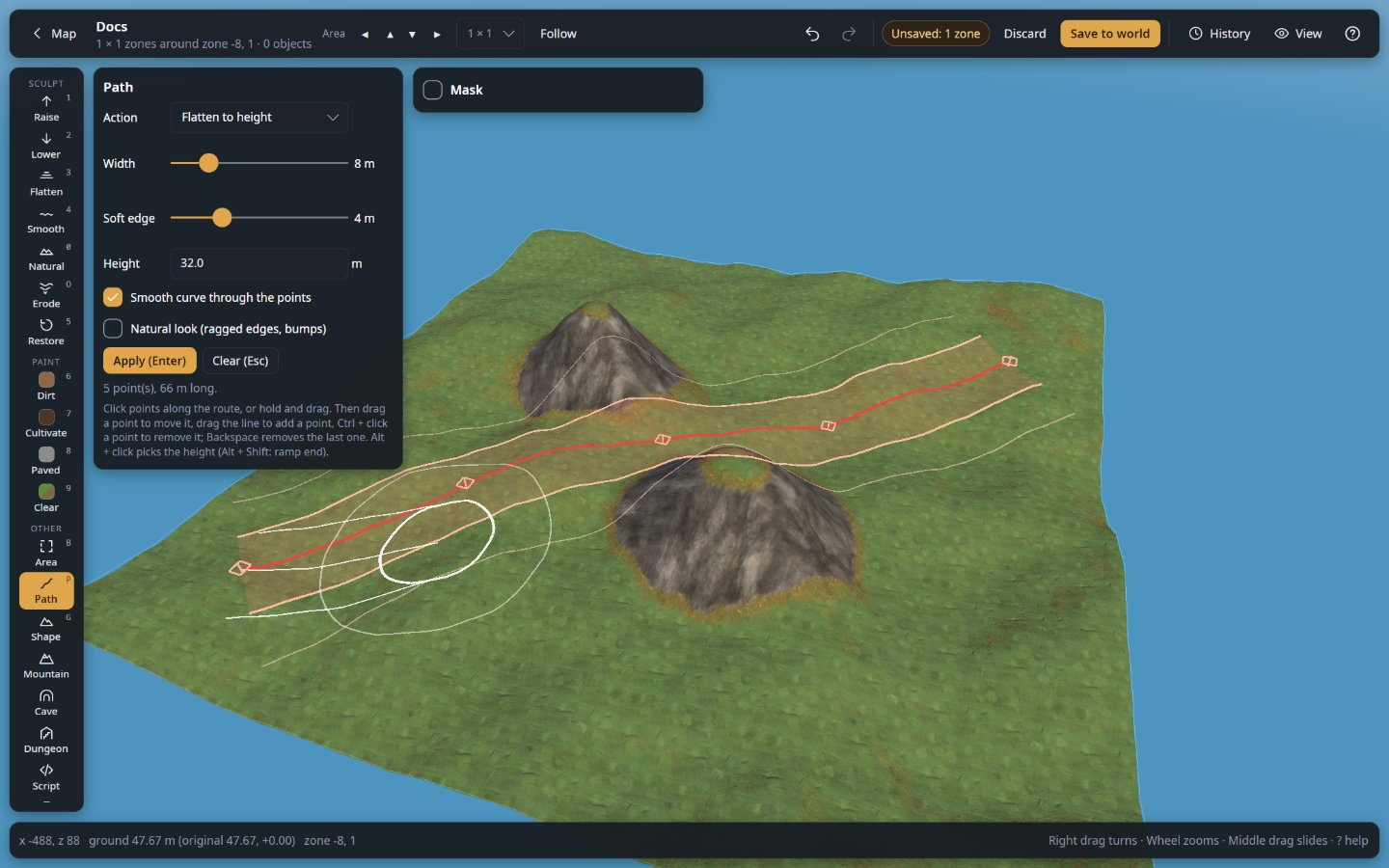
  • Build roads between bases. Draw the route on the map: the editor levels and paves it, with ramps where it climbs.
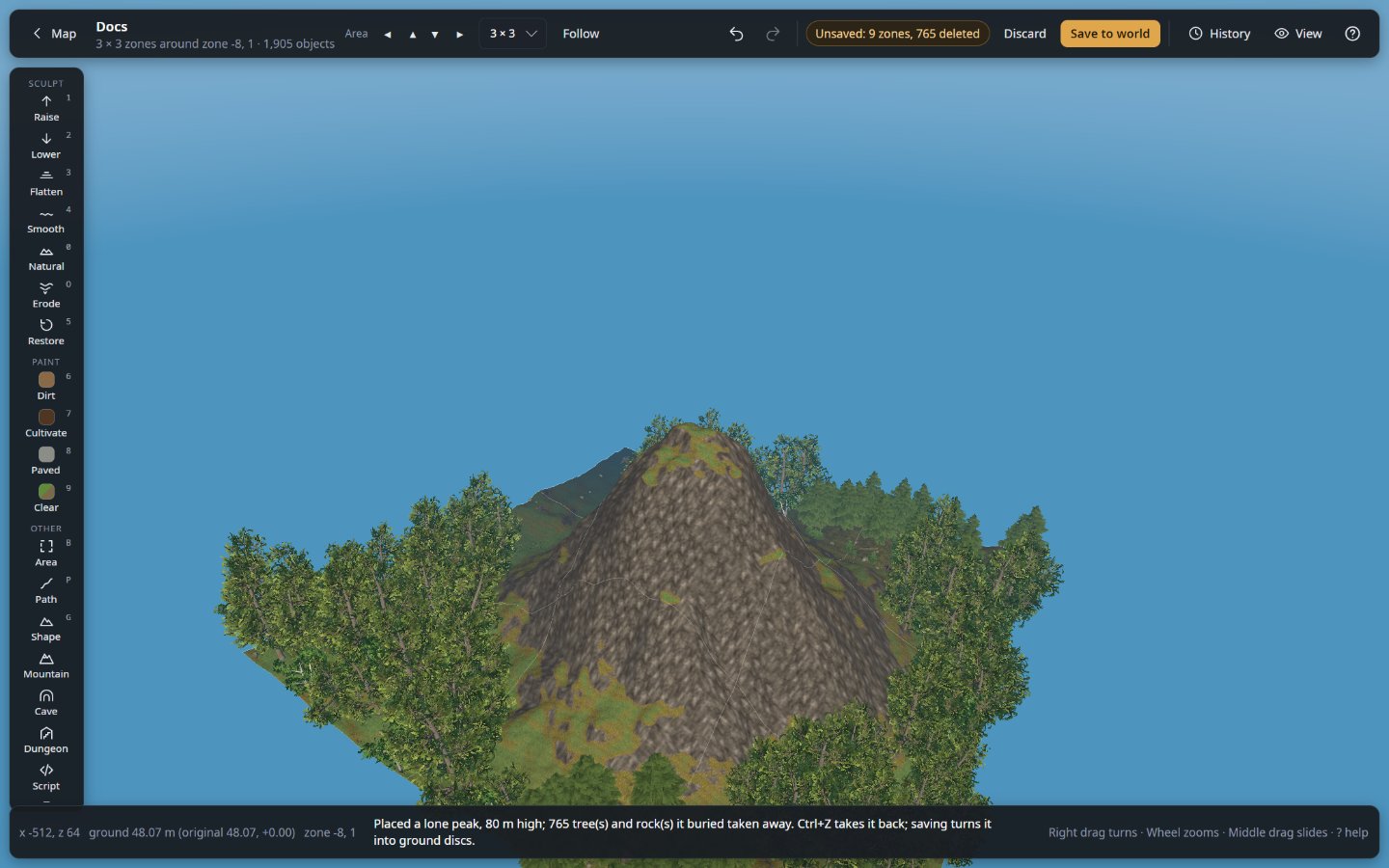
  • Make landmarks. Raise a mountain, a volcano or a cliff past the game's ±8 m limit, carve a canyon or dig a cave roofed with boulders. Players see them with no mod at all.
  • Make dungeons. Generate a whole dungeon from a style and a seed (crypt, fortress, Dvergr hold, goblin warren…), stocked with its creatures and loot, or add rooms to the game's own dungeons (Frost Caves, crypts, infested mines…) and remove them. The game builds them, no mod needed for players.
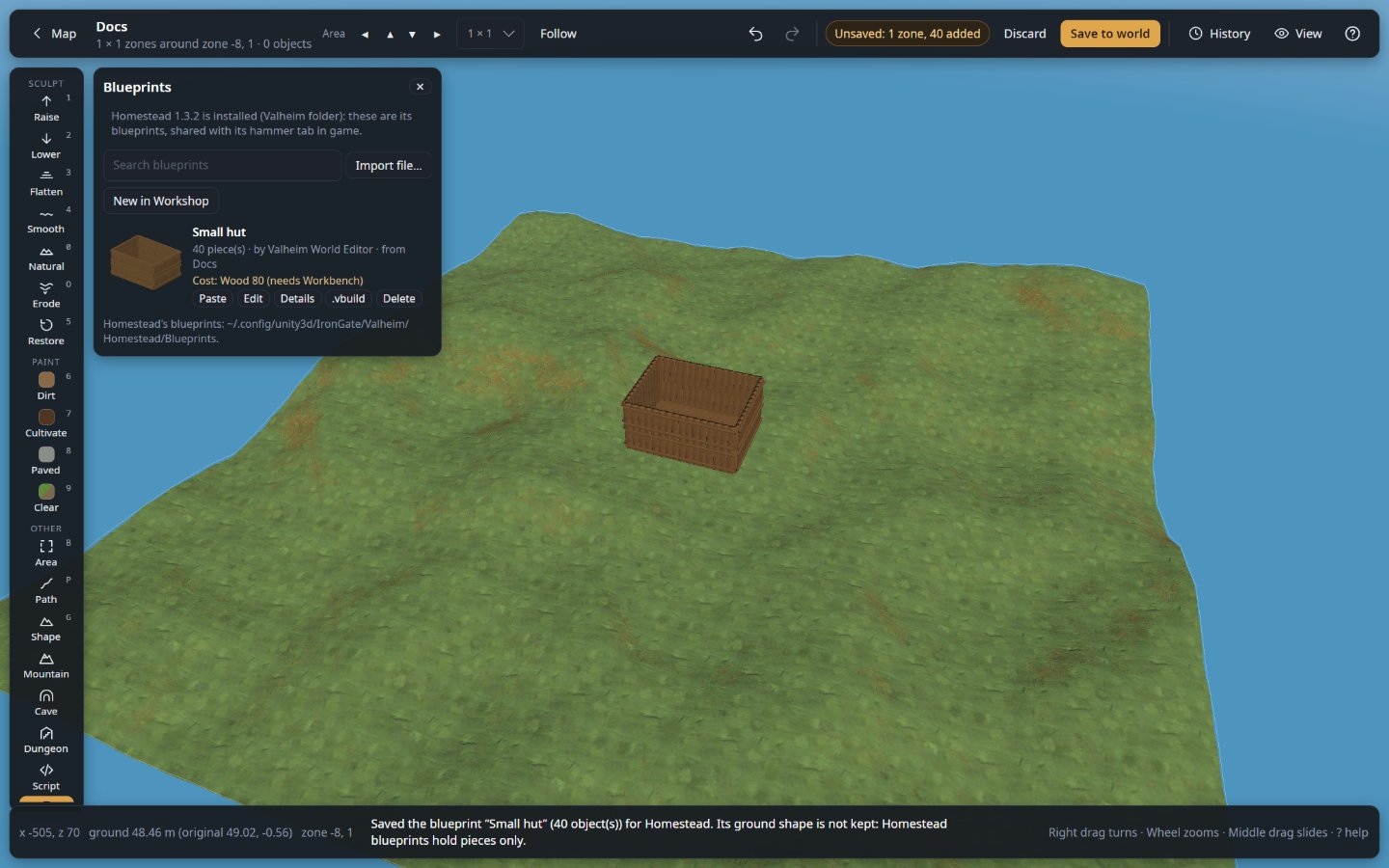
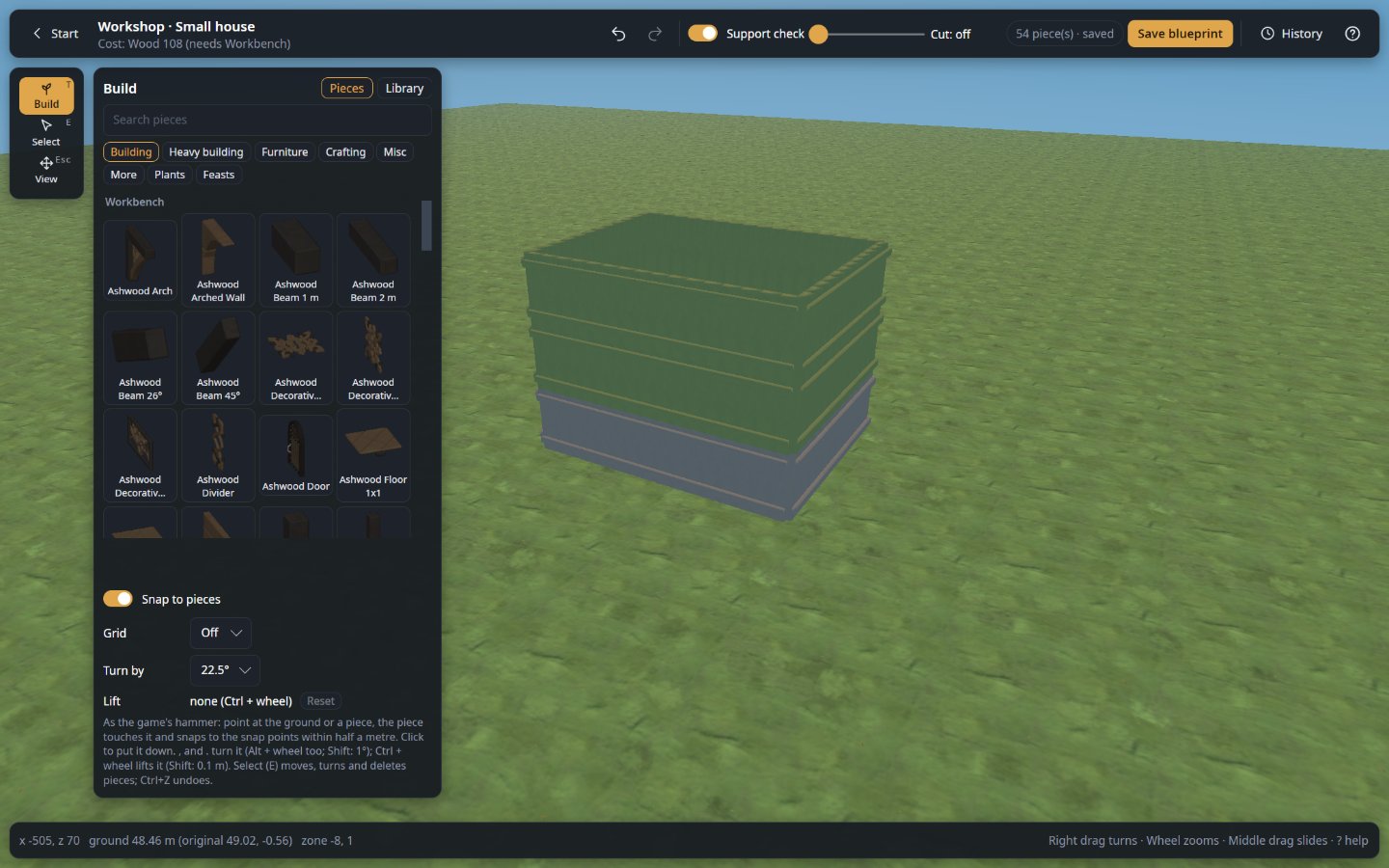
  • Bring in a building. Design it in the editor's Workshop (or use a Homestead blueprint) and paste it into the world: the hill in its way is dug out, trees and rocks there are cleared.
  • Ask Claude to build it. Let Claude (Claude Code or Claude Desktop) work in the editor from a prompt: shape the ground, lay roads, plant forests, build houses and dungeons. You watch it happen, and nothing changes in the game until you apply it.
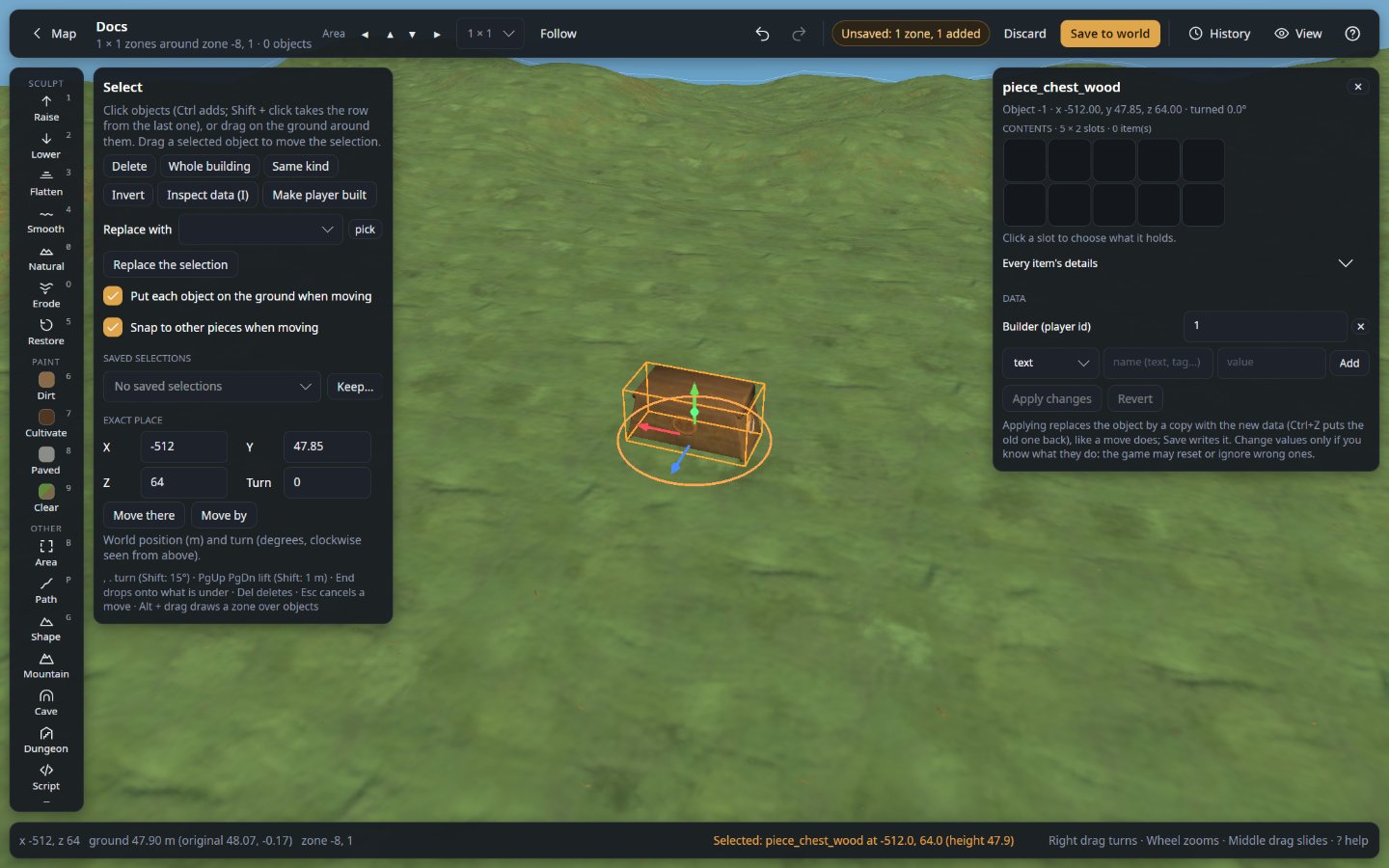
  • Dress the hall. Fill chests, write signs, hang weapons and trophies on item stands, set the table with food that stays put, and dress armour stands.
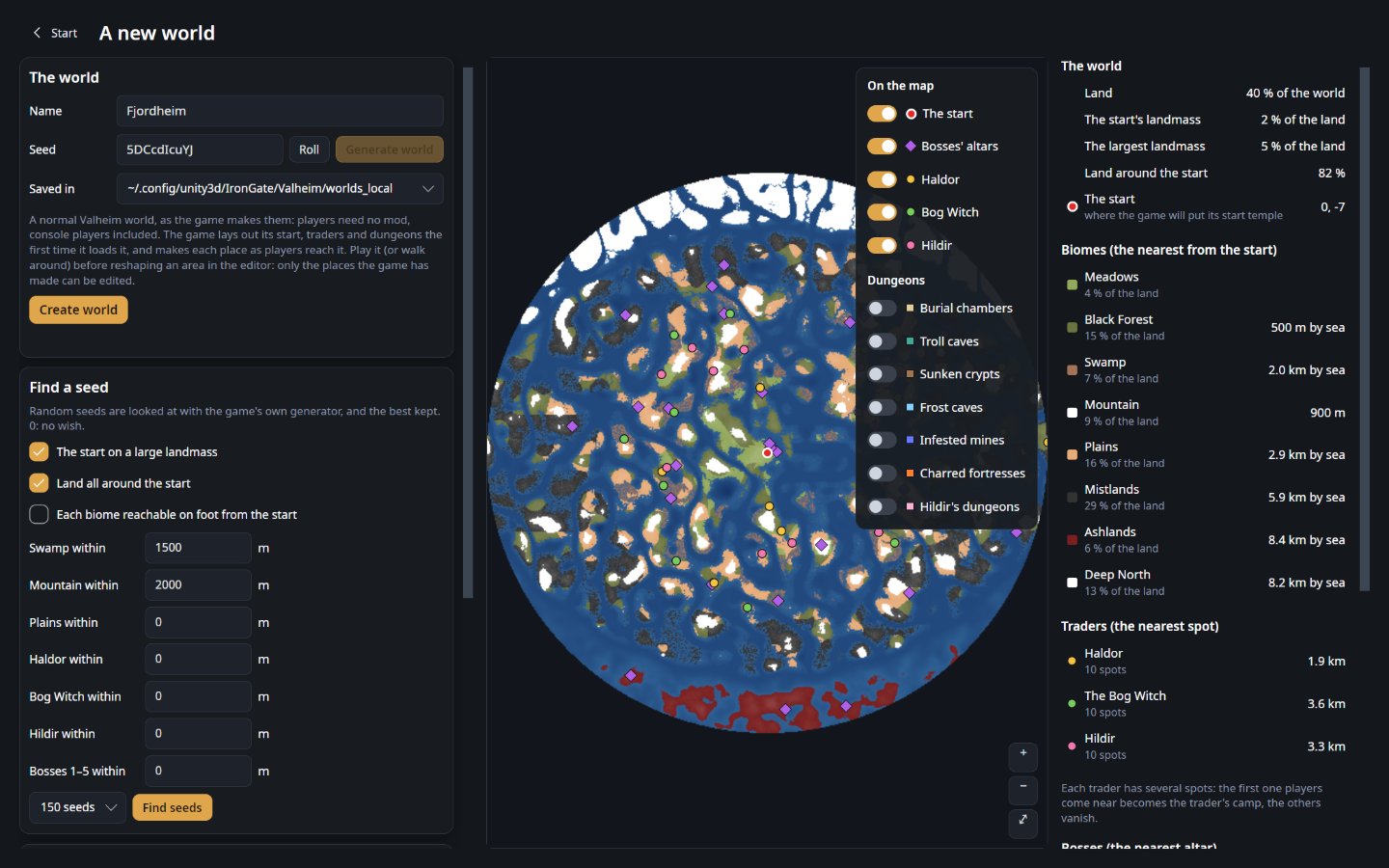
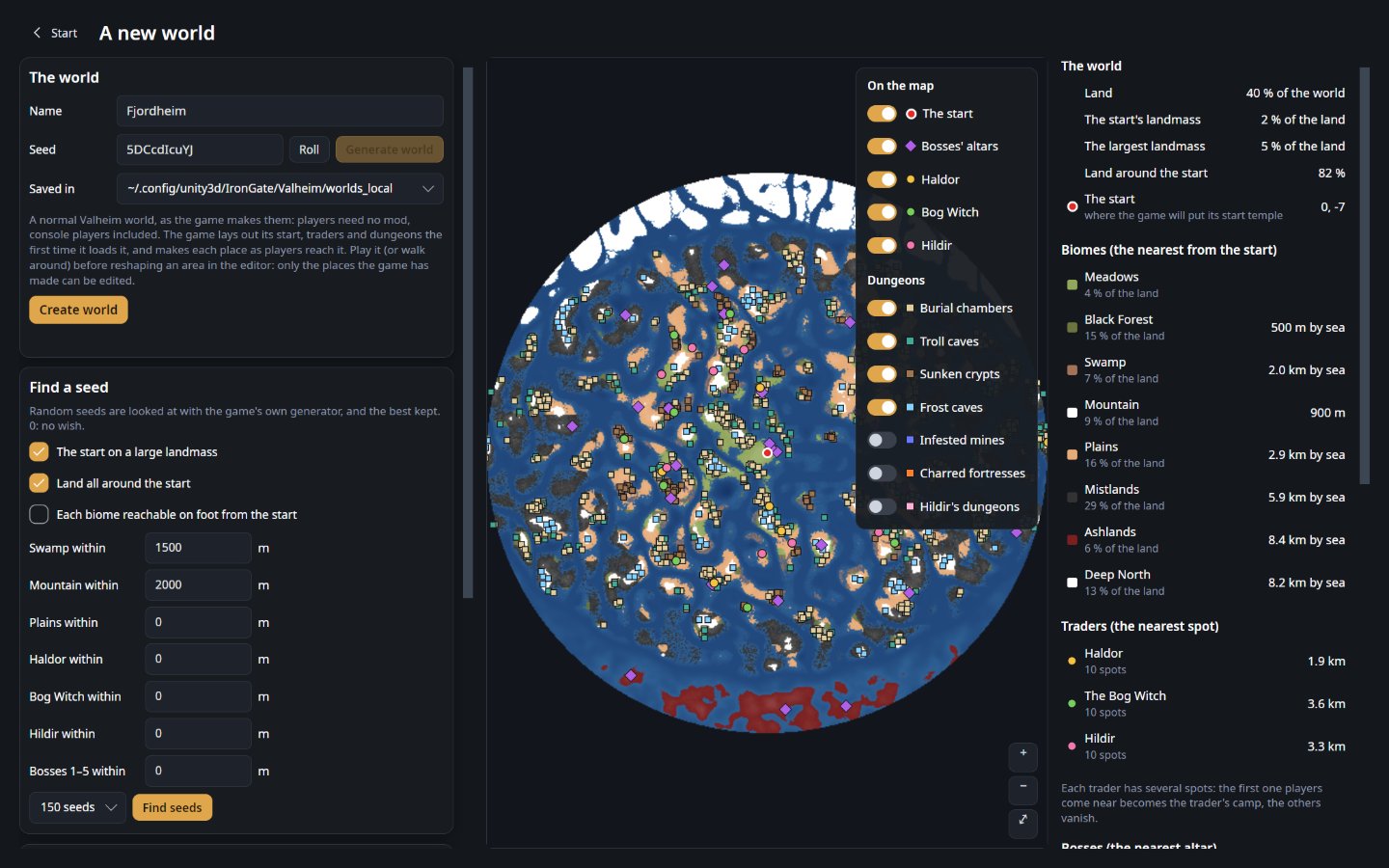
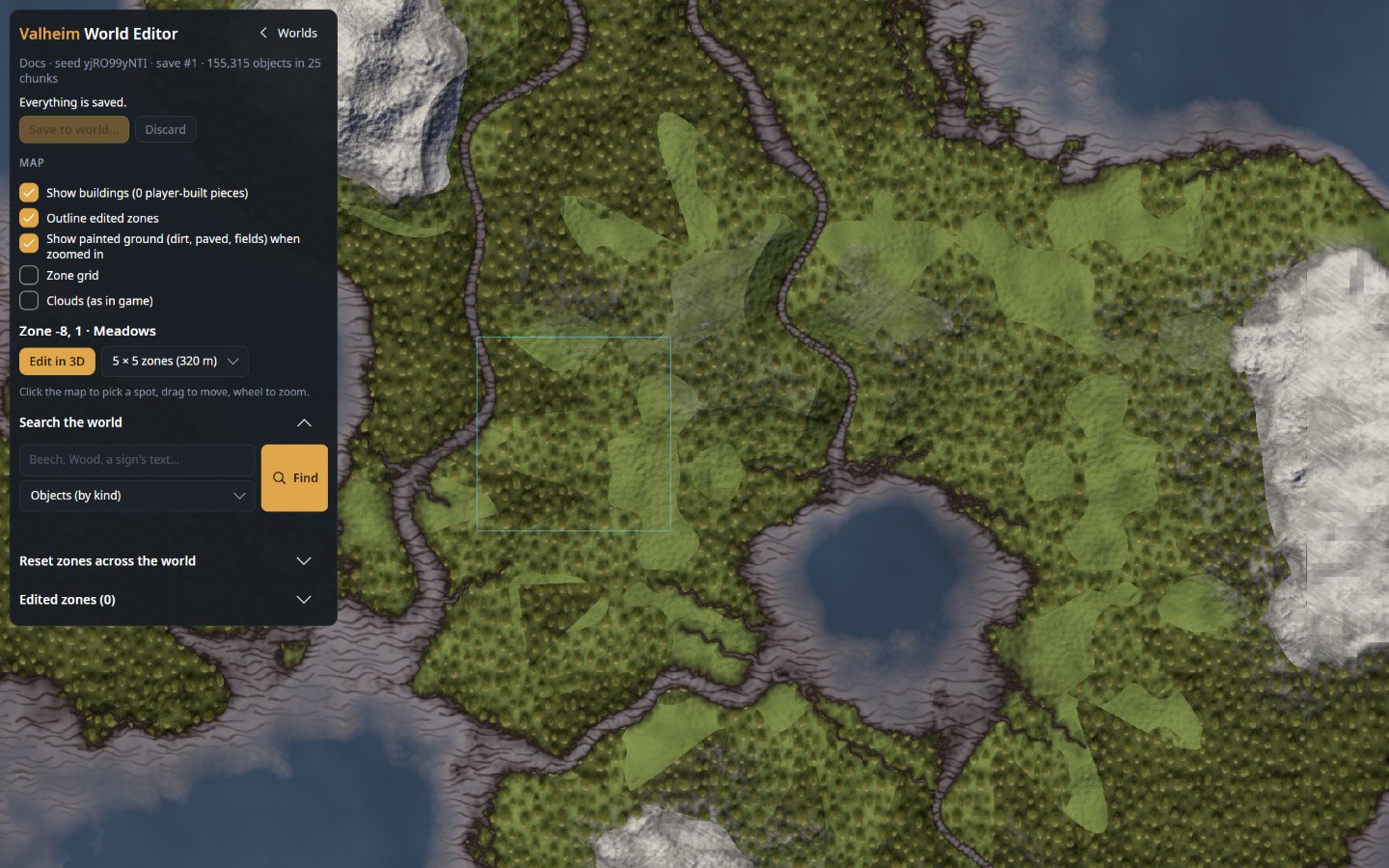
  • Start a new world on the right seed. See a seed's world before it exists: the start, the bosses' altars, the traders and the dungeons, exactly where the game will put them. Let the editor search seeds for what you want near the start, then make the world (a normal one: this mod is not needed to play it).
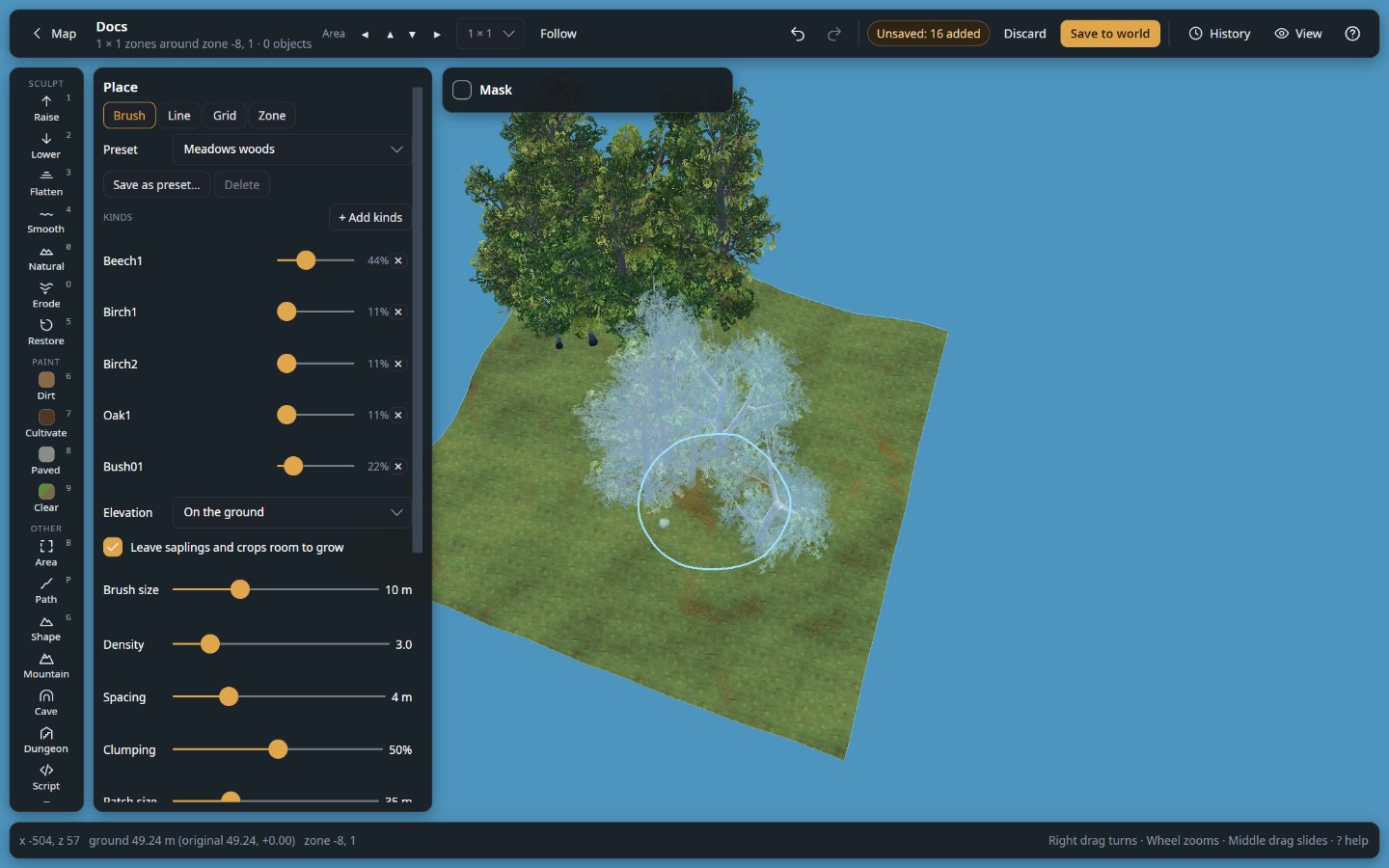
  • Tidy up. Plant a forest, clear the rocks off a field, remove every tree in an area, find the chest that holds the last of your black metal.

Every change can be undone, even after it is applied, and the history is still there the next time you open the world.
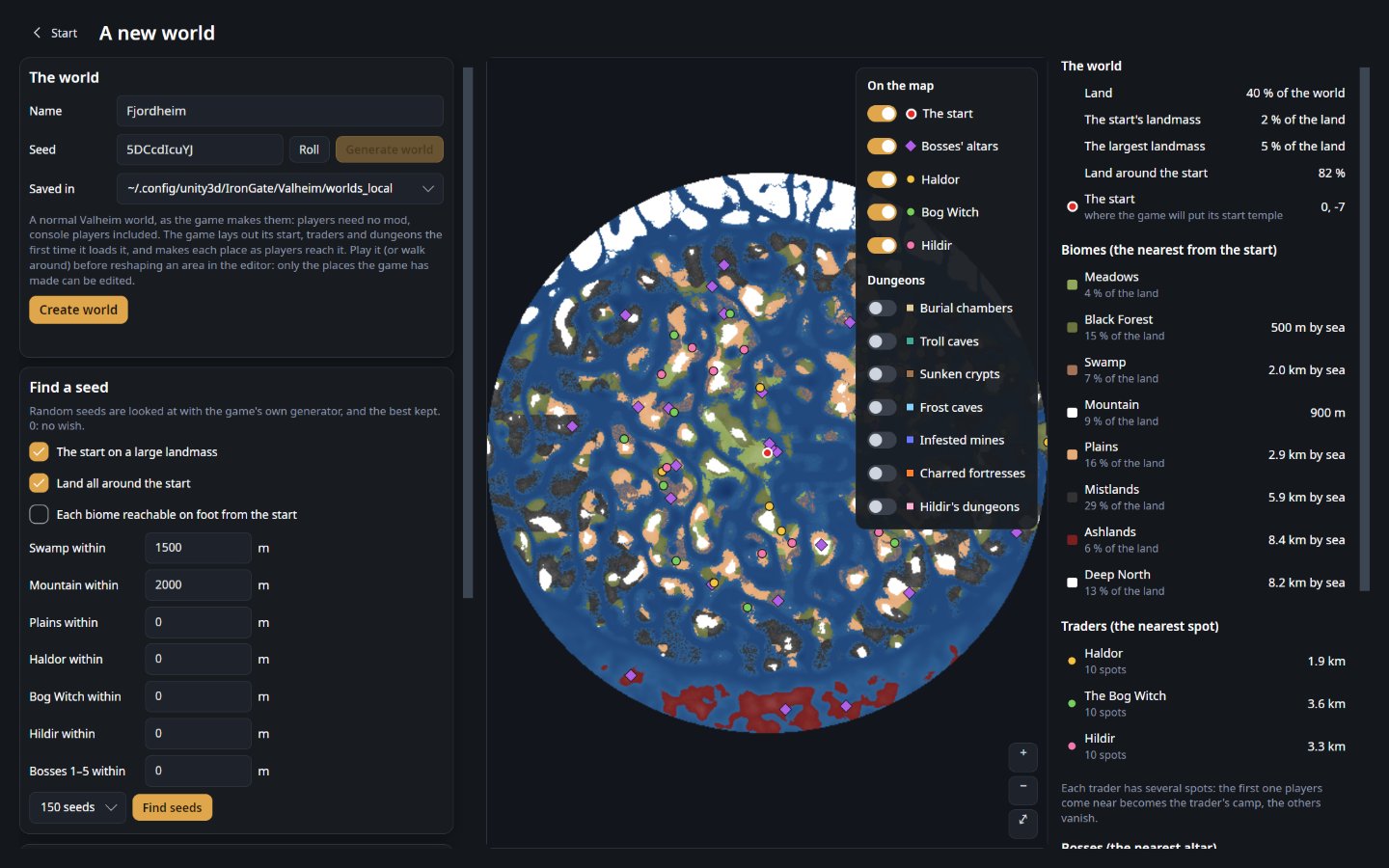
A seed's world before it exists, with the start, the bosses' altars and the traders

How it works

  1. The mod runs inside the game that hosts the world (your game, or the dedicated server) and waits for the editor. It only listens on that computer, and only answers with its secret token.
  2. The editor loads the world from it and shows it in 3D, with the game's own terrain, textures and models. Players stay connected, and what they build, remove or dig in the area you edit shows up in the editor as they do it.
  3. You edit. Nothing reaches the game until you press Apply live (or turn on Auto). Then the game gets the changed ground and objects, players see them, and the game saves them as usual.

A dedicated server is reached through an encrypted SSH connection the editor opens by itself: the mod is never exposed to the internet, and you have nothing else to set up.

Install

Install it where the world is hosted, nowhere else.

You play… Install the mod in…
Single player, or a world you host from the game Your game, with your mod manager like any other mod
On a dedicated server The server: a mod manager's server profile, or WorldEditorBridge.dll copied into its BepInEx/plugins

Players who join need nothing: no mod, no BepInEx. Console and crossplay players join as usual and see every change.

Then start the game or server once with the mod. That first start writes BepInEx/config/Tie.WorldEditorBridge.cfg with a random Token, which the editor needs.

Connect

  • Your own game: in the editor, choose My game and load your world in Valheim. The editor finds the mod and its token by itself (mod manager profiles included) and shows Edit live.
  • A dedicated server: choose A dedicated server, enter the server's address, your SSH login and the token from the server's Tie.WorldEditorBridge.cfg, then Connect. The server is remembered: next time it is one click.

The BepInEx log shows WorldEditorBridge <version> listening on http://127.0.0.1:5182/ when the mod is running.

Good to know

  • Loading the world pauses the game for a moment. The editor reads every object of the world at once; on a large, old world that can take a few seconds. Load once, then edit as long as you like. Very large changes (thousands of objects at once) can make the server hitch when applied.
  • Only the host can be edited. In a game that joined someone else's server the mod refuses to change anything.
  • Zone resets (generate a zone again from scratch) cannot be undone once applied.
  • Keep the token secret. With it, and access to the port, anyone can change the world. Leave it empty in the file to get a new one at the next start.
  • The editor's changes are ordinary game objects and ground: other mods and the game treat them like anything a player built, planted or dug.

If it does not connect

The editor says what went wrong:

The editor says What to do
refused the login Check the SSH user and the password or key file.
No answer Check the server's address, and that SSH is enabled on it.
refused the token Copy the Token line from the server's .cfg file again.
does not answer The game or server is not running with BepInEx and this mod (check the log line above).
does not host the world The mod runs in a game that joined someone else's server. Install it on the server instead.
identity changed The server's SSH identity is not the one seen before. If you did not reinstall it, do not connect.

Settings

In BepInEx/config/Tie.WorldEditorBridge.cfg:

Setting Default Meaning
BindAddress 127.0.0.1 Only this computer can connect. Keep it: a server is reached through the editor's SSH tunnel.
Port 5182 Change it if something else uses 5182 (the editor reads it from the file, or asks).
Token random The secret the editor sends. Leave it empty to get a new one at the next start.

More

Support

The editor and this mod are free and open source. If they saved you some work:

Buy me a coffee

License

MIT, © 2026 Shuiei. The source is on GitHub. Not affiliated with or endorsed by Iron Gate or Coffee Stain.

Changelog

WorldEditorBridge is the live-editing plugin of Valheim World Editor: the two share one version. Download the editor that goes with this plugin from GitHub: Valheim World Editor v1.43.0 (every version: the releases page). This mod page only hosts the plugin.

Each version below says what changed in this plugin, then what changed in the editor.

1.43.0 Latest

WorldEditorBridge (this plugin)

Unchanged: only the version number follows the editor's.

Valheim World Editor

Download: Valheim World Editor v1.43.0

Changed

  • Generated dungeons read more like buildings. Side rooms grow in wings of their kin (a kitchen by the feast hall, cells by the guard room, an ossuary by the burial chamber, a forge by the workshop); a room's purpose sets its light (grand rooms closest lit, the dead's and the cells dimmest); each level down holds a fifth more of the top level's loot and foes; a corridor's niche now and then hides a foe; dvergr open doorways carry the dvergr arch.
1.42.0

WorldEditorBridge (this plugin)

Unchanged: only the version number follows the editor's.

Valheim World Editor

Changed

  • Generated dungeons vary far more. Rooms were all boxes entered in the middle of a wall, each kind furnished one way, torches along every wall. Now:
    • Room shapes: crossings, shrines, tombs and arenas with their corners notched (an octagon's feel), chapels, halls and throne rooms ending in an apse, store rooms, quarters, barracks and the like with a corner cut away or a neck at the door. Walls, beams, the plan's map and the furnishing follow the shape; twins mirror it.
    • Bent corridors: a corridor may run ahead, turn, and enter its room from the side (often in catacombs, warrens, holds and ruins; seldom in a temple). Some rooms are entered on their long side.
    • Two to four furnishings per kind of room, picked by the seed: a mead hall, a hall of the dead, a bare hall of fallen pillars; a chapel's raised altar in a ring of braziers or a nave of rugs and candles; a tomb on a dais; bedrolls round a fire; stock stacked in a corner with a cart; shelves in aisles; a scriptorium; a war room; the boss enthroned over heaps of skulls; a drill room; a dolmen shrine; and more. New props: cobwebs in the corners, chains and hooks from the roofs, bedrolls, weapon stands, training dummies, an archery target, dolmens, candles (where monsters do not come back), a cart, a bath, a round table.
    • Lighting styles per room: standing torches, wall sconces, or braziers in the corners; corridors likewise.
    • Floors: in a stone or grausten dungeon, grand rooms get black marble tiles and lived-in rooms wooden boards, half the time (Furniture at Furnished or Rich). Stone pieces stand on the marble through them, as the game's support asks.
    • Built up inside: in stone and grausten dungeons a great hall, throne room or chapel may carry a loft over the way in (a deck on posts 4 m up, a rail, stairs up one side, braziers and a sentinel on it); arenas and shrines may be sunk a metre below ledges round the walls; a burial chamber may hold a vault, an inner chamber with the sarcophagus inside. Alcoves off rooms and niches off corridors are furnished (a sarcophagus across, a statue between candles, a bed in its bay, a shelf and crates; a single piece in a niche).
    • Clusters: beside its main feature a room gets one or two groups of things that belong together in its corners: a camp, a meal, a scribe's desk, stores, an armoury, an altar, bones, a workbench.
    • Hero pieces: big rooms may get one piece that stands once in the whole dungeon: a dolmen, a fallen giant's statue in parts, a grave slab, a giant's skull or ribs, an altar of crystal, a cart.
    • Corridor kinds: a gate midway under a band of wall, a half collapse, bones along both walls, a runner, vines, sharpened stakes. Dead ends: corridors that lead nowhere but a cache (the biome's chest, loot, sometimes a guard). Catacombs and prisons keep some corridors dark between lit rooms.
    • Pacing: a few rooms stand nearly bare (one piece, a light); clutter never repeats the same thing twice running, and rooms differ in how tidy they are.
    • The whole of the game's prefabs, measured through the editor's models (a bounds driver command): each biome's own growths (vines, roots, surtling cores; guck sacks, tar, muddy scrap piles; icicles, ice shards, snowdrifts, crystals, hung deer; seeker creep, eggs, royal jelly, black cores; charred skulls, wall spikes, gems in the walls; frost cores, frozen dead), its own lights, several kinds of chest, the real crafting stations in kitchens, forges and workshops, measured hero pieces (standing and memorial stones, a wisp fountain, an eternal pyre, a sled, a crane), biome corridor kinds (mud, barricade, creep, icicles, spikes, roots, traps), windows in Ashlands walls, Ashlands and mountain gates. Props that stood at the wrong height (the fallen statue's parts floated metres up) now stand by their measured feet.
    • Lights and decay draw from random streams of their own, so turning Light or Ruin changes nothing else about a dungeon. The tests' copies of the game's data gain the new props.
1.41.0

WorldEditorBridge (this plugin)

Unchanged: only the version number follows the editor's.

Valheim World Editor

Added

  • A placed dungeon gets the entrance of its kind on the ground. Place in the world now puts the game's own dungeon entrance for the biome (a burial chamber's mound, a sunken crypt's door, a Frost Cave's mouth, an infested mine's, a Morgen hole) on the ground at the middle of the view, facing you, and the dungeon 5000 m above it, laid out where the game lays that entrance's own (a Frost Cave's at the middle of the zone, as the game does). Its door leads up and the door up there leads back out, as in the game's dungeons. Where the biome has no dungeon of its own (the Plains), the portal pair stays. One dungeon fits over a zone: with one there already, nothing is placed and the editor says so.
  • Go to the dungeon and Go to the entrance. The view no longer jumps 5000 m up when a dungeon is placed: it stays at the entrance, and two buttons under Place in the world take it up into the dungeon and back down. The Dungeon panel's Go to entrance does the same for any dungeon of the area, next to Go inside.
  • Up to 16 levels. Levels went up to 4; the stairs go down as far as 16 now.
  • Dungeon blueprints. A blueprint can be a dungeon: switch A dungeon on when saving it in the Workshop (or in the Blueprints tab's Details; it is the tag dungeon). Pasted into a world from the Blueprints tab, it goes 5000 m up behind the entrance of the biome's dungeon where you click, as a generated dungeon does. A portal in the building marks where players arrive and the way they face (the entrance's door out opens there); generated dungeons opened in the Workshop carry that portal and the tag already.
  • Claude's generate_dungeon places the entrance the same way, and takes up to 16 levels.

Changed

  • The game-data scan reads each location's teleport doors and interior anchor (the tests' copy of dungeon-rooms.json is made again, and keeps the Frost Cave's entrance too).

76 older entries, full version history & downloads →

Manual installation instructions
1

Install BepInExPack Valheim

BepInExPack Valheim is required to run mods in Valheim.

Download BepInExPack Valheim 5.4.2351 · View mod page

Check out the mod page for detailed installation instructions.

2

Install WorldEditorBridge

This mod only needs to be installed on the server.

Download WorldEditorBridge 1.43.0

Extract the ZIP and place the file(s) into the BepInEx/plugins/ folder inside your Valheim game folder.