 Install with Gale
Ferns Be Gone!
Begone, ferns!
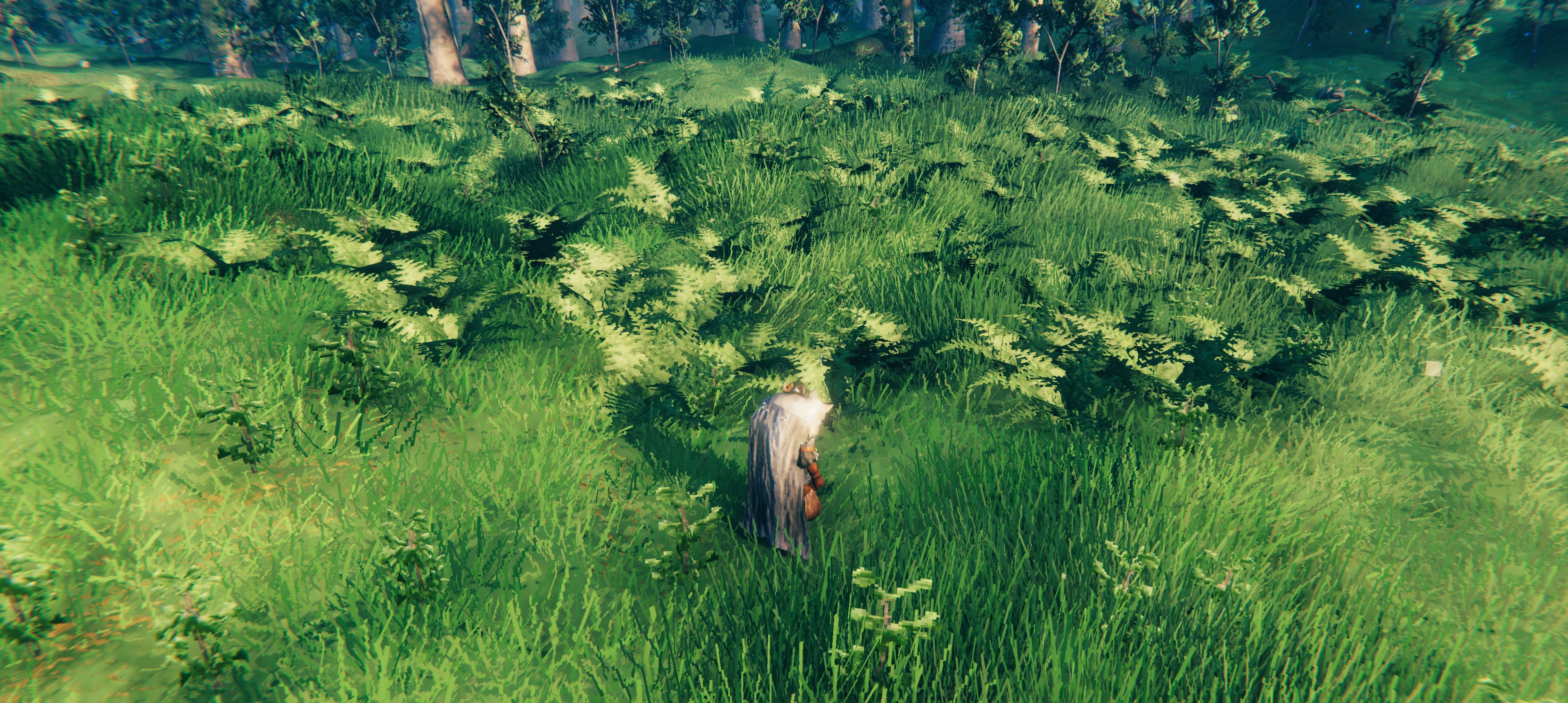
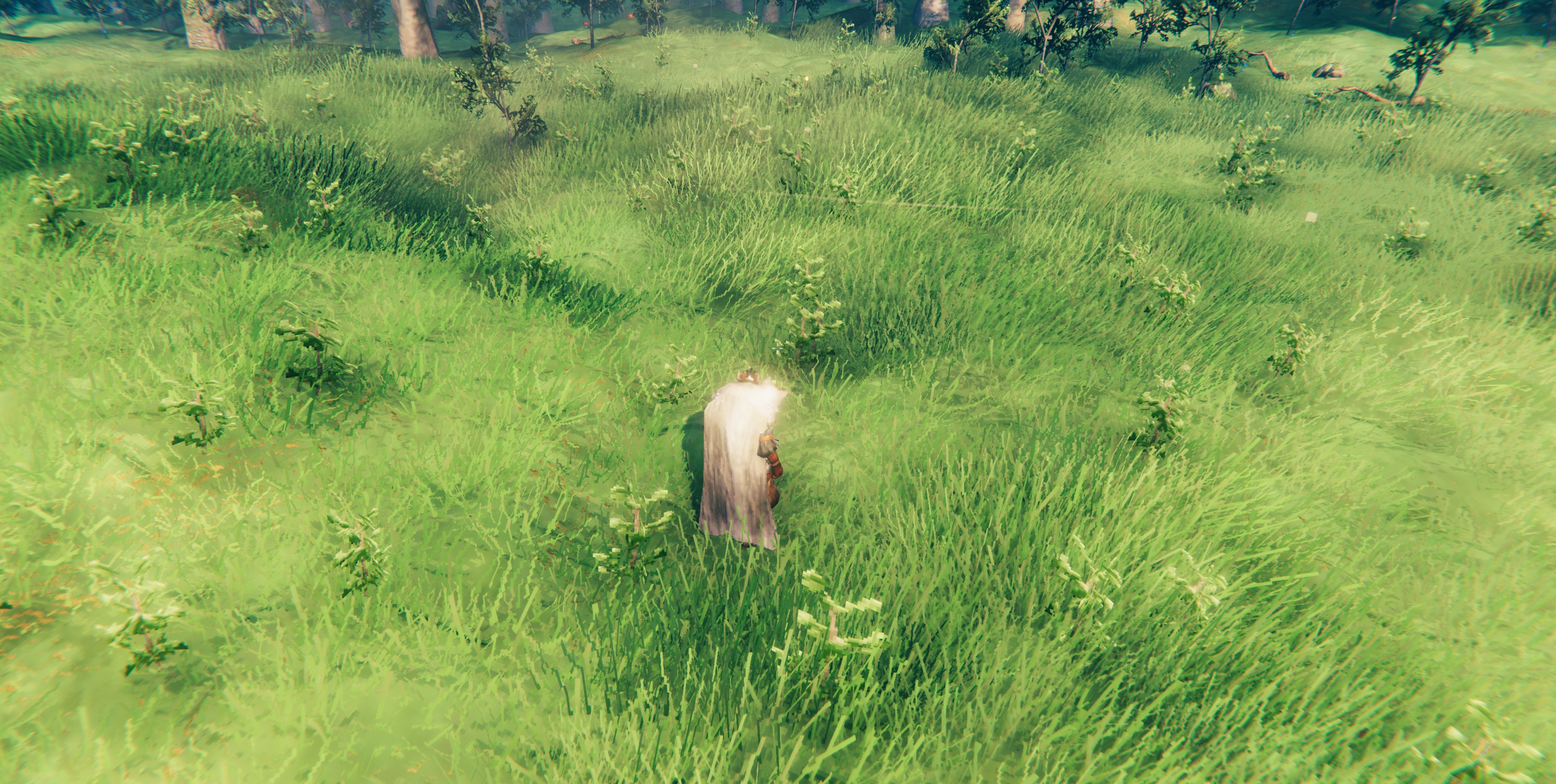
A tiny client-side Valheim mod that I made for me and my friends that removes the standard fern ground clutter while leaving the rest of the vegetation untouched.
What it does
Ferns Be Gone! disables the standard Valheim fern clutter:
instanced_ormbunke
This means areas where grass is naturally generated — or where you use the cultivator to plant grass — no longer get the standard Meadows-style ferns. Swamp ferns are still in the game.
Client-side
Ferns Be Gone! is client-side only.
It does not need to be installed on a dedicated server or by other players. Each player can decide independently whether they want the standard ferns visible.
Save-safe
The mod does not remove world objects or modifies your world save.
It only changes the local clutter rendering. If you remove the mod, the ferns should appear normally again.
Installation
Gale / Hexium
Install Ferns Be Gone! normally through Gale or another mod manager.
Manual installation
-
Install BepInEx for Valheim.
-
Place
FernsBeGone.dllin:BepInEx/plugins/ -
Start Valheim.
Dependencies
- BepInEx for Valheim
Uninstallation
Remove FernsBeGone.dll from your BepInEx/plugins/ folder.
Compatibility
If another mod directly replaces or rebuilds Valheims clutter system, behaviour may depend on how that mod handles clutter.