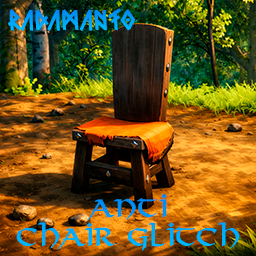

Anti_Chair_Glitch

1.0.2 ✓ Scan successful

Prevents players from sitting on chairs when they are placed near natural structures.

Client-only

Anti Chair Glitch

Features

Anti Chair Glitch prevents players from sitting on a chair when it is placed too close to natural structures such as crypts, rocks, or trees, preventing access to areas they should not be able to reach.

ServerSync The configuration can be synchronized with the server through the configuration file.

Installation (manual)

  • Place AntiChairGlitch.dll inside your BepInEx\plugins\ folder.

Threads

No threads yet.

Log in to post a thread.

Manual installation instructions
1

Install BepInExPack_Valheim

BepInExPack_Valheim is required to run mods in Valheim.

Download BepInExPack_Valheim 5.4.2333 · View mod page

Check out the mod page for detailed installation instructions.

2

Install Anti_Chair_Glitch

This mod only needs to be installed on the client.

Download Anti_Chair_Glitch 1.0.2

Extract the ZIP and place the file(s) into the BepInEx/plugins/ folder inside your Valheim game folder.