 Install with Gale
A custom steel weapon crafting mod by the OdinPlus Team.
ABOUT:
How To Craft Steel and Weapons:
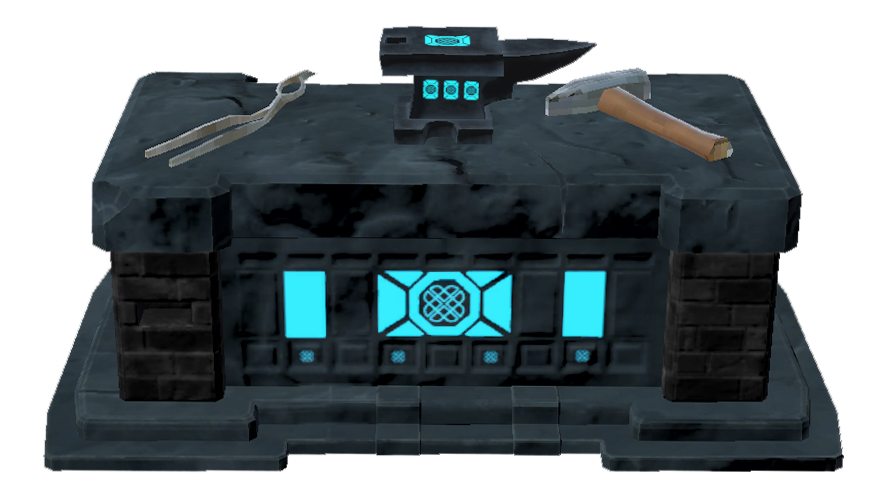
- First build the Steelworks Forge. We will also need the Steelworks Kiln, Steel Bar Mould, and SlackTub.
- We can then craft Surtling Coal and our Crucible — this is crafted on the forge using Surtling Cores and Coal, the Crucible is crafted with IronScrap and Coal.
- Place the Crucible into the Steelworks Kiln with the Surtling Coal, keep that fire toasty!
- Once completed we will have the Molten Steel — pour that into the Steelworks Mold and let it cool.
- After cooled a bit we can toss the hot steel into the SlackTub to oxidize it — this will give us our Steel Bars we can use for crafting the Weapon Display or SteelBarStacks.
- If we want to create a weapon we simply take the Steel Bars and heat them in the Kiln so that we can forge a weapon at the Steelcrafting Forge.
- We can also put the hot steel bars back into the SlackTub should we want to cool them again for crafting stacks and weapon stands.
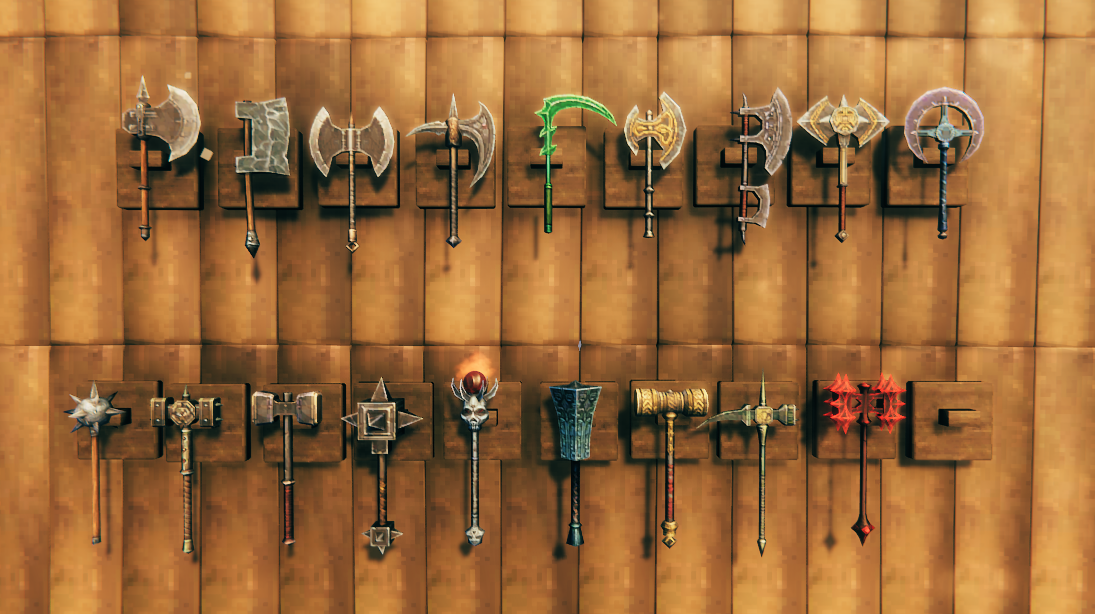
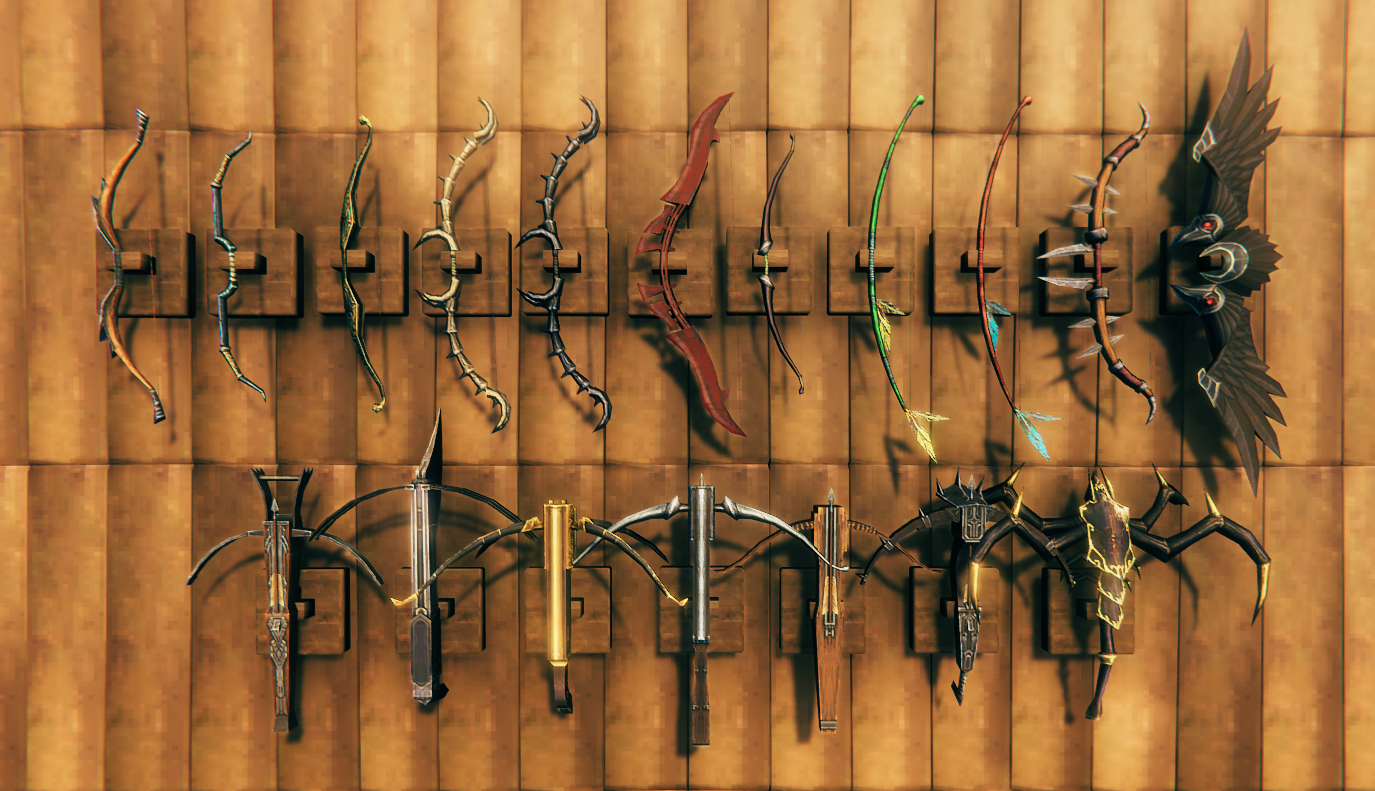
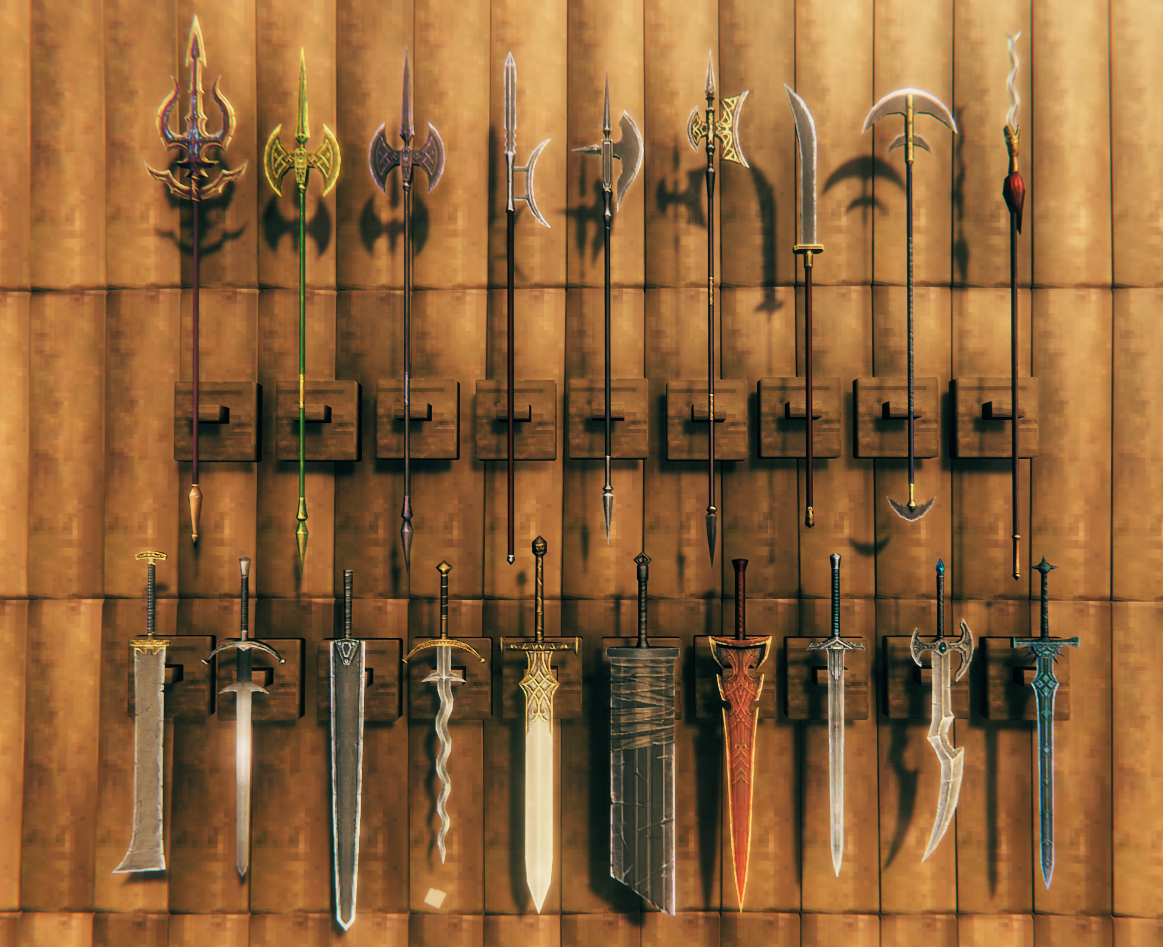
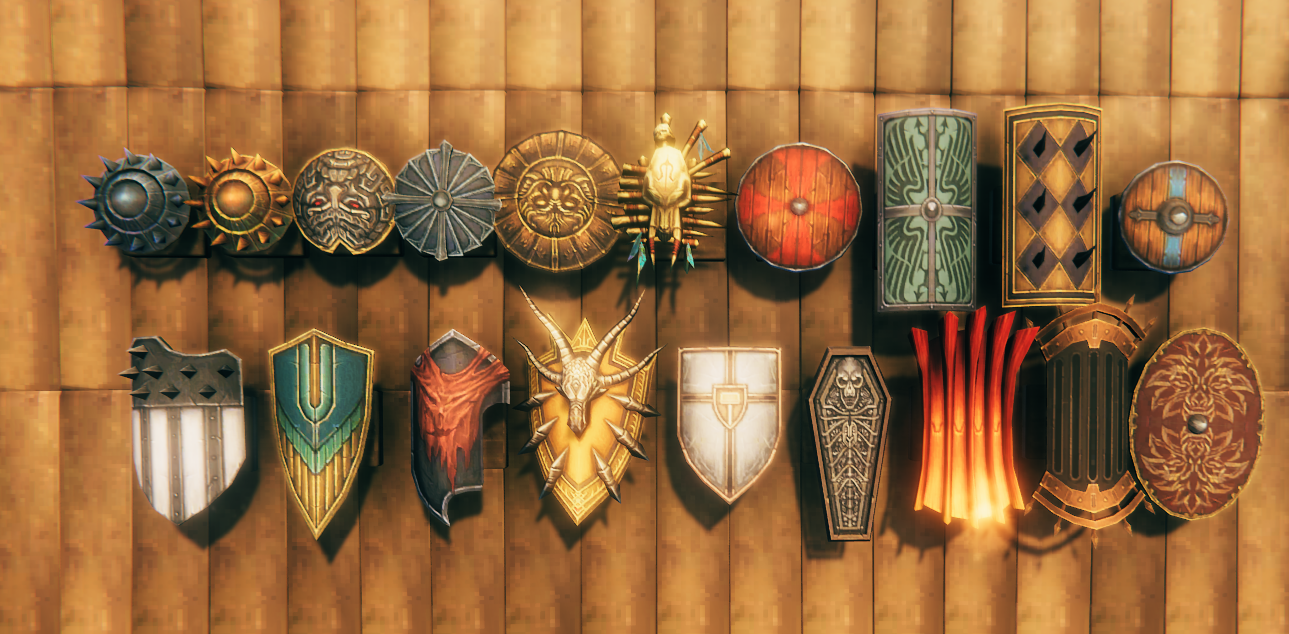
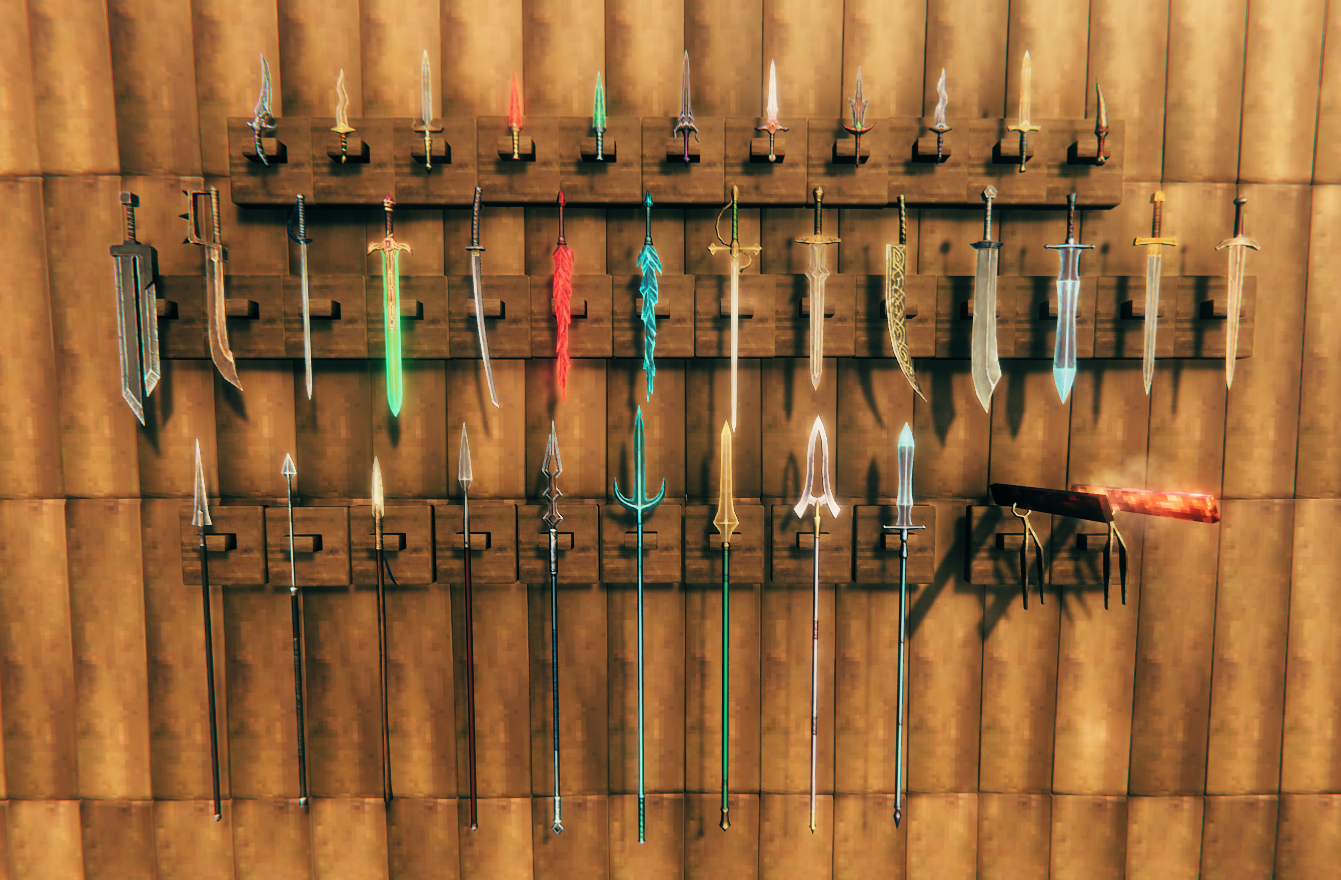
- 2 handed swords, crossbows, axes, swords, polearms, daggers, maces, and more — there are over 130 weapons for you to set configs for.
🔩 Show Station Recipes
CWS_Forge
| Item | Qty |
|---|---|
| Stone | 10 |
| Iron | 5 |
| DragonTear | 1 |
CWS_Slack_Tub
| Item | Qty |
|---|---|
| Iron | 1 |
| CWS_SurtlingCoal | 1 |
| RoundLog | 5 |
CWS_Stone_Kiln
| Item | Qty |
|---|---|
| CWS_SurtlingCoal | 2 |
| Iron | 5 |
| Stone | 20 |
CWS_Steel_Mold
| Item | Qty |
|---|---|
| Iron | 1 |
| CWS_SurtlingCoal | 2 |
| Stone | 5 |
CWS_Item_Stand
| Item | Qty |
|---|---|
| CWS_Cold_Steel | 4 |
| CWS_SurtlingCoal | 2 |
| DeerHide | 2 |
CWS_Item_Stand_2
| Item | Qty |
|---|---|
| CWS_Cold_Steel | 4 |
| CWS_SurtlingCoal | 2 |
| DeerHide | 2 |
CWS_Steel_Pile
| Item | Qty |
|---|---|
| CWS_Cold_Steel | 20 |
| CWS_SurtlingCoal | 2 |
| DeerHide | 2 |
CWS_SurtlingCoal
| Item | Qty |
|---|---|
| Coal | 5 |
| SurtlingCore | 1 |
CWS_Crucible_Full
| Item | Qty |
|---|---|
| CWS_SurtlingCoal | 2 |
| IronScrap | 5 |
CWS_Weapons
| Item | Qty |
|---|---|
| CWS_Hot_Steel_Finished | 2 |
| RoundLog | 2 |
Note: All steel weapon recipes can be configured via config file, this syncs with the server's config settings.
FEATURES:
- Buildable Steelworking Items — Forge Table, Kiln, Slack Tub, and Steel Bar Mold. There are also Steel Bar Stacks that can be placed for storage, and a Weapon Display Banner.
- 130 Weapons — Crossbows, 2 handed swords, 2 handed axes, polearms, bows, and more!
- Mistlands Balanced — Weapons are balanced for Mistlands.
- Steelworks Kiln — The Steelworks Kiln functions as a normal Kiln, it will produce coal from wood without Surtling Coal!
- Configurable Crafting — Full crafting configuration options for each weapon. Please use Wacky's Database to edit values of weapons.
- Steel Working Optional — Don't want to deal with Steel working? Edit the config and set crafting to
SwordCheat, or change recipes to skip the process entirely. - Mod Compatible — No changes to attack animations or anything that could cause conflicts with other mods.
- Built On — ServerSync, ItemManager, and PieceManager by Azumatt and Blaxxun!
⚔️ Show Weapon Screenshots
INSTALL NOTES:
Mod is required on both server and client for config sync to work.
MANUAL INSTALL:
Please download the latest copy of BepInEx per the author's instructions. Place the DLL's folder inside of the
Bepinex\plugins\folder.
SHOW YOUR SUPPORT:
Click to Buy Me a Coffee — Free Shark Hat and Tuna Sword Gift on Page:

For Questions or Comments, find Gravebear in the Odin Plus Team on Discord:

Special thanks to Lagoshi and ErDu for all the testing, translations, and screenshots; Azumatt & Blaxxun for the code managers; and of course all of the OdinPlus Team and community!