
OdinsKingdom

1.4.9 ✓ Scan successful

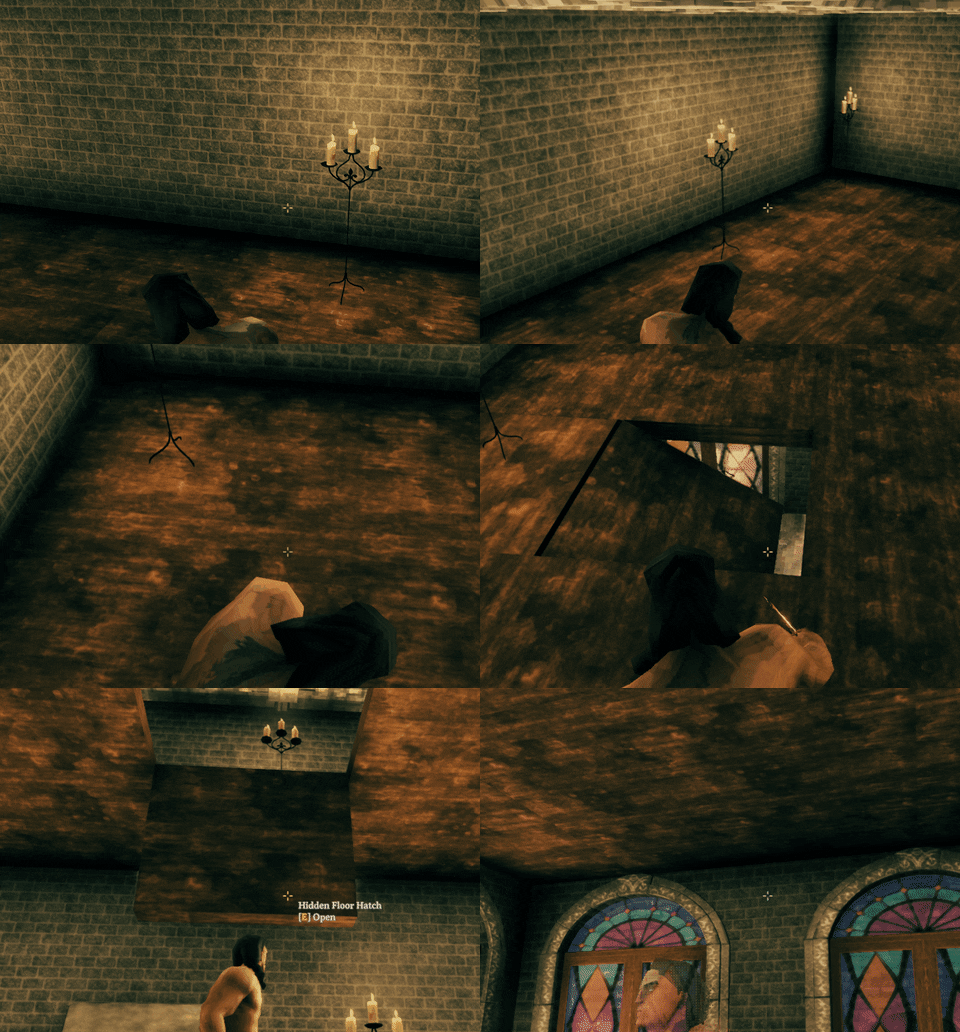
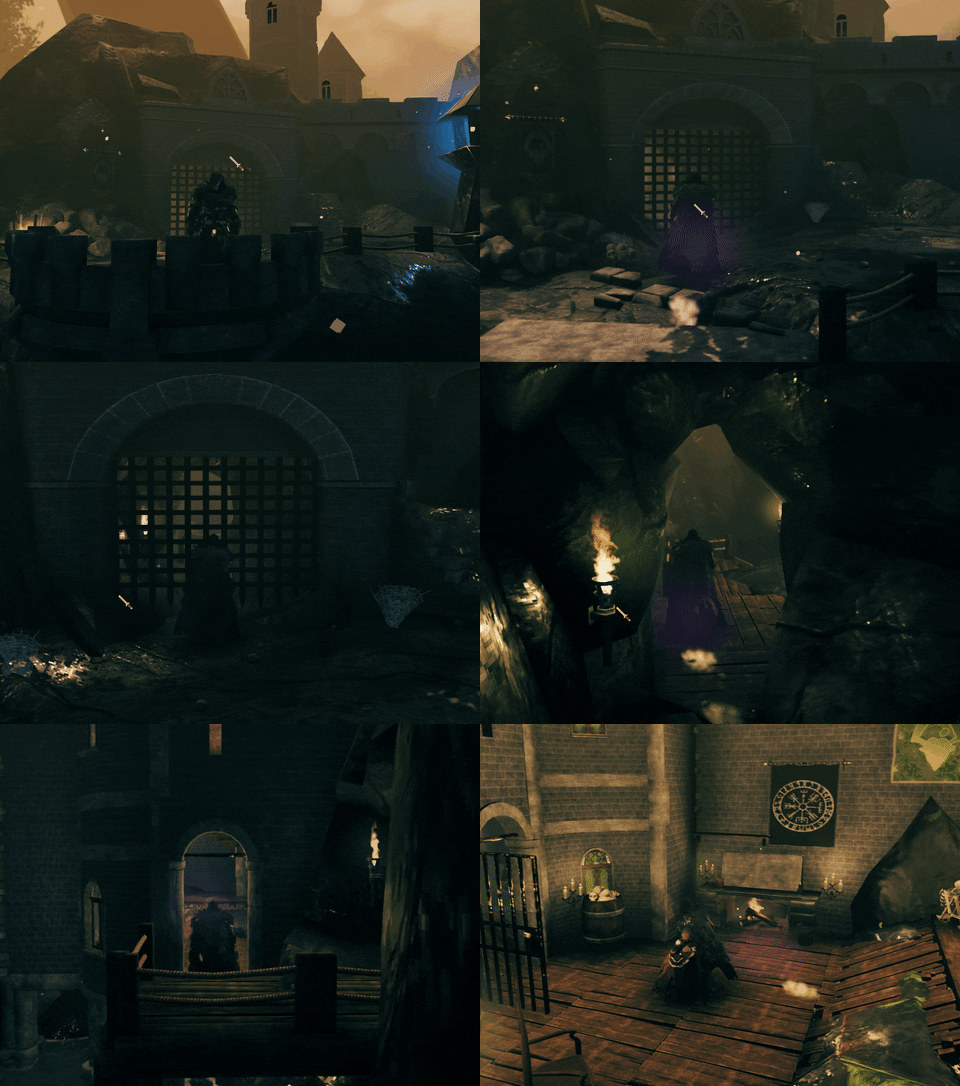
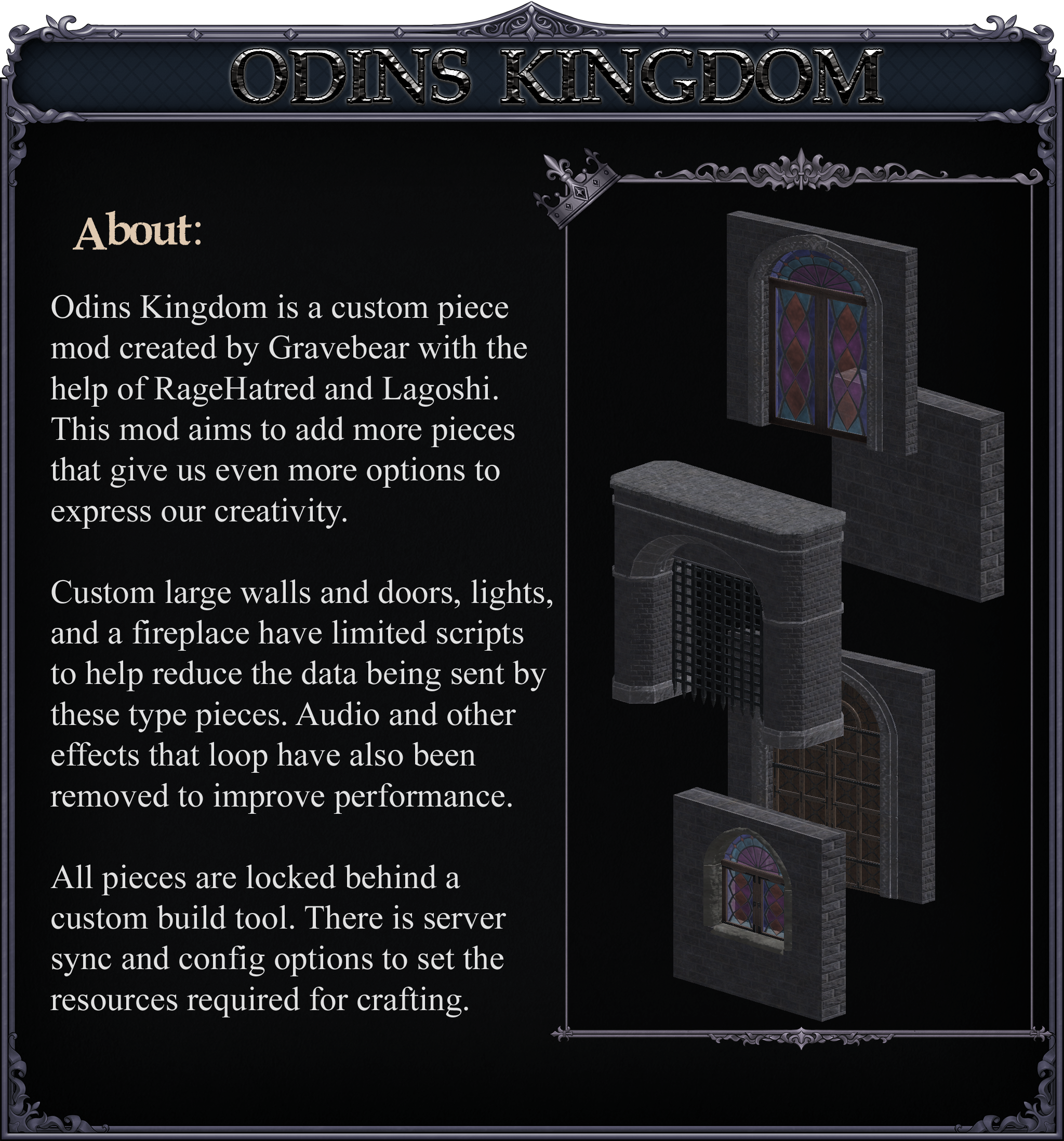
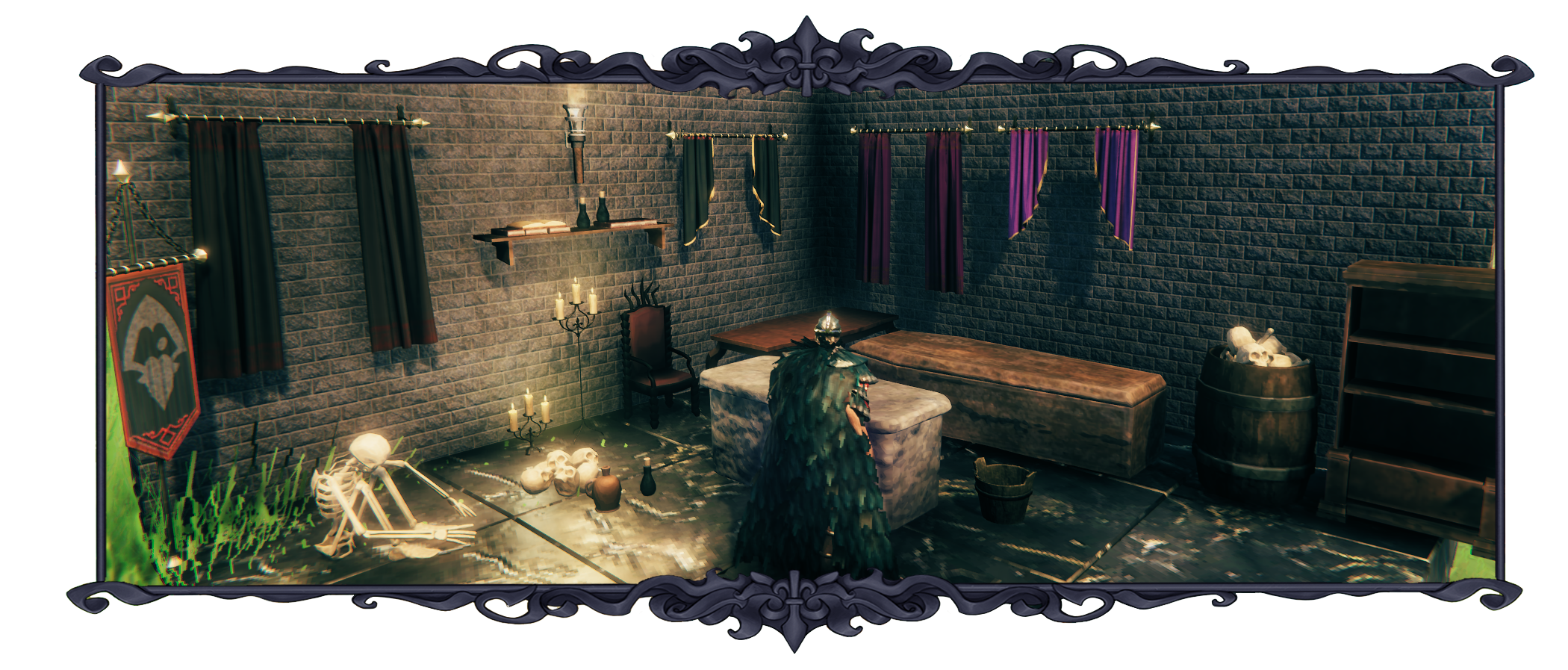
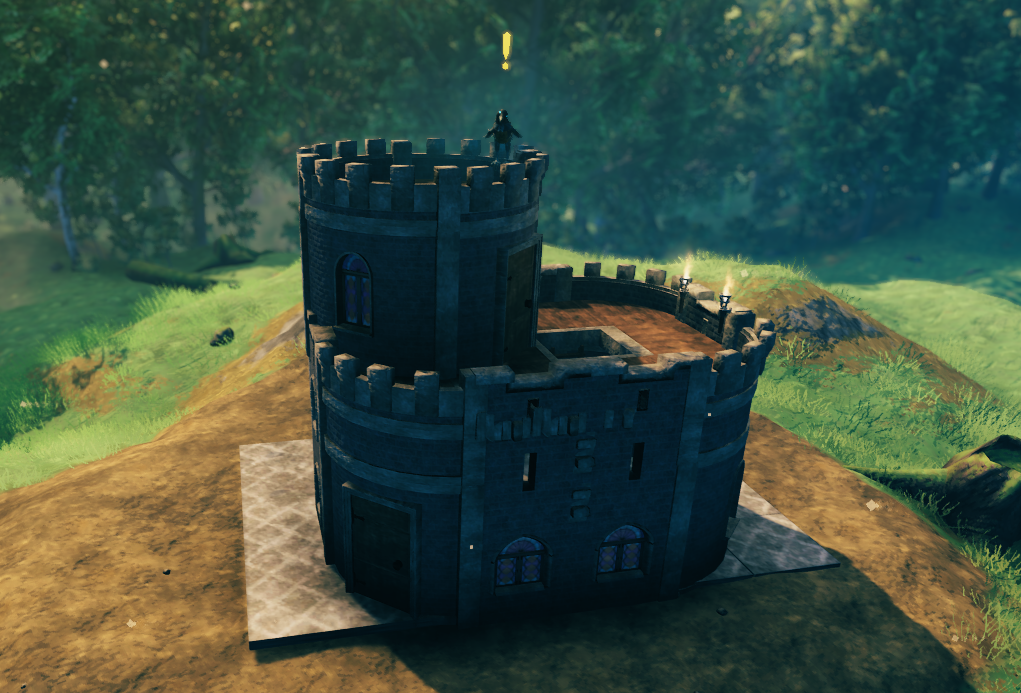
A custom piece mod by the OdinPlus team, this mod adds several castle construction pieces with a custom build tool.

Client + Optional Server Pieces
Download 1.4.9 Install with Gale All versions · Graph · Website · GPL-3.0

OdinsKingdom

  • The Parchment Tool can be crafted at your workbench, or spawned using the prefab name: GB_Parchment_Tool
  • For crafting recipes please check your config file.
OdinsKingdom

OdinsKingdom


Install Notes:

Mod is required on both server and client for config sync to work.

Manual Install:

Please download the latest copy of BepInEx per the author's instructions. Place the DLL's folder inside of the Bepinex\plugins\ folder.


Show Your Support:

Click to Buy Me a Coffee — Free Shark Hat and Tuna Sword Gift on Page:

Support Gravebear

For Questions or Comments, find Gravebear in the Odin Plus Team on Discord:

OdinPlus Discord


Threads

No threads yet.

Log in to post a thread.

Manual installation instructions
1

Install BepInEx

BepInEx is the mod loader required to run mods in Valheim.

Download BepInEx 5.4.2333 · View mod page

Check out the mod page for detailed installation instructions.

2

Install OdinsKingdom

This mod needs to be installed on your client (and optionally on the server for config syncing).

Download OdinsKingdom 1.4.9

Extract the ZIP and place the file(s) into the BepInEx/plugins/ folder inside your Valheim game folder.