 Install with Gale
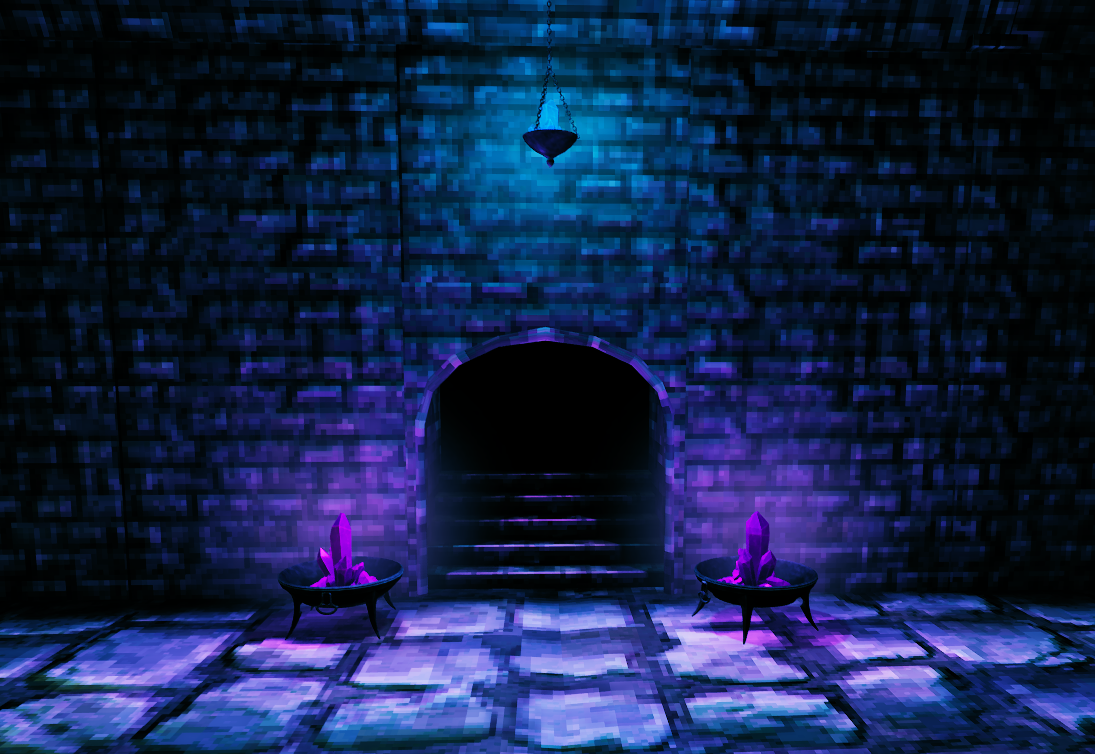
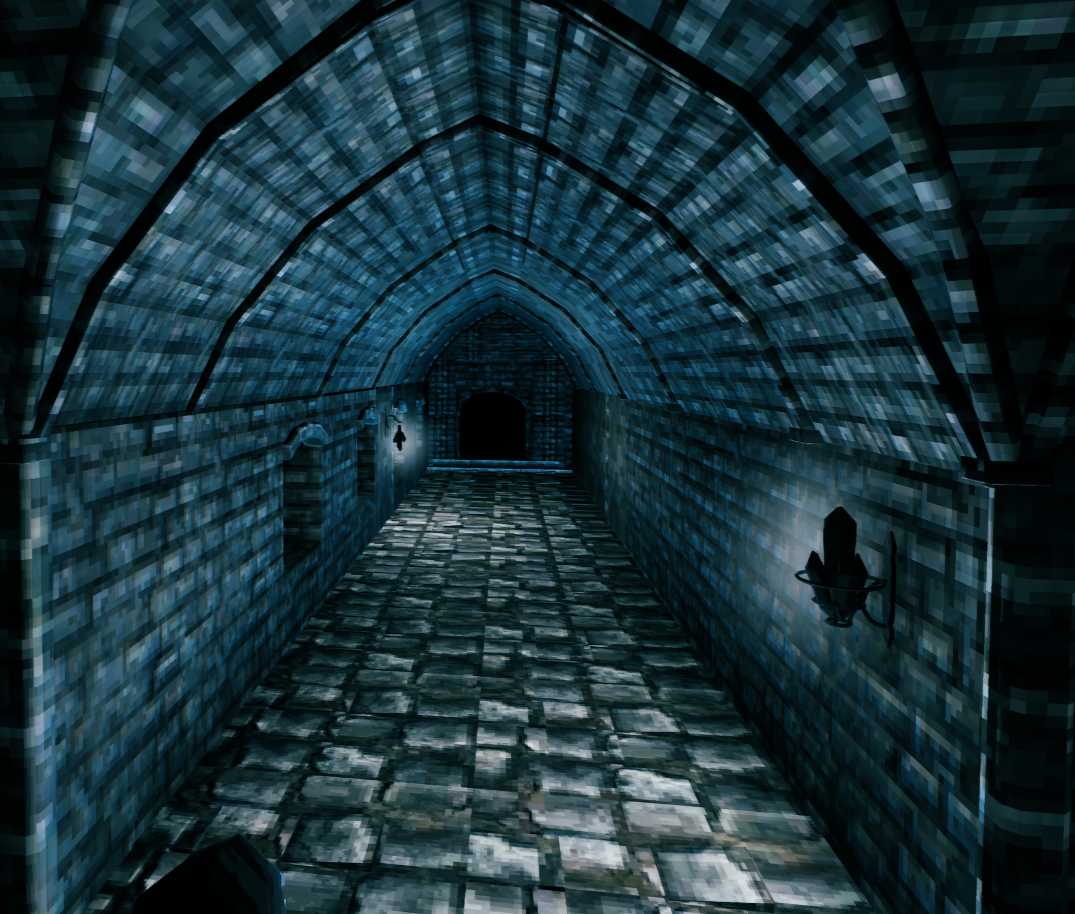
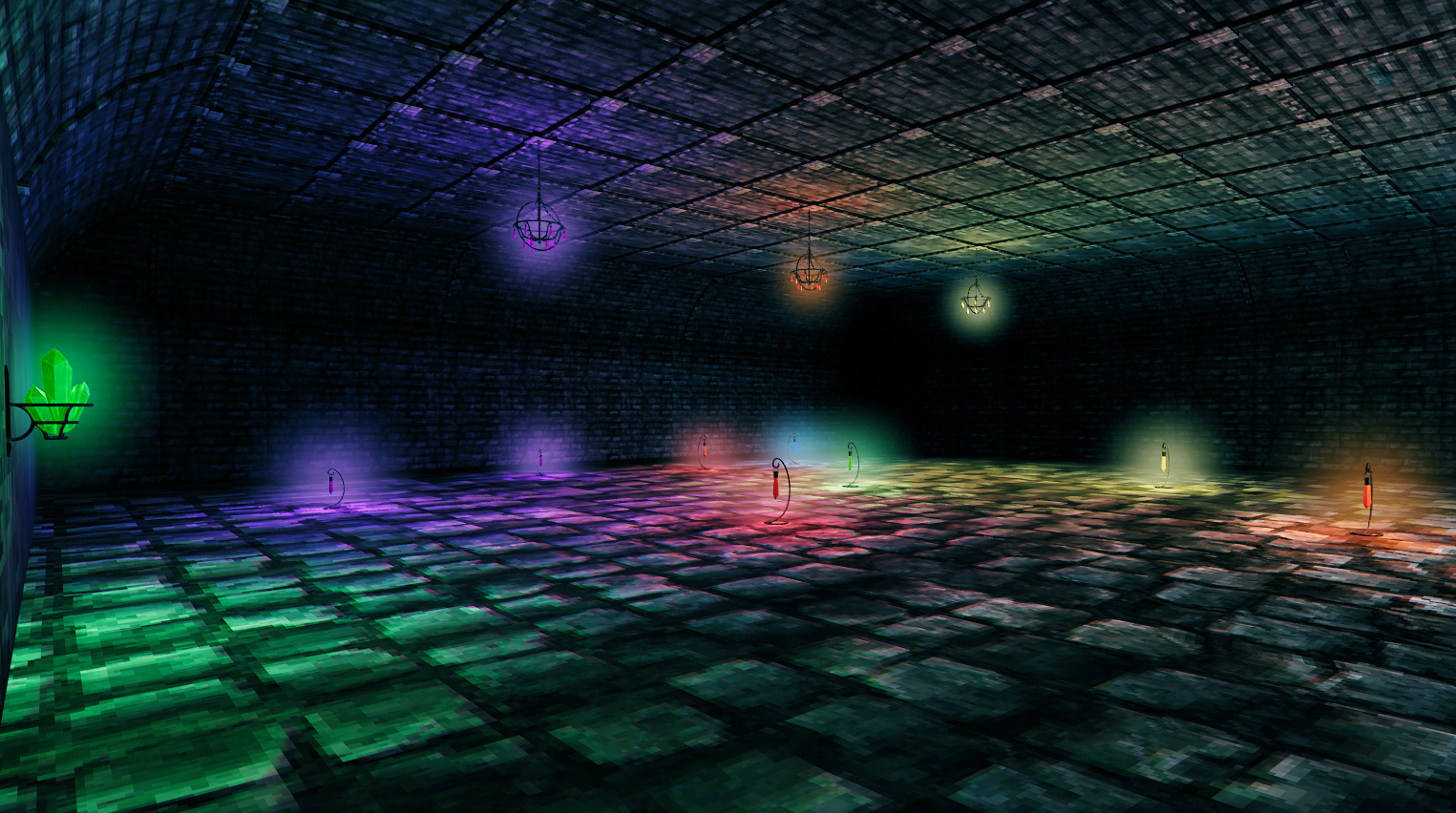
This is a Jewelcrafting Expansion Mod that adds colorful, FPS-friendly crystal lights with fully configurable range and intensity.
About
Build the custom CL_Crystal_Wand at the Workbench using:
- 1 Red Uncut Crystal
- 1 Iron
The wand allows you to place every crystal light included in the mod.
Features
- Improved FPS — no looping audio FX, no particle spam.
- Colorful Crystal Light Sources — a whole spectrum of glowing options.
- New Use for Uncut Crystals — a fresh purpose for Jewelcrafting's uncut gems.
- Universal Wand — one wand builds every crystal light in the mod.
- Server Sync — if the DLL is installed on the server.
- FPS-Friendly Lighting — reduce torches and other FPS-heavy lights.
- Configurable Light Range & Intensity — tune every light to your taste.
- Localization Support — ready for translation.
Click to Buy Me a Coffee — Free Shark Hat and Tuna Sword Gift:

Install Notes
This mod requires Jewelcrafting. Mod must be installed on both client and server for config sync.
Manual Install
- Download the latest BepInEx
- Install Jewelcrafting
- Place this mod's folder into
BepInEx/plugins/
Questions or Comments?

Updates
1.2.1
Updated piecemanager.
1.2.0
Updated piecemanager for valheim 1.0.
1.1.9
Updated Refs.
1.1.8
Restored Jewelcrafting dependency.
1.1.7
Updated ItemManager ref.
1.1.6
Updated LocalizationManager & PieceManager refs.
1.1.5
Updated ServerSync.
1.1.4
Added Light LOD & Shadow LOD configs. Improved light bake settings. Note: White/Black crystals are most demanding due to full-spectrum rendering.
1.1.3
Updated graphics API for Mac/Linux.
1.1.2
Fixed icons for white gems. Updated Unity rip.
1.1.1
Fixed localization for white gems.
1.1.0
Updated managers.
1.0.20
Fixed asset loading error.
1.0.17 – 1.0.19
Updated PieceManager.
1.0.16
Updated ItemManager, PieceManager again. Fixed site images.
1.0.15
Updated ItemManager, PieceManager.
1.0.14
Updated ItemManager, PieceManager, ServerSync.
1.0.13
Adjusted effects of wood crystal torches.
1.0.12
Changed wand crafting requirements. Added wood standing crystal torches.
1.0.11
Updated PieceManager & ServerSync.
1.0.10
Updated ItemManager.
1.0.9
Updated dependencies.
1.0.8
Updated dependencies. Moved localization example into ZIP.
1.0.7
Added requested crystal formation lights.
1.0.6
Fixed missing material on small red cluster flare. Fixed missing green wall cluster config.
1.0.5
Corrected size of black & purple standing lights.
1.0.4
Corrected Pole recipes. Delete config file if needed.
1.0.3
Added Crystal Pole Lights. Changed crafting cost to Iron Nails (configurable).
1.0.2
Added Crystal Braziers (floor + ceiling). Added crafting restriction configs.
1.0.1
Felt like it.
1.0.0
Release the Kraken!