 Install with Gale

Item Hopper
About
Adds hoppers and pipes to transport items.
Features
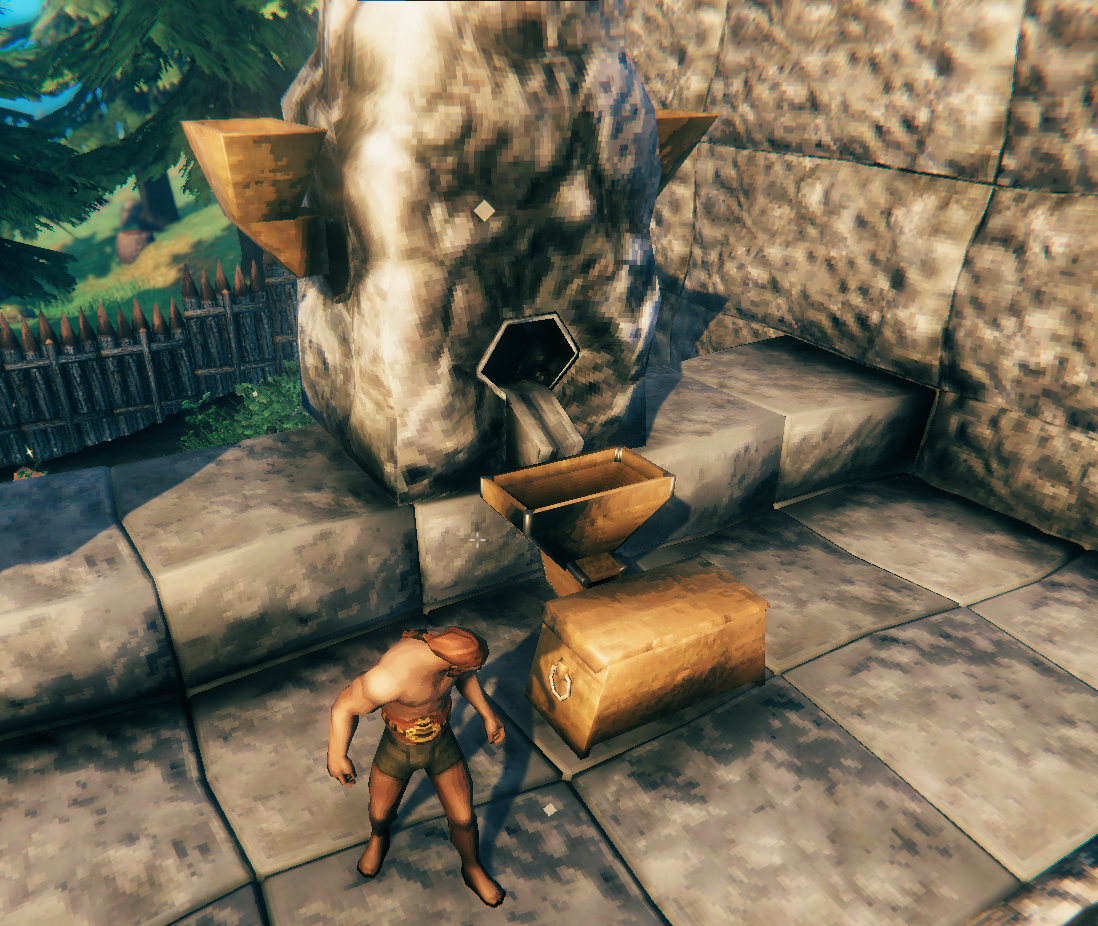
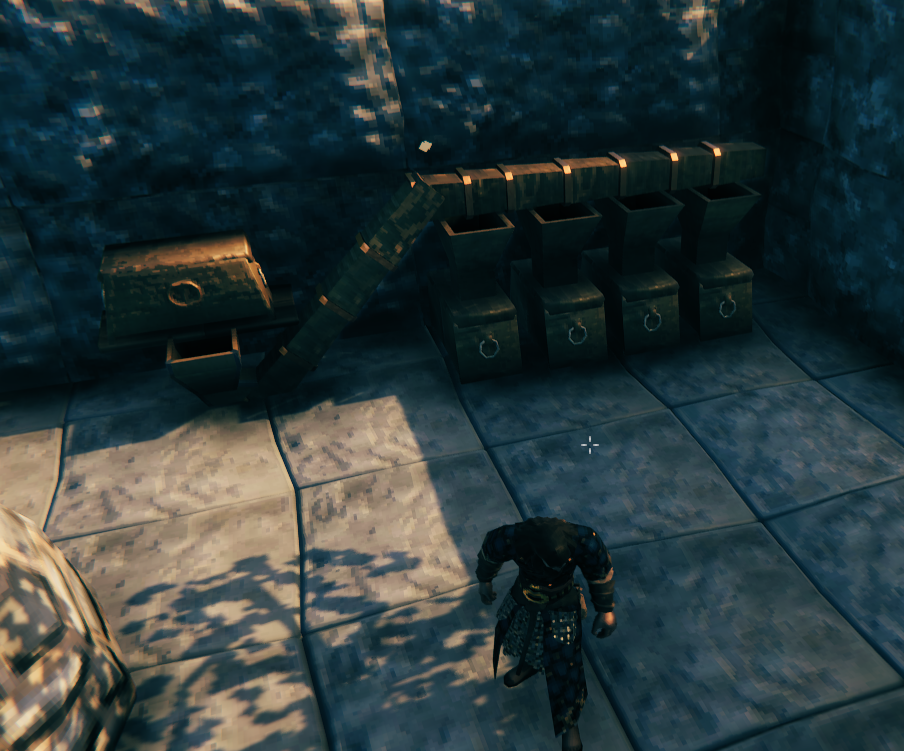
Real ingame hoppers
Different hopper types are available, all can be found in the hammer crafting tab:
| Icon | Name | Cost |
|---|---|---|
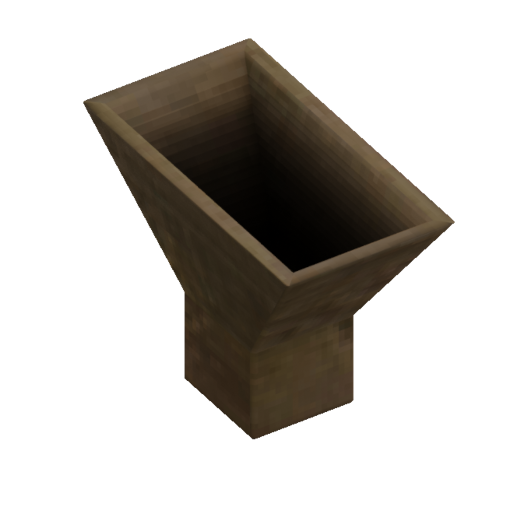 |
Bronze hopper | 6 wood, 4 bronze nails |
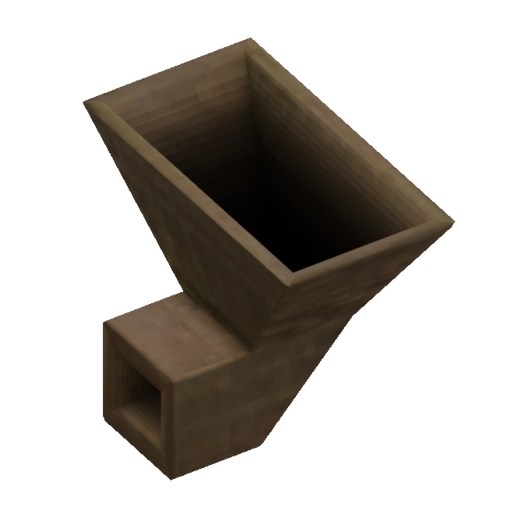 |
Bronze side hopper | 6 wood, 4 bronze nails |
 |
Bronze pipe 4m | 4 wood, 2 bronze nails |
 |
Bronze pipe 2m | 2 wood, 1 bronze nails |
 |
Bronze pipe up 4m | 4 wood, 2 bronze nails |
 |
Bronze pipe up 2m | 2 wood, 1 bronze nails |
 |
Bronze pipe down 4m | 4 wood, 2 bronze nails |
 |
Bronze pipe down 2m | 2 wood, 1 bronze nails |
 |
Bronze pipe up 26° | 4 wood, 2 bronze nails |
 |
Bronze pipe down 26° | 4 wood, 2 bronze nails |
 |
Bronze pipe up 45° | 4 wood, 2 bronze nails |
 |
Bronze pipe down 45° | 4 wood, 2 bronze nails |
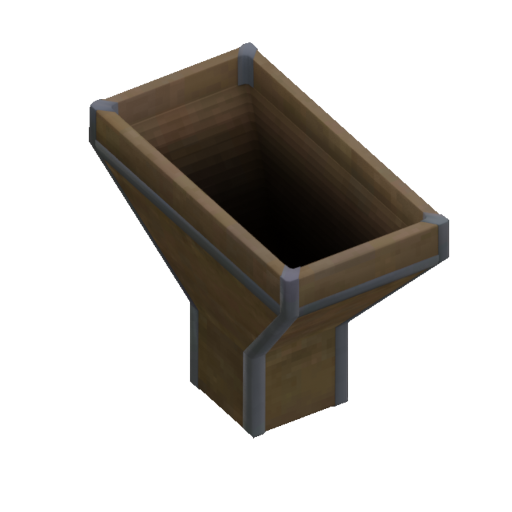 |
Iron hopper | 6 wood, 2 iron nails |
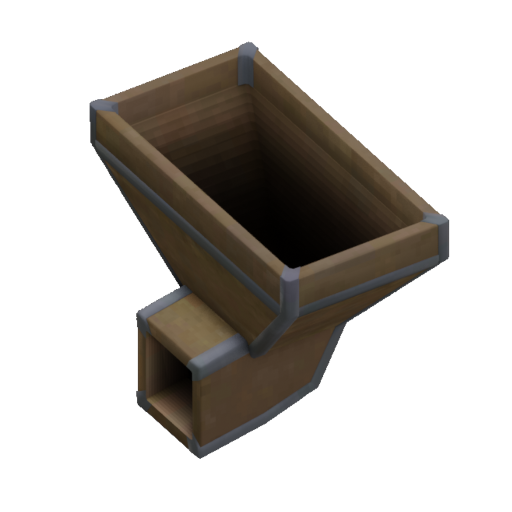 |
Iron side hopper | 6 wood, 2 iron nails |
The transfer speed of all hopper and pipes are identical. The bronze hopper has one slot while the iron hopper has three. Hoppers can pickup and move items, while pipes can only move items.
Individual hopper settings
Every hopper can have it's own setting. They appear in a custom UI when the hopper is opened.
- Filter Items: this can be used for automate item routing. The last item will be remembered with a "ghost" item and only this item type will be moved to the hopper.
- Enable Item Dropping: if enabled and the hopper has no target inventory they will dropped like the smelter does for example.
- Enable Item Pickup: if disabled the hopper will not pickup items from the ground.
Seamless multiplayer
The mod aims to work without interruption or major behavior differences of hoppers and pipes in multiplayer.
Manual Installation
This mod requires BepInEx, Jötunn and MultiUserChest.
Extract the content of ValheimHopper into the BepInEx/plugins folder or any subfolder.
The mod must be installed on all clients and the server, otherwise the connection will fail.
Links
- Thunderstore
- Github
- Nexus
- Discord: Margmas. Feel free to DM or ping me about feedback or questions, for example in the Jötunn discord
Credits
Big thanks to Bento#5066 for the hopper models and icons!
Development
See contributing.
Changelog
See changelog.