 Install with Gale
DoorPull
About
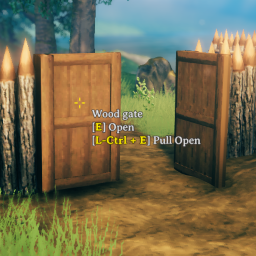
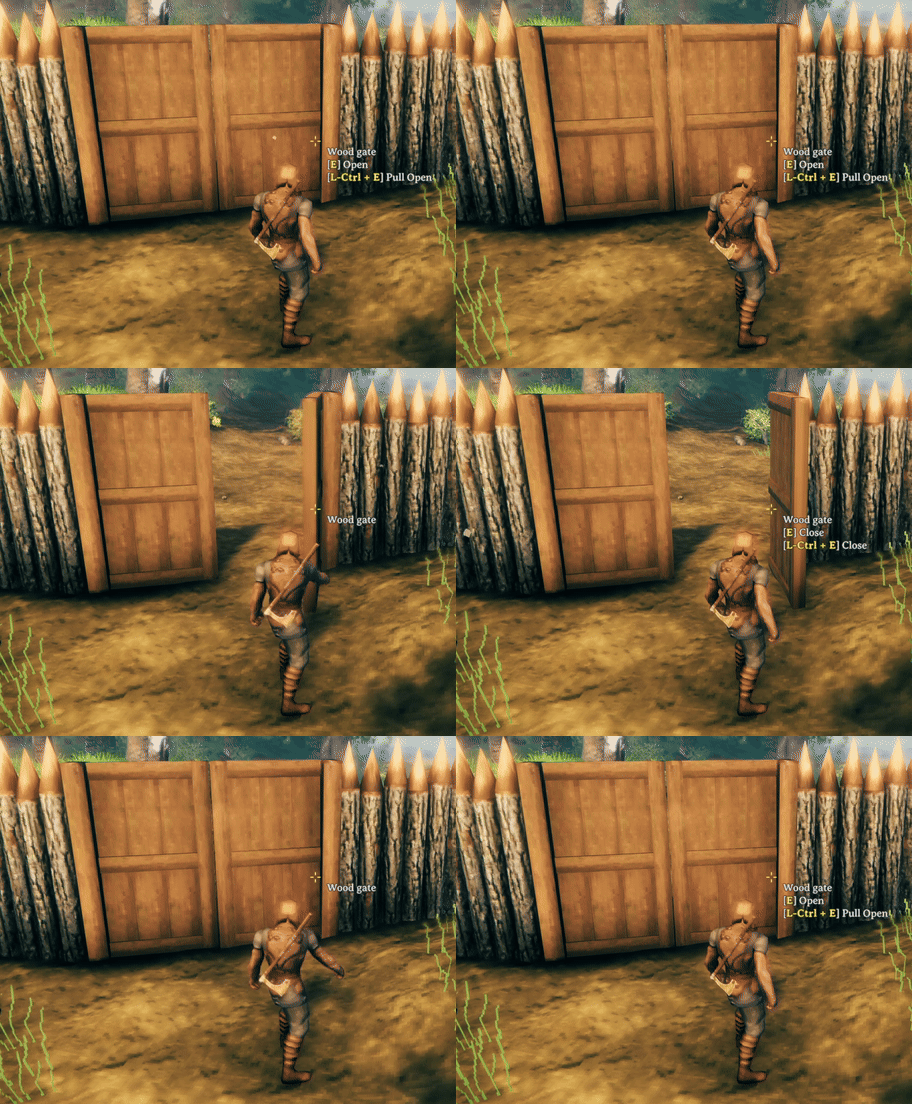
Pull doors open with Ctrl + Use.
Manual Installation
This mod requires BepInEx
Extract the content of DoorPull into the BepInEx/plugins folder or any subfolder.
Development
BepInEx must be setup manual or with the R2modman/Thunderstore Mod Manager. Create a file called Environment.props inside the project root. Copy the example and change the Valheim install path to your location.
<?xml version="1.0" encoding="utf-8"?>
<Project ToolsVersion="Current" xmlns="http://schemas.microsoft.com/developer/msbuild/2003">
    <PropertyGroup>
        <!-- Needs to be your path to the base Valheim folder -->
        <VALHEIM_INSTALL Condition="!Exists('$(VALHEIM_INSTALL)')">C:/Programme/Steam/steamapps/common/Valheim</VALHEIM_INSTALL>
        <VALHEIM_INSTALL Condition="!Exists('$(VALHEIM_INSTALL)')">E:/Programme/Steam/steamapps/common/Valheim</VALHEIM_INSTALL>

        <!-- Optional, needs to be your path to a r2modmanPlus profile folder -->
        <R2MODMAN_INSTALL>$(AppData)/r2modmanPlus-local/Valheim/profiles/Develop</R2MODMAN_INSTALL>
    </PropertyGroup>
</Project>
Links
- Thunderstore: https://valheim.thunderstore.io/package/MSchmoecker/DoorPull/
- Github: https://github.com/MSchmoecker/DoorPull
- Discord: Margmas
Changelog
0.1.1
- Added config option for keyboard shortcut
0.1.0
- Release