 Install with Gale
THIS IS NOT A MOD.
You do not need to download anything. You just use the web tool to help you with Jere's yamls.
However two example yamls are included.
Note that if you want the extra biomes populated by vegetations, spawns, clutter, etc... you will have to edit those yamls too.
To use the tool you have to go here: Zeus Biome Configurator
The github code can be found here: Nick-Pappas/BiomeConfiguratorTool
I am attaching two examples of a bit more elaborate yamls to see what a more complicated thing will look like...
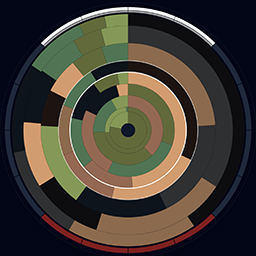
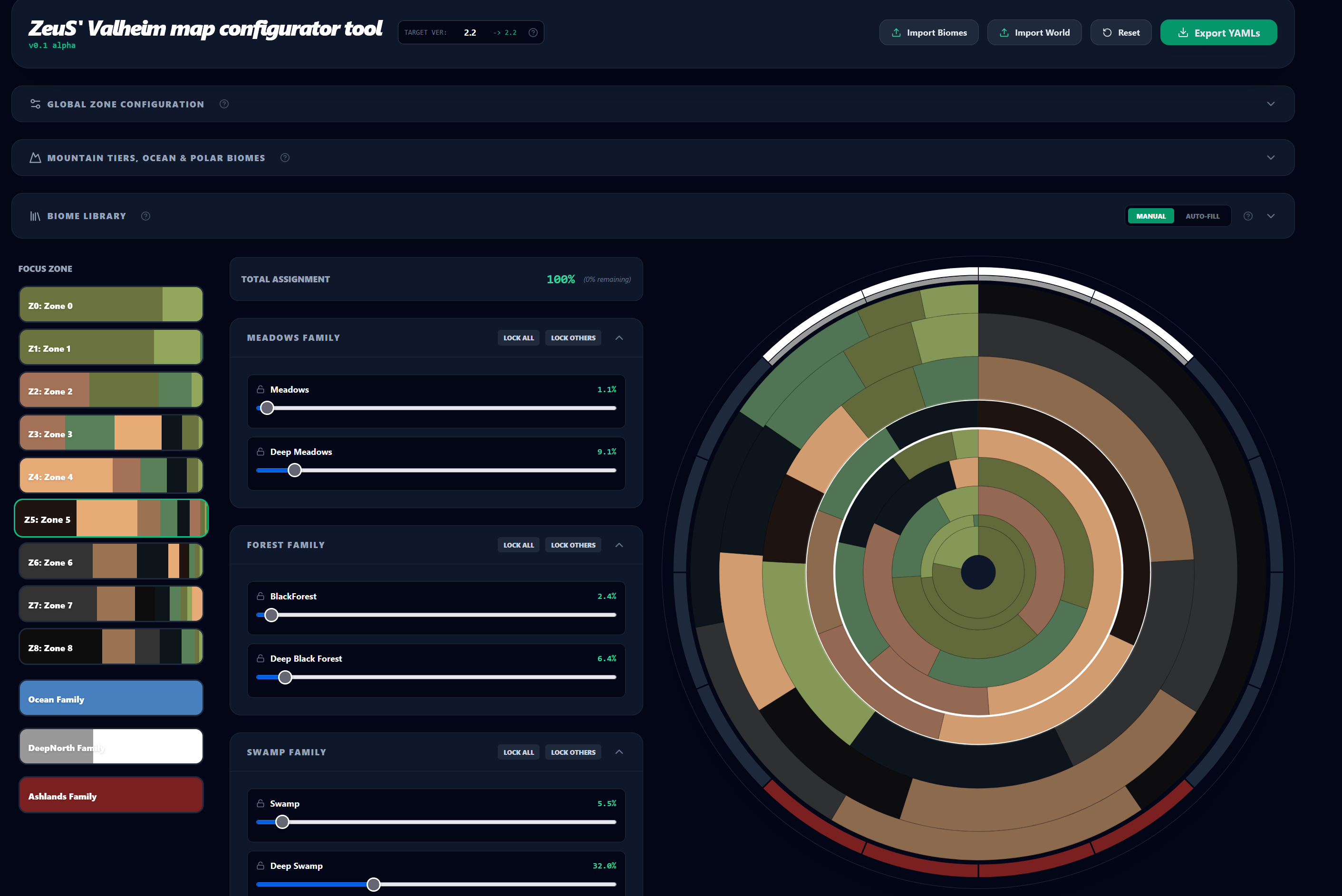
(it will look like the screenshot)
You can load them in the tool.
Remember that you cannot have more than 32 biomes by the way. No way around it.
Colors for ocean do not matter.
Otherwise colors for biomes that you pick with the tool are what you will see on the map.
You can of course import your own yamls, or you start from scratch vanilla and build a new config on the fly. I have not written a proper read me, but the idea is simple... you use it to define the composition of your map by dragging around sliders and using checkboxes instead of typing like maniacs.
The (?) icons will help. For example you split the world in imaginary annuli, (donuts, rings) and you say well from 30% from the center to 50% of the center I want at least 30% of biomes I encounter to be Swamp. Stuff like that. You can already do that using expland_biomes and expand_world yamls.
This tool just gives you a GUI and does the yaml-ing for you.
Thanks to Jere for the excellent Expand World suite. To understand the yamls themselves, you need to read the documentation that Jere has and can be found here: https://github.com/JereKuusela/valheim-expand_world_data
but the relevant for the tool stuff are:
https://github.com/JereKuusela/valheim-expand_world_data/blob/main/docs/biomes.md
and
https://github.com/JereKuusela/valheim-expand_world_data/blob/main/docs/world.md