
 Install with Gale
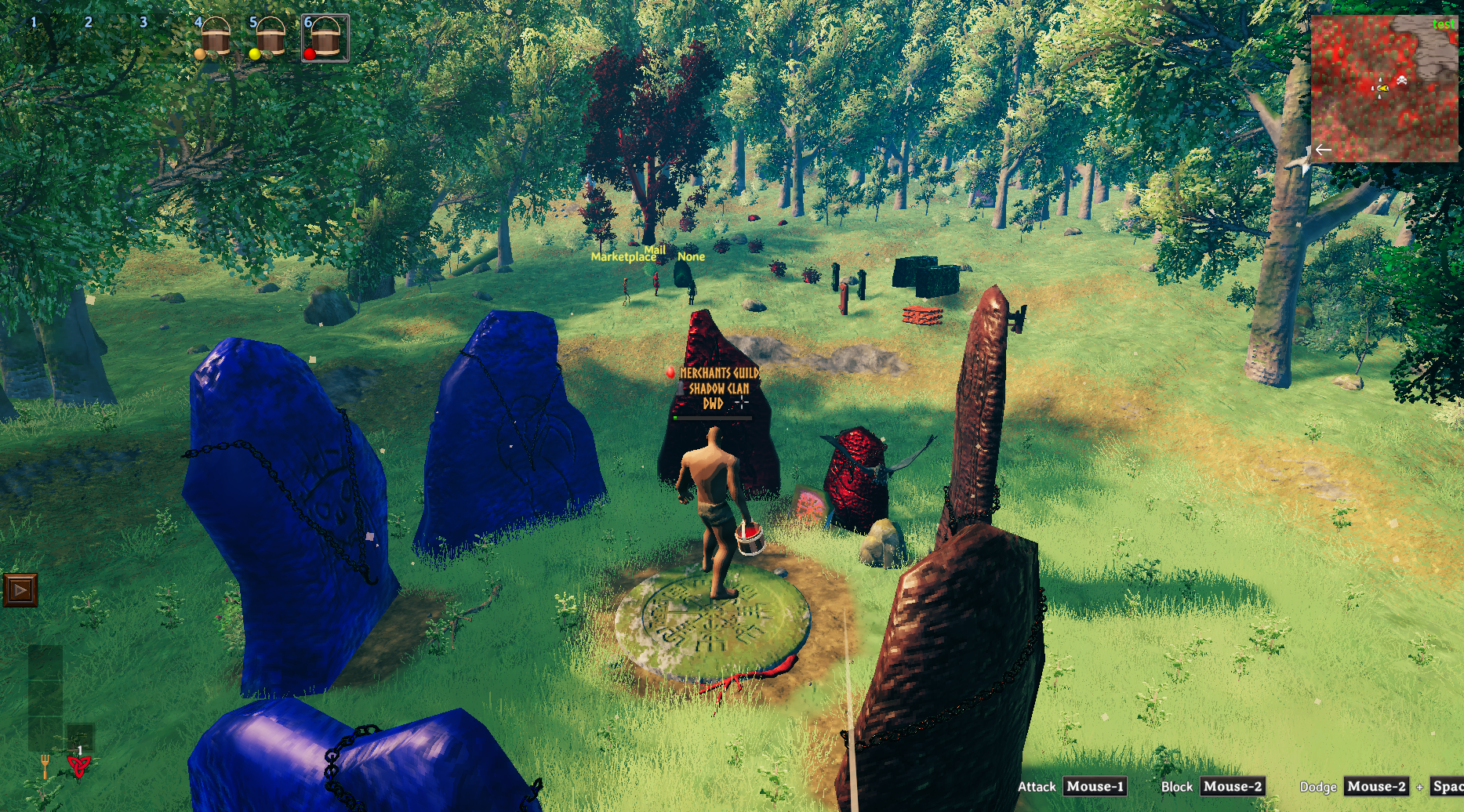
Painting
Painting is a Valheim mod that lets players color buildings and placeable pieces with a custom paint bucket system.
Create your paint, pick your color, then apply or reset paint directly in the world.
What this mod adds
- A Paint Bucket (Material) item used to create paint.
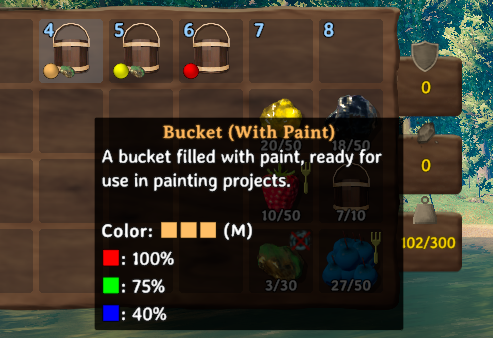
- A Paint Bucket (Paint) item that stores your selected color.
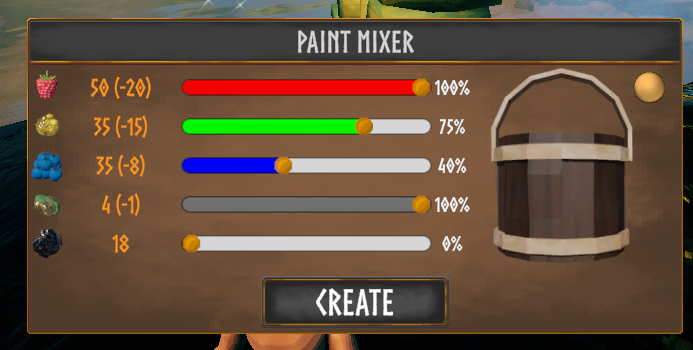
- A color crafting UI with:
- Red / Green / Blue sliders
- Optional metallic effect
- Tar-based black paint option
- Painting controls in gameplay:
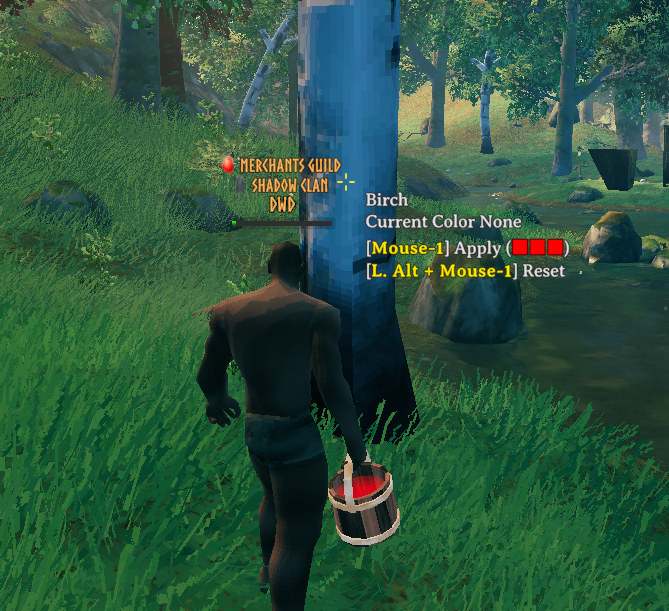
- Attack to apply paint
- Left Alt + Attack to reset painted objects
- Visual support:
- Bucket color preview in inventory/hotbar
- Hover text showing current color and target result
How painting works
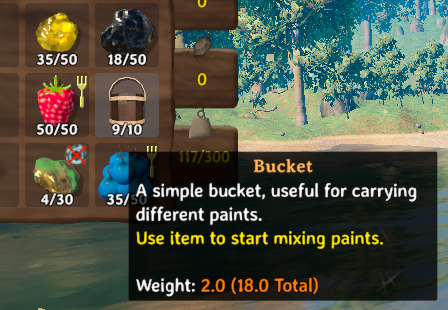
- Craft a Paint Bucket (Material).
- Use the bucket to open the paint UI.
- Spend resources to create a Paint Bucket (Paint).
- Equip the paint bucket and aim at a valid placeable object.
- Attack to apply paint, or Left Alt + Attack to reset.
Paint data is synchronized and saved for persistent networked objects, so colors stay consistent in multiplayer.
Paint creation rules
- RGB channels use:
- Raspberry (red)
- Resin (green)
- Blueberries (blue)
- Metallic toggle uses:
- Copper Ore
- Tar mode uses:
- Tar (creates black paint and disables RGB channels)
- RGB total must stay between 20 and 50 (tar mode bypasses this range).
Recipe
Paint Bucket (Material) (Workbench):
- 3x Copper
- 10x Wood
For now mod in beta and supports painting of literally almost every possible network object. In future will probably limit that to only build pieces