
 Install with Gale
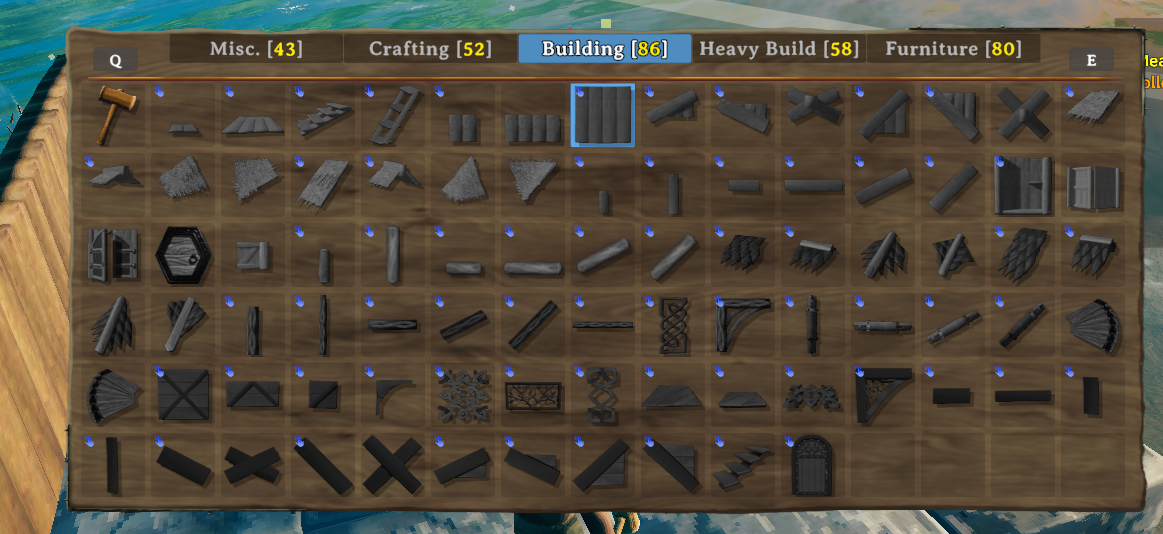
DragNBuild
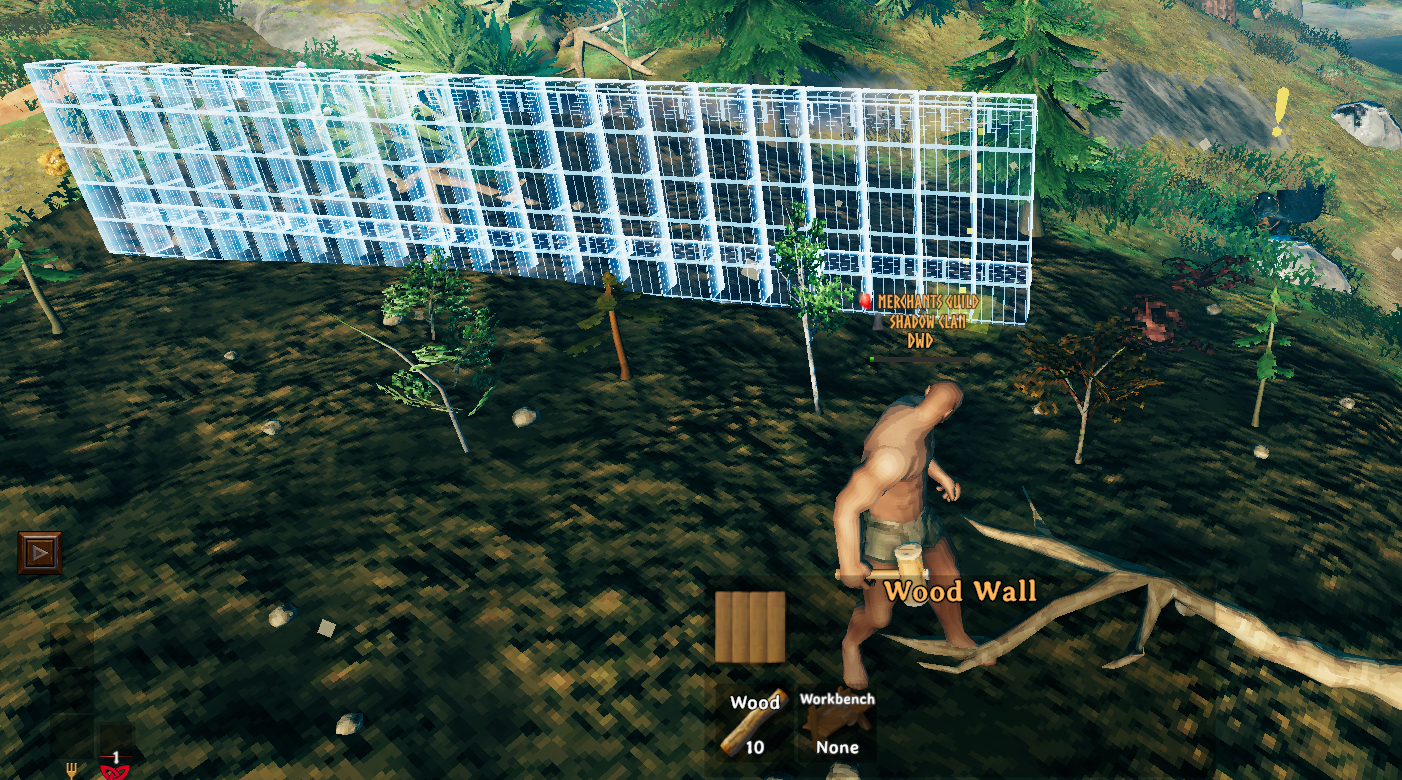
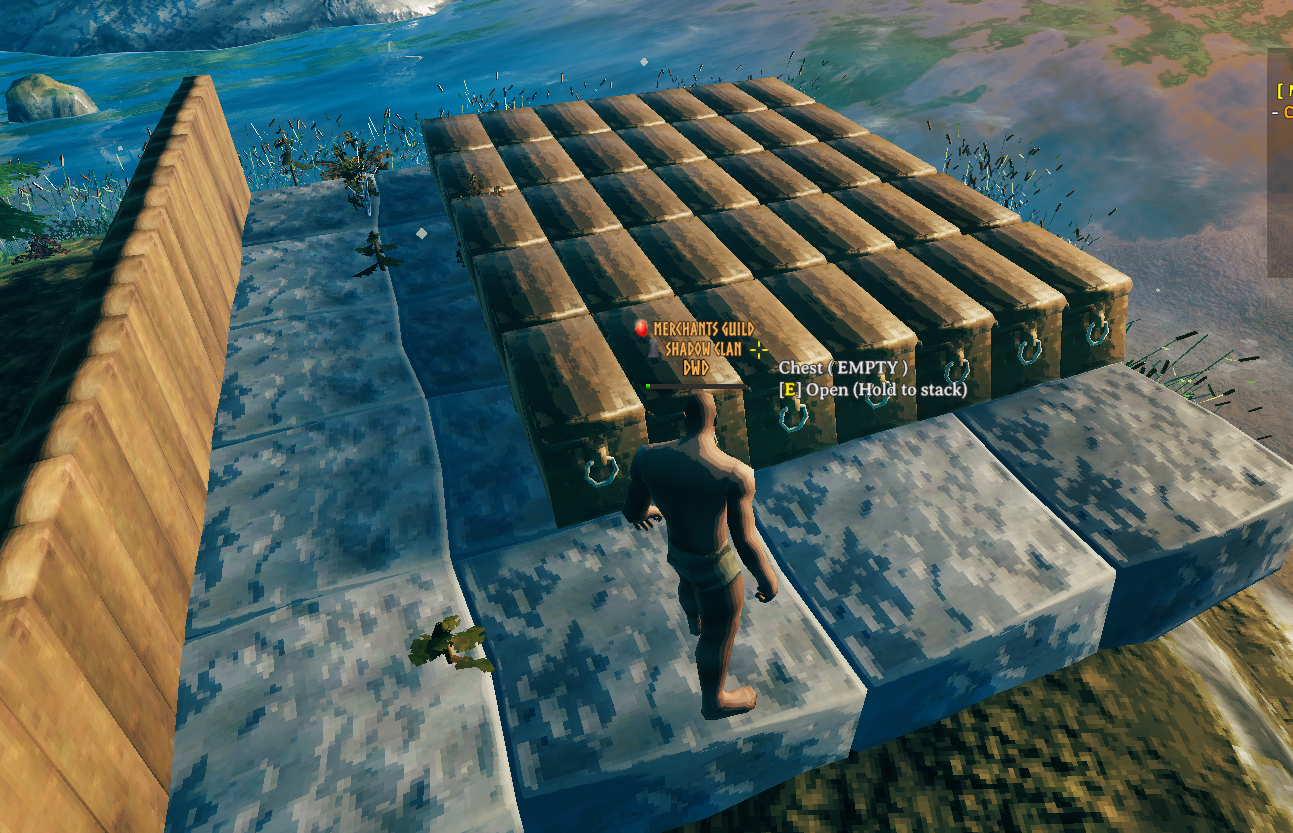
DragNBuild is a Valheim building mod that lets you place multiple pieces at once by holding the place button and dragging. Stop placing walls one by one — just drag and build.
How It Works
- Enter build mode and select a supported piece.
- Hold the place button (left mouse button / Attack) at the target location.
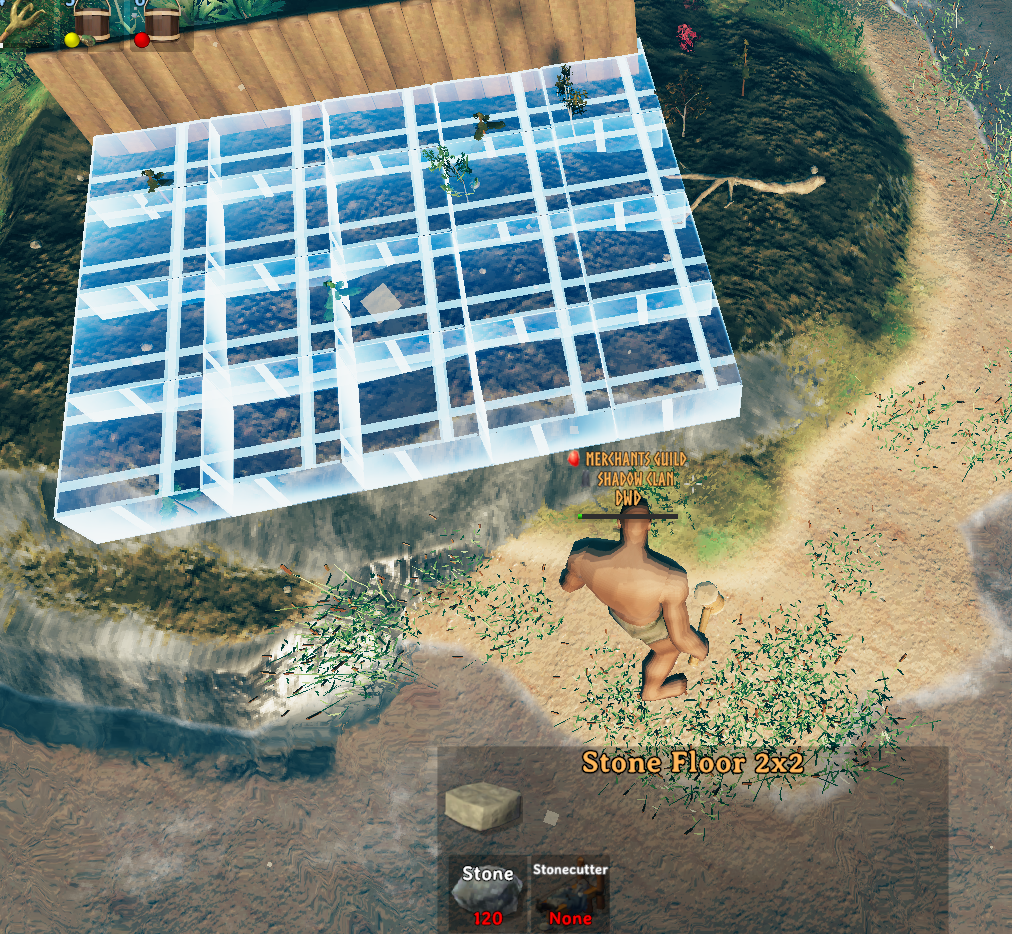
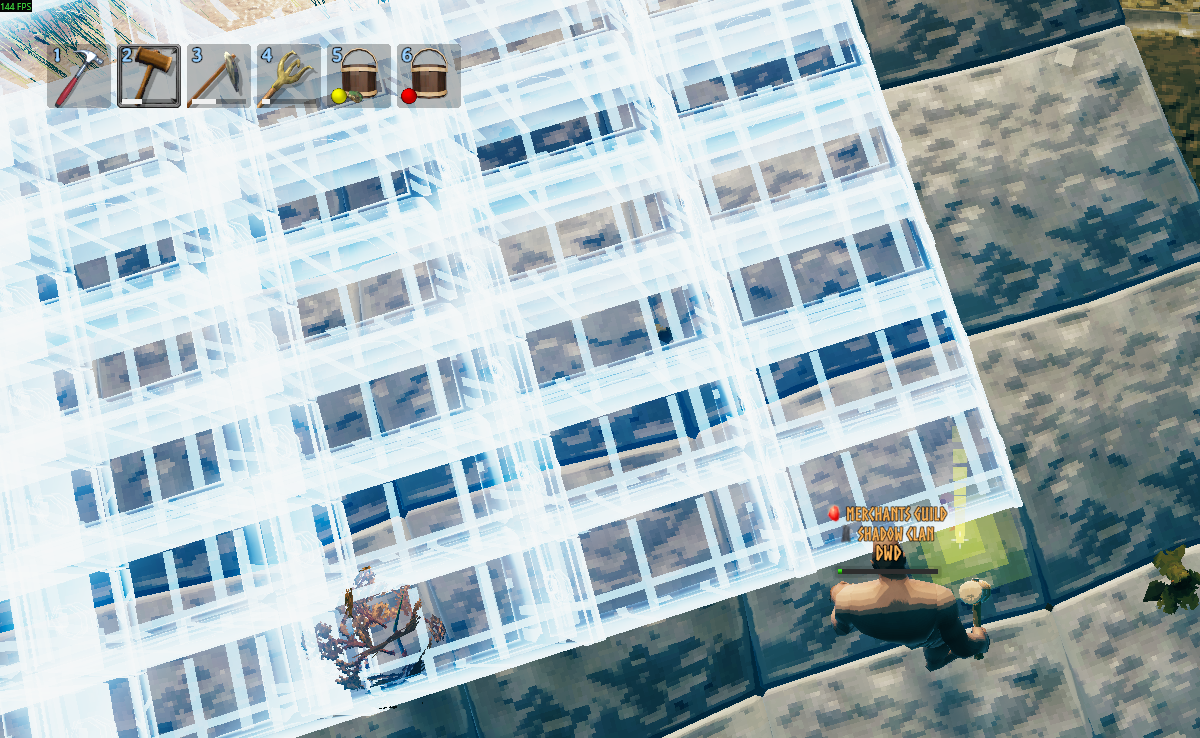
- Drag your mouse in any supported direction — ghost copies of the piece appear in a line or grid previewing where they'll land.
- Release the button to place all pieces at once (resources are consumed automatically).
- Press Block at any time to cancel the drag without placing anything.
Scroll wheel while dragging adjusts the spacing between pieces (up to +2.5 units extra gap).
Hold Left Alt while dragging to snap each X/Z column to terrain height while preserving stacked Y levels (upper floors stay above the snapped base).
Manual Placement (with nocost)
When nocost is enabled, you can manually grow/shrink the preview while dragging:
| Key | Action |
|---|---|
Left Arrow / Right Arrow |
Move along Left/Right placement steps |
Up Arrow / Down Arrow |
Move along Up/Down placement steps |
PageUp / PageDown |
Move along Forward/Backward placement steps |
Delete |
Reset manual debug steps back to zero |
Visual Feedback
Ghost pieces are color-coded in real time:
- 🔵 Blue — you have enough resources to place all previewed pieces.
- 🔴 Red — not enough resources; releasing will not place anything.
Supported Directions
Each piece can support any combination of these drag axes:
| Direction | Description |
|---|---|
LeftRight |
Drag along the piece's local X axis |
ForwardBackward |
Drag along the piece's local Z axis |
UpDown |
Drag along the piece's local Y axis |
Pieces can be dragged in 3D (e.g., a wall supports UpDown + LeftRight, letting you fill a rectangle in one drag).
Configuration
Config files live in BepInEx/config/DragNBuild/.
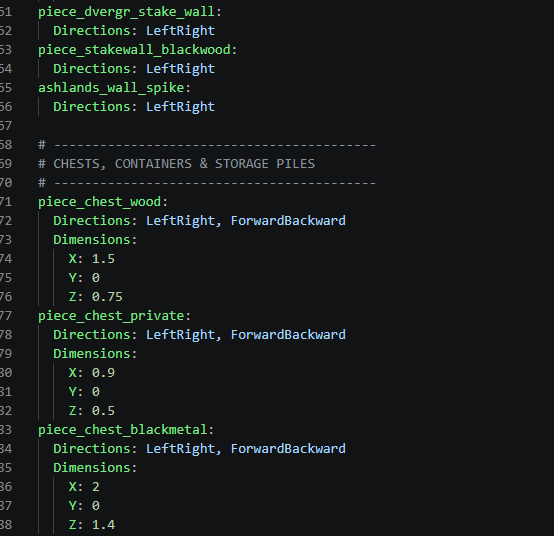
On first launch, VanillaPieces.yml is automatically created there with all vanilla pieces pre-configured. You can edit it freely or add new .yml / .yaml files for modded pieces — changes are hot-reloaded instantly without restarting the game.
YAML Format
# Single piece entry
woodwall:
  Directions: UpDown, LeftRight

# Piece with manual dimensions (overrides auto-detection from snap points)
wood_fence:
  Directions: LeftRight
  Dimensions:
    X: 2.5
    Y: 0
    Z: 0
    BottomOffset: 0

# Angled piece with height offset per step
wood_beam_45:
  Directions: LeftRight
  Dimensions:
    X: 2
    Y: 0
    Z: 0
  AddedLRHeight: 2    # rise per step when dragging Left/Right
  AddedFBHeight: 0    # rise per step when dragging Forward/Backward
Fields
| Field | Type | Description |
|---|---|---|
Directions |
flags | Comma-separated: UpDown, LeftRight, ForwardBackward |
Dimensions |
X/Y/Z/BottomOffset | Manual piece size override. If the piece has snap points, dimensions and bottom offset are auto-detected and this field can be omitted. Only specify it when auto-detection is wrong or the piece has no snap points. BottomOffset is used by Left Alt terrain snap to align the real bottom of the piece correctly to ground. |
AddedLRHeight |
float | Height rise per step when dragging left/right (for angled pieces like 26°/45° beams) |
AddedFBHeight |
float | Height rise per step when dragging forward/backward (for stairs/ramps) |
HideShaderAnimation |
bool | Disables shader animation on ghost pieces |
Vanilla Pieces Support
The mod ships with VanillaPieces.yml covering all vanilla build pieces across every biome tier:
- Wood — walls, floors, beams, poles, roofs, stairs, doors
- Darkwood — beams, poles, roofs, decorative walls
- Ashwood (Ashlands) — walls, floors, beams, roofs, stairs
- Stone — walls, floors, stairs, pillars, arches
- Black Marble (Mistlands) — walls, floors, columns, stairs
- Grausten (Ashlands) — walls, floors, pillars, beams, roofs
- Iron / Reinforced — poles, beams, iron grates, crystal walls, flametal
- Defenses — fences, stake walls, dvergr stakes, ashlands spikes
- Chests & Storage — chests, barrels, resource piles, wood/stone stacks
- Utility — hearths, portals, turrets, training dummies
- Farmables — all crop saplings and trees
Multiplayer
Config is synced from server to all clients via ServerSync. The server's YAML files are authoritative — clients use server values automatically on join.
Installation
- Install BepInExPack for Valheim.
- Drop
DragNBuild.dllintoBepInEx/plugins/. - Launch the game —
VanillaPieces.ymlis created automatically on first run.
Adding Custom / Modded Pieces
Create any .yml file in BepInEx/config/DragNBuild/ and add entries using the piece's prefab name (the internal game name, not the display name):
my_modded_wall:
  Directions: UpDown, LeftRight

my_modded_beam:
  Directions: LeftRight, ForwardBackward
  AddedFBHeight: 1
Files are reloaded on save — no restart needed.