 Install
Player Scaling
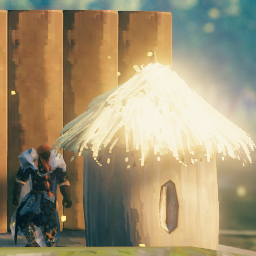
Allows admins to change the size of each player.
Install on all clients and on the server (modding guide).
Usage
Adds new console commands for admins:
scale_player [player/character id/steam id] [scale] [offset from ground]scale_player [player/character id/steam id] [x,y,z] [offset from ground]scale_player [player/character id/steam id] [scale,offset]scale_player [player/character id/steam id] [x,y,z,offset]
Adds new console commands with debug mode:
scale_self [scale] [offset from ground]scale_self [x,y,z] [offset from ground]scale_self [scale,offset]scale_self [x,y,z,offset]
Scaling information is saved per game world.
When scaling each axis separately, the player may start floating so the last parameter can be used to fine tune this.