 Install with Gale
F Off
Because apparently F was load-bearing.
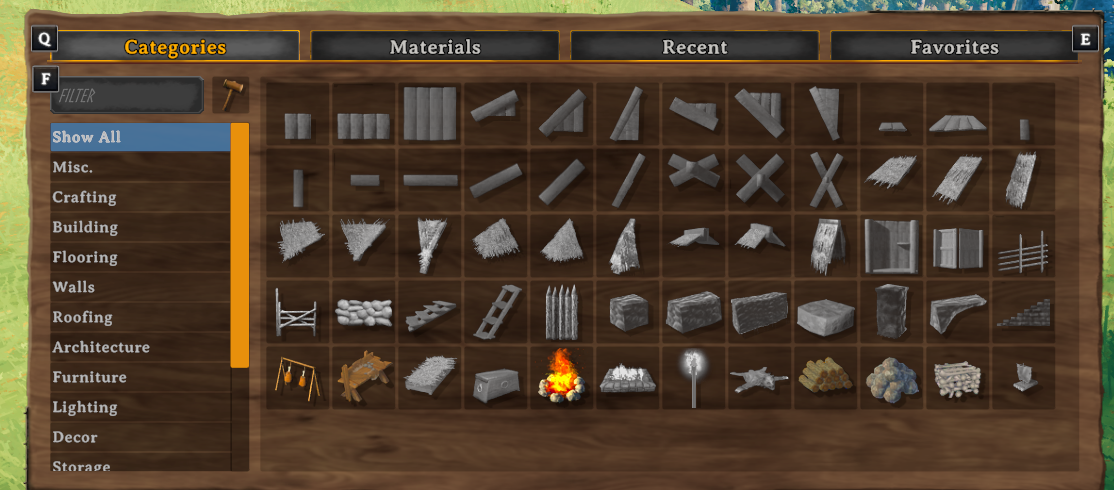
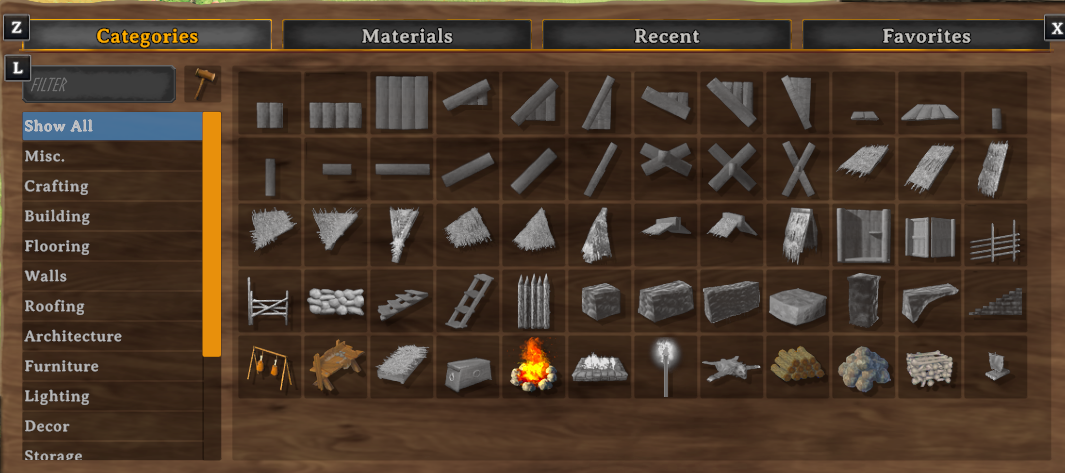
F Off is a lightweight, client-side Valheim mod that lets you rebind the hardcoded Filter and Next/Previous Tab key in the build menu. Decided to work on this for some people I know that had some unique key binds.
Important with 0.3.0
- Delete previous config if you are missing new entries for previous and next tab
Features
- Rebind the build-menu Filter key
- Rebind the build-menu next tab keys
- Updates the on-screen key hint
- Client-side only
- No server installation required
- Controller support remains unchanged
Configuration
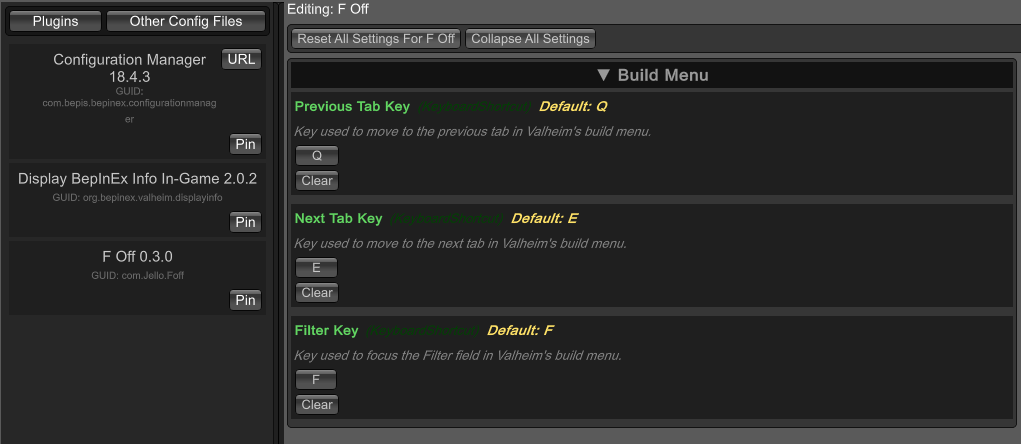
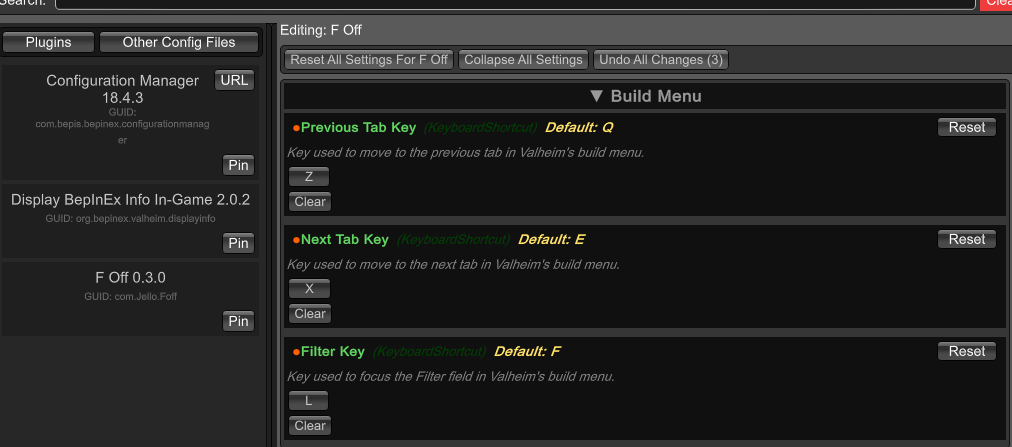
With BepInEx ConfigurationManager installed, open the configuration menu:
F Off > Build Menu > Previous Tab Key
Default: Q
Use Reset to restore the default key.
F Off > Build Menu > Next Tab Key
Default: E
Use Reset to restore the default key.
F Off > Build Menu > Filter Key
Default: F
Use Reset to restore the default key.
Installation
Use Gale Mod manager
Manual Installation
Install FOff.dll into: BepInEx/plugins/FOff/