 Install with Gale
OctoPack Camping Kit
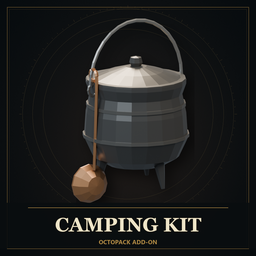
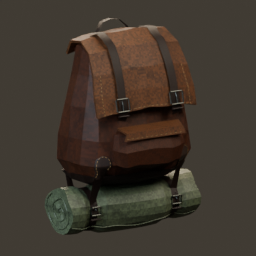
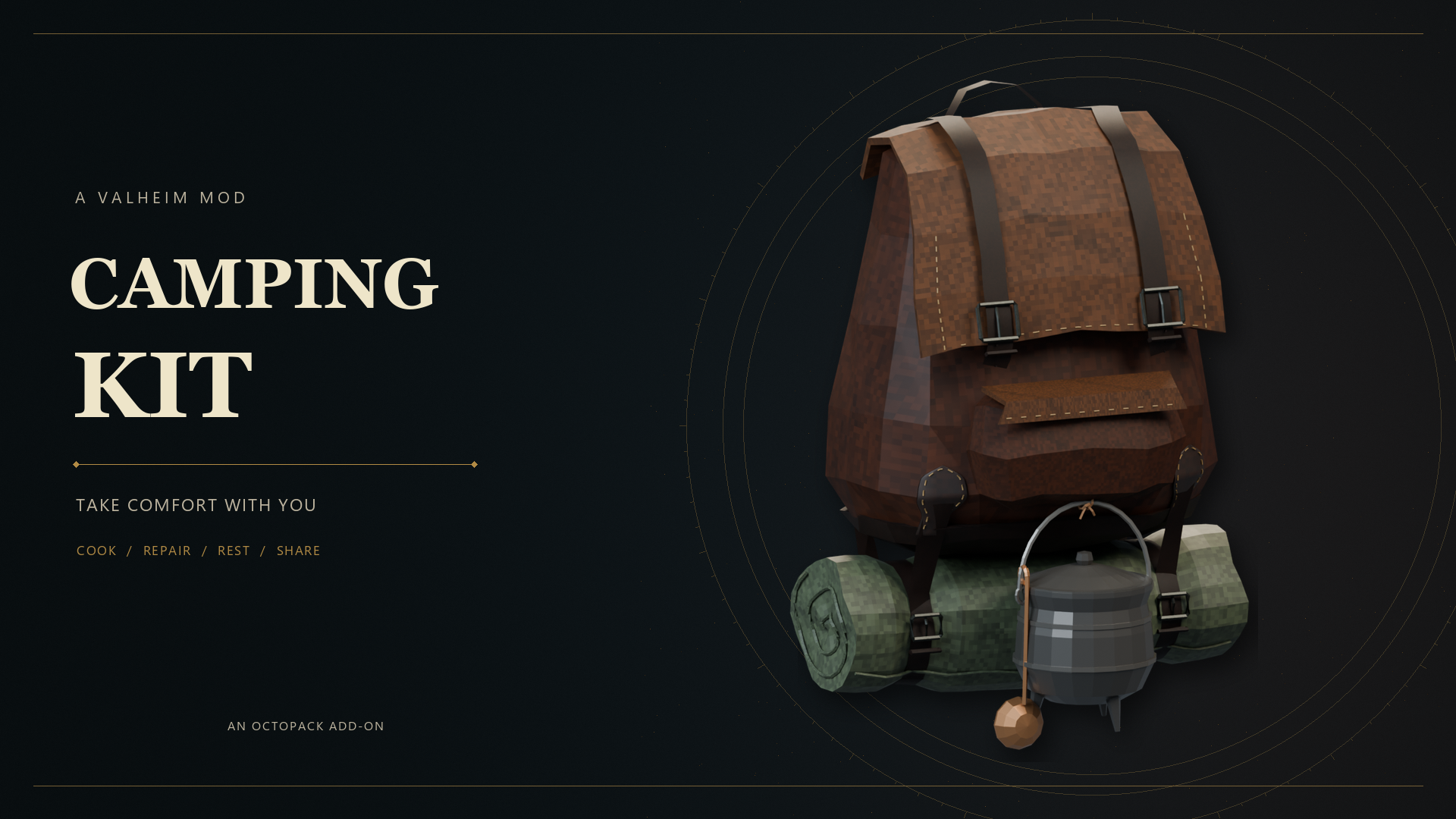
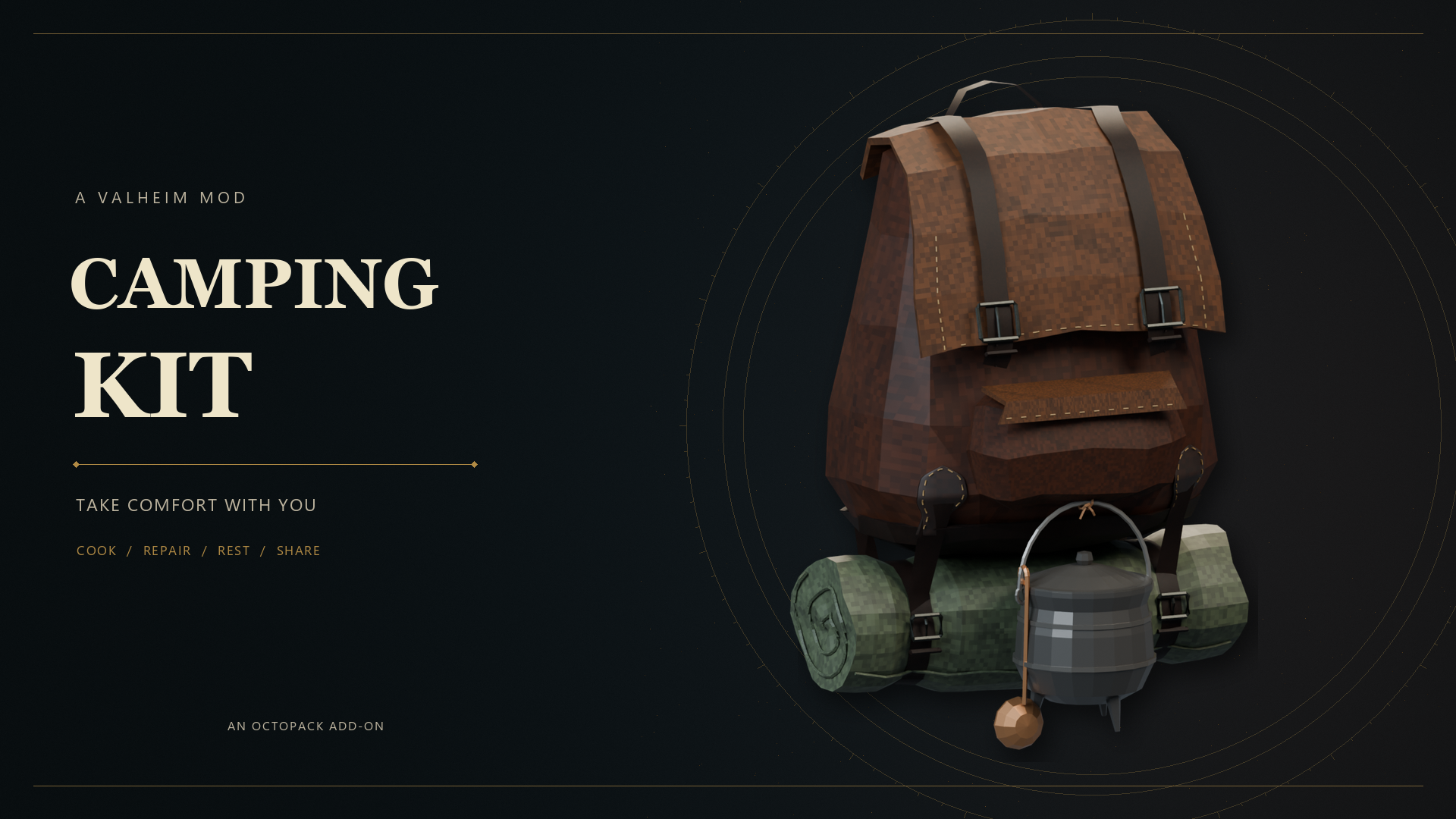
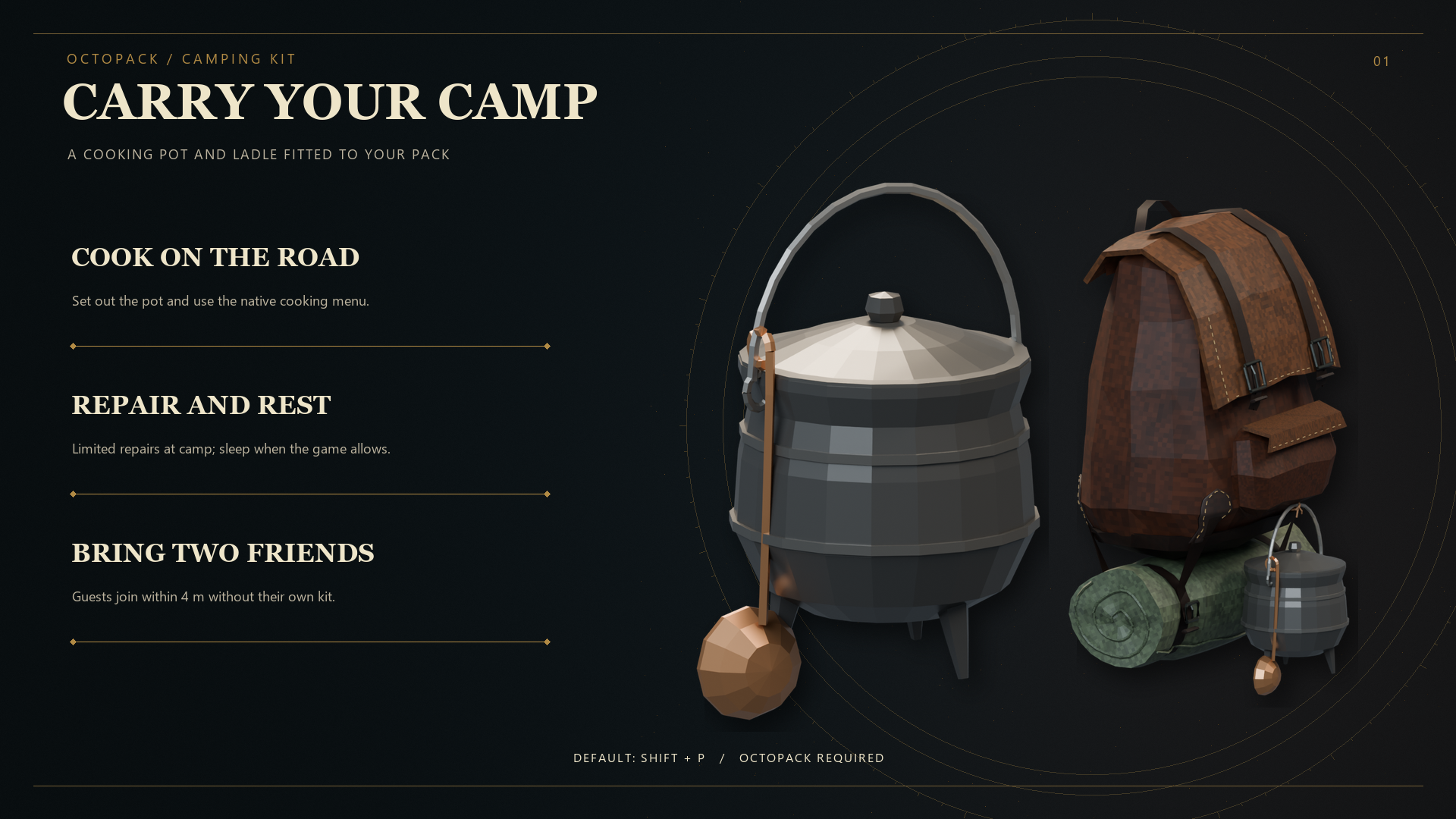
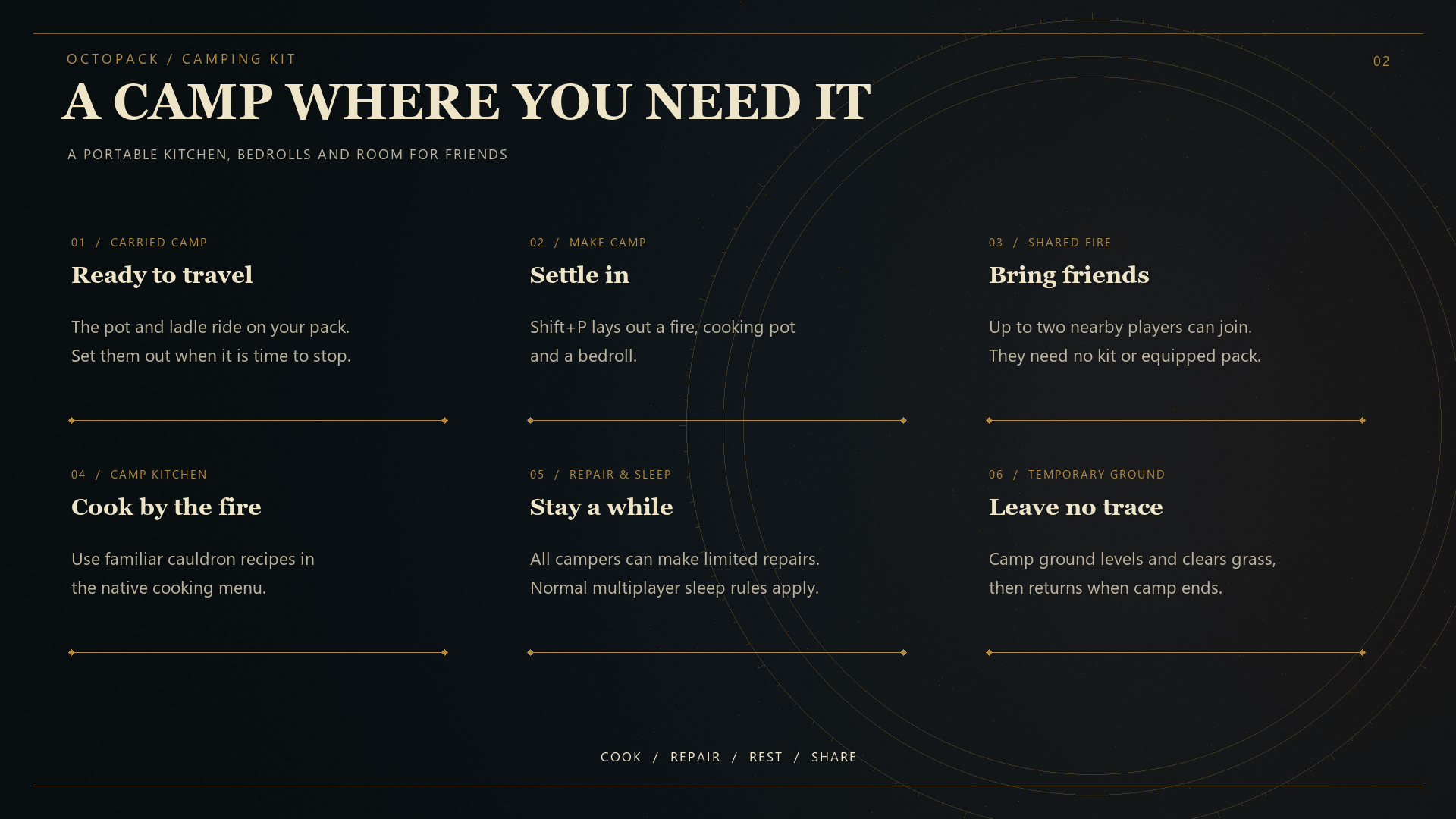
Carry a cooking pot and ladle on your OctoPack, then make a temporary camp to cook, rest, and repair. Two nearby players can join your camp without bringing their own Camping Kit.
Features
- Equip a pot and swinging ladle in an OctoPack accessory slot.
- Set up a shared camp with a fire, bedrolls, translucent soup, steam, and a cooking menu.
- Let up to two other players join within 4 metres. They share the fire and can repair and sleep; only the host needs an equipped Camping Kit.
- Temporarily level the campsite and clear grass while camping. The original terrain and ground clutter return when camp ends; the saved world terrain is unchanged.
- Repair each item once for 25% between other repairs. Sleep follows Valheim's multiplayer time rules.
Controls
| Action | Default key |
|---|---|
| Make, join, or leave camp | Either Shift + P |
| Open cooking (host) | K |
| Repair (host or guest) | J |
| Sleep (host or guest) | L |
Joining a nearby camp takes priority over starting your own. Movement or threats cancel camping; when the host leaves, dies, or disconnects, the guest camp ends.
Installation
Requires OctoPack and BepInEx for Valheim. Install through a compatible mod manager, or close Valheim and copy the packaged plugins folder into BepInEx. The DLL belongs at BepInEx/plugins/OctoPack_addon_Camping/OctoPack_addon_Camping.dll.
Install the same Camping Kit version on every participating client. The host needs an equipped kit; guests do not need their own kit item or equipped backpack. Keep your existing config file when updating.
Configuration
BepInEx creates BepInEx/config/OctoPack_addon_Camping.cfg. Settings include the camp, cooking, repair and sleep keys; pot and ladle mounting offsets; model scale; and swing motion.
Notes
Camping Kit 0.1.19 includes a fix for cleanup during player shutdown. Automated build and regression checks passed. In-game quit-after-camping and multiplayer retesting are still pending for this build.
Community and support
Join OctoDad's Mods on Discord for questions, bug reports, and news about future mods.
Development disclosure
Developed with AI assistance from OpenAI Codex.
Support Studio Bascinet
Enjoying the mod? Optional donations help support Studio Bascinet's mod development. Thank you for your support.

Credits
Created by OctoDad / Bascinet.