 Install with Gale
Melange
A little spice for Valheim's UI.
In Dune, melange is the spice that grants awareness. Here it mostly tells you when your mead is ready.
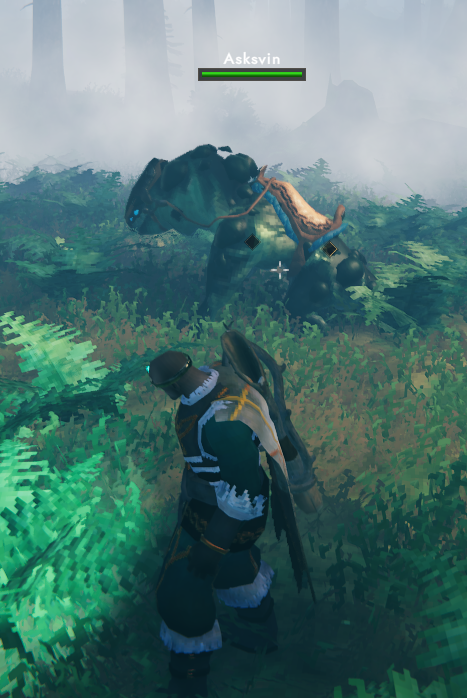
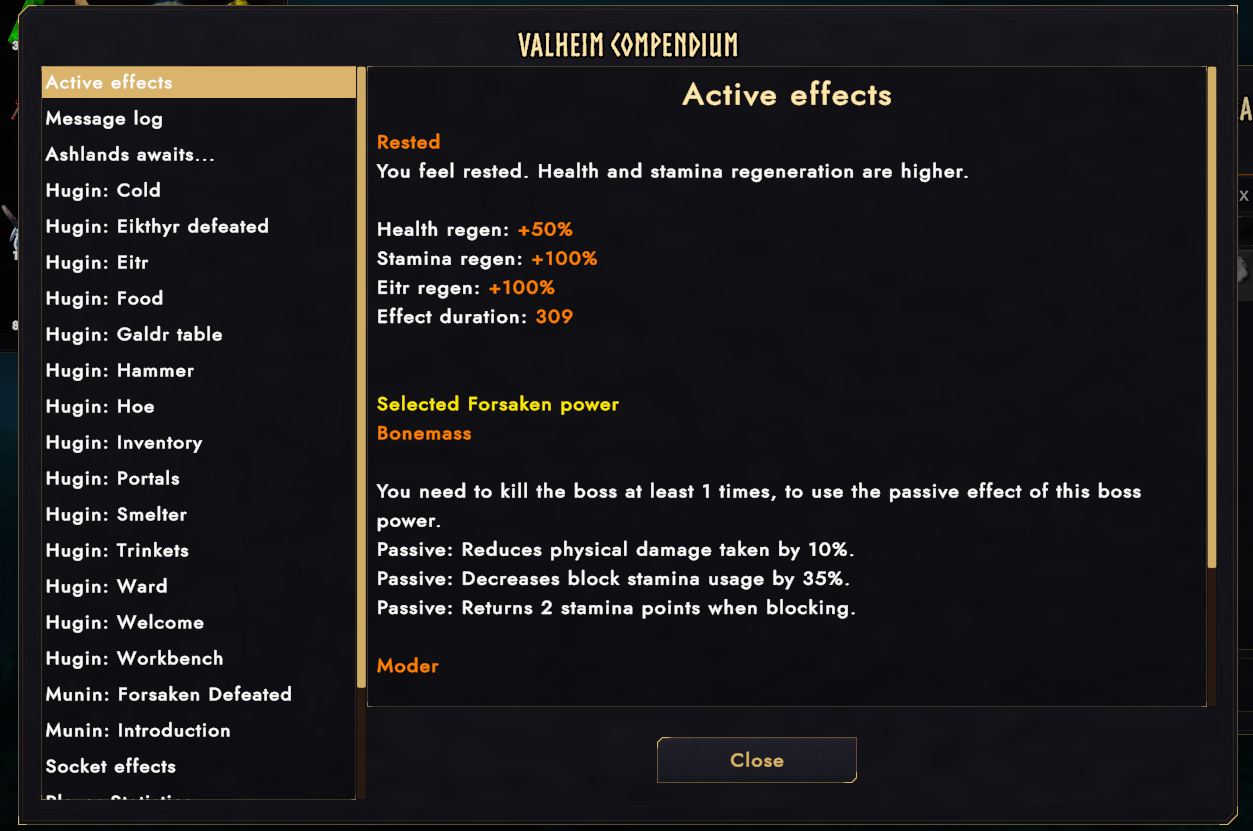
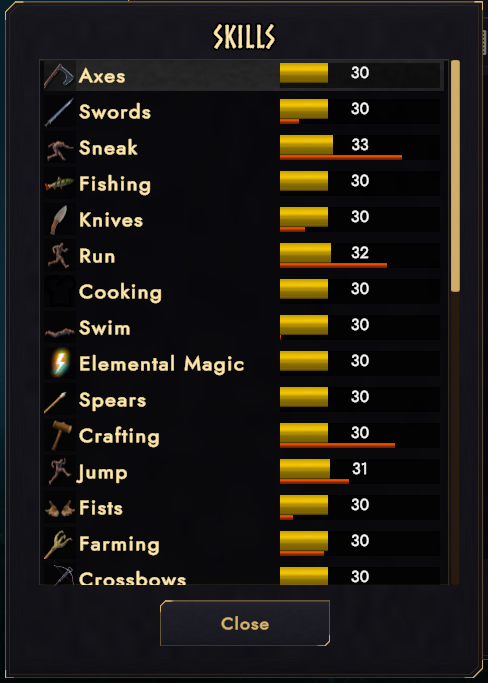
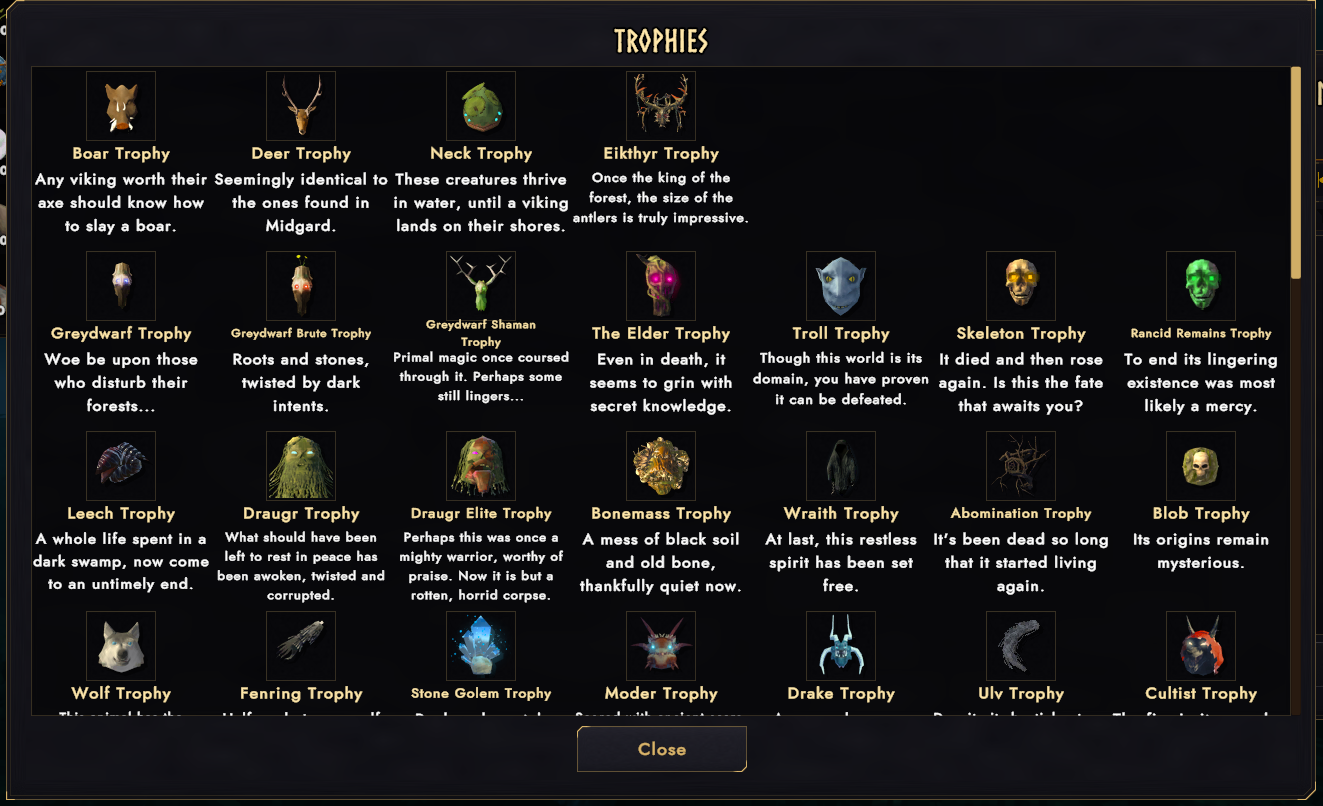
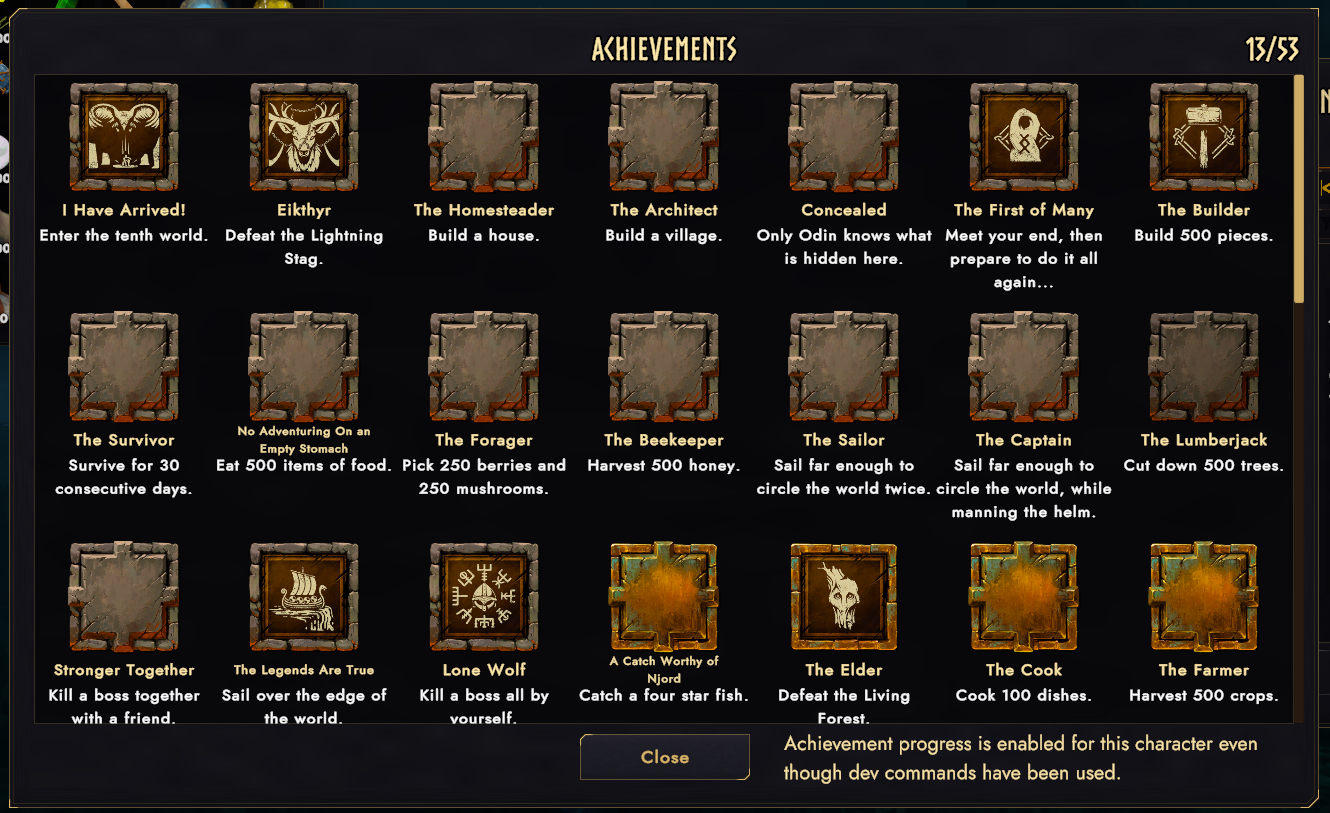
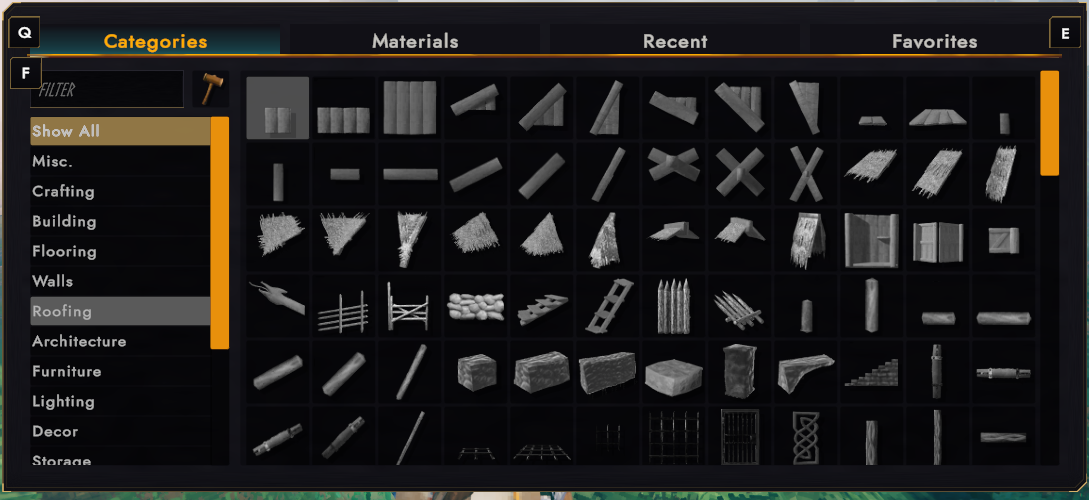
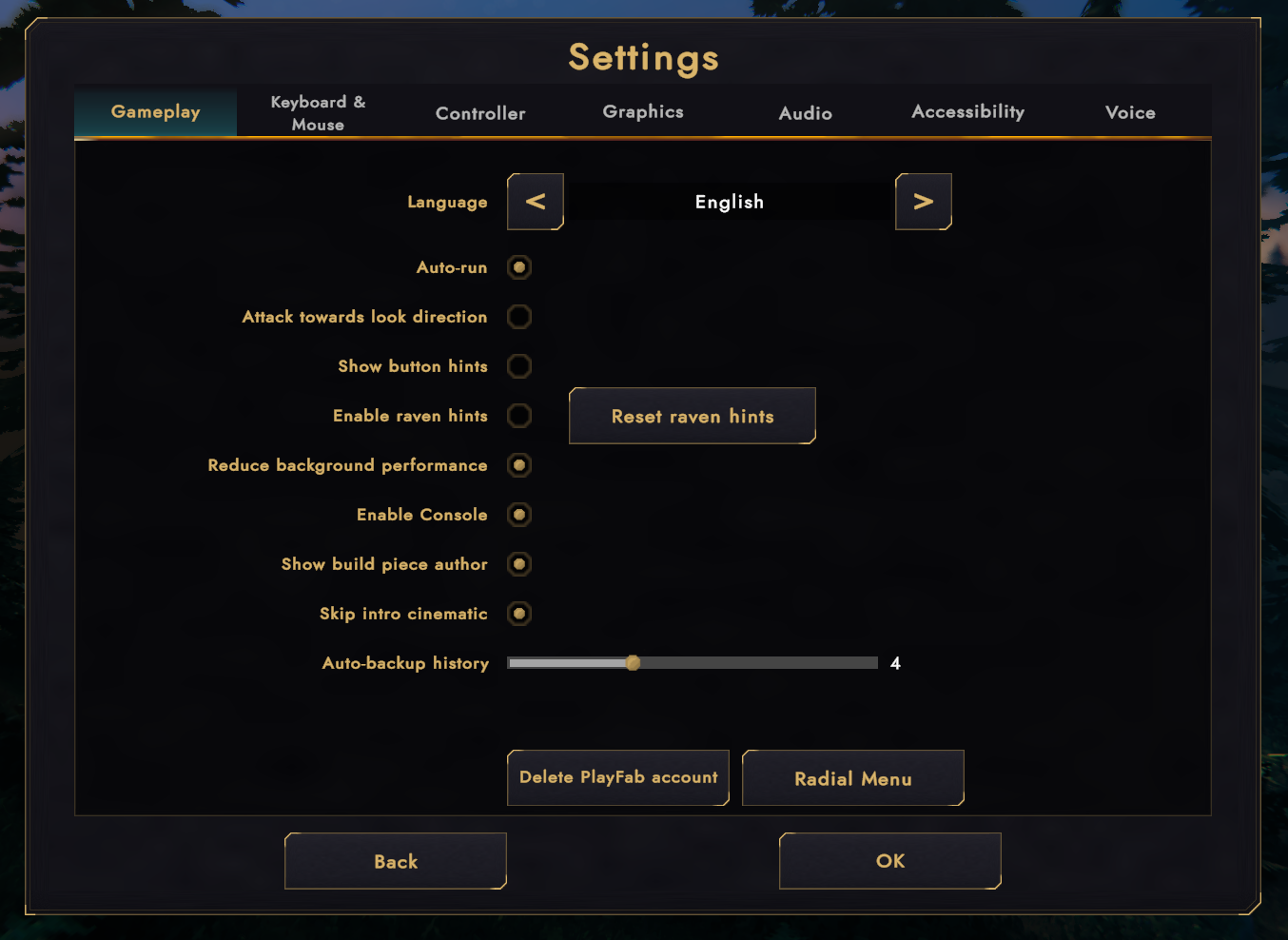
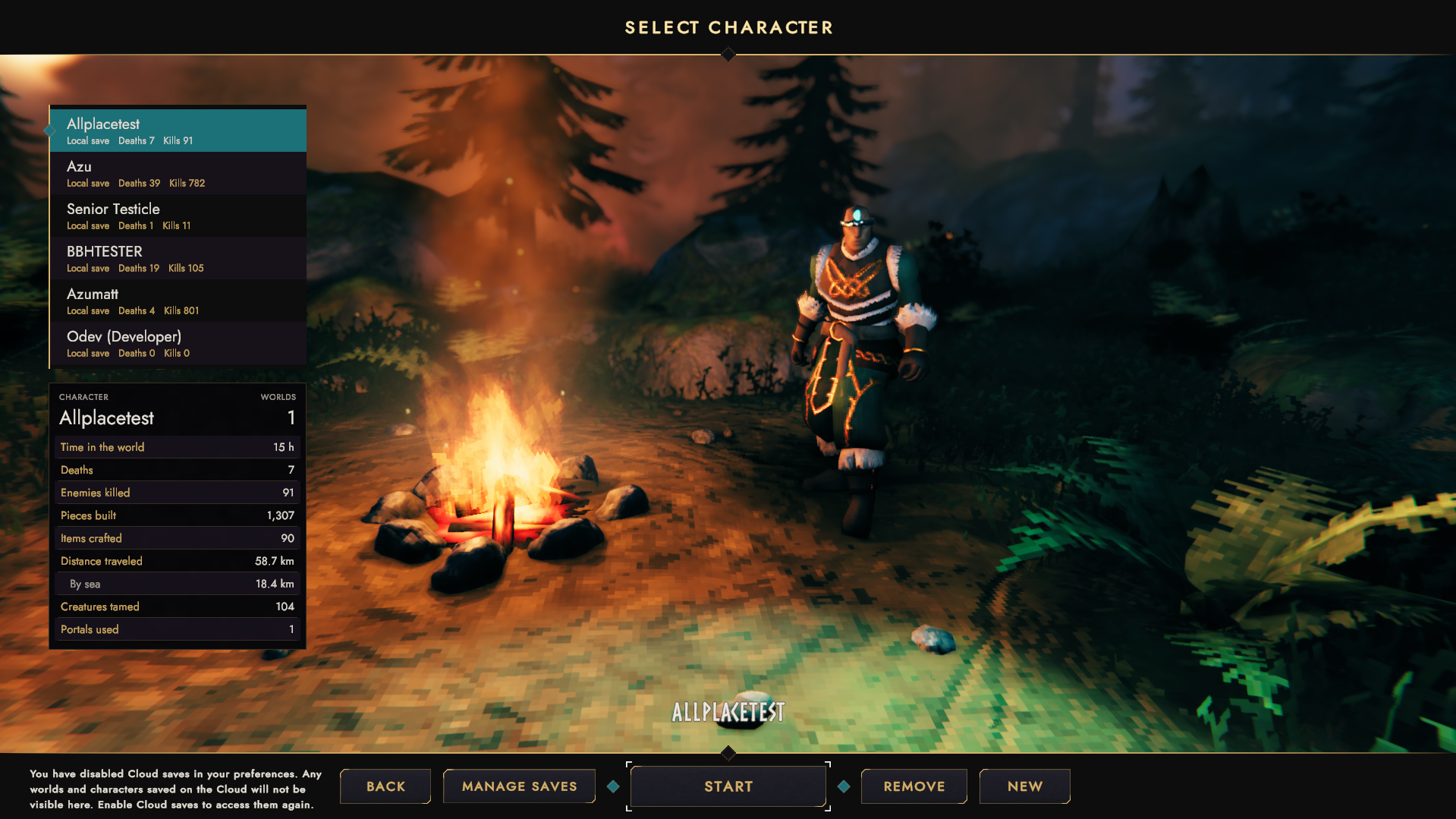
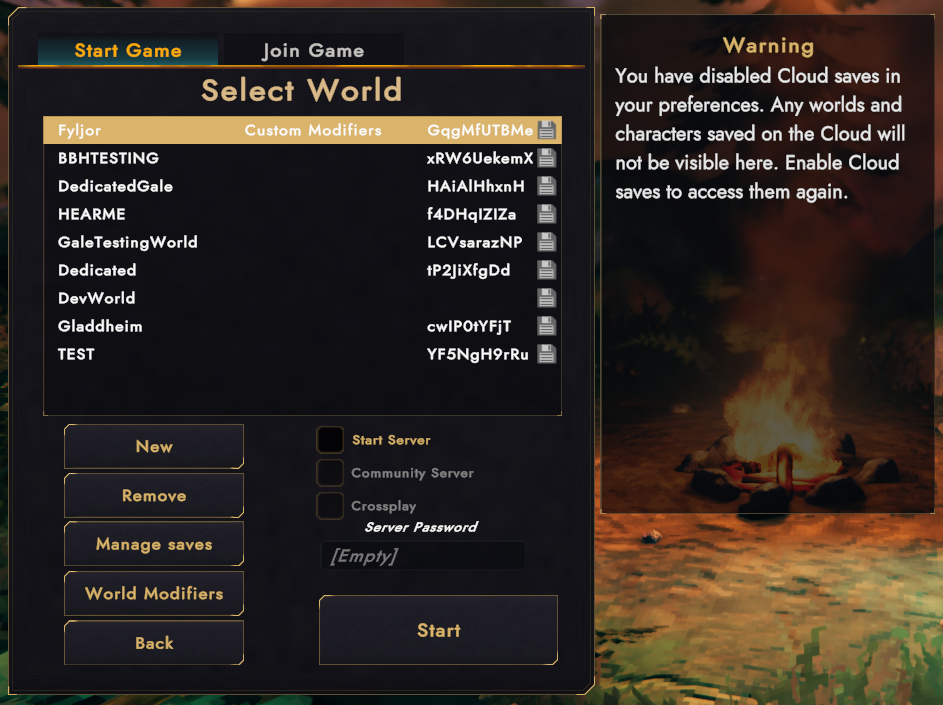
Melange is a UI for Valheim in a dark Norse look (ink plates, sand gold lines, the game's own Norse titles), with a nod to Dune: Awakening's UI style. The HUD shows you things when they matter and fades when they don't, and it tells you plenty the game knows but never says. I combined a few of my other mods into this one to fill it out a bit.
It restyles the vanilla UI in place wherever it can. The UI mods you already run keep working. No sandworms, I checked.
The look
Every panel, button, slot, tab and tooltip gets the Vegvisir theme. That includes other mods' windows when they're built from vanilla pieces. Pick one of eight color themes (Gold, Silver, Frost, Ember, Verdant, Amethyst, Rose, Blaxxun) or set your own two colors. Background packs change the panel texture, and you can drop in your own PNGs.
HUD
Clutter is the mind-killer.
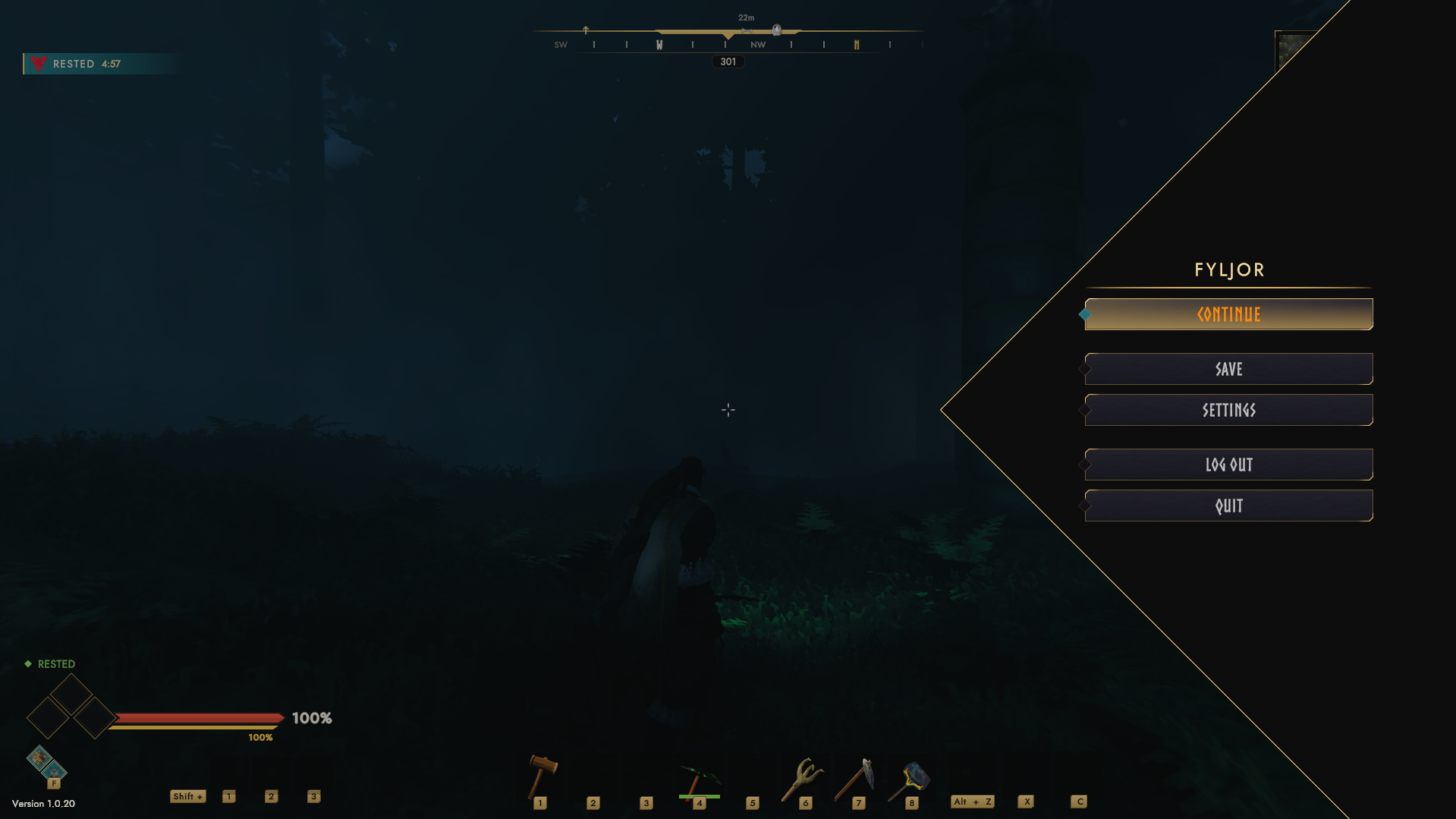
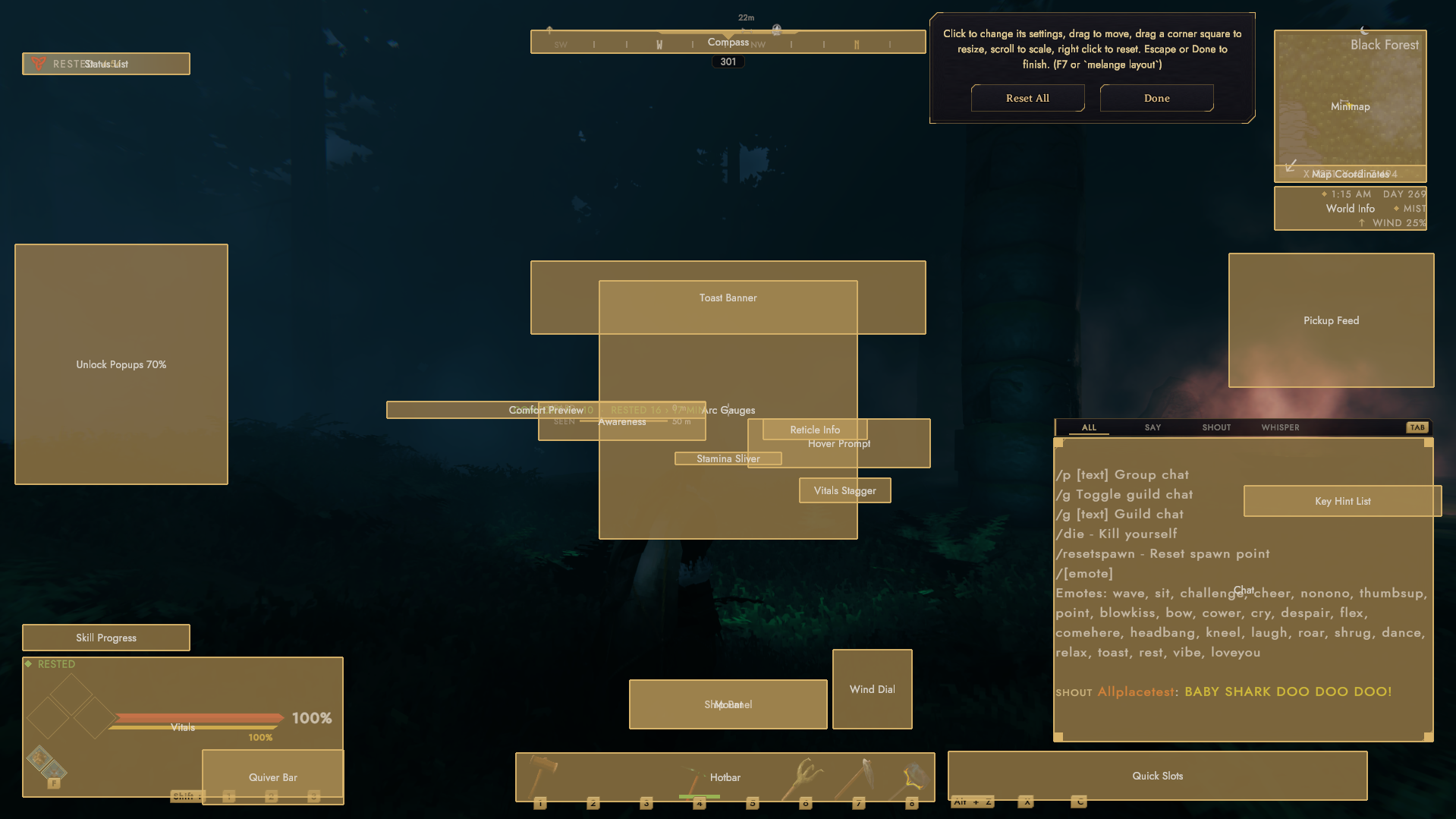
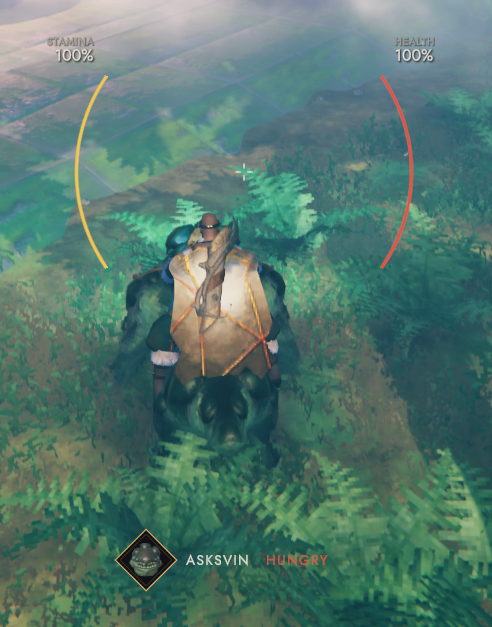
- Health, stamina and eitr grow out of a cluster of food diamonds that drain as the food burns, with the forsaken power under them. A status label calls out the one thing that matters right now: Freezing, Encumbered, Hungry before a fight, gear about to break.
- The HUD fades while nothing is happening and comes back for combat, nearby enemies, low health, a gear change and the like. Each group can stay, fade or hide.
- Compass, square or round minimap, and a world info block with day, time, weather, forecast and wind.
- Pickup feed, toasts, skill progress, and reticle info (ammo, casts or swings left).
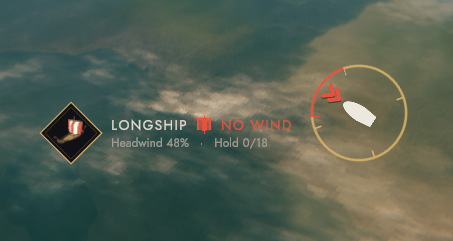
- Ship and mount panels.
- Raids show how long they have left under their name. Walk away and a line keeps the time and distance, and tells you when the raid is paused because nobody is there (it won't end until someone goes back).
- Press
F7to open the layout editor. Drag any HUD element where you want it, scroll to resize it, right click to put it back. Left click opens that element's settings.
Out in the world
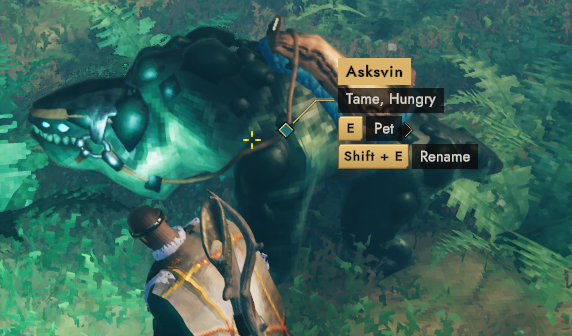
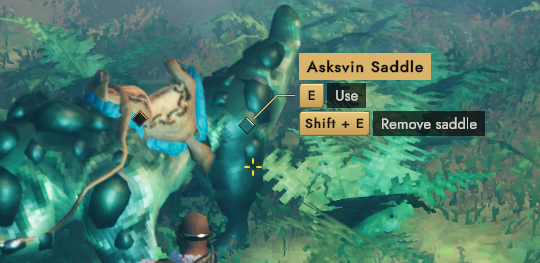
- Whatever you look at gets a name and a keycap for each action. Usable things nearby get a small dot. The prompt adds facts too: crop time left, when the mead is ready, how long a fire burns, how full a chest is, what a creature is weak to.
- While you crouch, two slim meters show how far away you can be heard and seen right now. A tick marks the nearest enemy and turns red once it can hear or see you, and a line says what it's doing.
- Map pins show up in the world with their distance. Track one from the pin list and you get a route to it on both maps and as marks on the ground, over land and by sea. Close to you it goes round your own walls.
Building
- Every piece you place shows an arrow on its front edge. Walls, doors and signs also get a banner that says which face you're looking at (Front / Back, or the sign's text side).
- Aim the hammer at a piece to see its support as a number, with a warning when the next piece on top or out to the side would fall.
- Placing a chair, banner or fire shows what it does to your comfort and how long Rested would last.
Inventory, crafting and the map
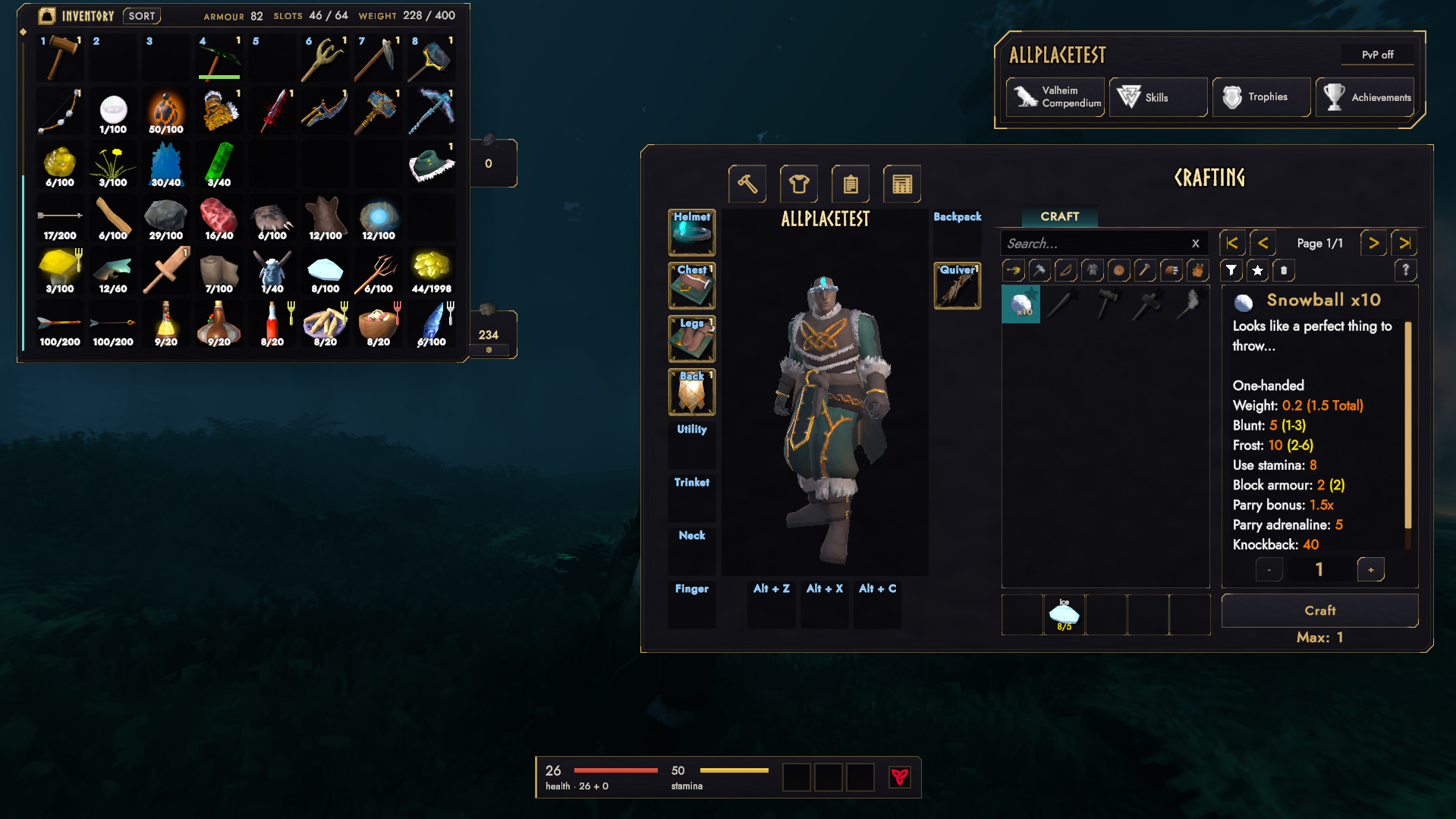
- The inventory window has search, sort, armor, slots and a carry weight gauge.
- The crafting window has categories, search, have/need on every ingredient and a quantity picker. It steps aside for mods that rebuild crafting themselves (AzuAntiArthriticCrafting, ZenUI, Jewelcrafting).
- The large map gets a pin list with search and editing.
Menus, chat and the rest
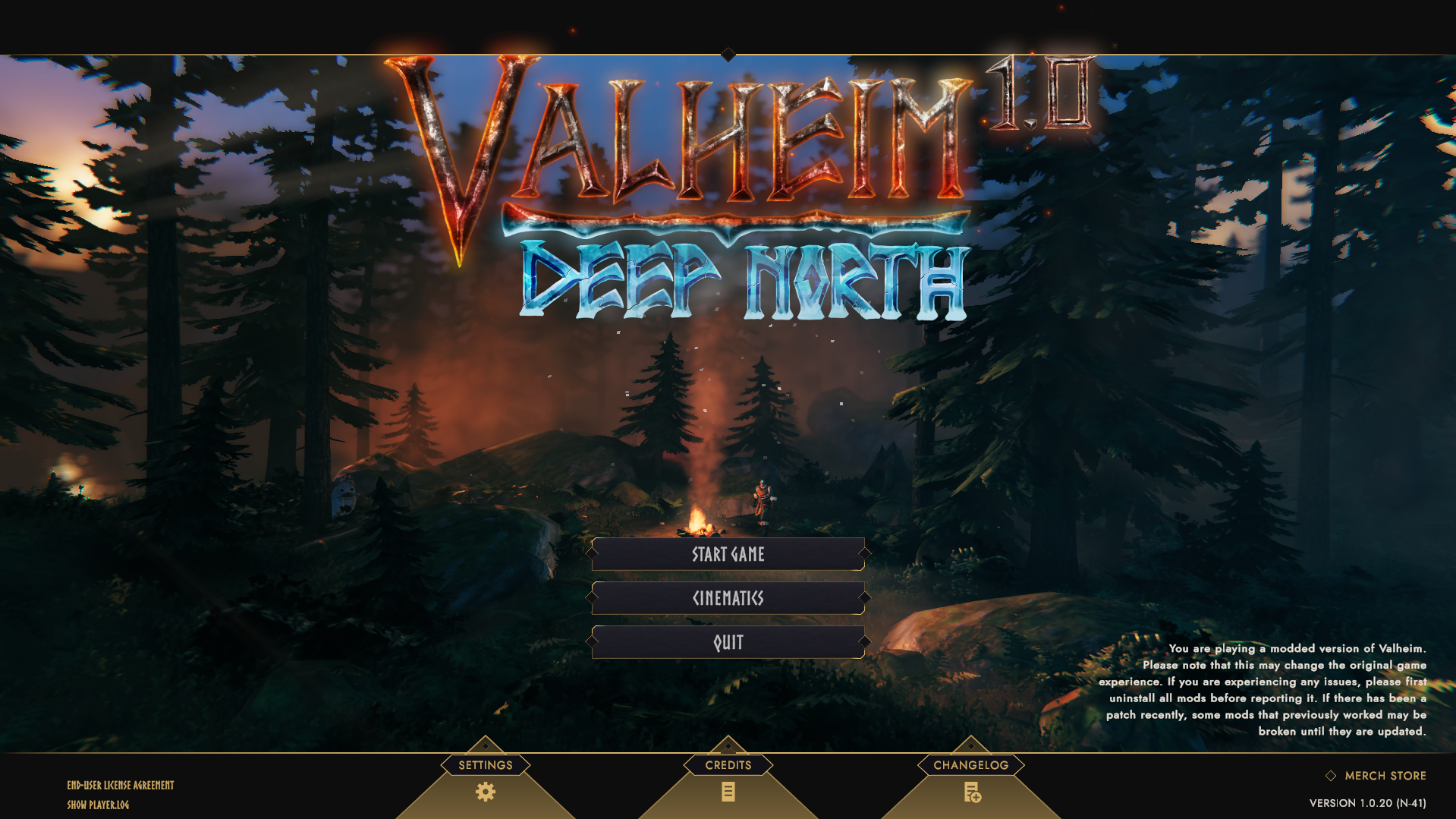
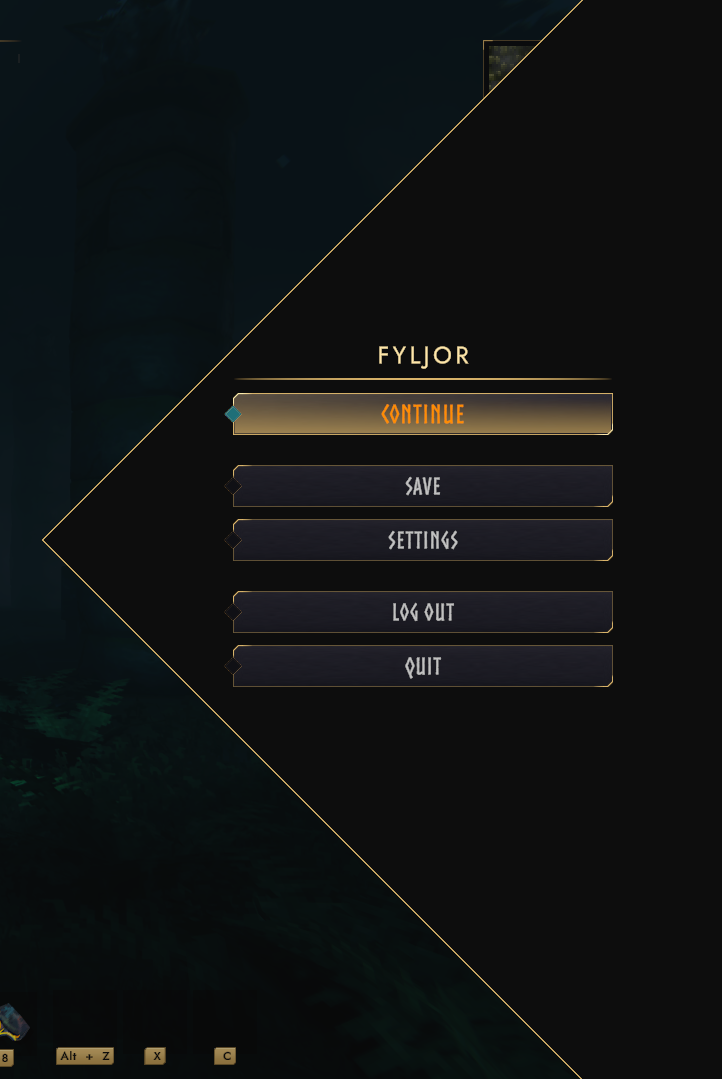
- Restyled main menu, pause menu and character select.
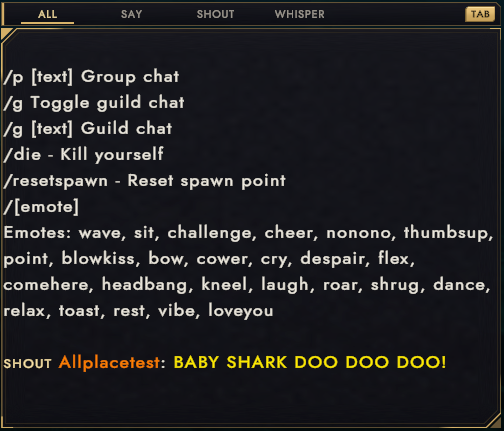
- Chat channels (All, Say, Shout, Whisper, plus Group and Guild with the Groups and Guilds mods) and a framed console.
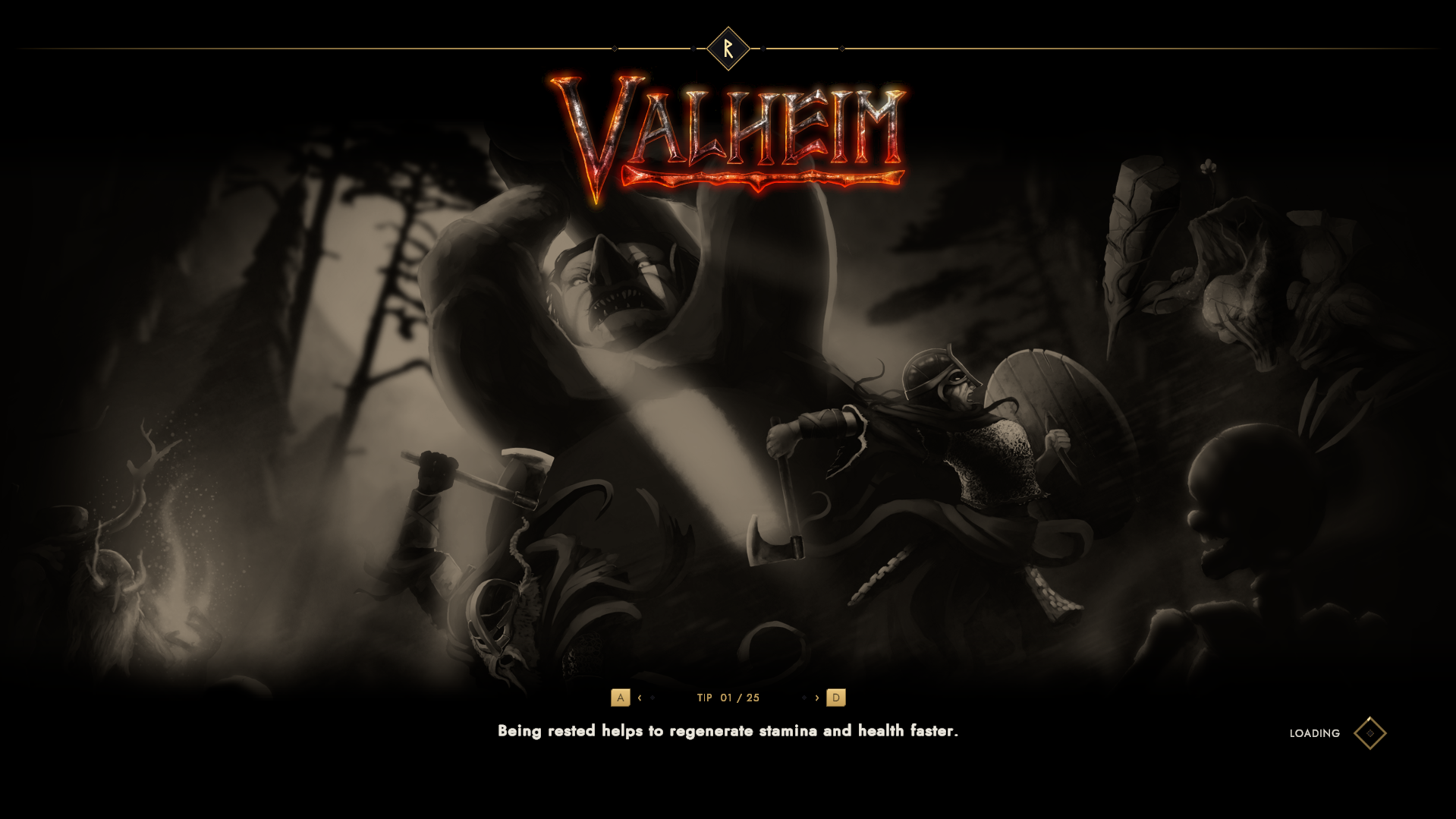
- Loading, sleep and portal screens with tips you can page through with your strafe keys.
- A death recap on the respawn screen: what killed you, the blow by damage type, the last seconds of damage, the skills you lost and where the tombstone is. The tombstone is tracked on your way back.
Every feature is a module with its own on/off switch. Season to taste. The master switch puts the whole UI back to vanilla without a restart.
Installation
Client side only. Install with a mod manager, or drop Melange.dll into BepInEx/plugins.
Configuration
Edit BepInEx/config/Azumatt.Melange.cfg, or use a configuration manager in game. Changes apply right away. Settings
marked advanced are compatibility switches and tools for theme authors. You shouldn't need them.
Apply Preset under General changes a bundle of settings at once: Vegvisir (the defaults), Minimal (HUD hidden
until something happens) or Always Visible (nothing fades).
| Console command | What it does |
|---|---|
melange report |
Module state, detected mods, anything that went wrong |
melange capture |
Screenshot and layout report for a bug report (also Ctrl+F8) |
melange layout |
Opens the layout editor |
melange preset <name> |
Applies a preset |
melange themes |
Lists themes and the theme folder |
melange export <theme> |
Writes a shipped theme out to start your own from |
melange backgrounds |
Lists background packs and their folder |
melange reload |
Reloads theme files from disk |
melange route |
Prints the route to the tracked pin |
melange skills |
Why the skill progress bar last showed each skill |
melange death |
Prints the last death recap |
melange config <what> |
Settings backups and codes: copy, paste, backup, list, restore, character |
melange revert |
Puts everything back to vanilla until the next config change |
Reporting a bug
- Make it happen, then press
Ctrl+F8or typemelange capturein the console. - Send
BepInEx/LogOutput.log, the two newest files fromBepInEx/config/Melange/Captures, and the output ofmelange report.
Running it with other UI mods
Where another mod already does the same job, that part of Melange steps aside and says so in the log.
- MinimalUI: panels it puts its own backgrounds on keep them, and the vitals and forsaken power step aside for its bars. While its custom minimap is on, the Minimap module only adds coordinates and zoom.
- BetterUI: the vitals step aside for each bar it replaces, and creature bars keep its colors.
- AzuAntiArthriticCrafting and ZenUI's crafting panel: the crafting window and search step aside. The theme still skins their panels.
- CombatUIFade: HUD Fade turns itself off. AmmoReticle: Reticle Info turns itself off.
- Project Auga and SeneaL UI replace the whole vanilla UI. Melange won't load next to them, and BepInEx says so in the log.
Other mod UIs get styled if they leech off anything vanilla.
Fonts: Jost and Cinzel, both under the SIL Open Font License.

|

|

|