 Install with Gale
AllPlaceable

Place anything. Every known item becomes a building piece.
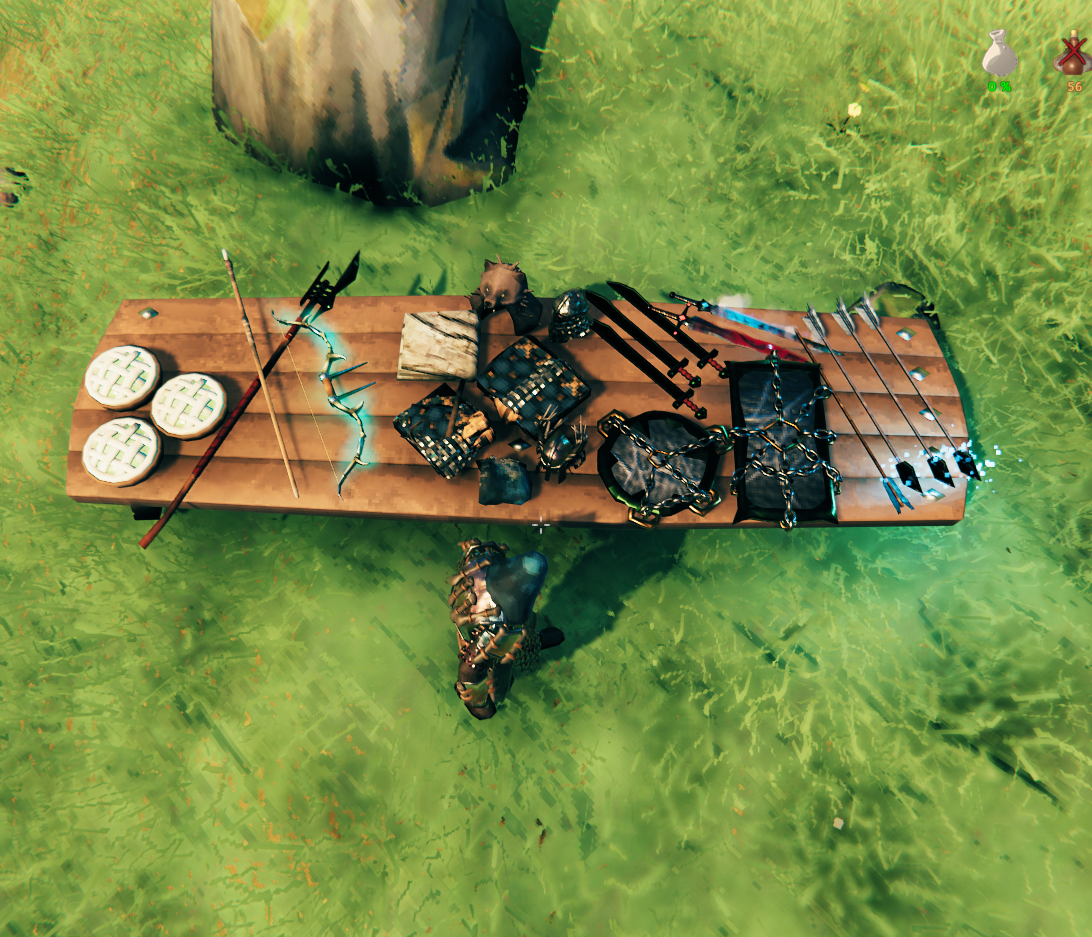
AllPlaceable adds every item you know about to a build tool's piece table, so you can decorate with your own inventory instead of a separate furniture mod. See a cape, a sword, a trophy - if you've picked it up once, you can place it.
What it does
- Every known item, placeable. Anything in
Player.m_knownMaterialgets aPiececomponent added to its own prefab and is added to your chosen build tool's piece table. No separate decoration prefabs, no reduced-size stand-ins - it's the real item. - Costs the item itself. Placing one consumes 1 of that item from your inventory. This isn't configurable off: since the placed object is the item's own drop, a free placement would just let you pick it back up and duplicate it.
- Category tabs. Pick a standard vanilla category (Misc, Crafting, BuildingWorkbench, BuildingStonecutter, Furniture) to fold items into the existing tab, or type any other name to get items sorted into their own custom tab. If that name matches a category tab another mod already created, your items join that same tab instead of making a duplicate.
- Any build tool. Defaults to the Hammer, but you can point it at any build tool prefab. Items already on the Feaster's piece table are never duplicated onto whatever tool you pick, since you can always reach them from the Feaster (Serving Tray).
Configuration
| Setting | Default | Description |
|---|---|---|
| Lock Configuration | On | If on, only server admins can change the config. |
| Target Piece Table Item | Hammer | Prefab name of the build tool that receives all known items. Not synced - each client can point this wherever they like. |
| Piece Category | AllPlaceable | Category items are placed under. Enter any non-vanilla name to create a custom tab. Not synced. |
Good to know
- Removing the mod is safe. Pieces you've placed aren't stored any differently from a normal dropped item - without the mod, they just load back in as regular items sitting where you left them, not pieces.
- Nothing new to craft. Items only show up once you already know them (picked up, crafted, or otherwise discovered) - the mod doesn't unlock anything by itself.
- Plays nice with PieceManager mods. Custom category tabs are allocated the same way PieceManager-based mods allocate theirs, so both can add tabs to the same build tool without colliding.
For questions or comments, find me in the Hexium, Odin Plus Team Discord or in my own:

|

|

|